AI 가족사진 생성기
2~4명의 개별 사진을 상상 속 가족사진으로 합칩니다. 다운로드 전에 각 인물의 얼굴을 확인하세요.
01사진 업로드
인물 1
인물 2
02프롬프트
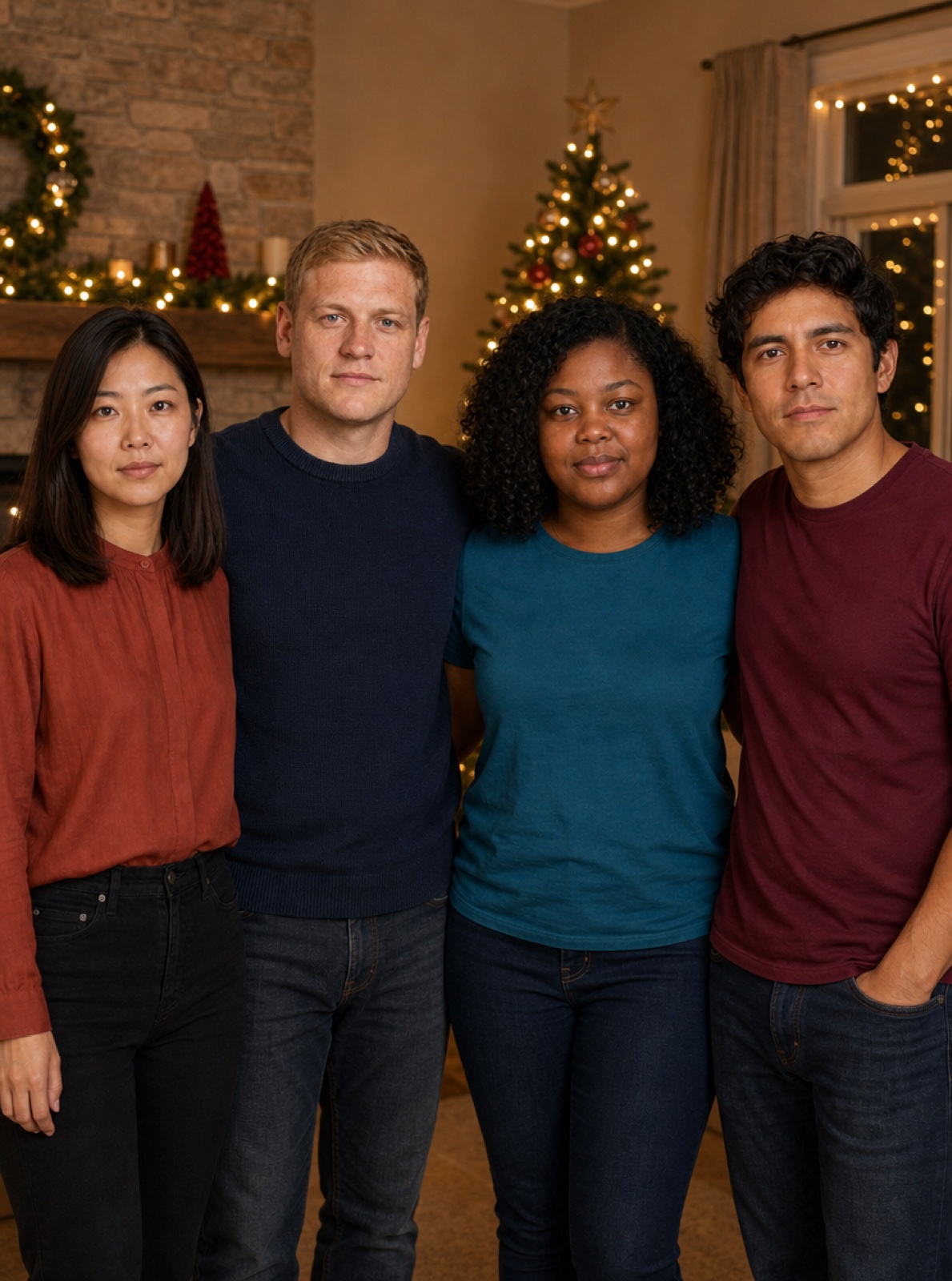
AI Family Photo Generator from Separate Portraits
Bring two to four separate portraits into one imagined family group photo. Add one person per labelled slot, choose a relaxed family portrait or holiday reunion, and generate. The template asks for every referenced person exactly once, with their own face and age preserved.
Start Creating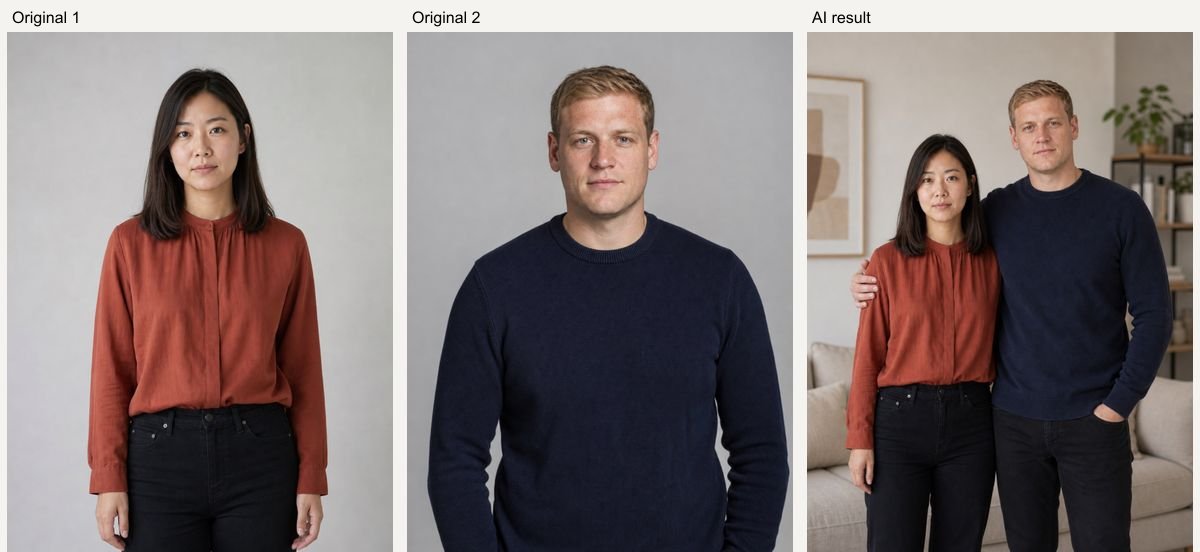
Real AI Hug Examples
Original inputs and generated results. All sample people are fictional and AI-generated; examples show possibilities, with no guarantee of an identical result.
Two-person portrait
AI Hug example using fictional, AI-generated people. GPT Image 2, 1K, 5 credits; model processing time 38 seconds in this test. Inspect the original references and generated result side by side. Your result and processing time may differ.
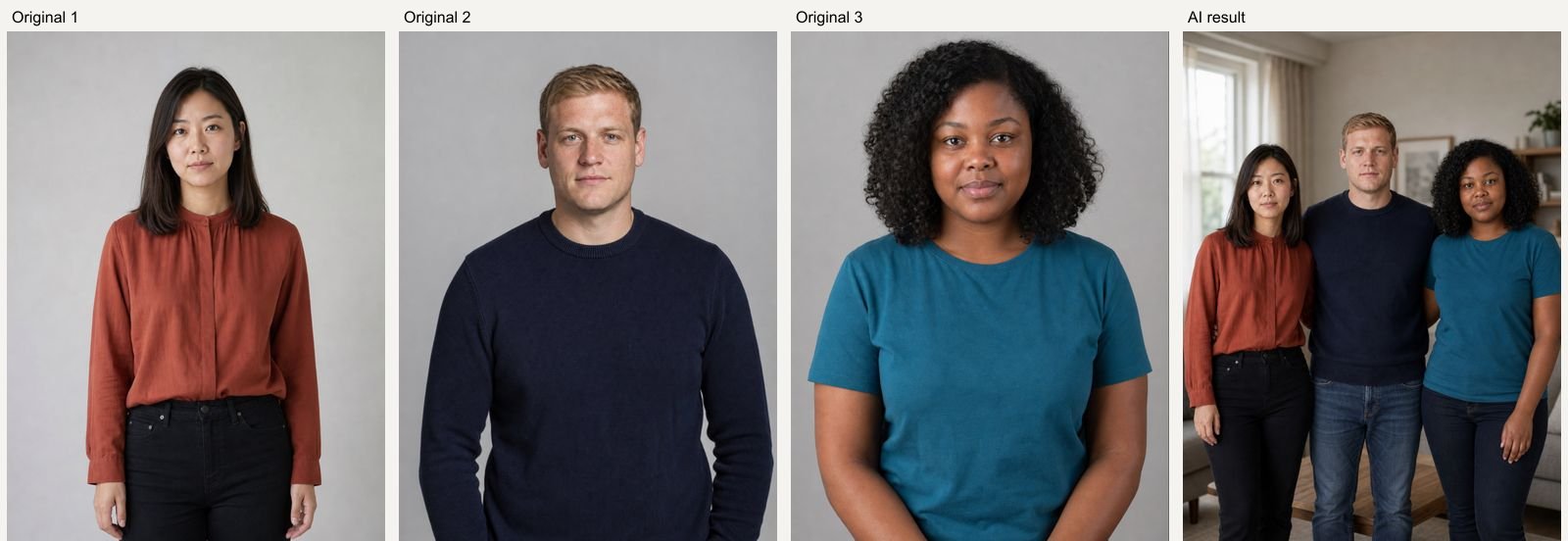
Three-person portrait
AI Hug example using fictional, AI-generated people. GPT Image 2, 1K, 5 credits; model processing time 46 seconds in this test. Inspect the original references and generated result side by side. Your result and processing time may differ.
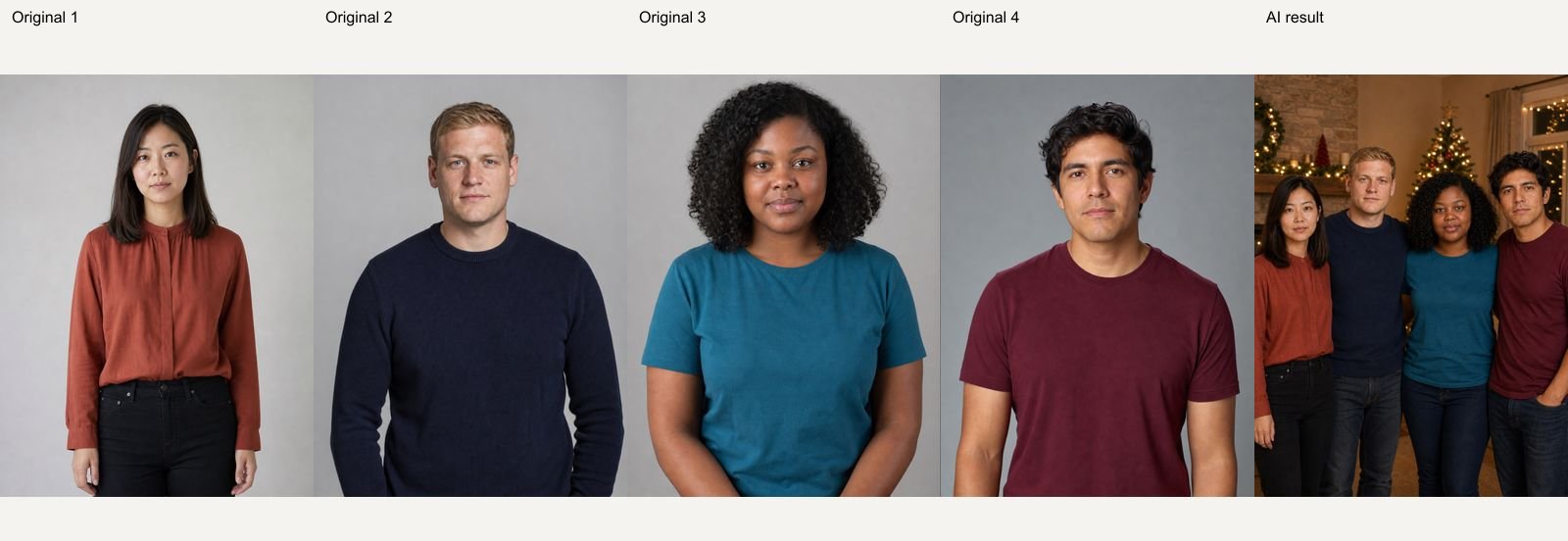
Four-person holiday reunion
AI Hug example using fictional, AI-generated people. GPT Image 2, 1K, 5 credits; model processing time 46 seconds in this test. Inspect the original references and generated result side by side. Your result and processing time may differ.
How to Use AI Family Photo Generator from Separate Portraits
Upload clear references, choose a preset, then review the result.
- 01
Add two to four people
Upload one clear person portrait per slot. Use Add a person for a third or fourth reference. Replace or remove each photo independently.
- 02
Choose a family scene
Pick Family portrait or Holiday reunion. Adjust the description while keeping the requested people and their reference order clear.
- 03
Check every person
Generate after reviewing the credit quote. Check the person count, individual faces, ages, hands and proportions before downloading.
Related Photo Tools
- 01
Ai Couple Photo Maker
Explore ai couple photo maker for a related photo edit.
- 02
Ai Wedding Photo Generator
Explore ai wedding photo generator for a related photo edit.
- 03
Ai Baby Generator
Explore ai baby generator for a related photo edit.
AI Family Photo Generator from Separate Portraits FAQ
How many people can I include?
This version accepts two to four individual reference photos. Use one person per reference and similar face visibility for the clearest inputs.
Will every face be identical to the original?
Exact identity is not guaranteed. Our two-, three- and four-person examples show the intended layout, but faces, hands, height and clothing can drift. Review everyone individually.
Can I make a holiday reunion portrait?
Yes. The Holiday reunion preset requests a cozy room and subtle festive lights. You can edit the scene description before generating.
Is the output a record of a real gathering?
No. It is a generated group portrait assembled from separate references. Do not present it as documentation of a gathering that did not happen.
How much does a generation cost?
The current GPT Image 2 quote is 5 credits at 1K, 10 at 2K and 14 at 4K. Availability and higher-resolution access depend on your account. The Generate button shows the price before submission; each new variation is a new paid generation.
What happens if generation fails?
A task that is accepted and then fails is refunded automatically by the service. If the screen times out, the task may still finish: check Assets before submitting a duplicate. Upload or submission errors are shown before a result card is created.
Can I keep my inputs when signing in?
Your selected photos, description and settings are temporarily saved in this browser before Google sign-in and restored when you return to the same page within 30 minutes. Use the same browser and keep the original tab available.