AI Hug Video Generator
Turn two portraits or character images into a warm AI hug video. AI Hug works best with clear front-facing photos, visible faces, and a simple emotional brief so the generated hug feels natural instead of staged.
- ai hug video
- ai hugging video generator
- make people hug ai
What Makes an AI Hug Video Feel Real
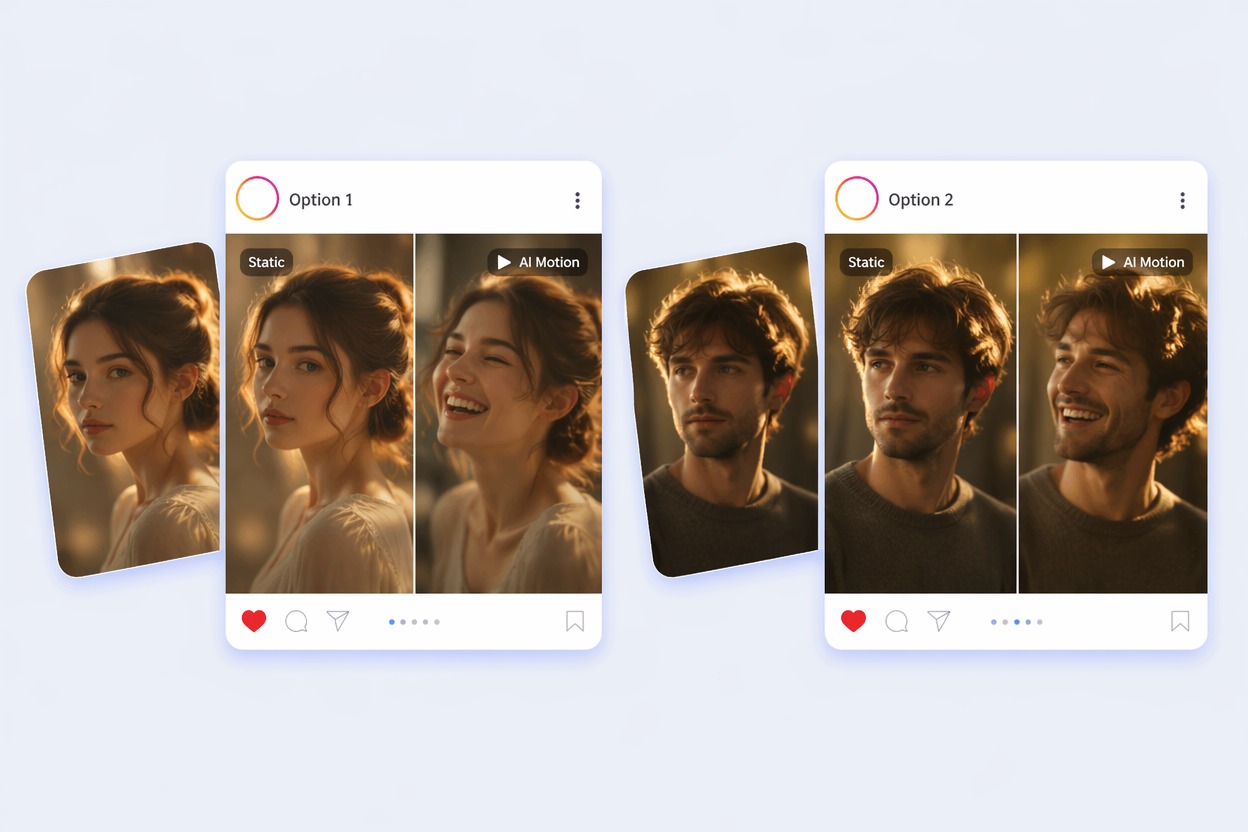
A good AI hugging video generator is not just about joining two people together. The strongest results preserve identity, make body contact believable, and keep the emotion appropriate for the relationship.
Identity-Safe Pairing
Use clear photos where each person is recognizable before the hug begins. The best AI hug video keeps faces stable, avoids over-smoothing, and makes the emotional moment feel connected to the original images.
Natural Hug Motion
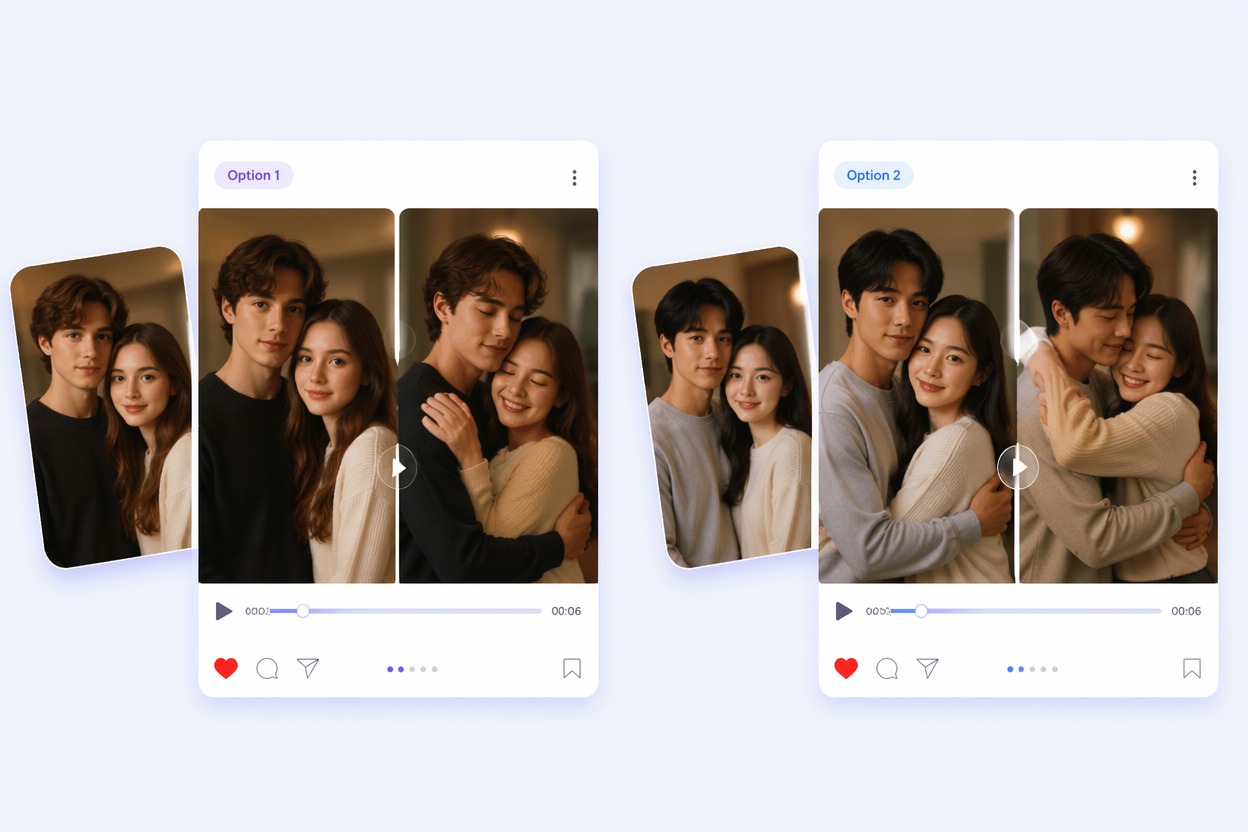
Hug videos fail when arms bend oddly or bodies slide through each other. Start with simple upper-body portraits and review shoulder movement, hand placement, and face consistency before sharing.
Free Test Workflow
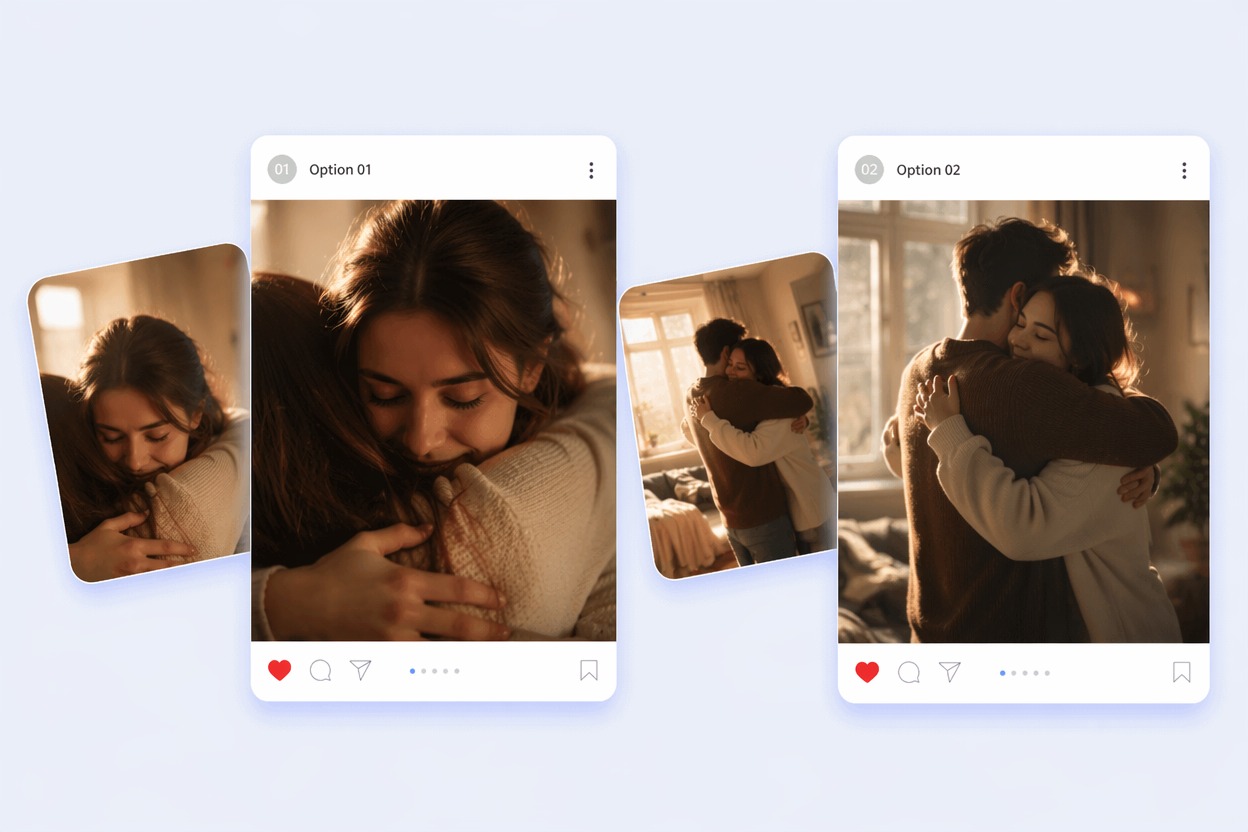
An AI hug generator free trial is best for testing photo quality and emotional direction. Use one short clip first, then refine the input pair, crop, or prompt instead of generating long videos immediately.
Use cases that fit the effect
Best Uses for AI Hug Video Generator
- 01
Family Reunion Clips
Create a gentle hug video from family photos when distance or time makes a real recording impossible.
- 02
Memorial and Tribute Edits
Use extra care with consent and tone; soft motion and simple backgrounds usually feel more respectful than dramatic effects.
- 03
Couple and Friend Moments
Make people hug AI from two portraits for anniversaries, friendship posts, or private messages.
- 04
Pet and Character Hugs
Cute mascots and illustrated characters can work, but simpler shapes and clear faces are easier to animate.
- 05
Social Short Hooks
A hug video maker AI works well for short emotional reveals where the first three seconds clearly show the transformation.
How to Make an AI Hug Video
Three practical steps for cleaner results
- 1
Upload clear photos
Choose one or two readable portraits with visible faces, similar framing, and no heavy occlusion around arms or shoulders.
- 2
Describe the hug style
Keep the prompt simple: gentle reunion hug, friendly embrace, romantic hug, or comforting family moment. Avoid conflicting styles.
- 3
Generate and review
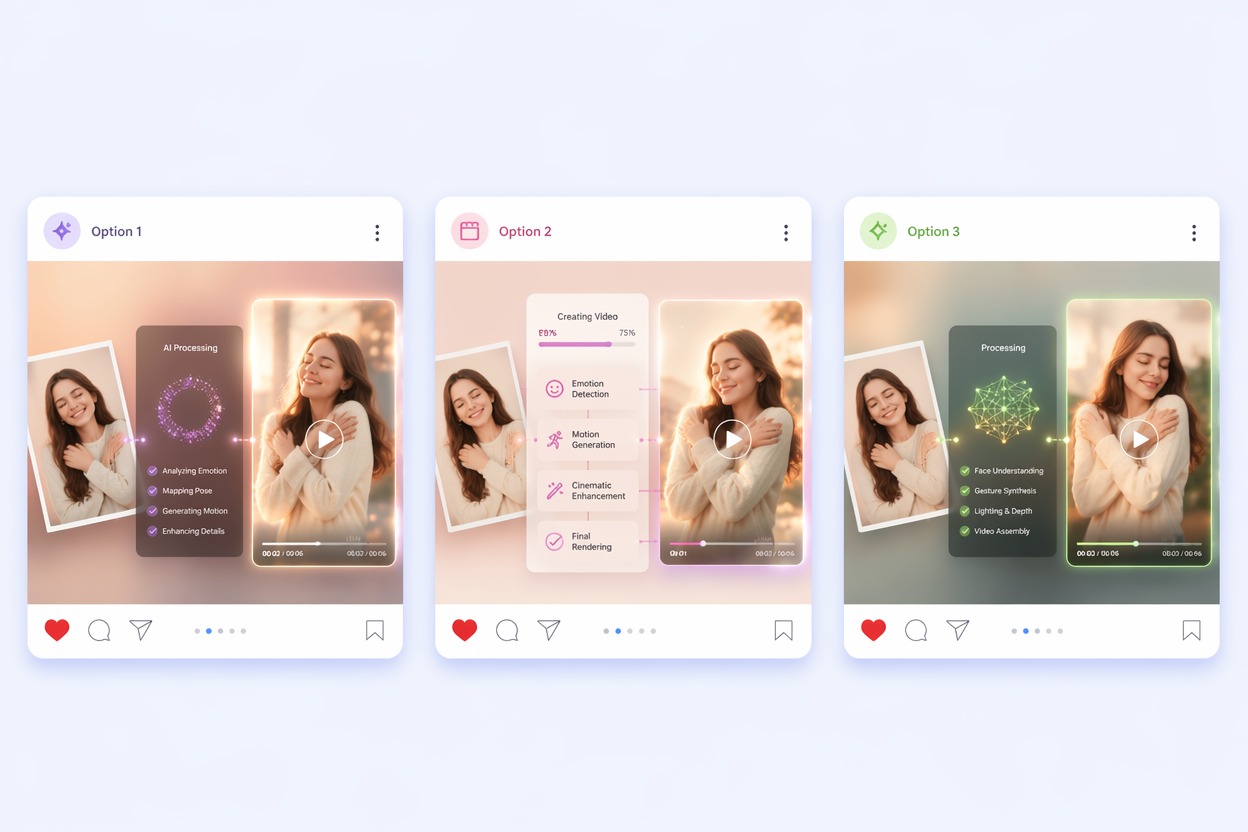
Check faces, hands, arm contact, body overlap, and emotional tone. If the first output feels wrong, improve the source photos before rerendering.
FAQ
AI Hug Video Generator FAQ
Common questions about ai hug video, ai hugging video generator, make people hug ai.
What is an AI hug video?
An AI hug video is a short generated clip that makes people, pets, or characters appear to hug from still images. It is strongest for simple emotional moments, not complex action scenes.
Can I make people hug AI from one photo?
Some workflows can infer a second subject, but two clear source images usually give better identity control. If the result matters, provide clean references for both people.
Is the AI hug generator free?
AI Hug can support free testing depending on the current plan and usage limits. Treat free generations as a way to test inputs before making a final clip.
What photos work best for an AI hugging video generator?
Use front-facing or slightly angled portraits with good lighting, visible faces, and enough upper-body detail. Blurry faces, extreme side views, and crossed arms can make the hug less believable.
Can I use AI hug videos commercially?
Commercial use depends on product terms, the rights to your input photos, and consent from recognizable people. Avoid using protected characters, brands, or real likenesses without permission.
What should I check before posting?
Review facial resemblance, hand placement, arm movement, body overlap, and emotional tone. If any detail feels distracting, rerender with simpler inputs or a calmer prompt.