GPT Image 2.5 AI Image Generator
Write a prompt or upload references in the generator above, and GPT Image 2.5 returns a finished image with crisp detail and readable text. Use it for posters, product shots and portraits, or guide an edit with up to 9 reference images. AI Hug is an independent platform that provides access to GPT Image 2.5; it is not OpenAI or an official OpenAI product page.
- Up to 9 reference images
- 1K, 2K and 4K output
- 15 aspect ratios plus auto
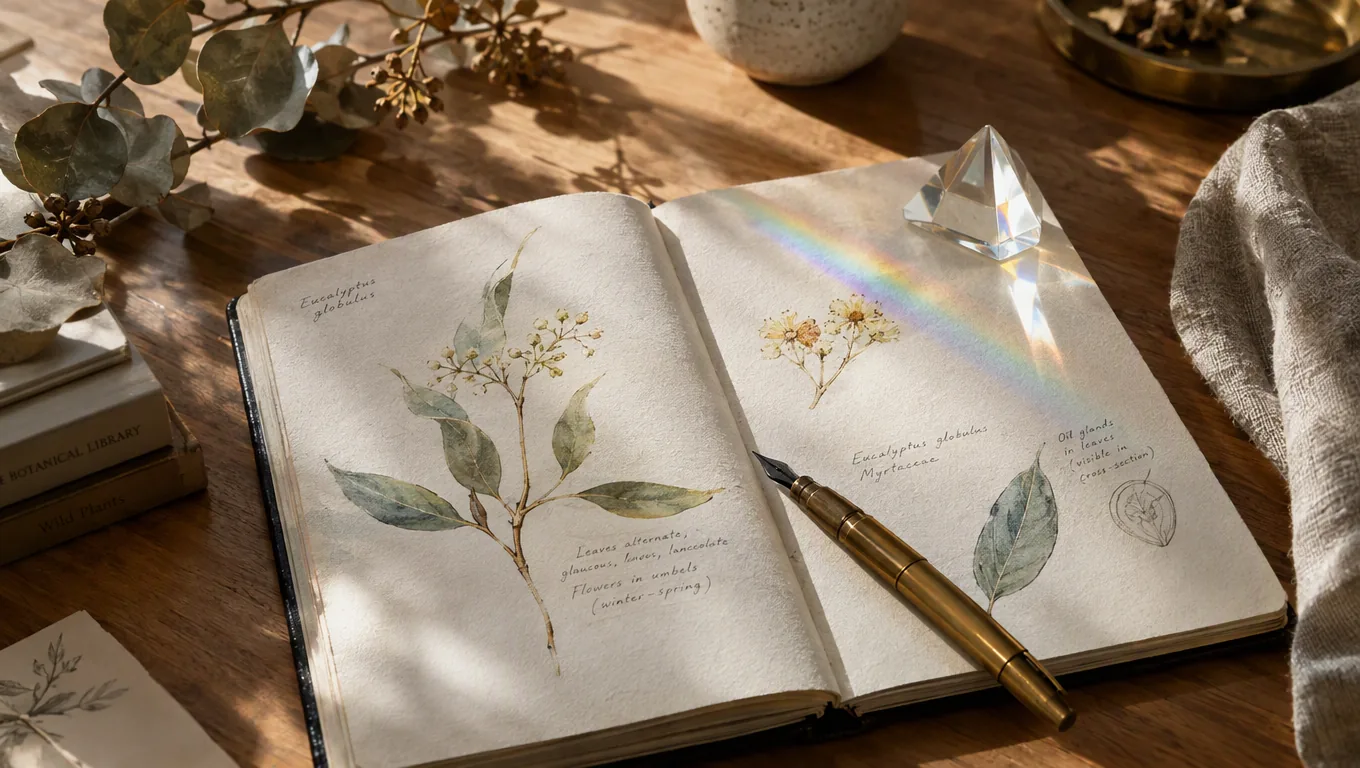
What GPT Image 2.5 Handles Well
Every example on this page was generated on AI Hug with GPT Image 2.5 from a single text prompt, with no retouching. Comparing models? Run the same prompt on GPT-Image-2 and keep the result you prefer.
Readable Text in the Frame
Put the exact words in quotation marks and say where they go. The headline "NIGHT GARDEN" and its date line on this poster were rendered straight from the prompt.
Generate an Image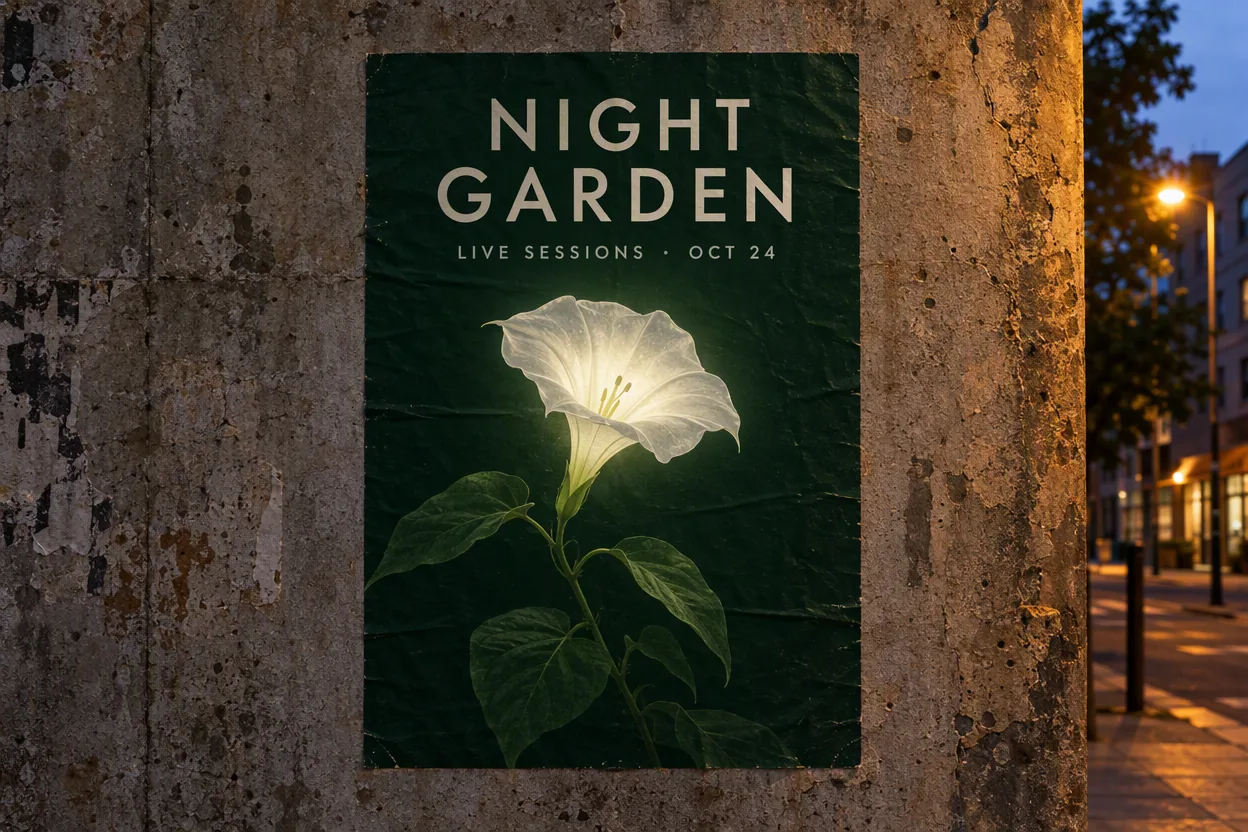
Product Shots with Real Materials
Glaze speckles, glass reflections and rising steam hold up at full size, which makes it practical for catalog mockups and listing images before a photo shoot.
Create a Product Shot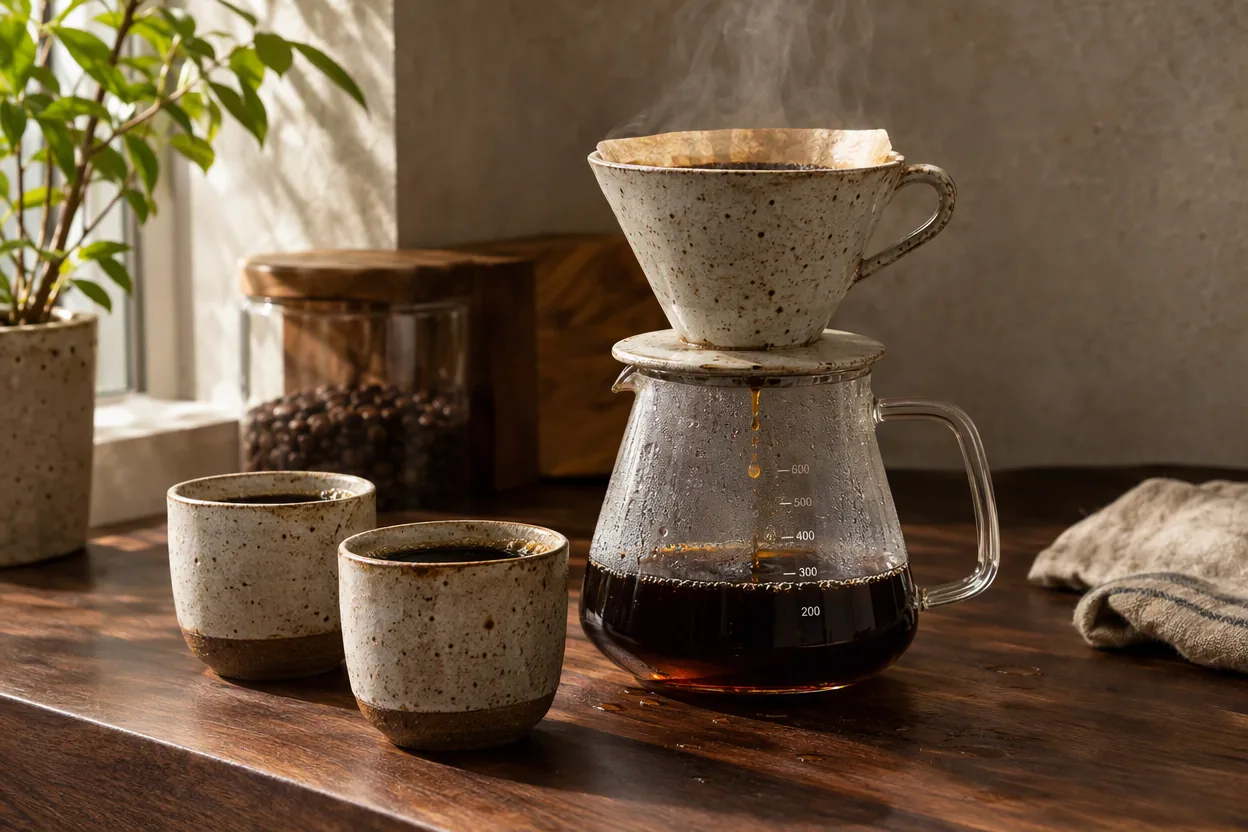
Busy Scenes That Stay Coherent
Describe the person, the setting and the light, and small details such as tools, labels and hands stay consistent even in a crowded workbench scene.
Make a Portrait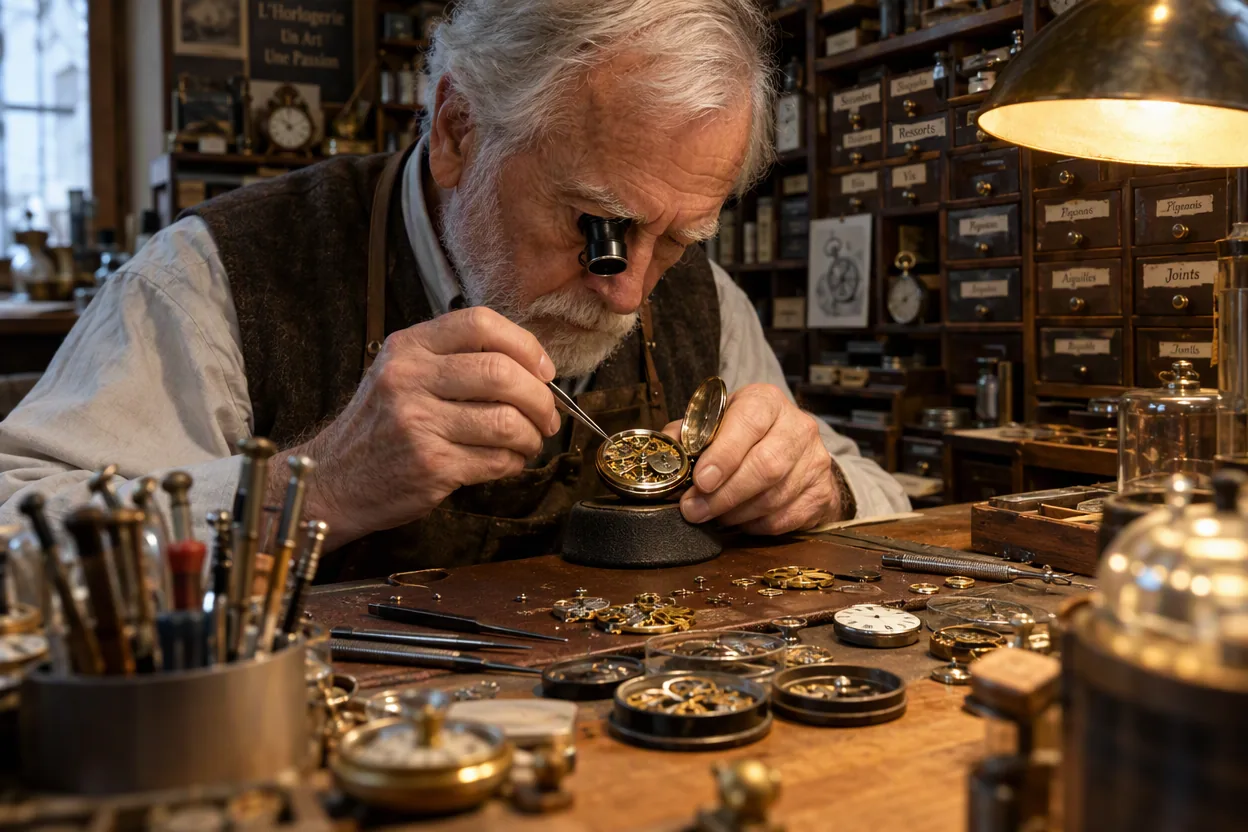
Practical uses for marketing, product and design work
What You Can Make with GPT Image 2.5
- 01
Posters and Social Graphics
Headlines, dates and short taglines rendered inside the image, ready for event promos and announcements.
- 02
Product Mockups
Place a product in a styled scene with controlled materials, lighting and background before you book a shoot.
- 03
Reference-Guided Edits
Upload up to 9 reference images to keep a product, outfit or layout consistent while you change the scene.
- 04
Editorial Illustrations
Turn an article topic into a focused visual metaphor for blogs, newsletters and presentations.
- 05
Concept Art
Explore characters, props and locations for a story, game or pitch deck with consistent lighting and style.
- 06
Wide and Tall Formats
Choose from ratios as extreme as 3:1 and 1:3, plus 21:9 banners and 9:16 stories, at 1K, 2K or 4K.
How to Use GPT Image 2.5
Prompt, generate and refine in three steps
- 1
Describe the Image
Start with the subject, then add the setting, style, lighting and composition. Put any words that must appear in quotation marks.
- 2
Add References if Needed
For edits or consistency, upload up to 9 reference images and say what to keep and what to change.
- 3
Pick a Size and Generate
Choose an aspect ratio and resolution, generate, then adjust one instruction at a time until the image fits your use.
FAQ
GPT Image 2.5 FAQ
Features, references, output sizes and access
What is GPT Image 2.5?
GPT Image 2.5 is an image generation model available as an option in AI Hug's generator. It creates images from text prompts and can edit or combine uploaded reference images.
How is it different from GPT-Image-2 on AI Hug?
Both are in the same generator. GPT Image 2.5 accepts up to 9 reference images instead of 4 and adds more aspect ratios, such as 1:3, 3:1, 4:5 and 5:4. Try the same prompt on both and keep the result you prefer.
Can GPT Image 2.5 put text in images?
Yes. Quote the exact wording and describe its position and style. Short headlines render most reliably, so proofread every result before publishing.
How many reference images can I upload?
Up to 9 per generation. Tell the model which part of each reference to keep, such as a face, a product or a layout.
What sizes and aspect ratios are available?
Output is available at 1K, 2K and 4K, with 15 aspect ratios from 1:3 to 3:1 plus auto. 2K and 4K are available on paid plans.
Is AI Hug affiliated with OpenAI?
No. AI Hug is an independent platform providing access to GPT Image 2.5. It is not OpenAI, not an official OpenAI product page, and does not claim OpenAI endorsement.
Should I review images before using them?
Yes. Check faces, hands, small details and any text for errors, and make sure you have the rights to the references you upload and to your intended use.