Photo to Painting
Upload a photo to apply this effect while keeping the subject recognizable for a natural, polished result.
01Upload your photo
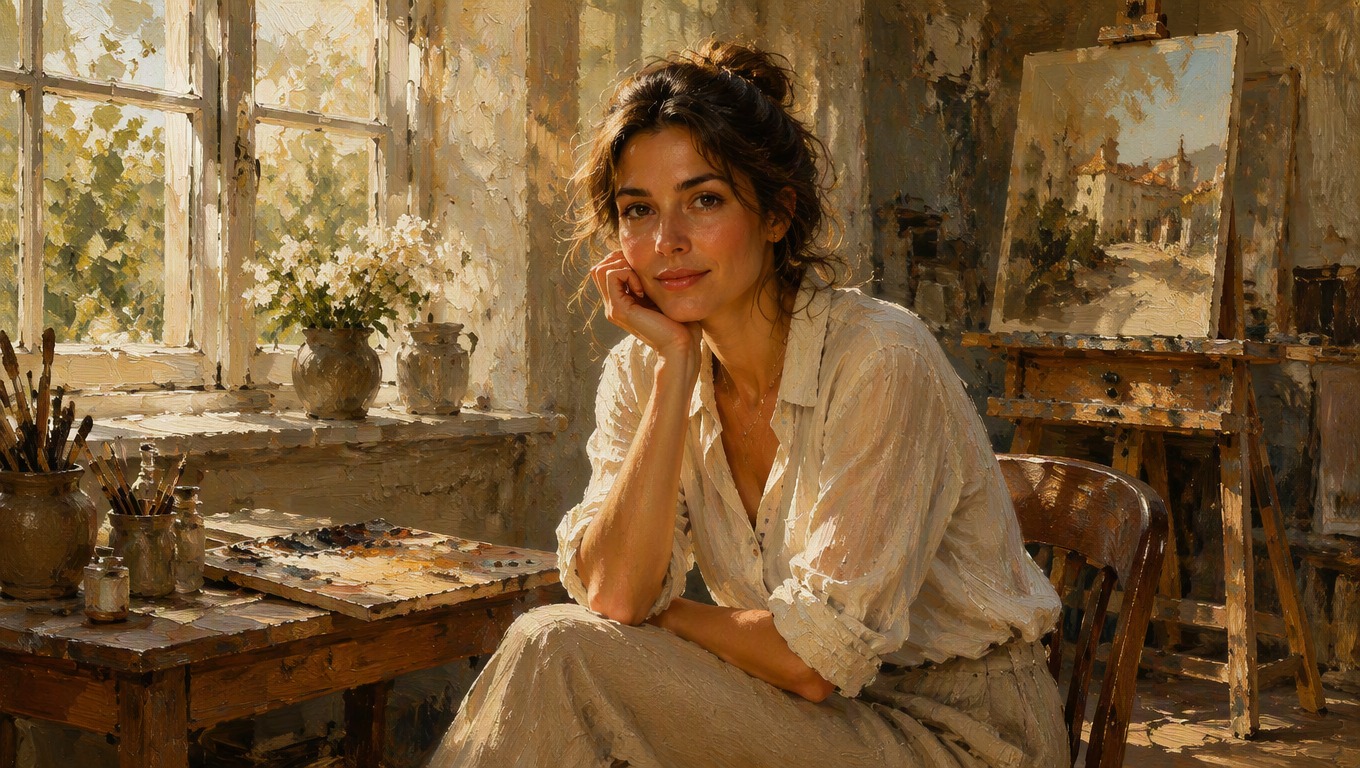
Convert Photos to Paintings With AI Hug
Upload a favorite photo and apply AI Hug’s fixed painting effect to reinterpret the full scene with layered color, softened edges, and painterly texture. No prompt or custom style instructions are needed.
Create Painted ArtworkTurn a Picture Into a Painting, Not Just a Filtered Photo
AI Hug treats the subject and setting as one composition, creating a consistent painted finish across faces, clothing, objects, light, and background details. Explore more creative transformations with AI Hug’s image to image tools.
Cohesive Painterly Composition
The effect reworks the entire photograph so the foreground and background share a unified balance of color, light, depth, and visible brush texture.
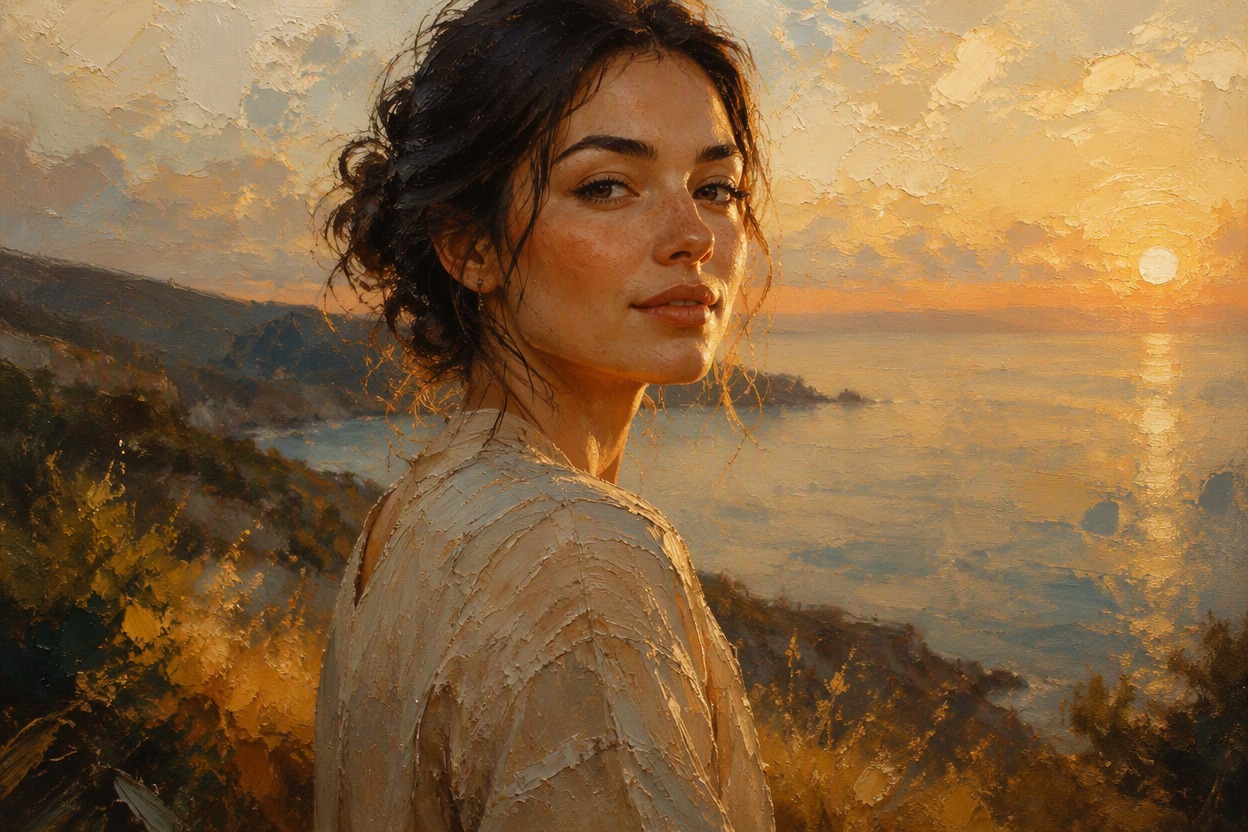
Rich Color and Surface Texture
Photographic surfaces become layered painted forms with blended tones, textured highlights, and softened transitions that add an expressive handcrafted feel.
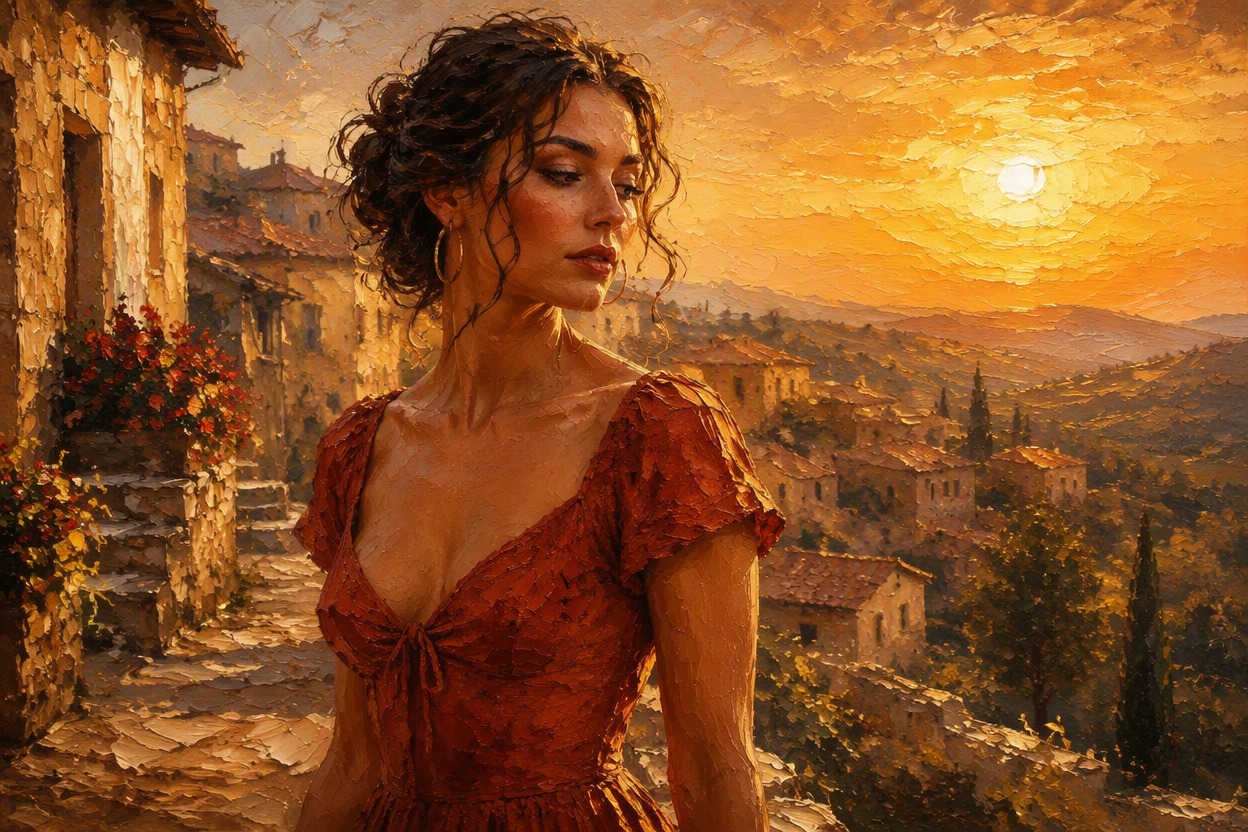
Simple One-Photo Workflow
Your uploaded image supplies the subject, pose, framing, and setting. Apply the fixed effect to generate a new painterly interpretation without writing instructions.
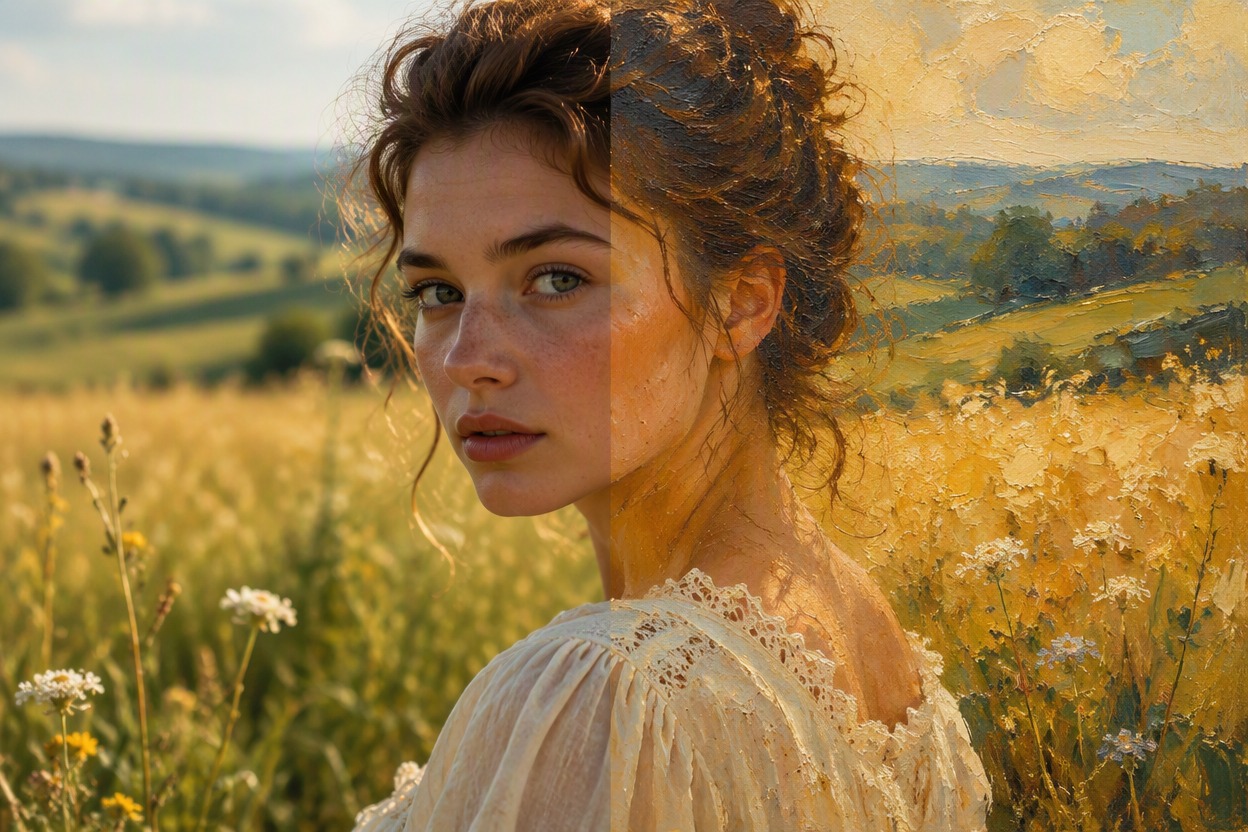
Create painterly versions of portraits, pets, travel photos, meaningful places, and everyday scenes
Creative Ways to Turn a Photograph Into a Painting
- 01
Painterly Portraits
Turn a clear portrait into expressive artwork with layered color, softened detail, and a composed painted finish.
- 02
Pet Paintings
Create a warm painted interpretation of a pet photo, from familiar markings and poses to the surrounding setting.
- 03
Travel Keepsakes
Reimagine landscapes, streets, landmarks, and vacation moments with atmospheric color and painterly depth.
- 04
Home and Wall Art
Transform a meaningful photograph into personal artwork for digital display or your own print project.
- 05
Profile Images
Give a suitable portrait a distinctive painted look for an avatar, profile image, or creative personal project.
- 06
Still-Life Artwork
Bring flowers, food, objects, and tabletop scenes to life with modeled shadows, color, and textured brushwork.
How to Convert a Photo to an Oil-Style Painting
Upload one image, apply the fixed effect, then review and save your painted result
- 01
Upload a Clear Photo
Choose a sharp, well-lit picture with a readable subject and enough visible detail for the painting effect to interpret.
- 02
Apply the Painting Effect
Start the transformation. AI Hug rebuilds the scene with painterly color, brush-like texture, light, and softened edges—no prompt is required.
- 03
Preview and Download
Review important faces, hands, objects, composition, and texture, then download the painted image you want to keep.
Photo to Painting FAQ
Helpful answers about source photos, the fixed effect, painterly results, and downloading your image
How do I convert photos to paintings with AI Hug?
Upload one photo, apply the fixed painting effect, and wait for the generated result. The source image provides the subject and composition, so you do not need to write a prompt.
Can I turn any picture into a painting?
You can use portraits, pets, landscapes, buildings, travel photos, and still-life scenes. Clear, well-lit images with a distinct subject generally provide more visual detail for the effect to interpret.
Can I make a photo to oil painting?
The effect creates an oil-style painted interpretation with layered color, softened edges, and brush-like texture. It produces a digital image rather than a physical canvas or hand-painted original.
How does the oil painting from photo workflow work?
Start with one uploaded photograph and apply the effect. AI Hug uses the visible subject, framing, lighting, and setting to generate a cohesive painterly version of the scene.
Do I need to enter a prompt or choose a custom style?
No. This page uses a fixed photo effect. Upload your image and apply the effect without typing instructions or selecting a custom painting style.
What source photos work best?
Choose a sharp image with balanced lighting, a clear focal point, and limited obstruction. Heavy blur, severe compression, tiny faces, and very dark areas provide less detail to work from.
Will the painted result match my photograph exactly?
No. The output is a generated interpretation, not an exact copy or a simple texture overlay. Fine details, likeness, anatomy, objects, and composition can vary, so review the result before using it.
Can I turn a photograph into an oil painting for a personal project?
The effect can help you create a painterly concept for a profile image, keepsake, digital display, card, or personal art project. Check the current product terms for any specific usage requirements.
Who provides the photo to painting effect?
AI Hug independently provides and operates this photo effect as part of its creative image tools.