Kling 3.0 AI Video Generator
Turn a written scene into a moving visual with the working generator above. Describe the subject, environment, action, camera behavior, lighting, pace, and mood to shape a more deliberate Kling AI video.
Create a Video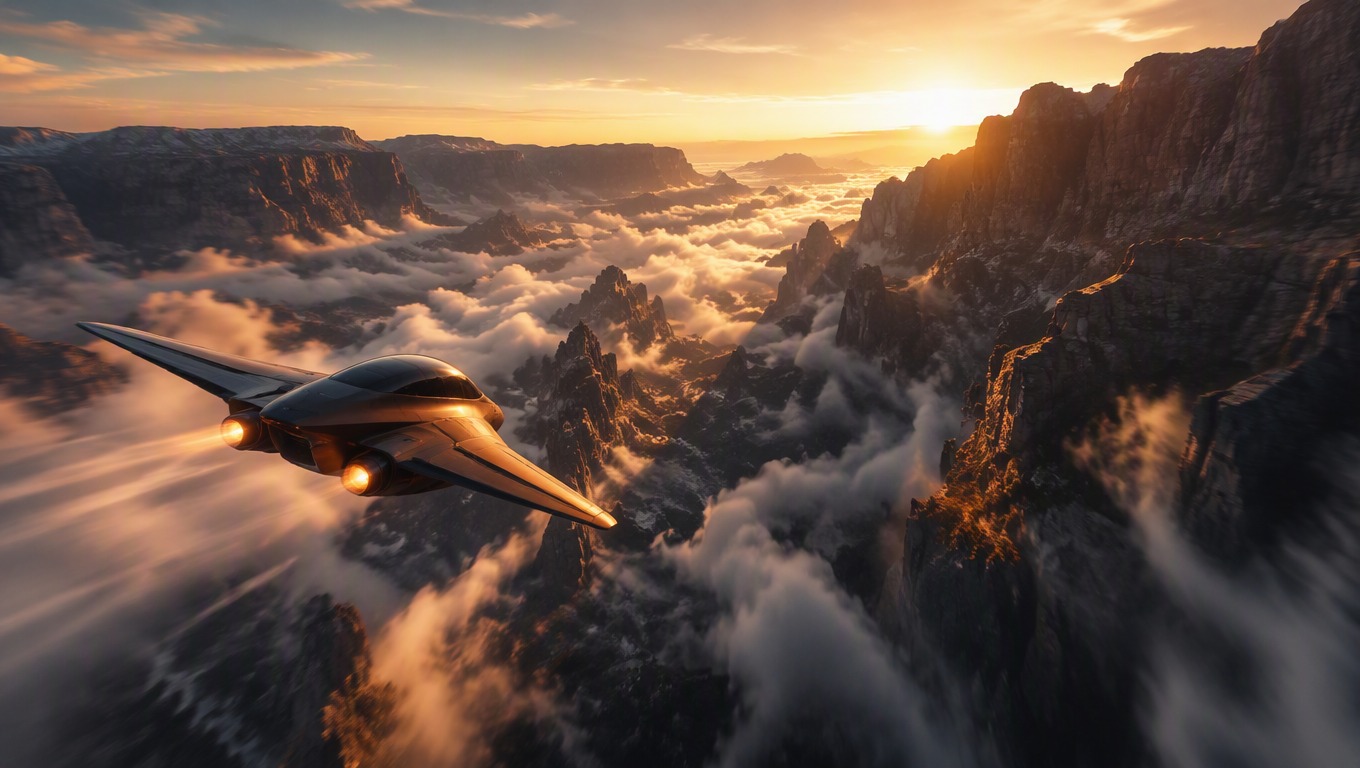
Direct One Cinematic Shot from Prompt to Motion
Compose the Whole Scene
Define the subject, setting, viewpoint, lighting, and atmosphere as one connected shot so the visual idea stays readable.
Describe Action and Camera Behavior
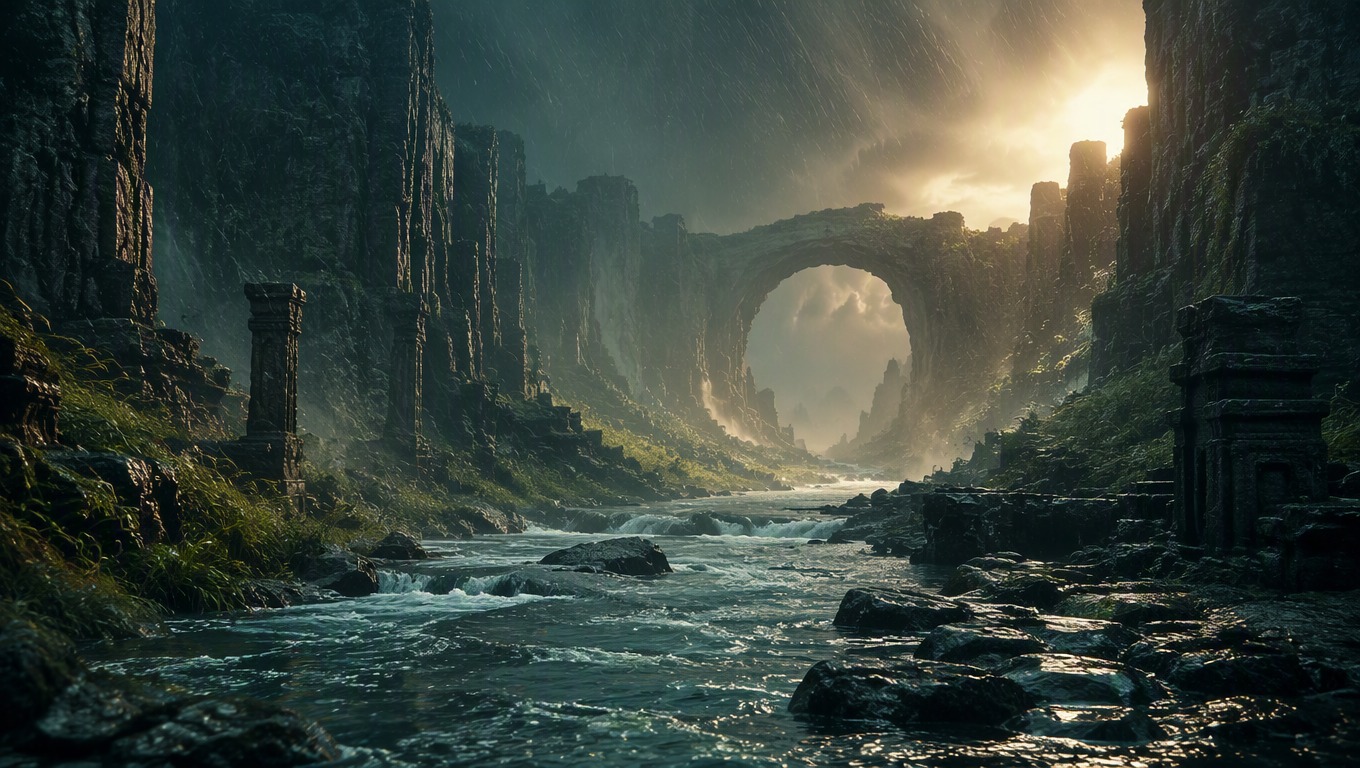
Use precise verbs such as tracking, orbiting, drifting, rising, revealing, or rushing to communicate how the subject and camera should move.
Control Mood through Visual Cues
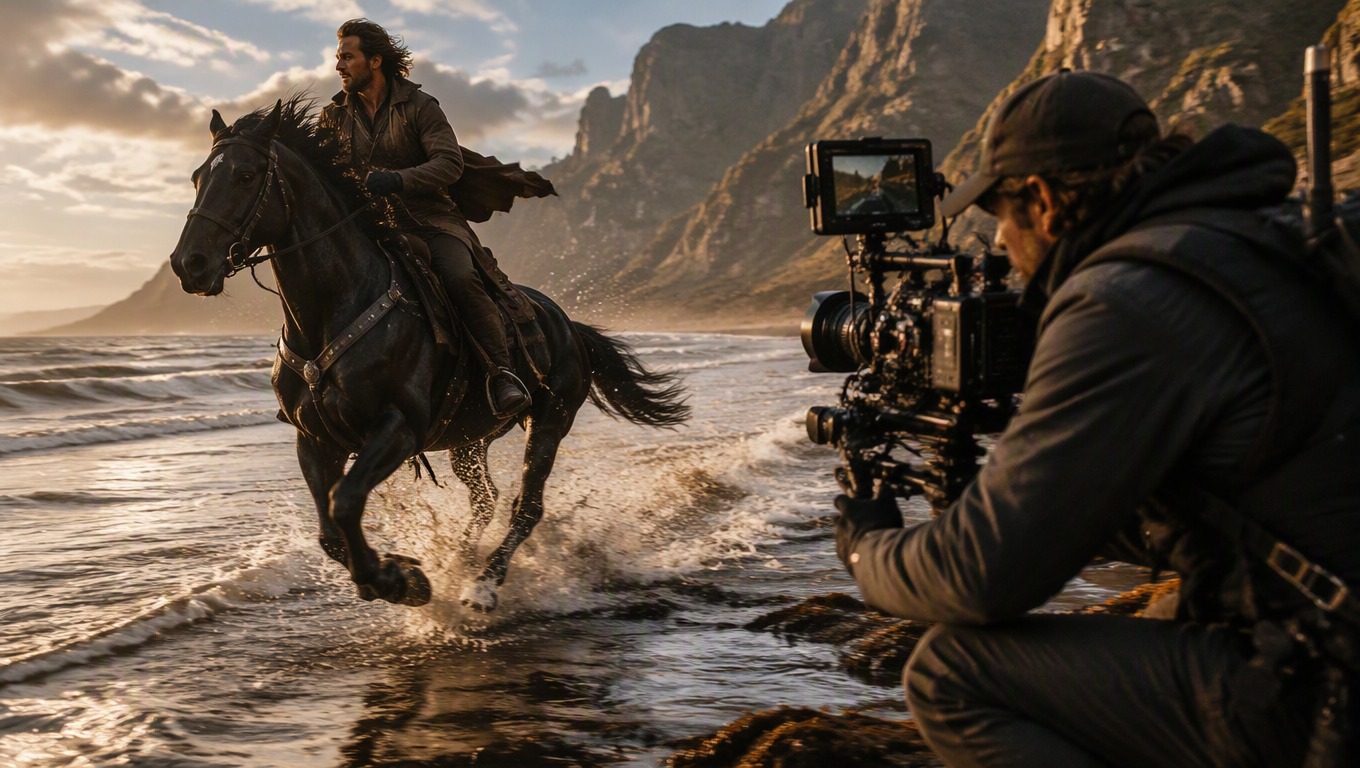
Guide the result with compatible choices for weather, color, lighting, lens feel, tempo, and visual style rather than relying on vague quality words.
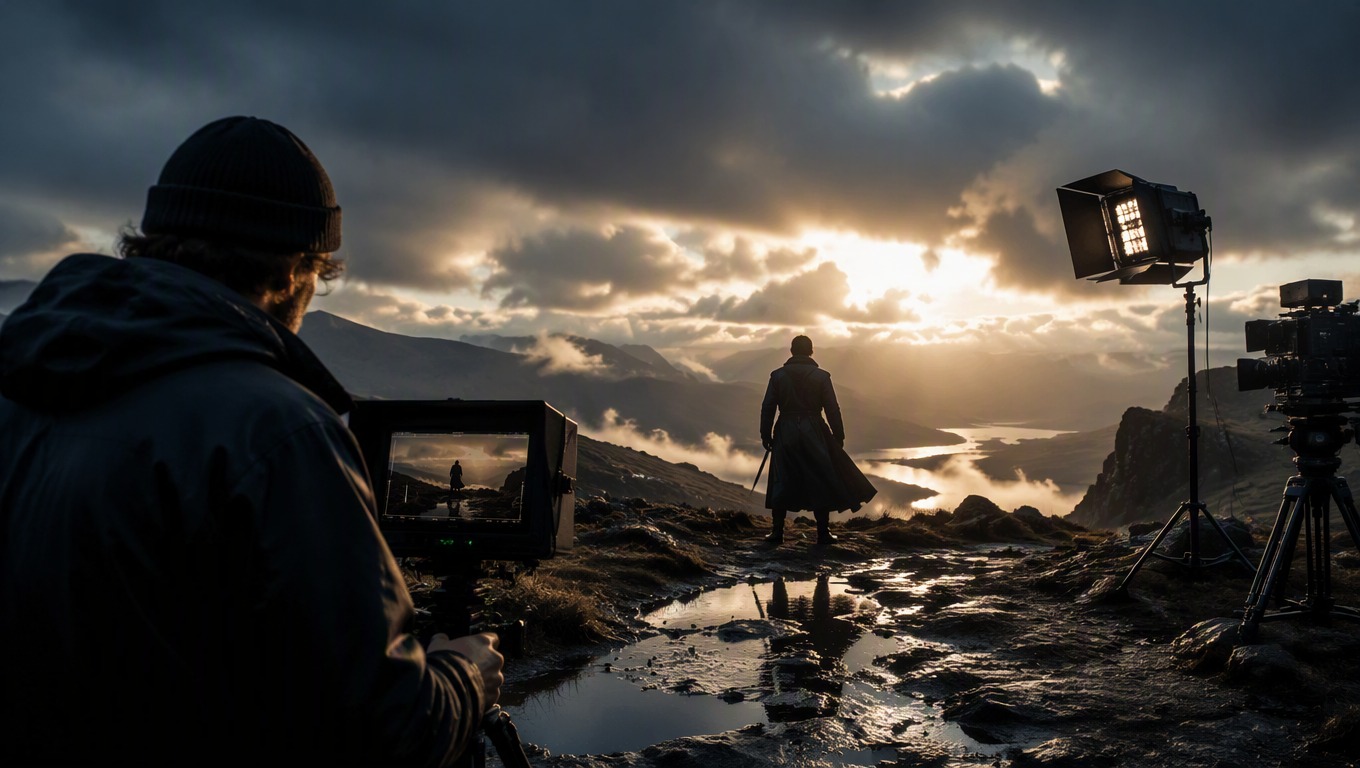
Explore focused moving scenes for concrete creative planning and production tasks.
What to Create with Kling AI Video
Cinematic Establishing Shots
Visualize an original location with intentional camera movement, weather, scale, and atmosphere.
Storyboard Moments
Turn a key narrative beat into a moving concept that helps clarify action and framing.
Product Atmosphere Concepts
Place an original product idea in a controlled scene with deliberate light, motion, and camera perspective.
Fantasy and Science-Fiction Scenes
Explore original worlds, environments, creatures, vehicles, and dramatic natural movement.
Animated Art Direction
Test color, texture, lighting, pace, and motion language for an original visual treatment.
Short-Form Visual Hooks
Prototype a concise opening image or reveal before developing a longer creative sequence.
How to Use the Kling Video Generator
1
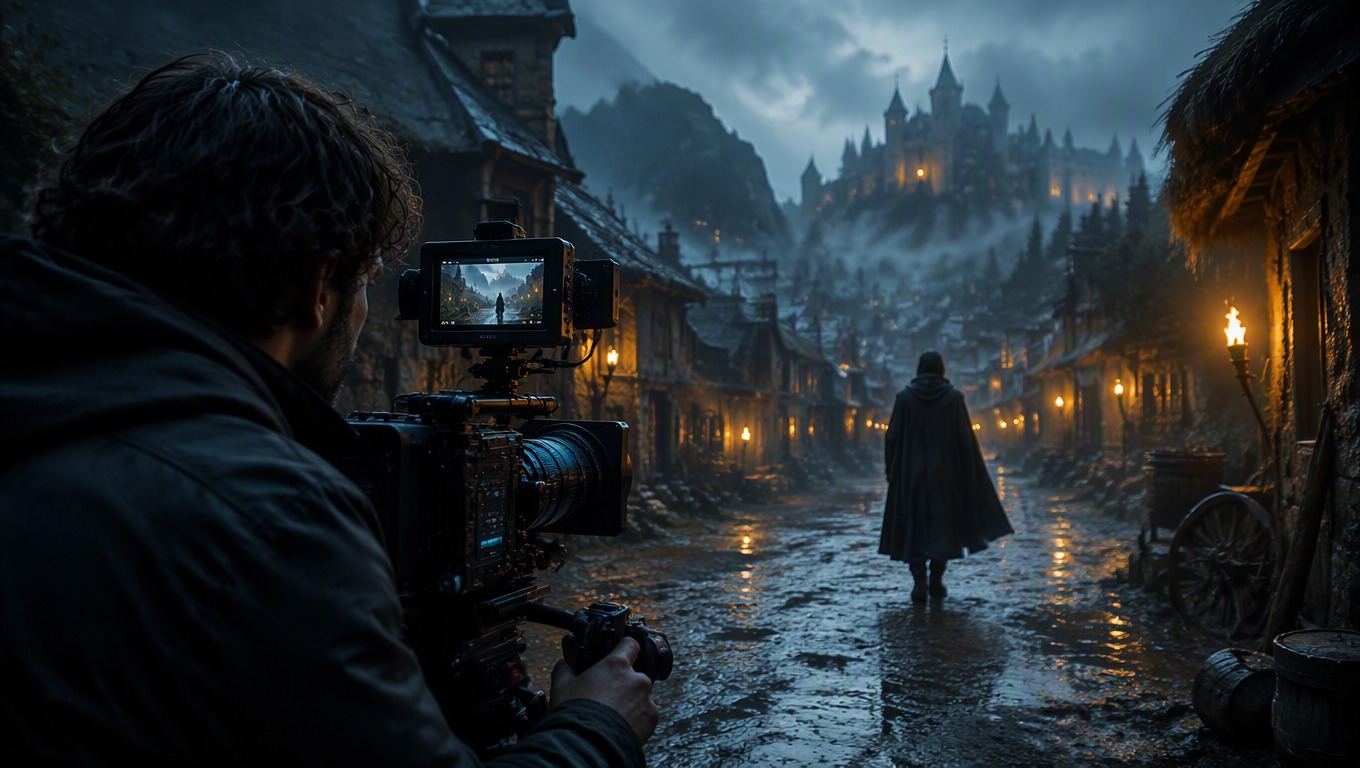
1. Describe One Shot
Write the main subject, environment, action, visual style, lighting, and mood as a single coherent scene.
2
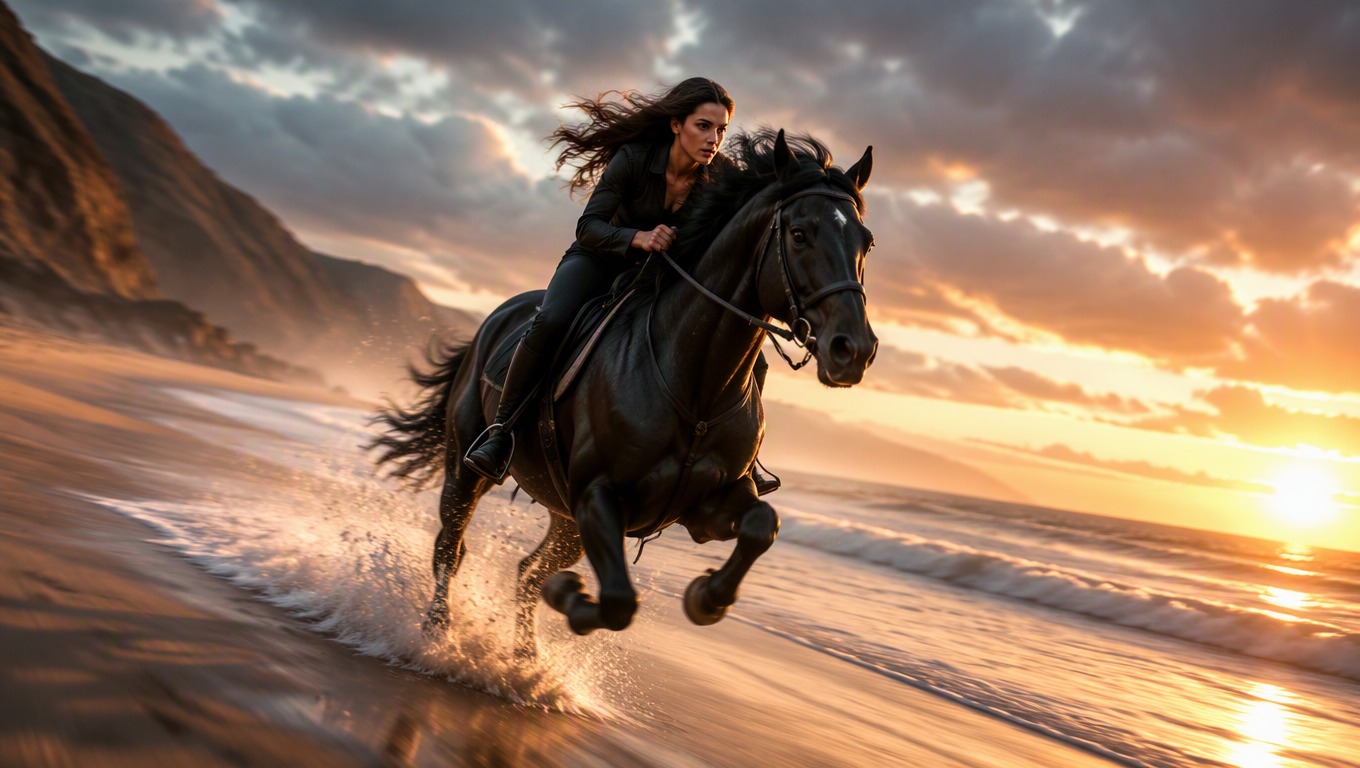
2. Add Motion Direction
Specify how the subject moves, how the camera behaves, and whether the pace feels calm, energetic, or dramatic.
3
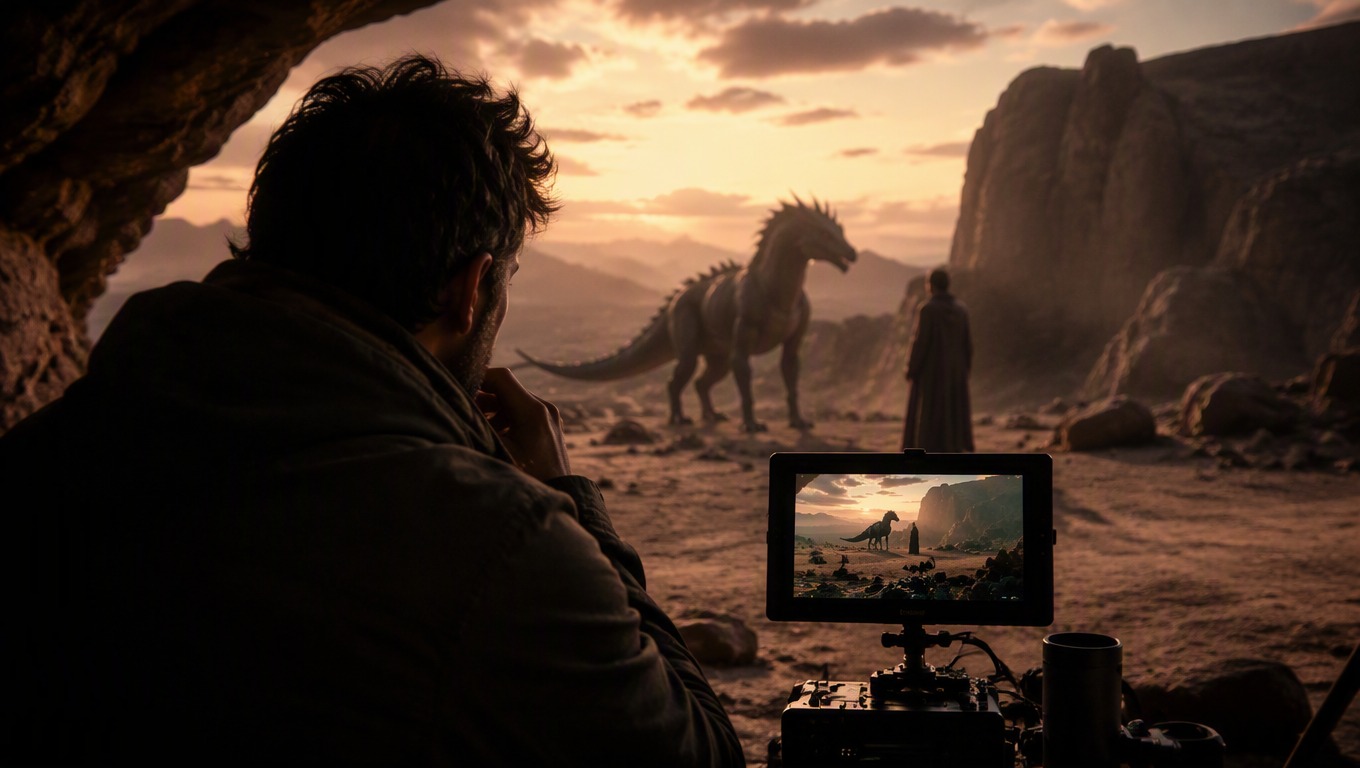
3. Generate and Review
Run the prompt, then inspect scene consistency, subject behavior, composition, camera movement, and atmosphere.
4
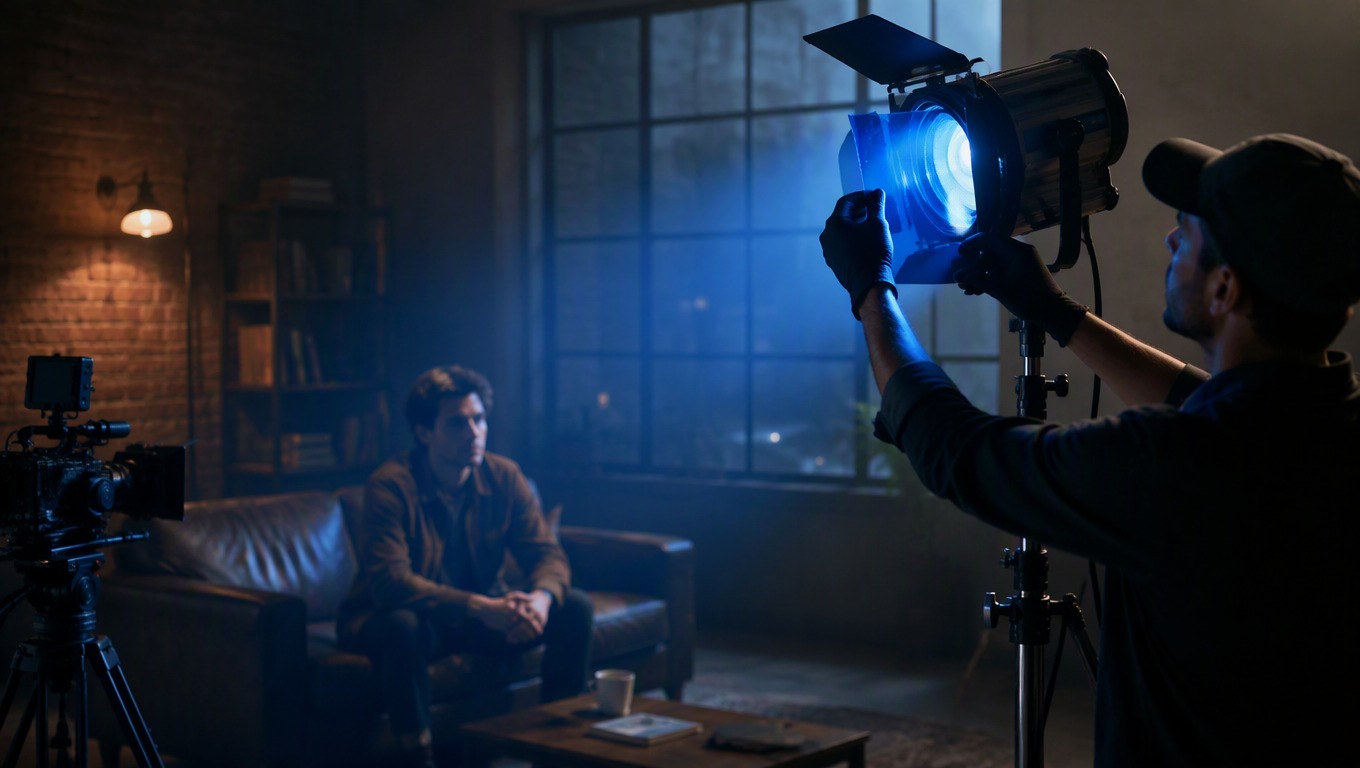
4. Refine One Variable
Keep what works and change one important direction—such as action, framing, weather, lighting, or tempo—for the next variation.
Practical answers for writing prompts and using this independent AI Hug model page.