AI Image to Video Generator
Turn a still image into a short AI video while keeping the original composition. AI Hug works best when the source image is clear, the subject is readable, and the motion brief is specific.
- image to video ai
- photo to video generator
- animate image ai
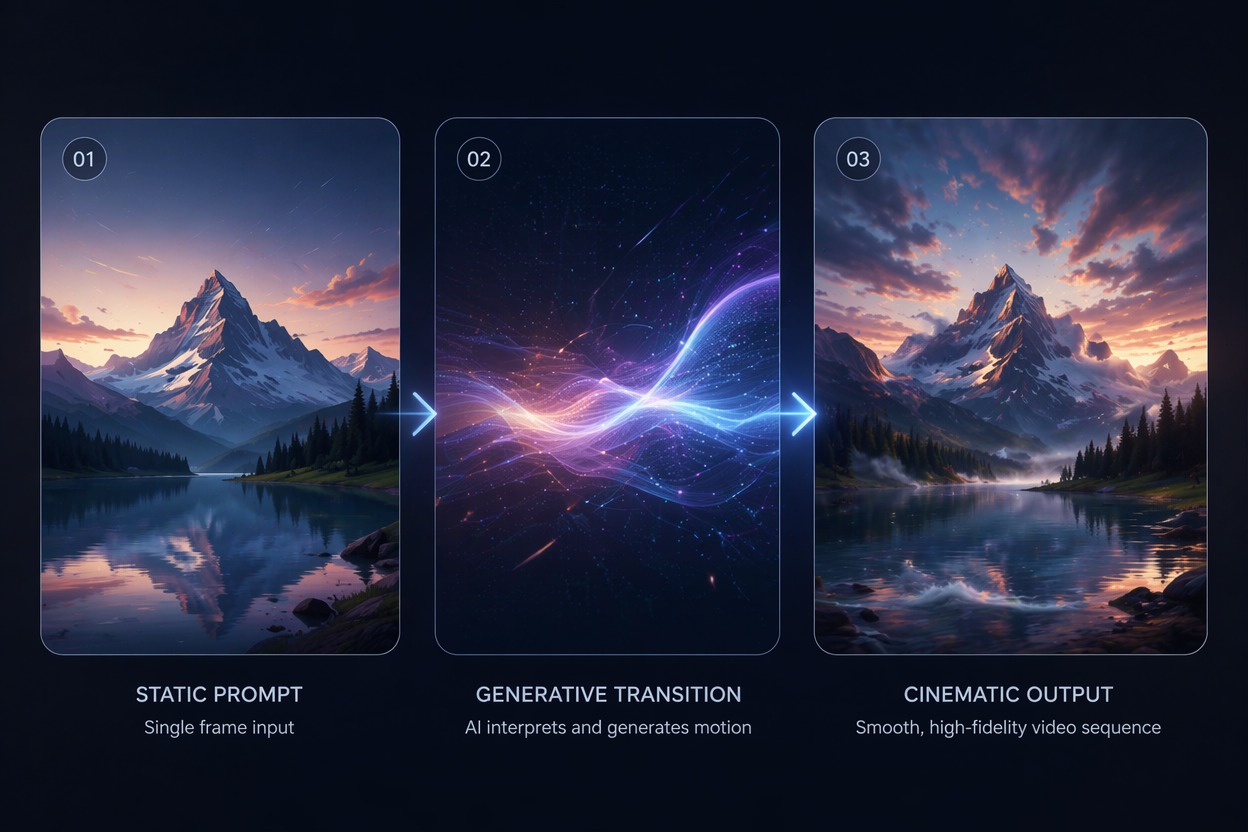
How to Animate Images with Better Control
A strong photo to video generator preserves the image you already like while adding motion. The practical goal is controlled animation, not rebuilding the scene from scratch.
Composition Lock
Image to video AI is strongest when the source image already has the right subject, framing, and style. Use motion to enhance, not replace, the original visual.
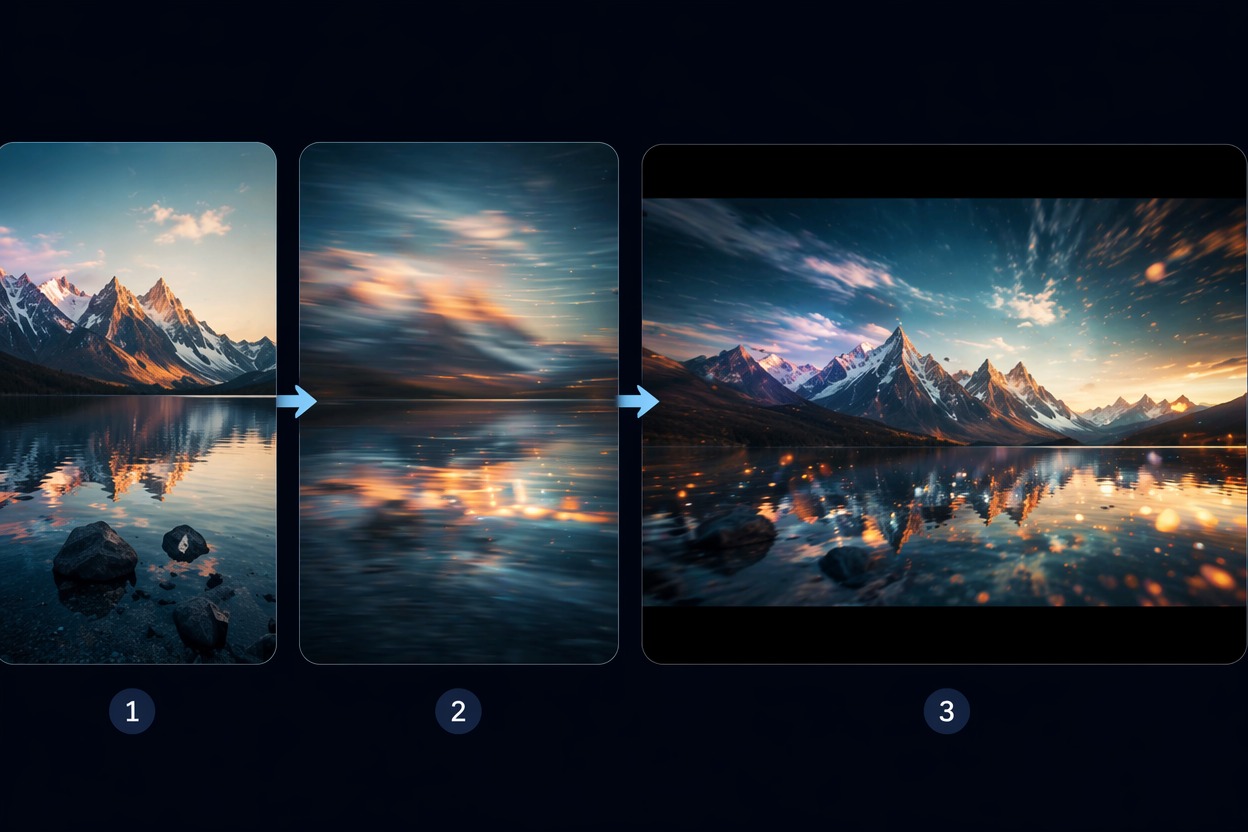
Motion Briefing
When you animate image AI, describe exactly what should move: hair, camera push, water, fabric, lights, or facial expression. Clear motion reduces random drift.
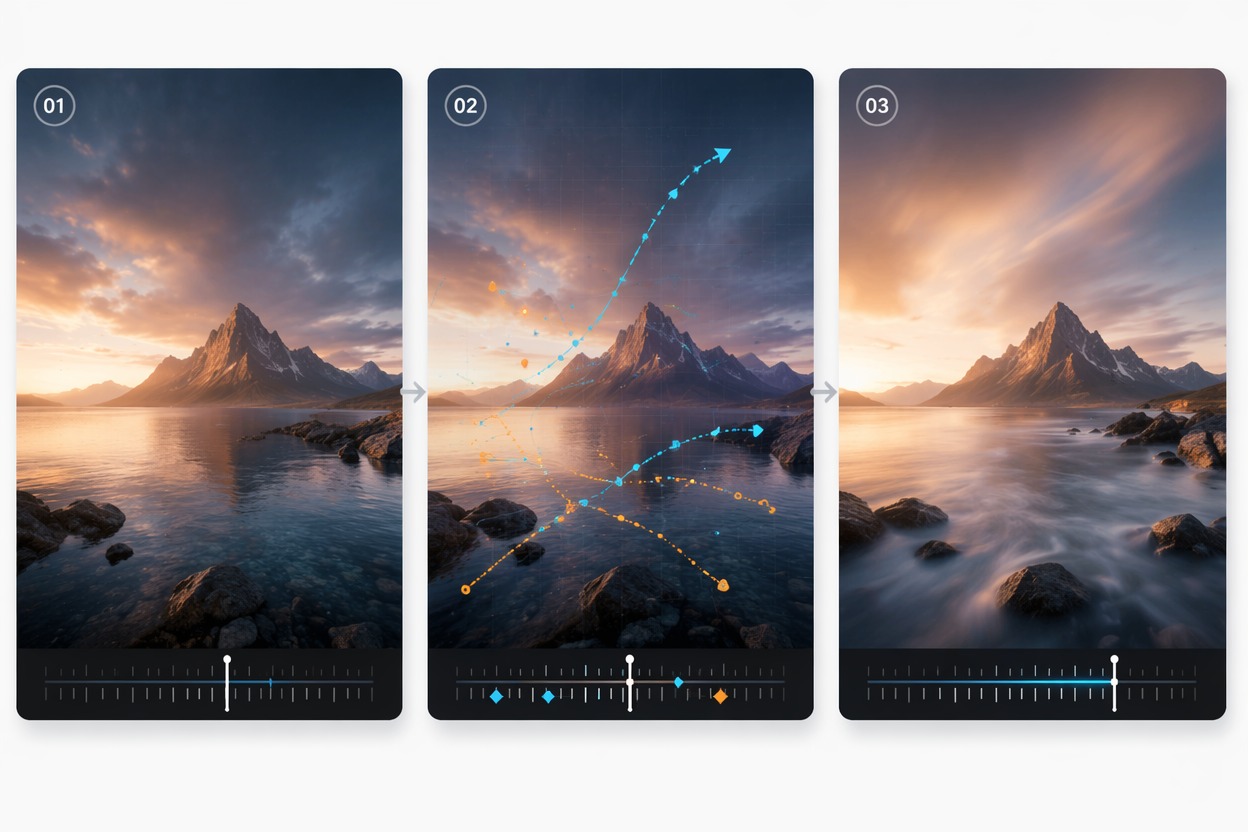
Quality Review
AI image animation needs review frame by frame. Check face stability, edges, background warping, and whether the image still feels like the same source.
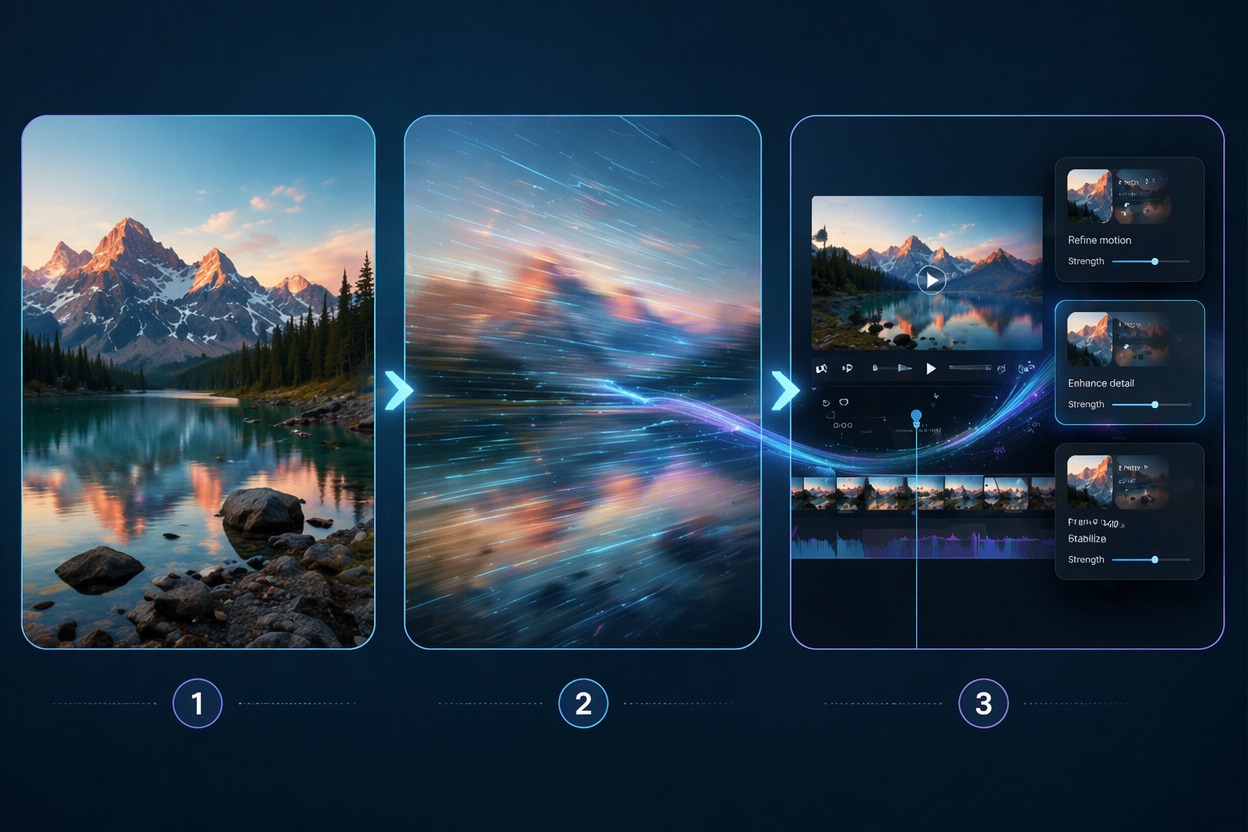
Use cases that fit the workflow
Best Uses for AI Image to Video Generator
- 01
Portrait Animation
Add subtle expression, hair, or camera motion to a portrait.
- 02
Product Visuals
Make a static product image feel more alive for social clips.
- 03
Pet and Avatar Clips
Animate pets, mascots, and characters with gentle motion.
- 04
Landscape Motion
Add clouds, water, light, or camera drift to scenic images.
- 05
Before-After Reveals
Turn a picture into a short motion sequence for ads or landing pages.
How to Turn a Photo into Video
Three practical steps for cleaner results
- 1
Upload a clean image
Choose a sharp image with clear subject, stable composition, and minimal clutter.
- 2
Describe the motion
Ask for camera push, hair movement, smile, water motion, light sweep, or another focused animation.
- 3
Preview and adjust
Check identity, edges, background, and motion strength. Reduce complexity if the image drifts.
FAQ
AI Image to Video Generator FAQ
Common questions about image to video ai, photo to video generator, animate image ai.
What is image to video AI?
Image to video AI animates a still image into a short video while trying to preserve the original subject, framing, and style.
Can I animate any image AI?
Many images can be animated, but clear subjects, simple backgrounds, and strong composition usually produce better results.
What is a photo to video generator best for?
It is best for portraits, product images, pets, landscapes, avatars, and short social video previews where the image already looks good.
Is picture to video AI free?
Free access depends on the current AI Hug plan and usage limits. Use free generations to test whether your image handles motion well.
Can I use AI image animation commercially?
Commercial use depends on product terms, image rights, subject consent, and whether the input uses protected brands or characters.
What should I check before posting?
Review face consistency, edge warping, background movement, hands, text artifacts, and whether the final clip still matches the source image.