AI Venom Video Generator
Turn a portrait into a dark symbiote-inspired transformation video with AI Hug. The strongest AI venom effect starts from a clear face, keeps the morph brief, and uses human review to avoid identity drift or messy facial details.
- ai venom effect
- venom transformation video
- ai venom filter
How to Make a Cleaner AI Venom Effect
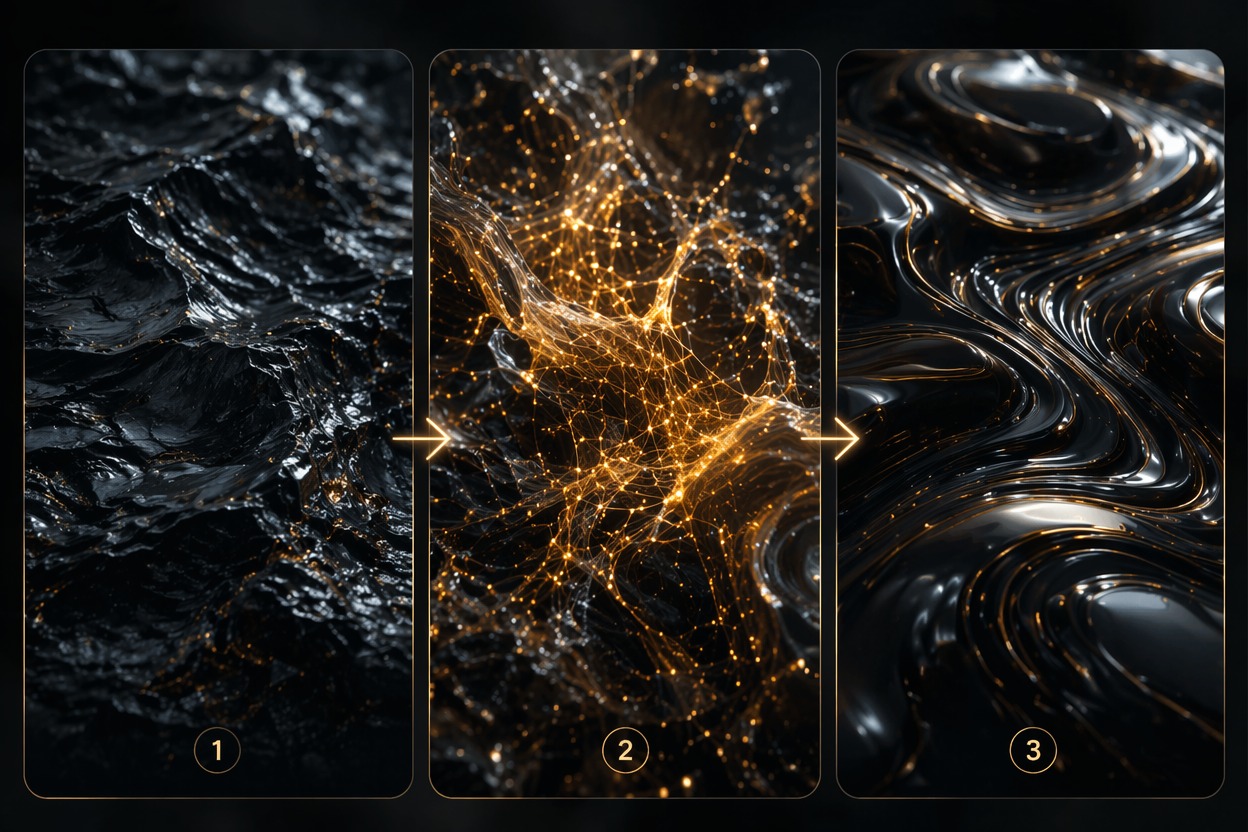
A convincing venom transformation video depends on controlled darkness, readable facial identity, and short morph timing. Treat it as an original dark creature effect, not a copy of protected characters or logos.
Controlled Dark Morph
The best AI venom filter keeps the face readable while adding glossy dark texture, sharp contrast, and creature energy. If the prompt gets too busy, the result can lose identity fast.
Short Transformation Timing
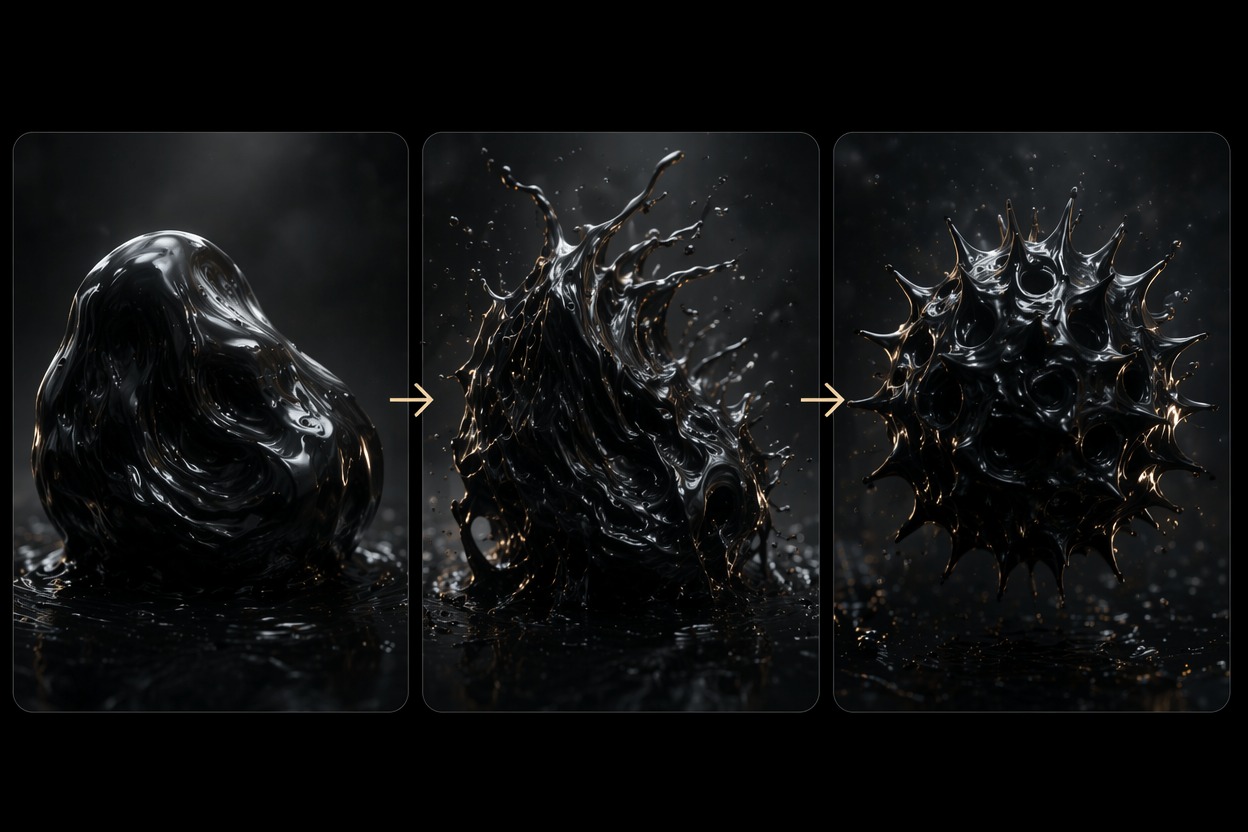
Symbiote video AI works better as a short reveal than a long full-body scene. Review the first seconds for eye shape, mouth artifacts, skin-to-texture transition, and whether the face still feels anchored.
Safe Creative Direction
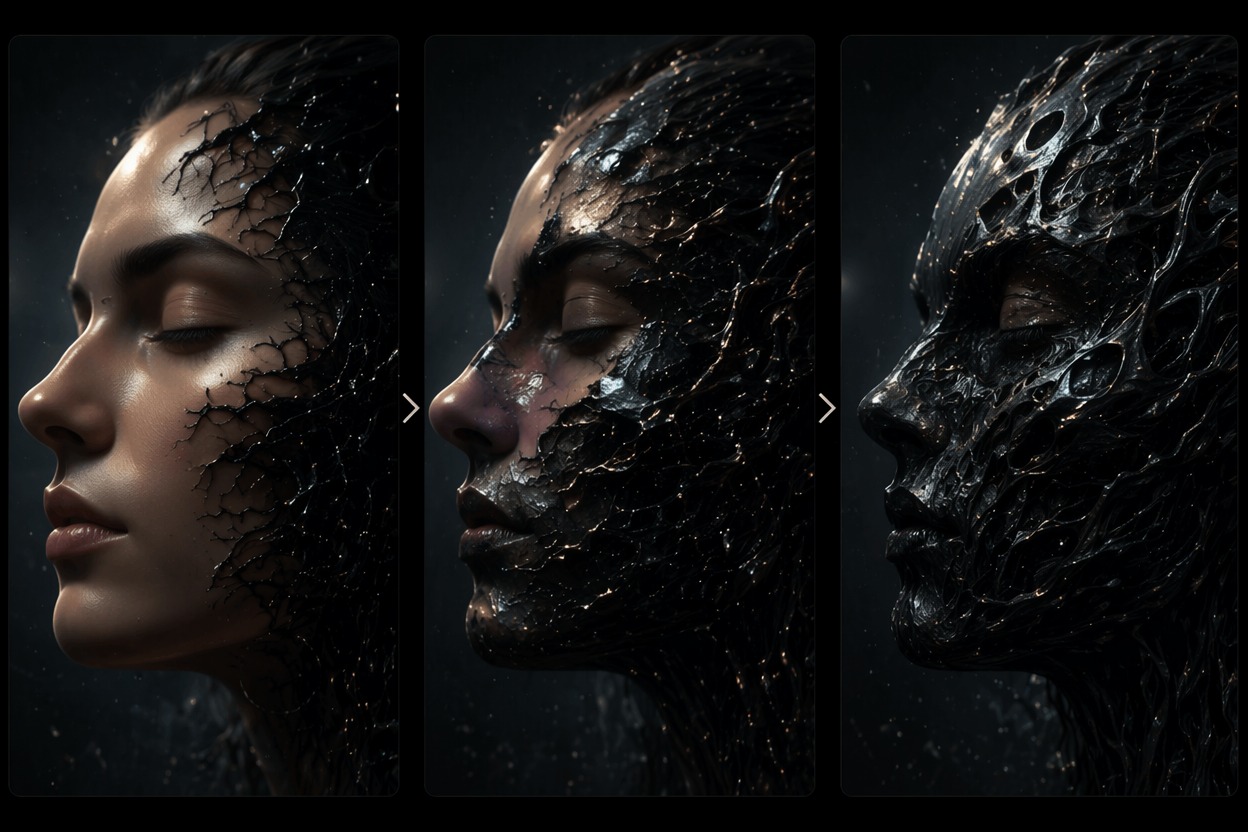
Use AI Hug to create an original monster-style effect, not a direct replica of a known character. Avoid copyrighted symbols, branded suit details, and exact likeness requests when the clip will be posted publicly.
Use cases that fit the effect
Best Uses for AI Venom Video Generator
- 01
Halloween Profile Clips
Create a short dark transformation for seasonal posts where atmosphere matters more than full cinematic realism.
- 02
Cosplay Concept Previews
Test a creature-inspired face morph before spending time on makeup, masks, or longer edits.
- 03
TikTok Reveal Hooks
Use a fast before-to-after reveal where the AI venom effect appears in the first few seconds.
- 04
Original Character Edits
Turn photo into venom-style original characters while keeping the design distinct from protected IP.
- 05
Music Visualizers
Pair a dark morph clip with heavy beats or horror edits, then check motion artifacts before publishing.
How to Create a Venom Transformation Video
Three practical steps for cleaner results
- 1
Upload a clear portrait
Choose a sharp face with visible eyes, mouth, and jawline. Avoid crowded group photos or heavy shadows that hide the starting identity.
- 2
Prompt an original dark morph
Ask for a glossy black creature transformation, dark organic texture, or symbiote-inspired video effect without logos or official character details.
- 3
Generate and inspect
Check face consistency, teeth, eye shape, texture spread, and whether the final frame still looks intentional rather than noisy.
FAQ
AI Venom Video Generator FAQ
Common questions about ai venom effect, venom transformation video, ai venom filter.
What is an AI venom video generator?
An AI venom video generator creates a dark transformation clip from a photo. For safety and originality, use it as a broad monster-style morph rather than a direct copy of a protected character.
Can I turn photo into venom online?
Yes, you can turn photo into venom-style visuals when the input portrait is clear. Better results usually come from a simple face crop and a short transformation prompt.
Is the AI venom filter free?
Free access depends on the current AI Hug plan and usage limits. Use free tests to check whether the source photo handles the dark morph cleanly.
What photos work best for symbiote video AI?
Front-facing portraits with clear eyes, mouth, and jawline work best. Extreme side views, blur, masks, and very dark photos can make the transformation unstable.
Can I use a venom transformation video commercially?
Commercial use depends on AI Hug terms, input rights, and whether the output avoids protected character designs, logos, or likenesses. Original creature effects are safer than exact replicas.
What should I review before posting?
Check identity, mouth shape, eye artifacts, texture noise, and whether the effect looks like an intentional dark morph. If it feels messy, simplify the prompt and regenerate.