50%
GPT-Image-2 AI Image Generator
Create polished images from written prompts with GPT-Image-2 in the generator above. Describe the subject, setting, style, lighting, and composition, then refine the prompt to explore a stronger direction. AI Hug is an independent platform that provides access to GPT-Image-2; it is not OpenAI or an official OpenAI product page.
Generate with GPT-Image-2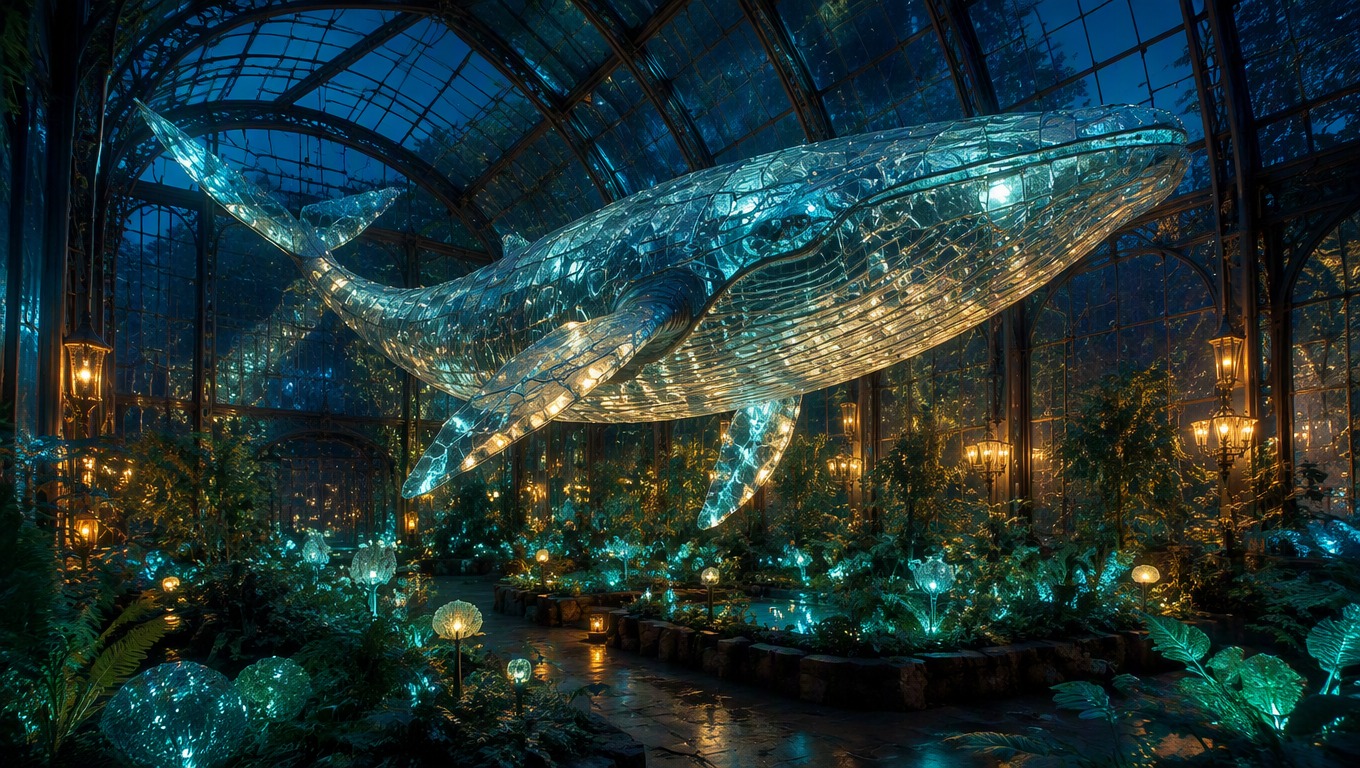
Shape the Image Through the Prompt
Direct the Subject and Scene
Define the main subject, environment, viewpoint, and action so the composition has a clear focal point rather than a generic theme.
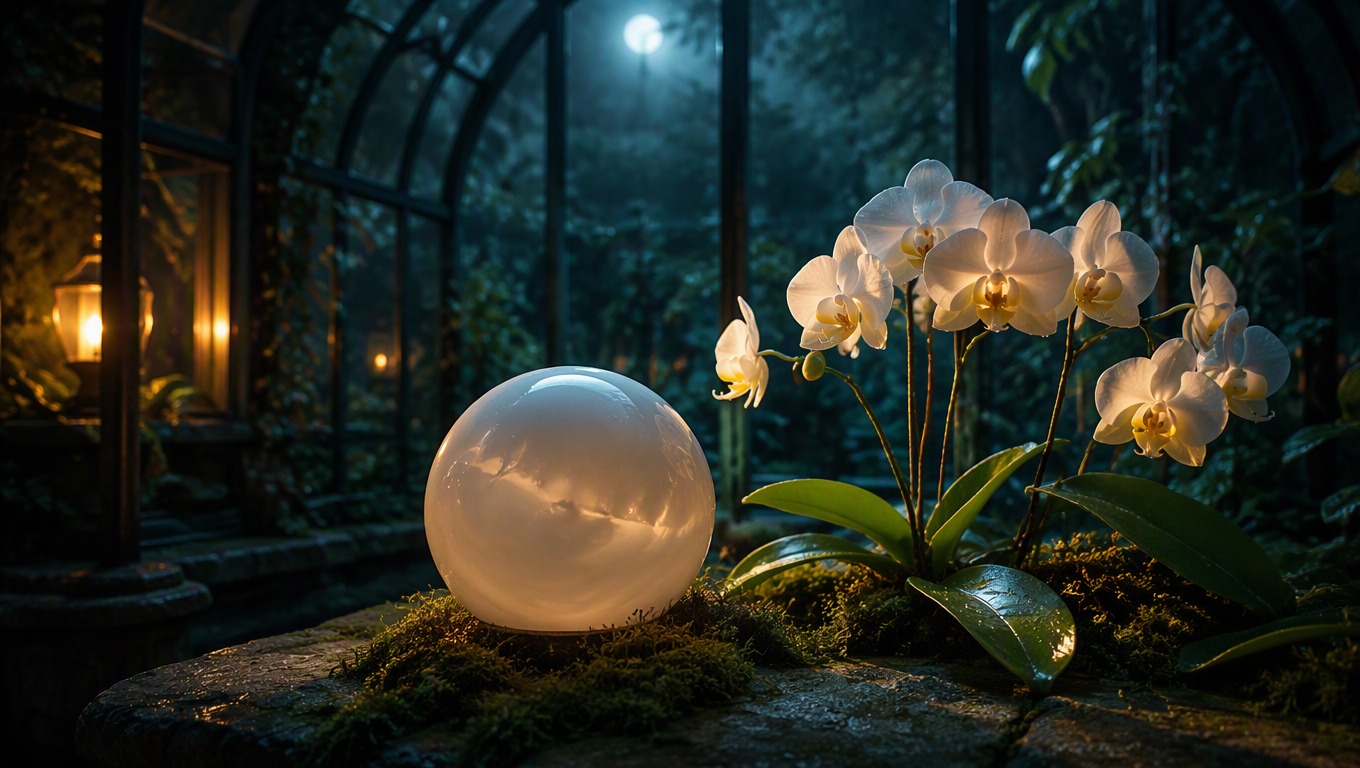
Control Style and Atmosphere
Add material, color, lighting, lens, and mood cues to guide the visual language while keeping the core subject consistent.
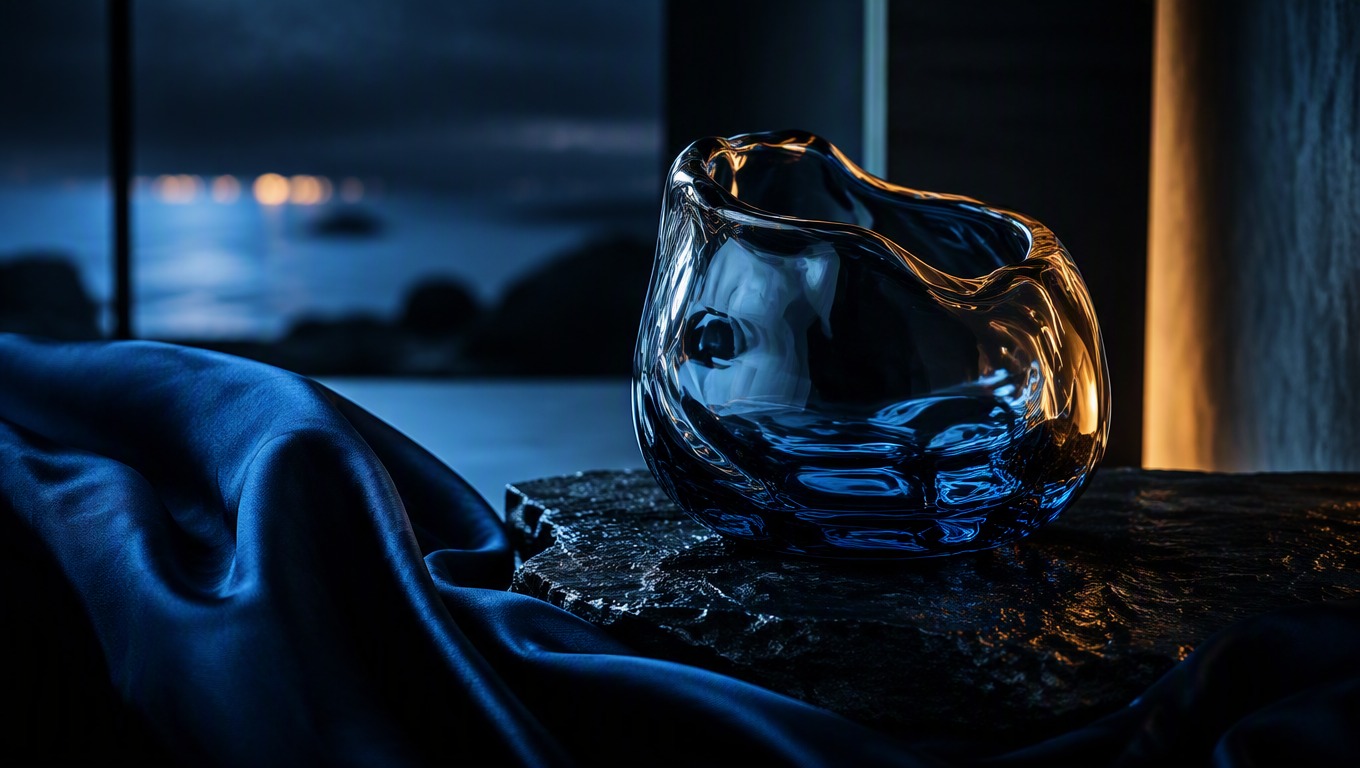
Refine One Detail at a Time
Adjust framing, palette, background, or subject details in the next GPT Image 2 prompt so you can judge which instruction changed the result.

Practical visual directions for creative and content work
What You Can Create with GPT-Image-2
Campaign Concepts
Explore art direction for landing pages, promotions, launch themes, and seasonal creative briefs.
Product Scenes
Place an original product concept in a tailored environment with controlled materials, lighting, and mood.
Editorial Illustrations
Turn an abstract topic into a focused visual metaphor for articles, presentations, and explainers.
Story Worlds
Develop locations, props, creatures, and cinematic moments for an original narrative or game concept.
Portrait Directions
Describe an original subject, wardrobe, setting, expression, and photographic treatment for a distinct portrait concept.
Design Exploration
Test color systems, materials, shapes, and visual moods before committing to a final creative direction.
How to Use the GPT Image 2 Generator
1
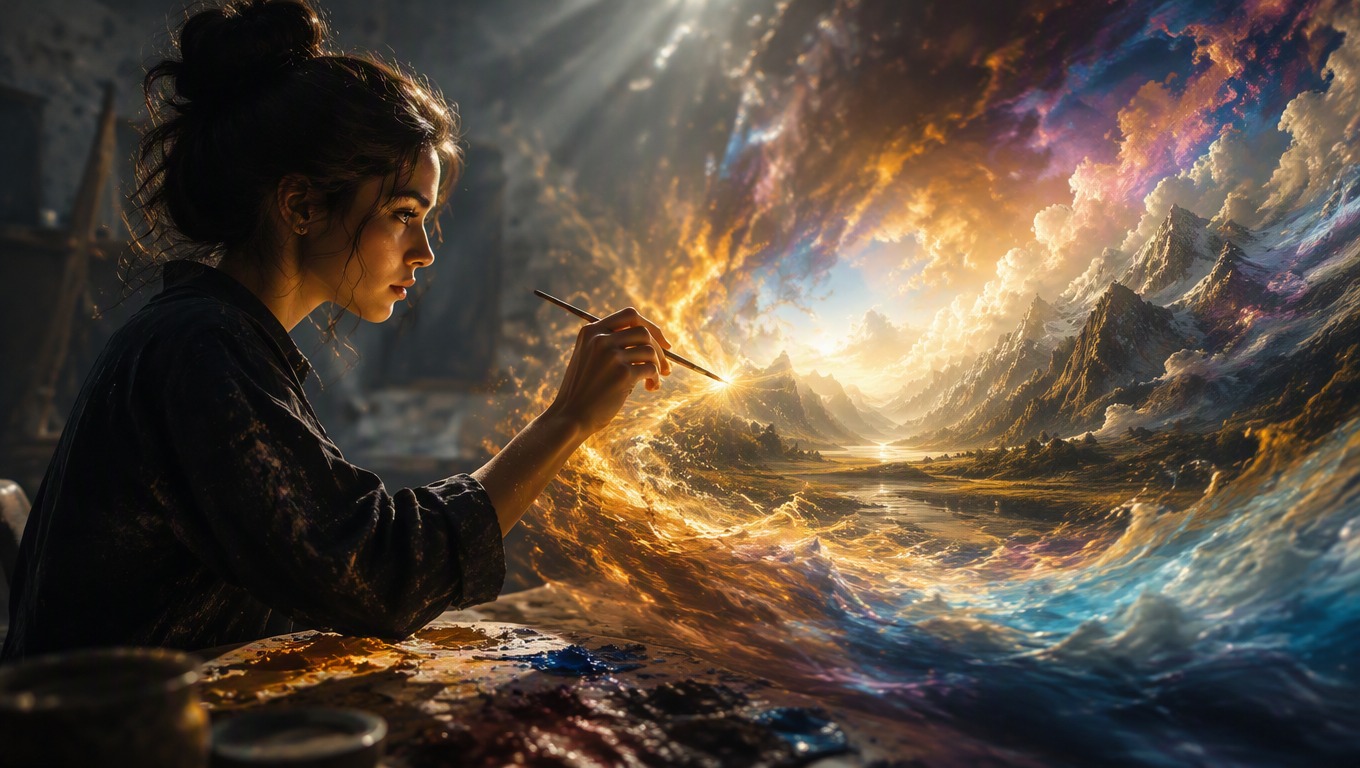
Write a Specific Prompt
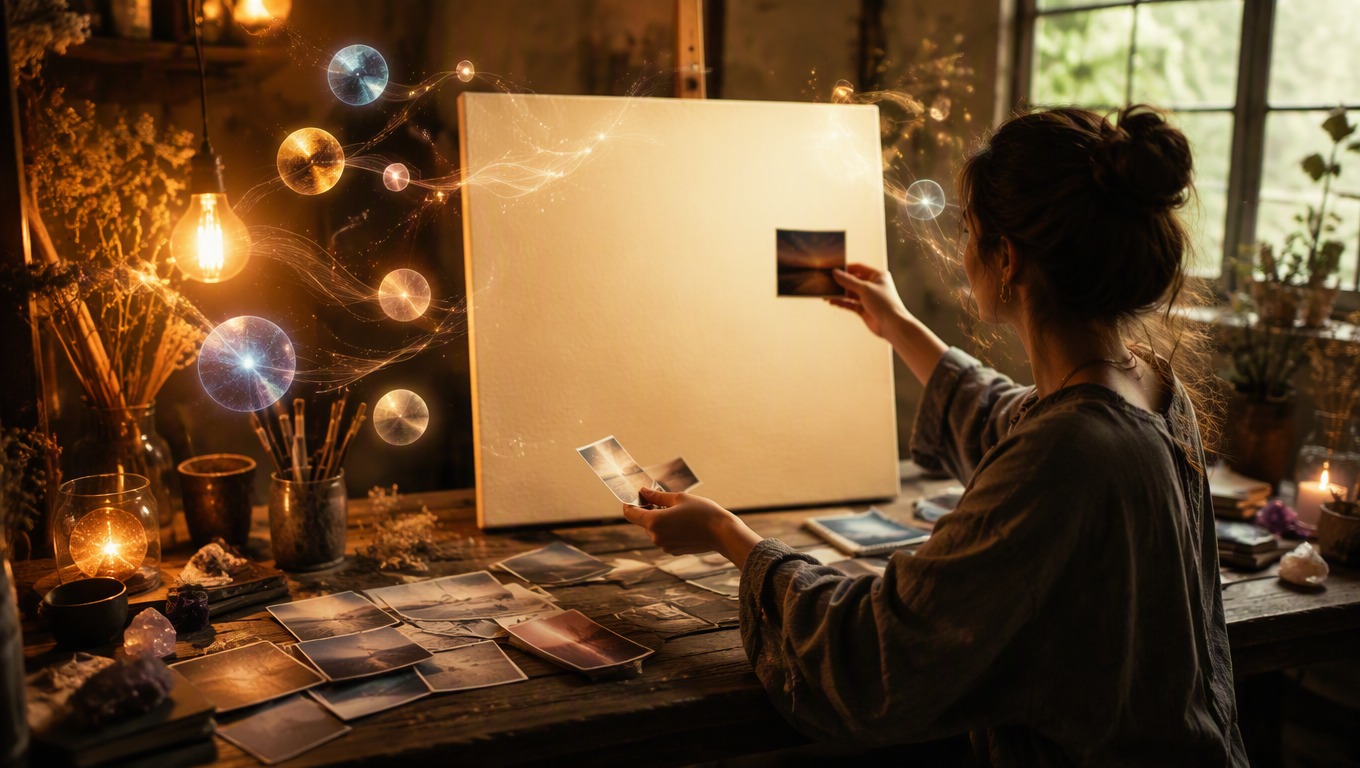
Describe the subject first, then add the setting, composition, style, lighting, color, and details that matter to the final use.
2
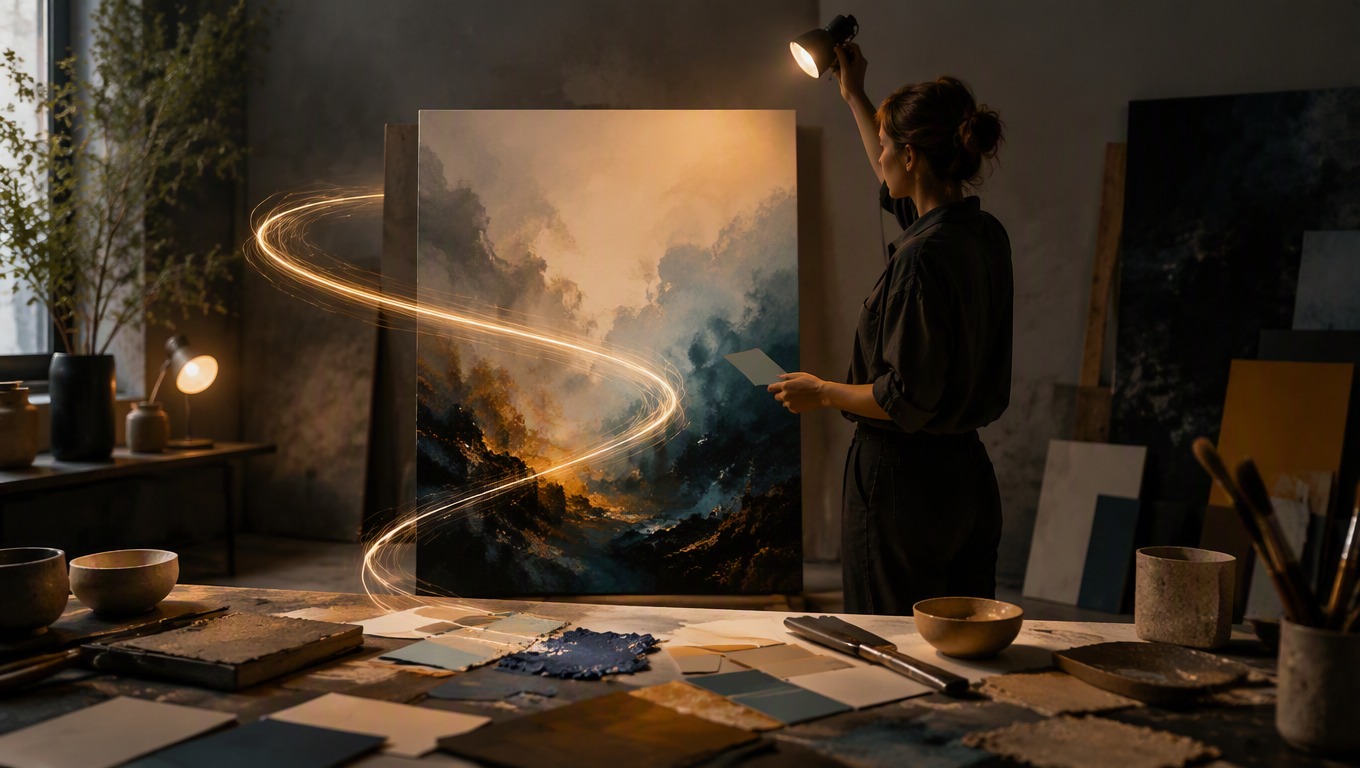
Generate in the Tool
Submit the prompt in the embedded generator above and review the complete image for composition, coherence, and unwanted artifacts.
3
Refine and Generate Again
Keep the useful parts of the prompt and change one weak element at a time, such as framing, background, material, or mood.
Prompt writing, image creation, access, and responsible use