Qwen-Image 2.1 AI Image Generator
Qwen-Image 2.1 is a strong pick when words have to appear inside the picture. Describe a poster, signboard or package in the generator above, including Chinese or English wording, and refine it with up to 3 reference images. AI Hug is an independent platform providing access to Qwen-Image 2.1 and is not affiliated with Alibaba or the Qwen team.
- Chinese and English text
- Up to 3 reference images
- 1K and 2K output
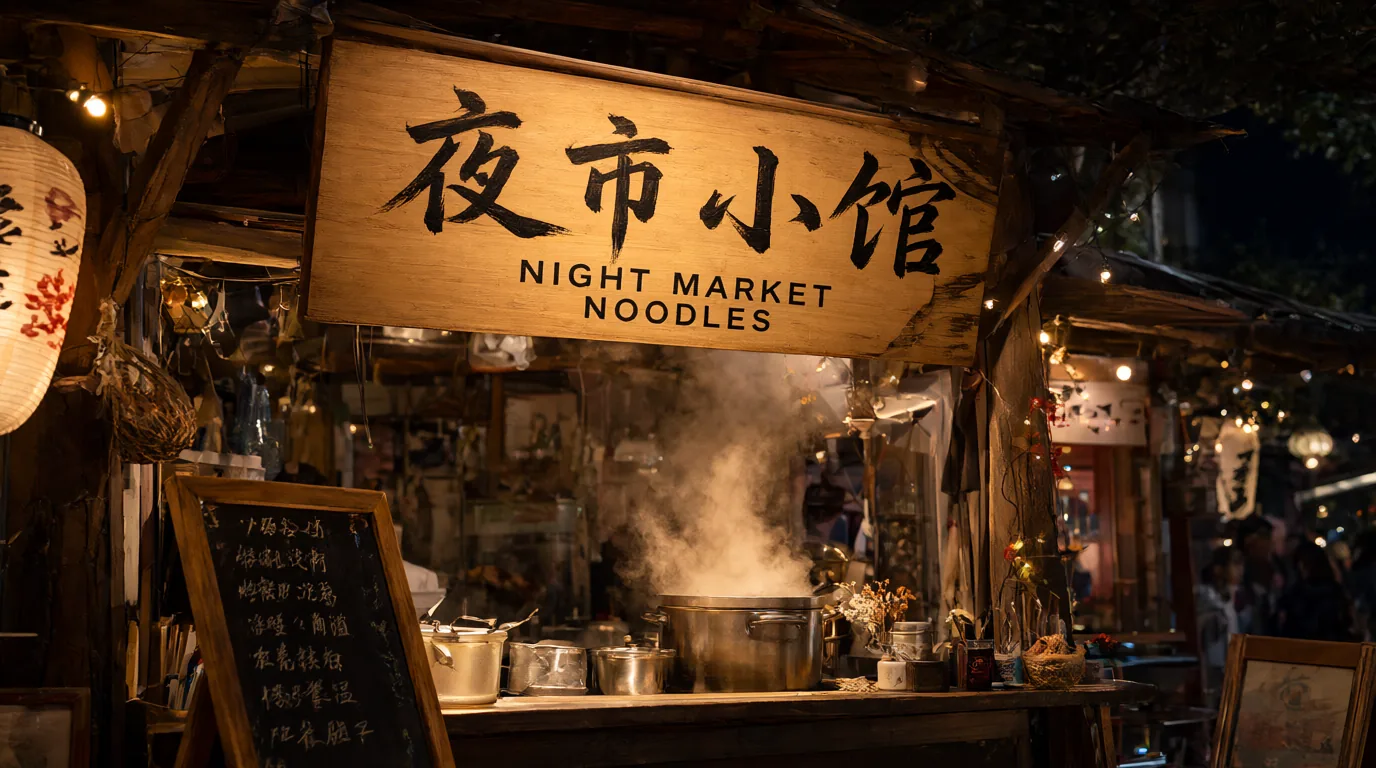
See What Qwen-Image 2.1 Produces
Every example here was generated on AI Hug with Qwen-Image 2.1 from one prompt each, with no retouching. Need 4K output or more references? Try GPT Image 2.5.
Bilingual Typography
The Chinese headline "光与影" and the English subtitle were both written into the prompt and came out as clean, correctly ordered lettering on a gallery poster.
Design a Poster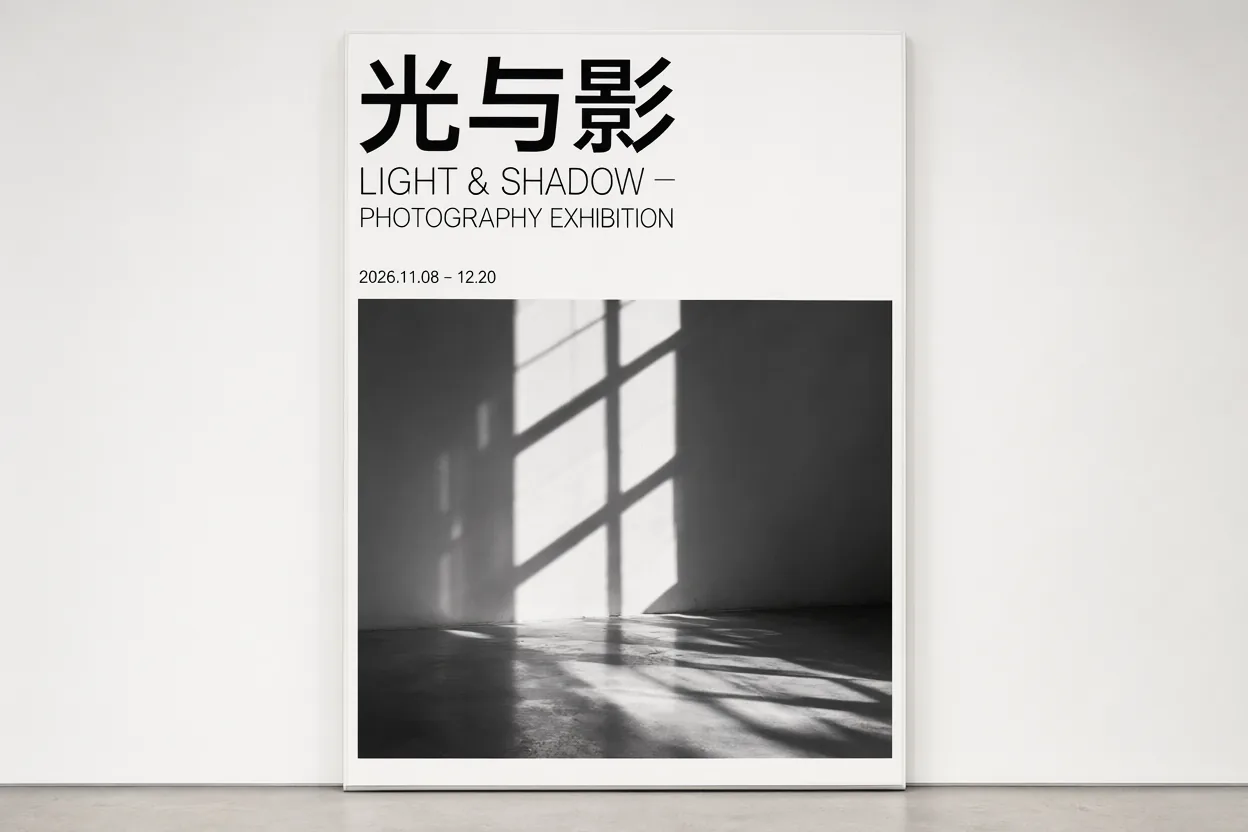
Flat Illustration Styles
Ask for a mid-century travel poster, vector art or a limited palette, and the model keeps shapes simple and colors consistent across the scene.
Create an Illustration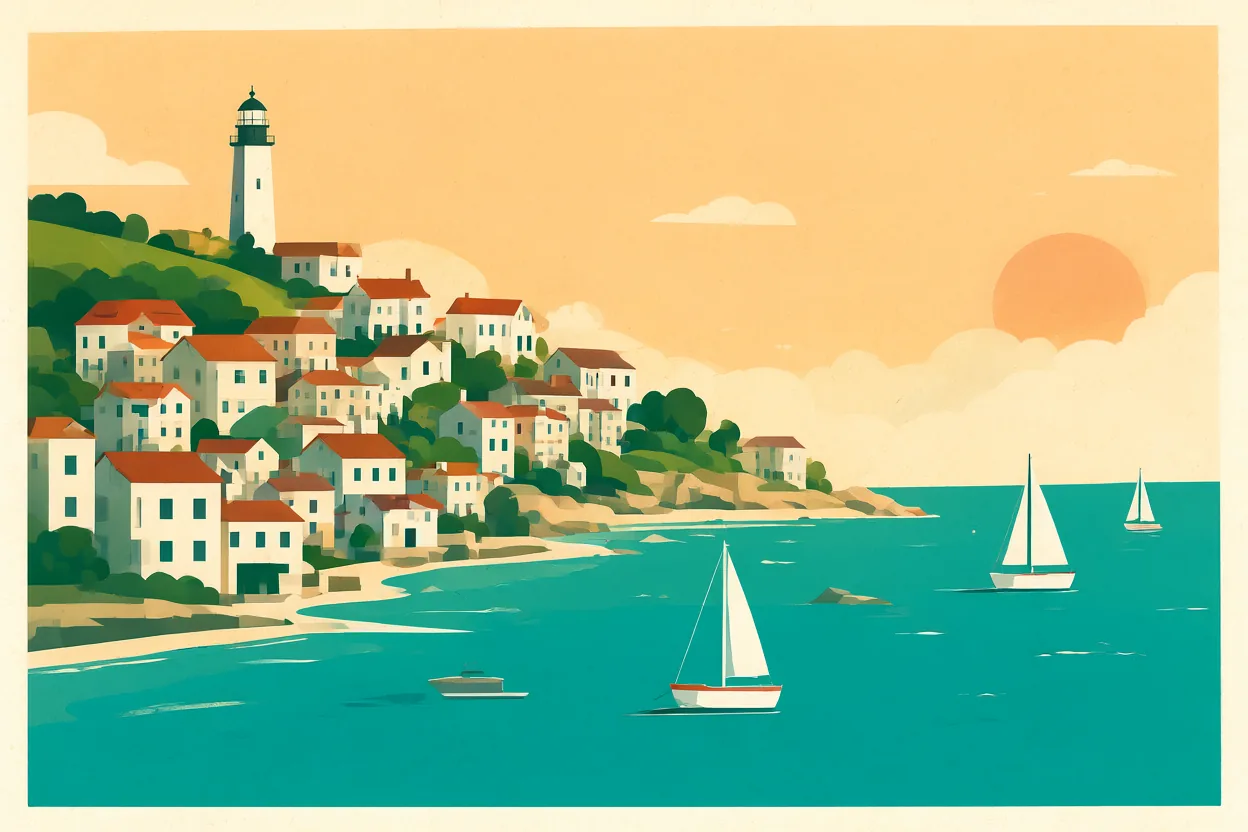
Calm Photoreal Interiors
For lifestyle and interior scenes it delivers soft natural light and believable textures such as wool, ceramic and rain-streaked glass.
Generate a Scene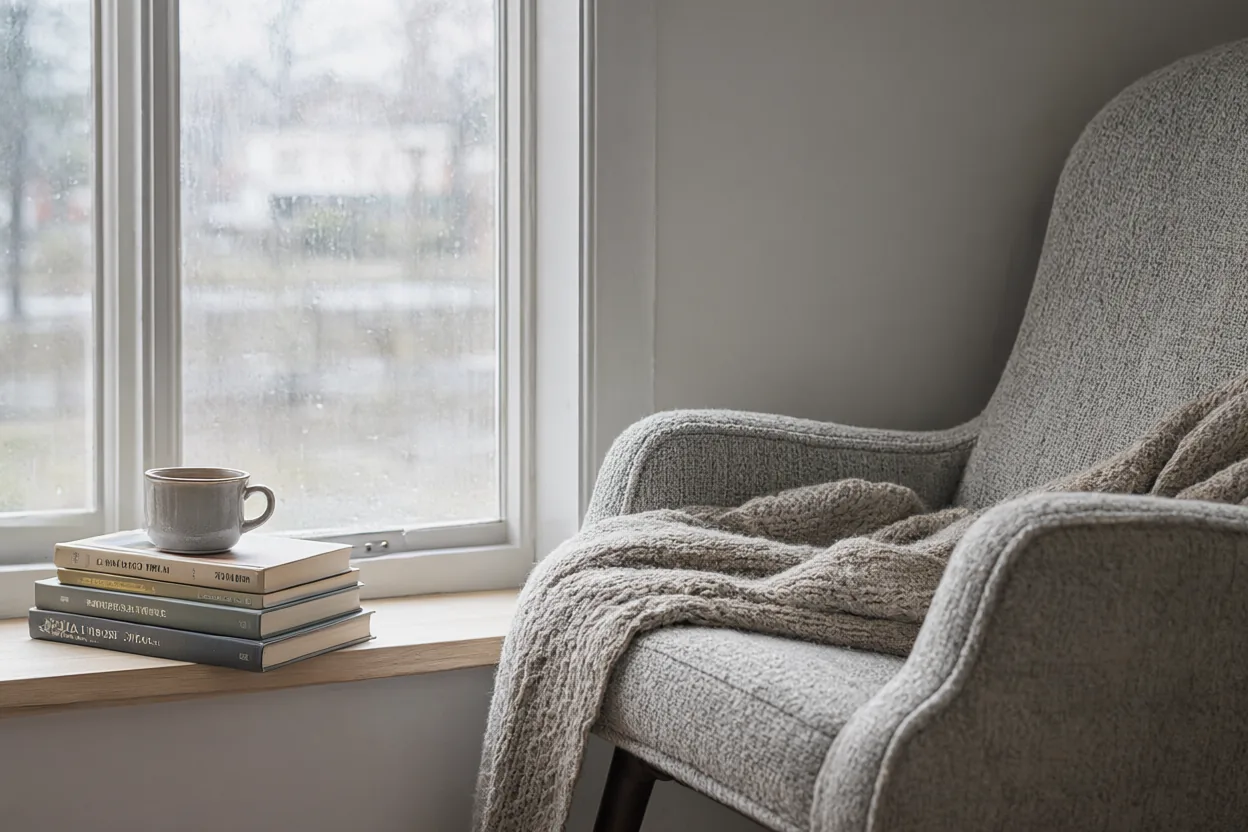
Good fits for text-heavy and everyday visuals
What You Can Make with Qwen-Image 2.1
- 01
Posters and Event Flyers
Lay out headlines, dates and venue details in Chinese, English or both on one design.
- 02
Shop Signs and Menus
Mock up storefront signage, chalkboard menus and price cards with legible lettering.
- 03
Packaging Concepts
Try label layouts and product names on boxes, bottles and bags before sending files to a designer.
- 04
Bilingual Social Posts
Create one visual with matching Chinese and English captions for audiences in different markets.
- 05
Illustrated Travel Art
Produce flat, poster-style illustrations of cities, coastlines and landmarks in a consistent palette.
- 06
Photo Edits with References
Upload up to 3 images to restyle a scene or replace one element while keeping the rest.
How to Use Qwen-Image 2.1
Write the words, add references, generate
- 1
Write the Scene and the Words
Describe the layout, then put every word that must appear in quotation marks, for example a Chinese headline and an English subtitle.
- 2
Add Up to 3 References
Optional: upload reference images when you want to edit a photo or match an existing style.
- 3
Generate at 1K or 2K
Pick an aspect ratio and resolution, generate, and check spelling and character order before you use the image.
FAQ
Qwen-Image 2.1 FAQ
Text rendering, references, output sizes and access
What is Qwen-Image 2.1?
Qwen-Image 2.1 is an image generation and editing model from the Qwen team at Alibaba, available as an option in AI Hug's generator. It creates images from prompts and edits uploaded images.
Can it render Chinese text?
Yes. In our tests it handled both Chinese and English text well; the gallery poster above rendered "光与影" directly from the prompt. Keep text short, put it in quotation marks and proofread the result.
How many reference images can I upload?
Up to 3 per generation. Use them to edit a photo, keep a product consistent or borrow the style of an existing image.
What sizes and aspect ratios are available?
1K and 2K output (2K on paid plans), with auto, 1:1, 2:3, 3:2, 3:4, 4:3, 9:16, 16:9 and 21:9. 1K images usually finish in about a minute; 2K can take several minutes.
When should I choose GPT Image 2.5 instead?
Pick GPT Image 2.5 when you need 4K output, more than 3 reference images or extreme ratios such as 1:3. Qwen-Image 2.1 uses fewer credits per image, which suits drafts and text-heavy layouts.
Is AI Hug affiliated with Alibaba or the Qwen team?
No. AI Hug is an independent platform providing access to Qwen-Image 2.1 and does not claim endorsement by Alibaba or the Qwen team.
Should I review images before using them?
Yes. Check faces, hands, small details and any text for errors, and make sure you have the rights to the references you upload and to your intended use.