Wan 3.0 AI Video Generator
Describe a scene in the generator above and Wan 3.0 turns it into a video with sound, anywhere from 2 to 30 seconds long. You can also animate a still on image to video or keep characters on-model with reference to video. AI Hug is an independent platform providing access to Wan 3.0 and is not affiliated with Alibaba or the Wan team.
- 2 to 30 second clips
- Native audio
- Text, image and reference input
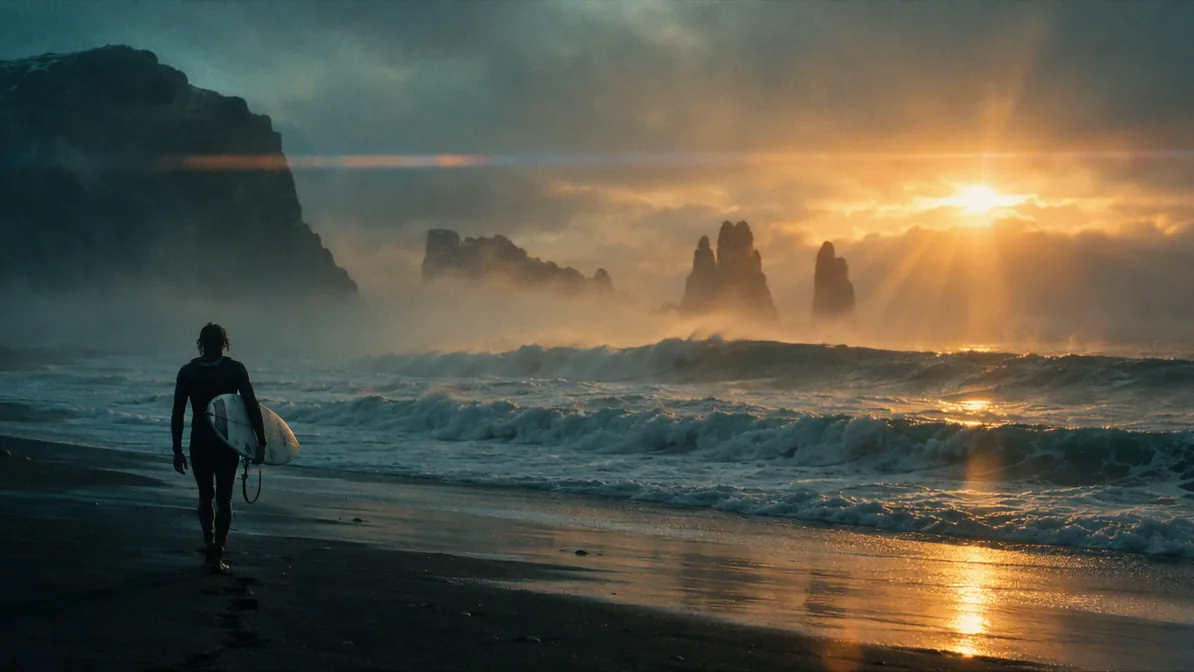
Shots Worth Writing for Wan 3.0
Longer clips leave room for a whole moment instead of a single movement. The frames below are illustrative stills, not videos generated by Wan 3.0; each one shows a kind of shot that suits the model. Describe your own version in the generator above to get the moving, sound-on clip.
Long Establishing Shots
With up to 30 seconds per clip, a train can cross the whole viaduct in one take. Describe the camera move, such as a slow pan or a drone pull-back, and the pacing.
Create a Long Shot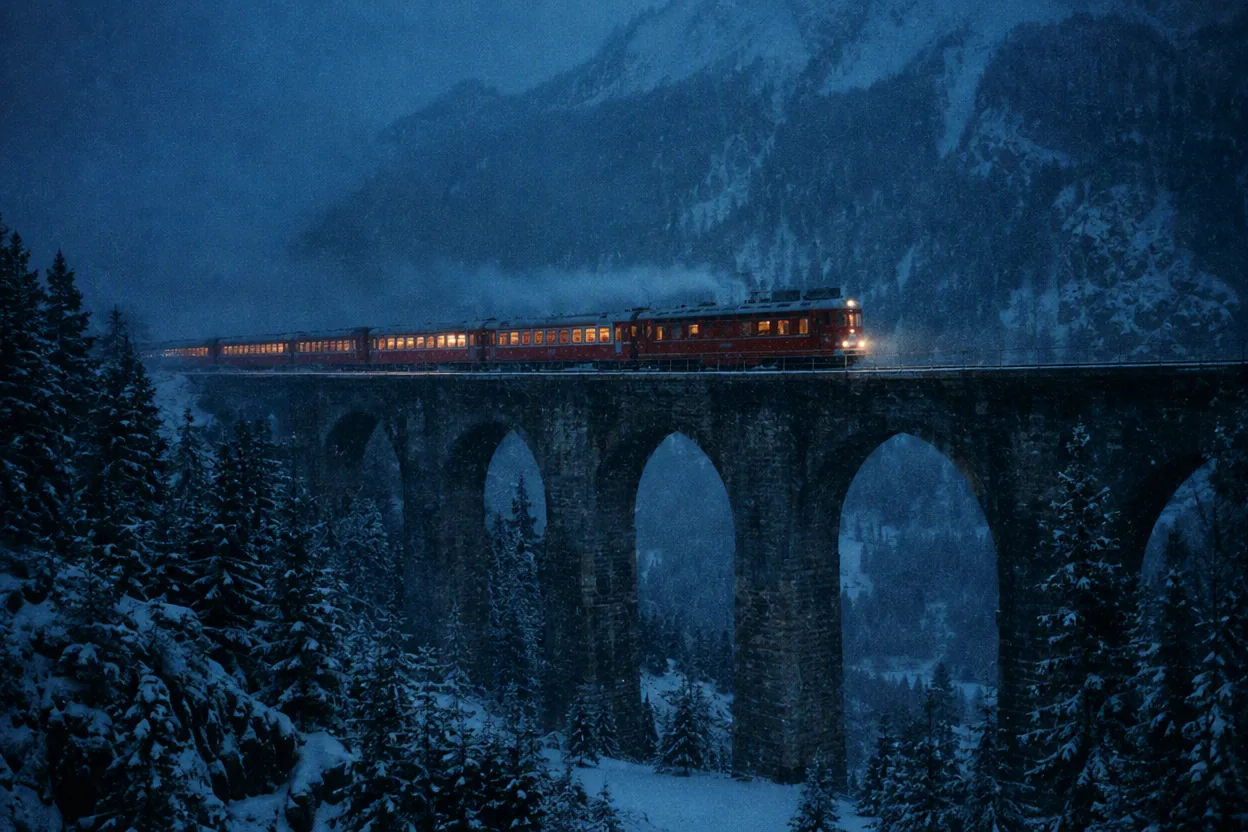
Scenes with Sound
Wan 3.0 generates audio together with the picture, so a prompt can include the saxophone, rain on the awning and passing traffic. Name the sounds you want to hear.
Add Sound to a Scene
Quiet, Atmospheric Moments
Drifting subjects, mist and reflections suit a calm 10 to 20 second clip for intros, loops and mood pieces.
Make a Mood Clip
Ideas that benefit from longer clips and built-in sound
What You Can Make with Wan 3.0
- 01
Short Story Scenes
Play out a small moment from start to finish, such as an arrival, a reveal or a reaction, in one continuous clip.
- 02
Music and Ambience Clips
Pair visuals with matching sound, from street performers to rainstorms and crowd noise.
- 03
Product Reveals
A 10 to 15 second turntable or unboxing shot with fitting sound effects for ads and listings.
- 04
Animated Photos
Bring a still image to life on the image to video page, with your photo as the starting frame.
- 05
Consistent Characters
Use reference images, video and audio on reference to video to keep a face or outfit on-model.
- 06
Social Loops
Vertical 9:16 clips for Reels, Shorts and TikTok, or 16:9 for YouTube and websites.
How to Use Wan 3.0
Describe the scene, set the length, generate
- 1
Describe the Scene and Sound
Write the subject, setting and camera movement, then name the sounds you want, such as music, voices or ambience.
- 2
Set Length and Resolution
Choose a duration from 2 to 30 seconds and 480p, 720p or 1080p. Longer and sharper clips use more credits.
- 3
Generate and Review
Watch the result with sound on, then change one detail, such as camera speed or a sound cue, and generate again.
FAQ
Wan 3.0 FAQ
Length, audio, input types and access
What is Wan 3.0?
Wan 3.0 is an AI video model available in AI Hug's video generator. It creates clips with native audio from text prompts, a starting image or reference media.
How long can a Wan 3.0 video be?
Between 2 and 30 seconds per generation. Set the exact length with the duration slider before you generate.
Does Wan 3.0 generate sound?
Yes. Audio is generated together with the video. Describe the music, voices or ambient sounds you want in the prompt.
Can I start from my own image?
Yes. Select Wan 3.0 on the image to video page and your uploaded image becomes the starting point of the clip.
How does reference to video work with Wan 3.0?
On the reference to video page, upload reference images, video or audio, tag them in your prompt, and Wan 3.0 uses them to keep subjects consistent. Reference video and audio clips can be up to 15 seconds each.
Is AI Hug affiliated with Alibaba or the Wan team?
No. AI Hug is an independent platform providing access to Wan 3.0 and does not claim endorsement by Alibaba or the Wan team.
Should I review videos before using them?
Yes. Watch the full clip with sound, check faces, hands and any text, and make sure you have the rights to the references you upload and to your intended use.