AI Text to Video Generator
Turn a written prompt into a short AI video with AI Hug. The strongest text to video AI results come from clear scene, subject, motion, camera, and style details, then a short review loop before export.
- text to video ai
- ai video generator
- text to video generator free
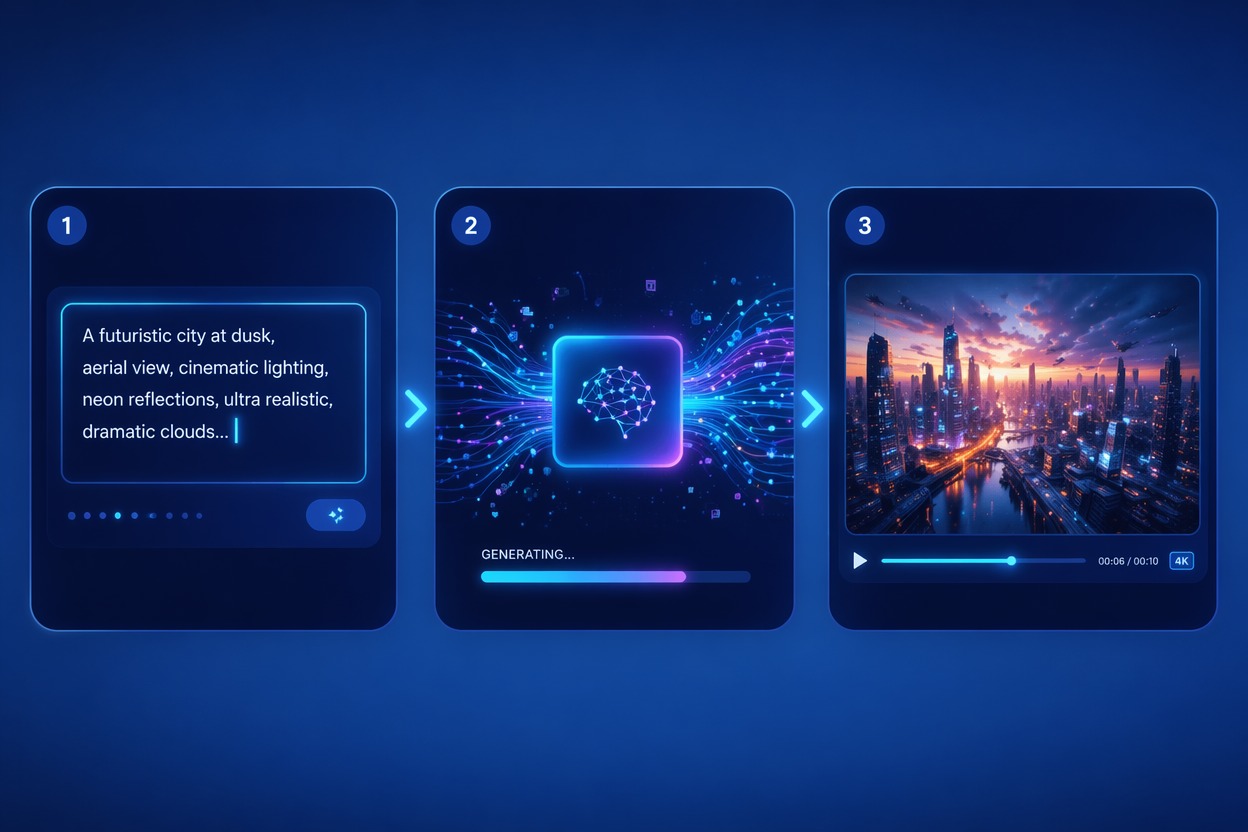
How to Get Better Text to Video AI Results
A good AI video generator depends on prompt clarity, motion control, and practical review. Start simple before asking for complex scenes, multiple subjects, or fast camera moves.
Prompt Clarity
Prompt to video AI works best when you name one subject, one action, one environment, and one camera direction. Vague prompts create generic motion and harder revision loops.
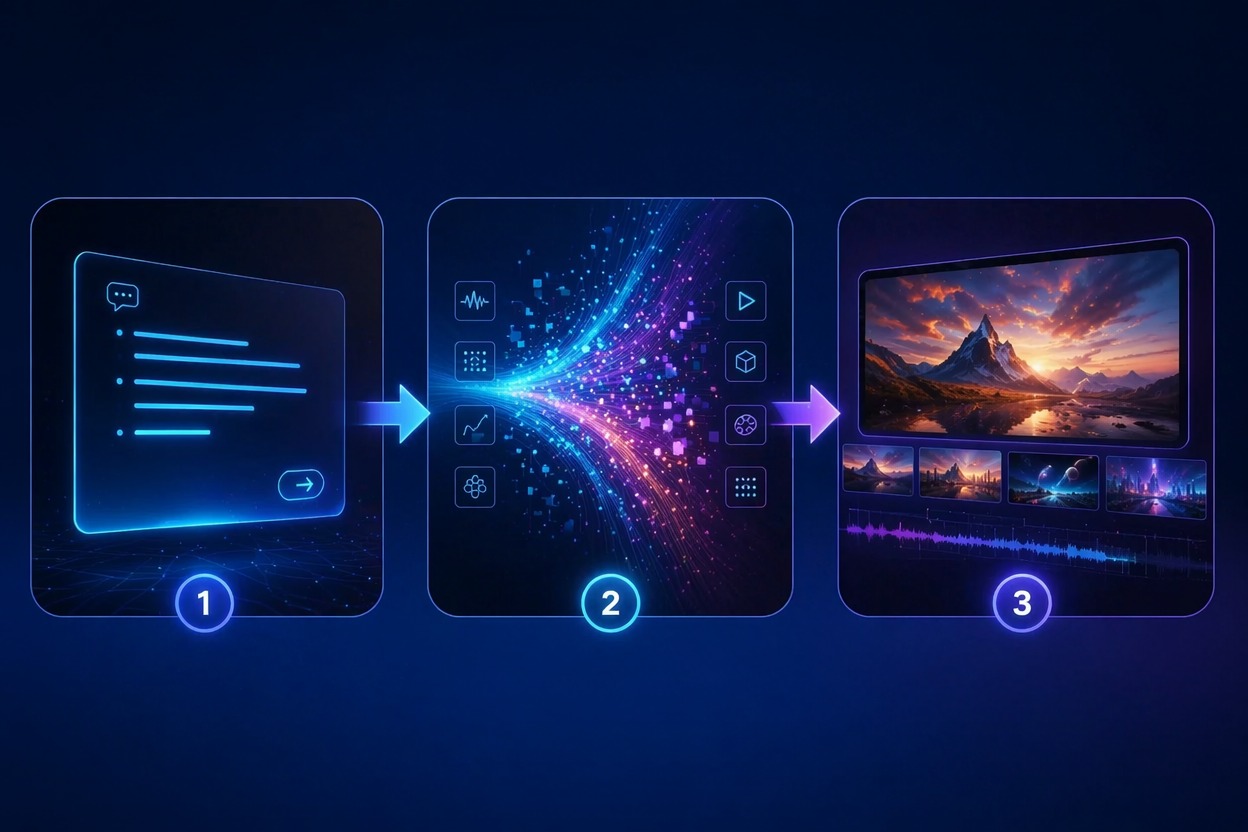
Motion Control
An AI video maker should be judged by movement, not just the first frame. Check hands, faces, edges, camera drift, and whether the clip follows the intended action.
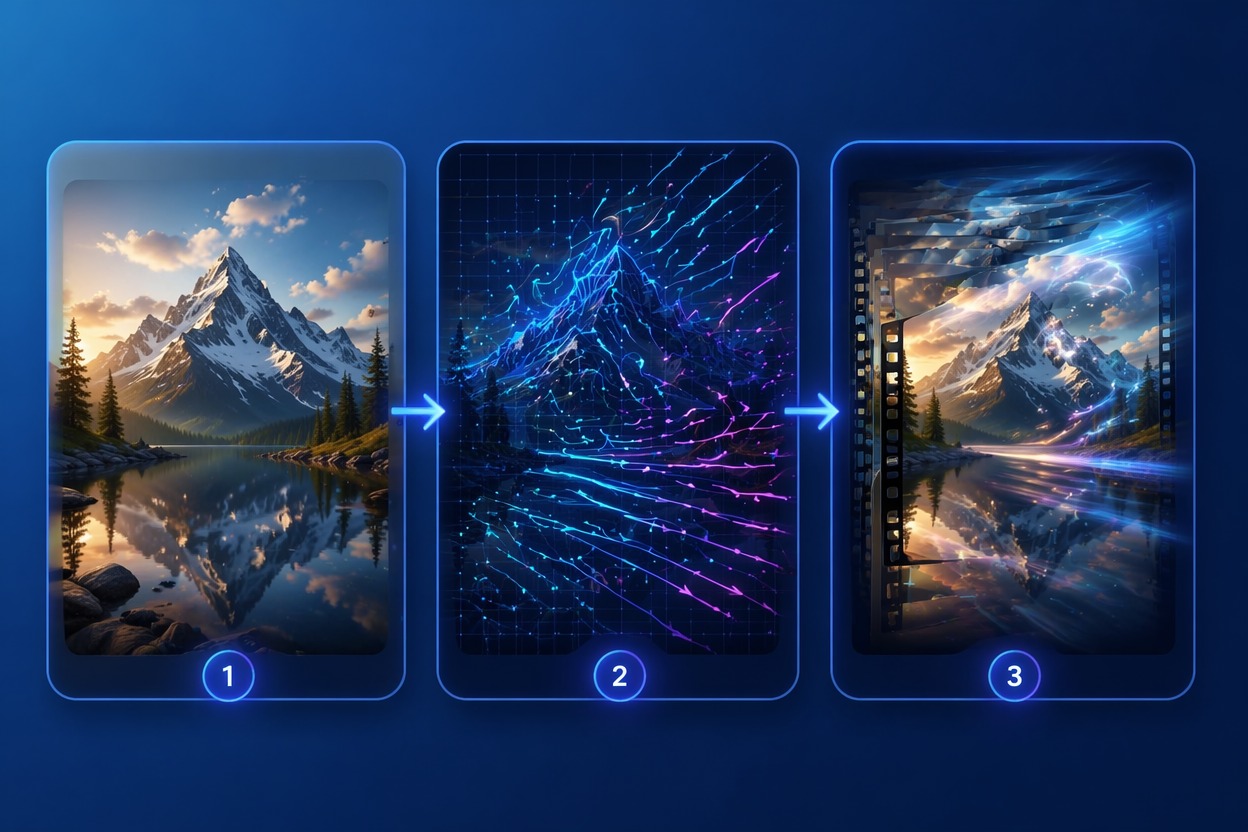
Free Test Workflow
A text to video generator free test is best for validating the prompt. Generate a short clip first, adjust one variable, then scale only when motion and composition are stable.
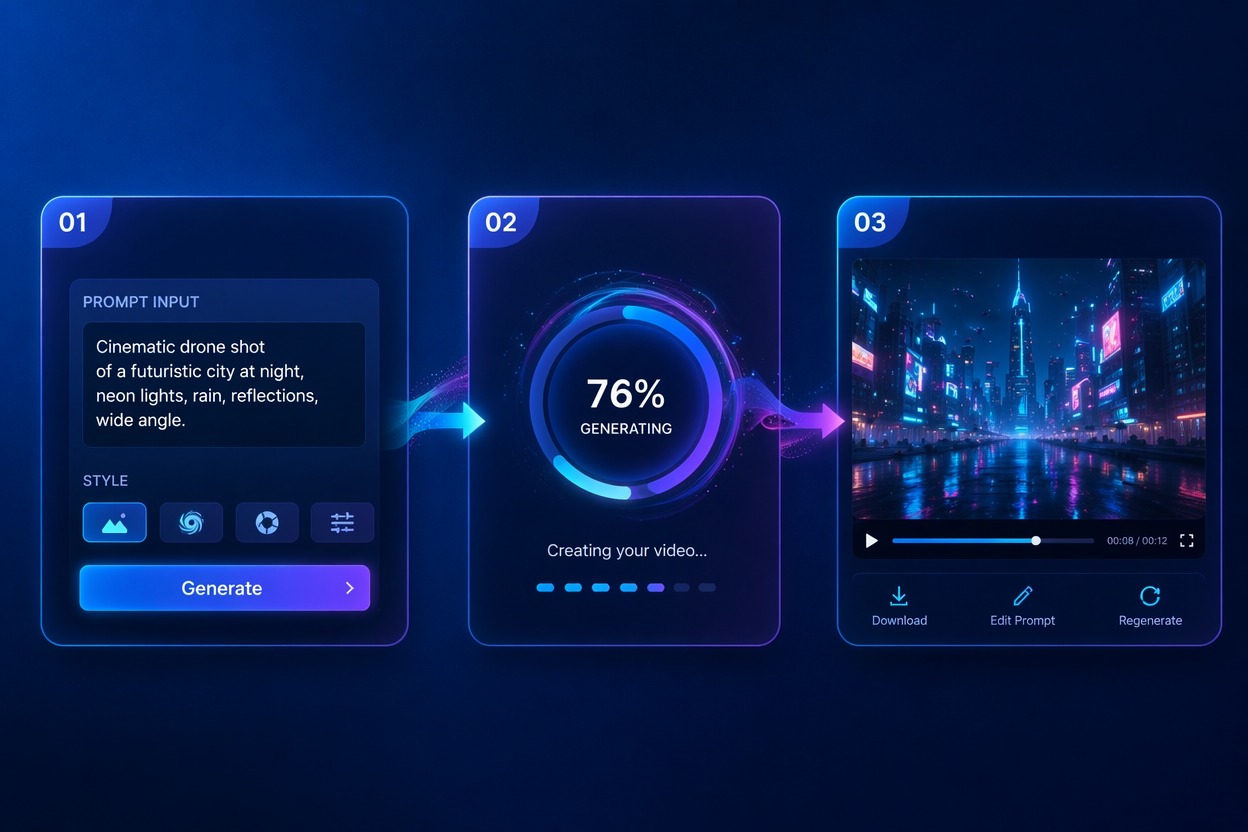
Use cases that fit the workflow
Best Uses for AI Text to Video Generator
- 01
Social Video Hooks
Create quick clips for TikTok, Reels, Shorts, and campaign teasers.
- 02
Product Motion Concepts
Turn product ideas into short visual drafts before a full shoot.
- 03
Storyboarding
Preview a scene direction, camera move, or mood before production.
- 04
Ad Creative Tests
Generate multiple prompt directions and compare which one communicates fastest.
- 05
Background Loops
Make simple atmospheric clips for landing pages, presentations, or music visuals.
How to Create Video from Text
Three practical steps for cleaner results
- 1
Write a focused prompt
Describe subject, scene, motion, camera, and style in one clear brief.
- 2
Generate a short draft
Start with a short clip so you can judge motion quality before adding complexity.
- 3
Review and refine
Check subject consistency, camera movement, artifacts, and whether the clip matches the prompt.
FAQ
AI Text to Video Generator FAQ
Common questions about text to video ai, ai video generator, text to video generator free.
What is text to video AI?
Text to video AI turns a written prompt into a generated video clip. It is strongest for short concepts, social hooks, product motion ideas, and story previews.
How do I write better prompts?
Describe one subject, one action, the scene, camera direction, and visual style. Avoid stacking too many unrelated ideas in the first prompt.
Is the text to video generator free?
Free access depends on the current AI Hug plan and usage limits. Use free tests to validate prompt direction before making final clips.
What is the difference between prompt to video AI and an AI video maker?
Prompt to video AI focuses on generating from text. AI video maker is broader and may include text, images, references, editing, and export workflows.
Can I use generated videos commercially?
Commercial use depends on AI Hug terms, your plan, and whether your prompt uses protected brands, characters, music, or likenesses.
What should I check before publishing?
Review motion, faces, hands, text-like artifacts, brand safety, and whether the video truly matches the intended message.