AI Hug 1.0 Image Generator
Turn a written idea into an original visual with AI Hug 1.0, AI Hug’s in-house text-to-image model. Use the working generator above to describe your subject, mood, lighting, and composition, then create a polished image without a complicated editing setup.
Generate an Image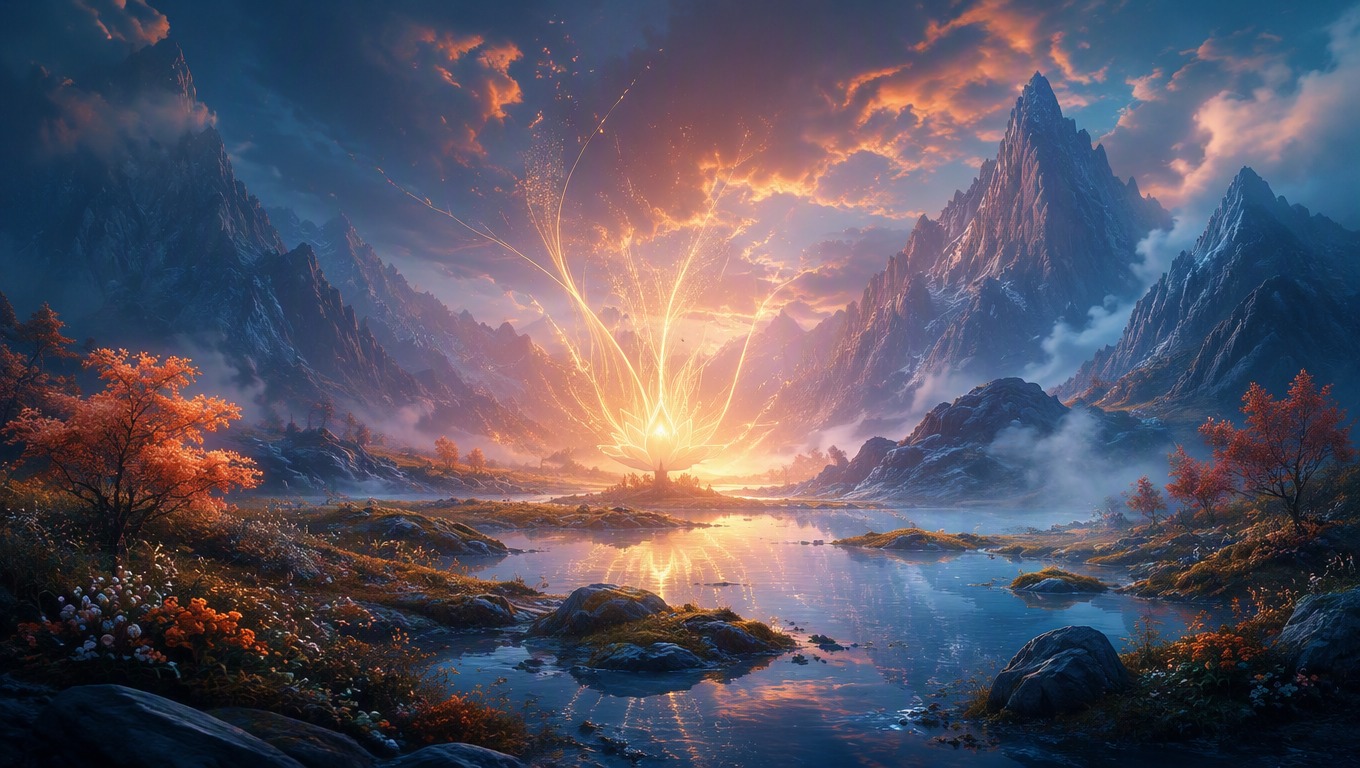
From Prompt Details to a Complete Visual
Shape the Scene With Natural-Language Prompts
Describe the subject, setting, color palette, lighting, camera feel, and overall mood. AI Hug 1.0 interprets those directions as a complete image, making it useful for concept art, campaign ideas, editorial visuals, and creative exploration.
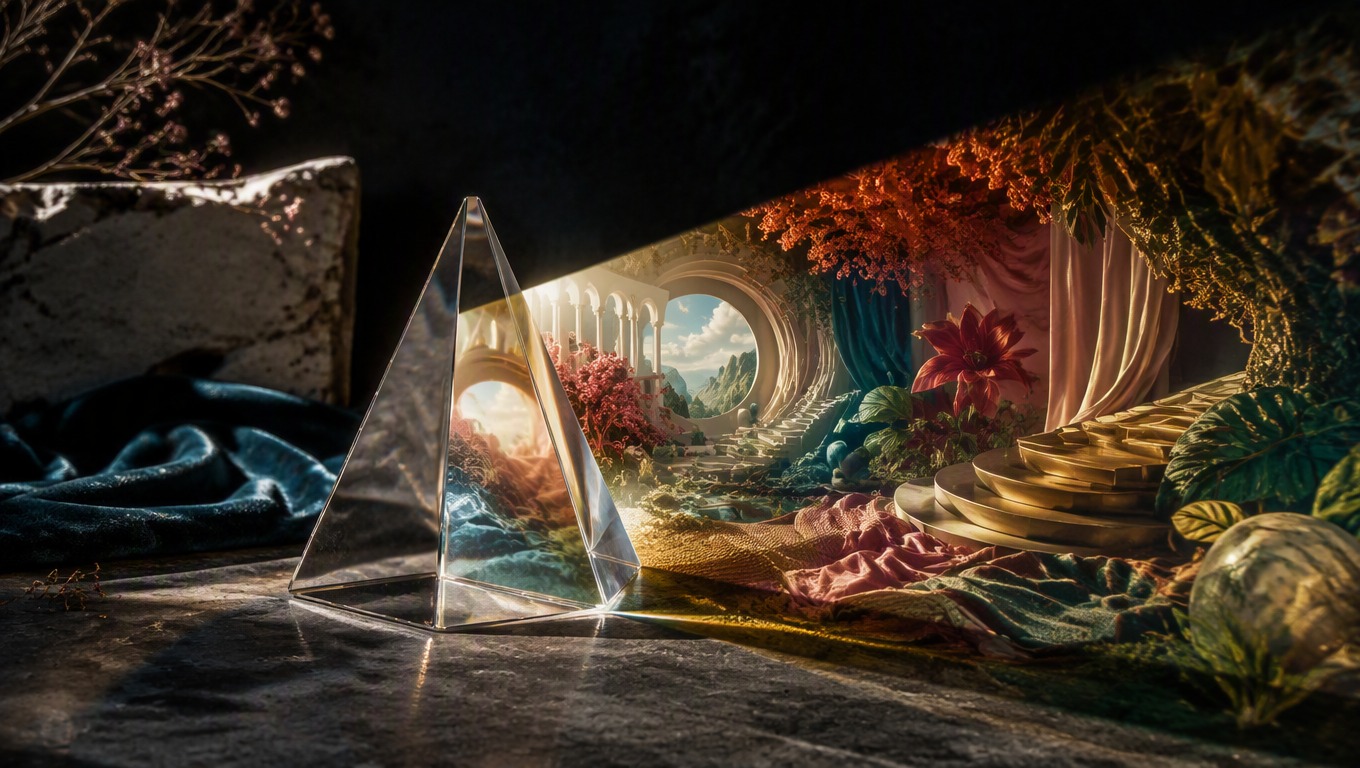
Refine Ideas Through Prompt Variations
Change a few descriptive details to explore another atmosphere, composition, or visual direction. Each generation is a new interpretation, so you can iterate toward the image that best fits your idea.
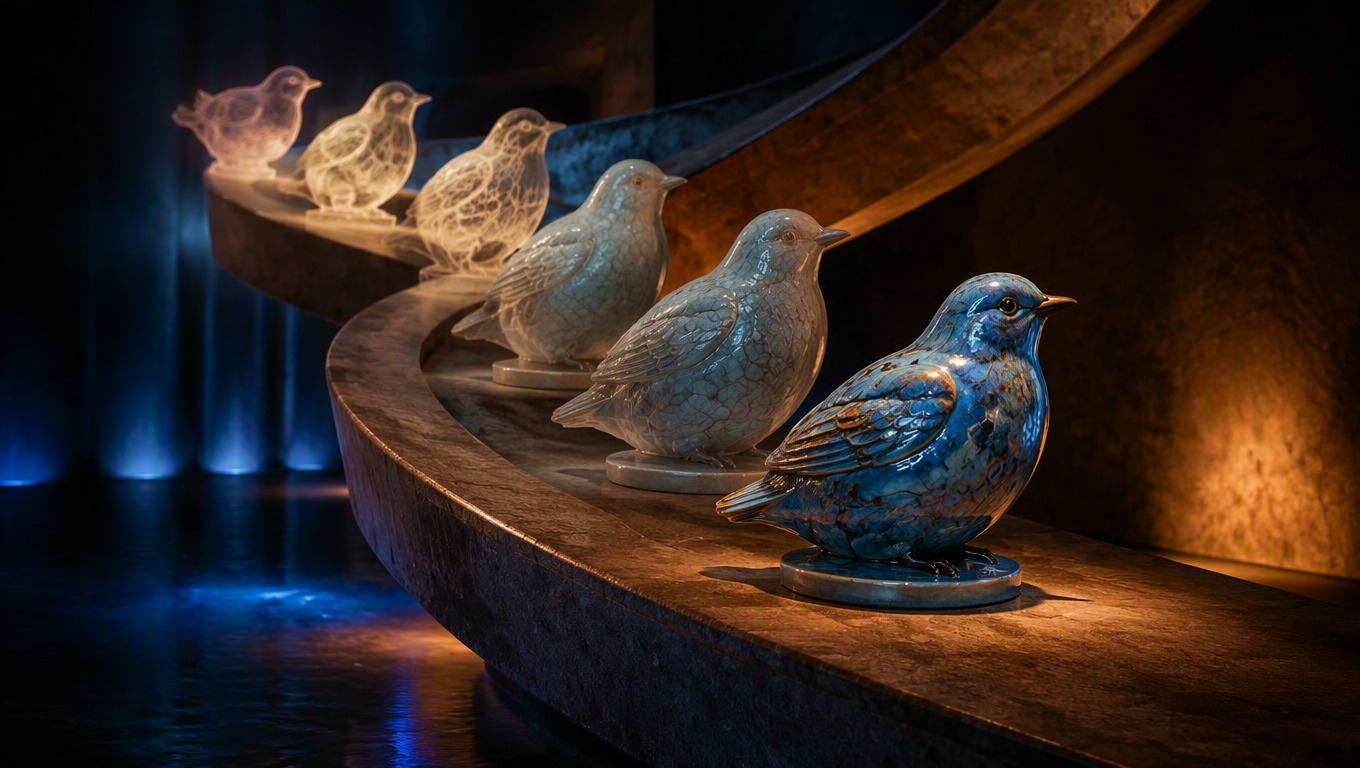
A Focused Browser-Based Workflow
Move from prompt to generated image in one focused workspace. The streamlined process can reduce setup steps when you want to explore visual ideas without building a complex production pipeline.
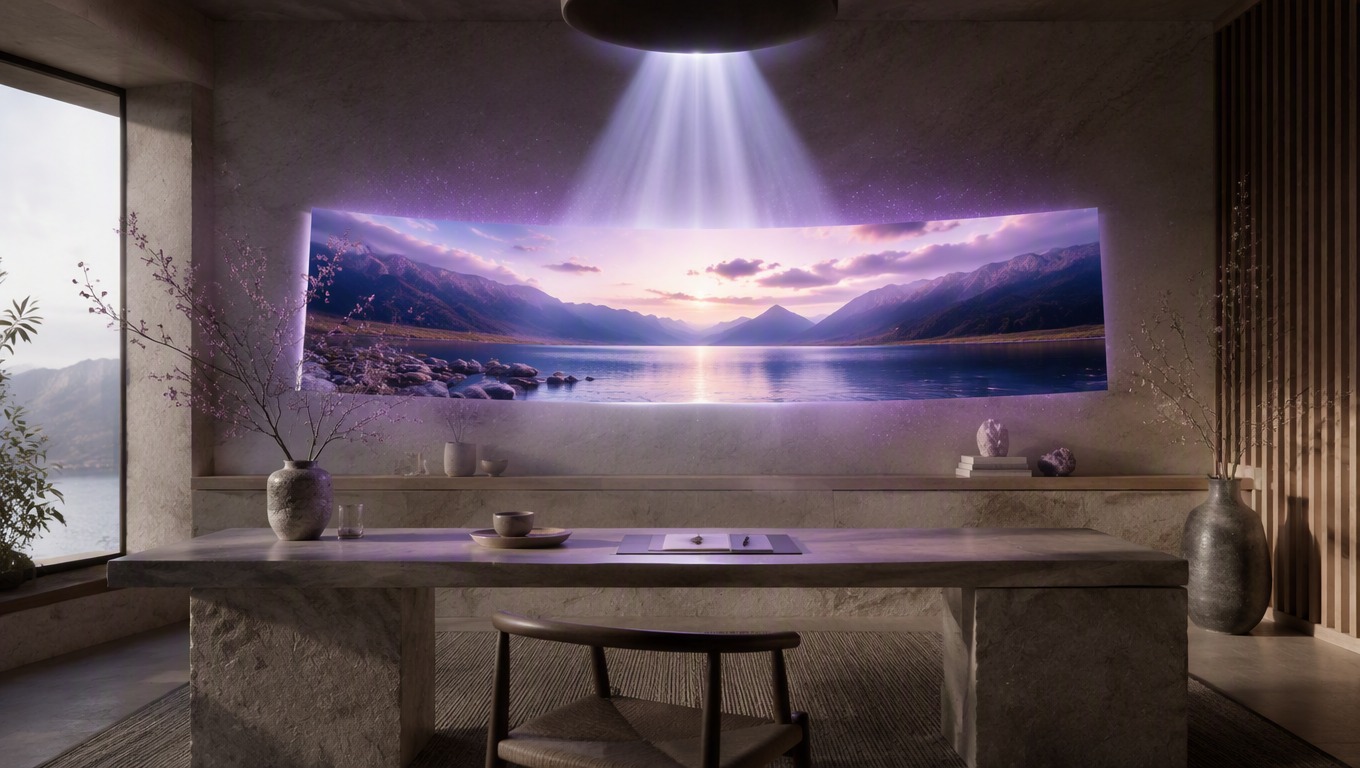
Create original images for ideation, communication, and creative development.
Practical Ways to Use AI Hug 1.0
Concept Art
Visualize environments, objects, and story moments before committing to a larger creative production.
Campaign Ideation
Explore original visual directions for ads, launches, and seasonal creative briefs.
Editorial Visuals
Create scene-led imagery for articles, presentations, and narrative content.
Mood and Style Studies
Test lighting, color, material, and atmosphere choices through targeted prompt changes.
Product Concepts
Develop early visual ideas for packaging, objects, interiors, and styled settings.
Story and World Building
Turn descriptions of places, characters, and moments into visual references for further development.
How to Use the AI Hug 1.0 Image Generator
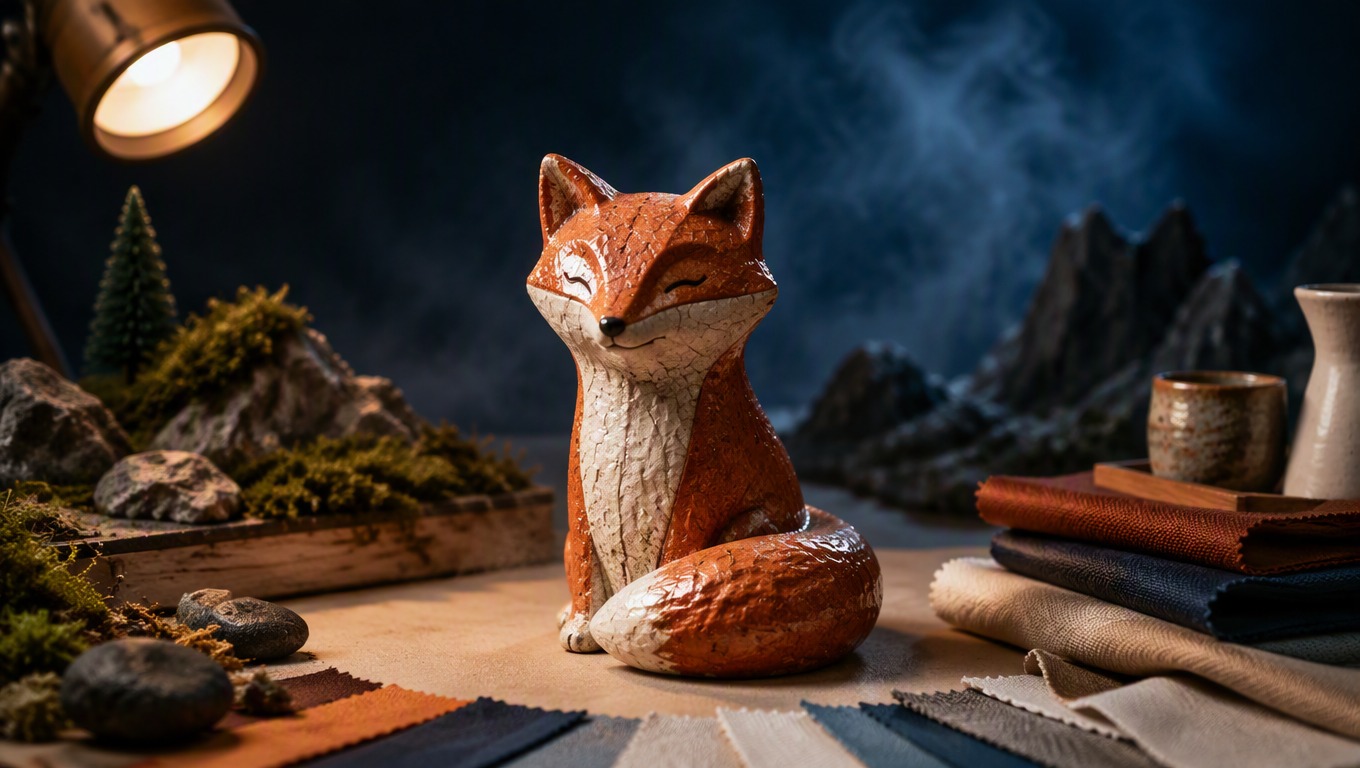
1
Describe the Image
Enter a clear prompt that identifies the main subject, setting, visual style, lighting, and mood.
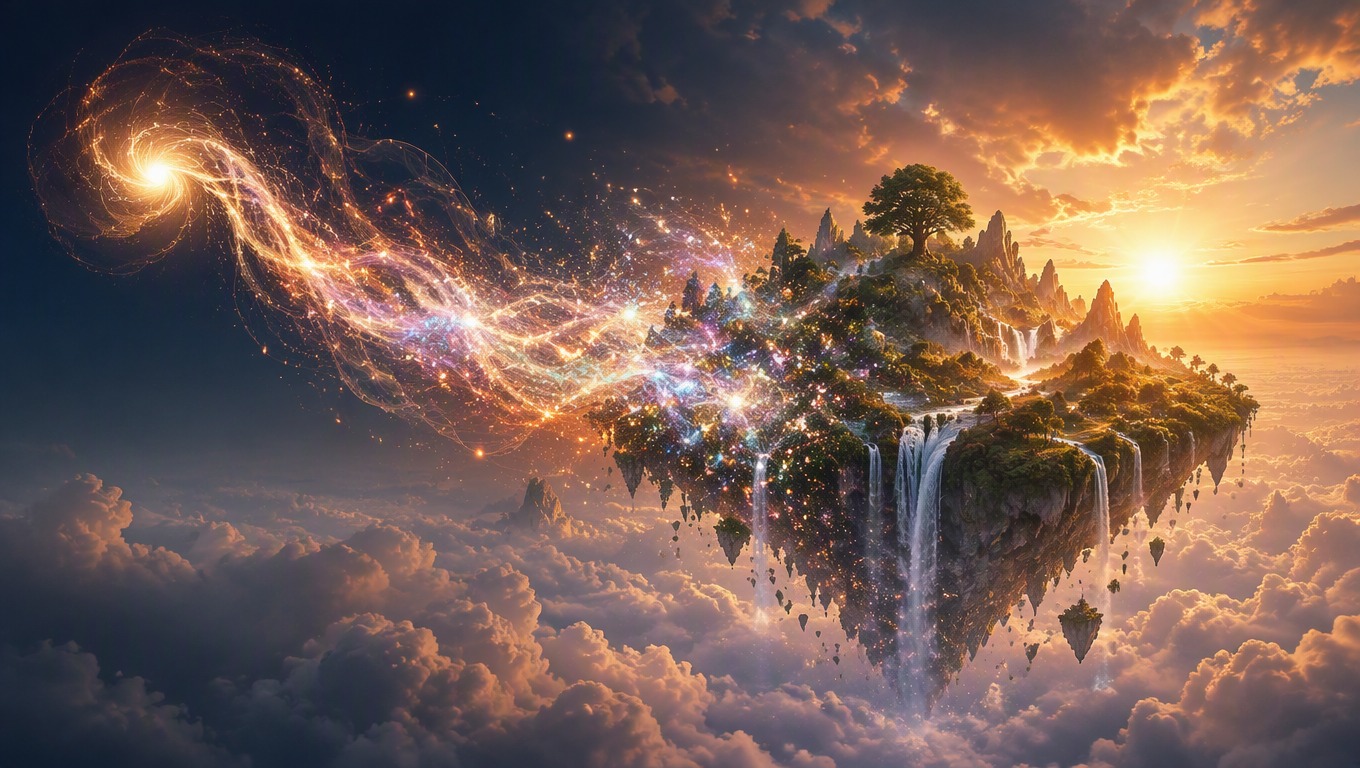
2
Generate With AI Hug 1.0
Submit the prompt in the generator above and let the model interpret your directions as a complete image.
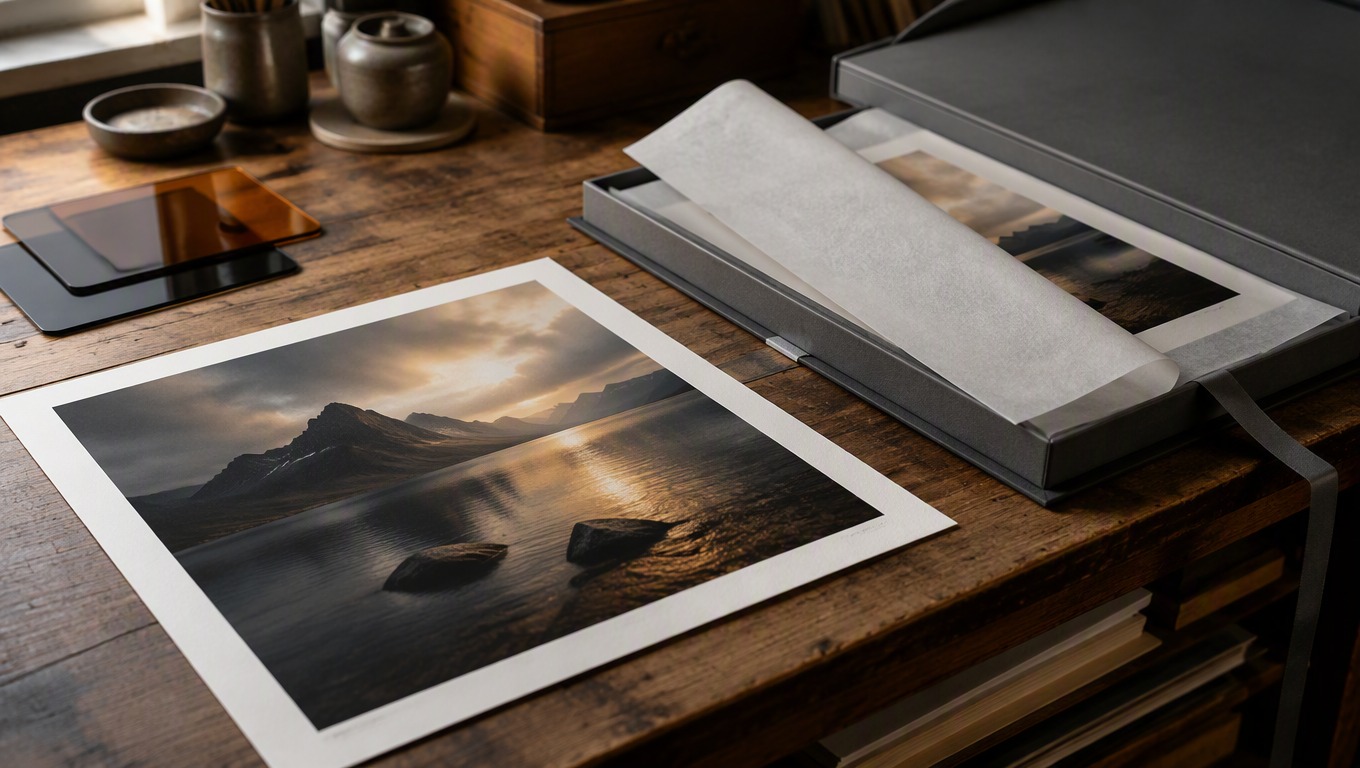
3
Refine and Download
Review the result, adjust your wording for another variation if needed, and download the image you want to keep.
Helpful answers before you generate your first image.