AI Hairstyle Changer
Upload a photo to apply this effect while keeping the subject recognizable for a natural, polished result.
01Upload your photo
02Prompt
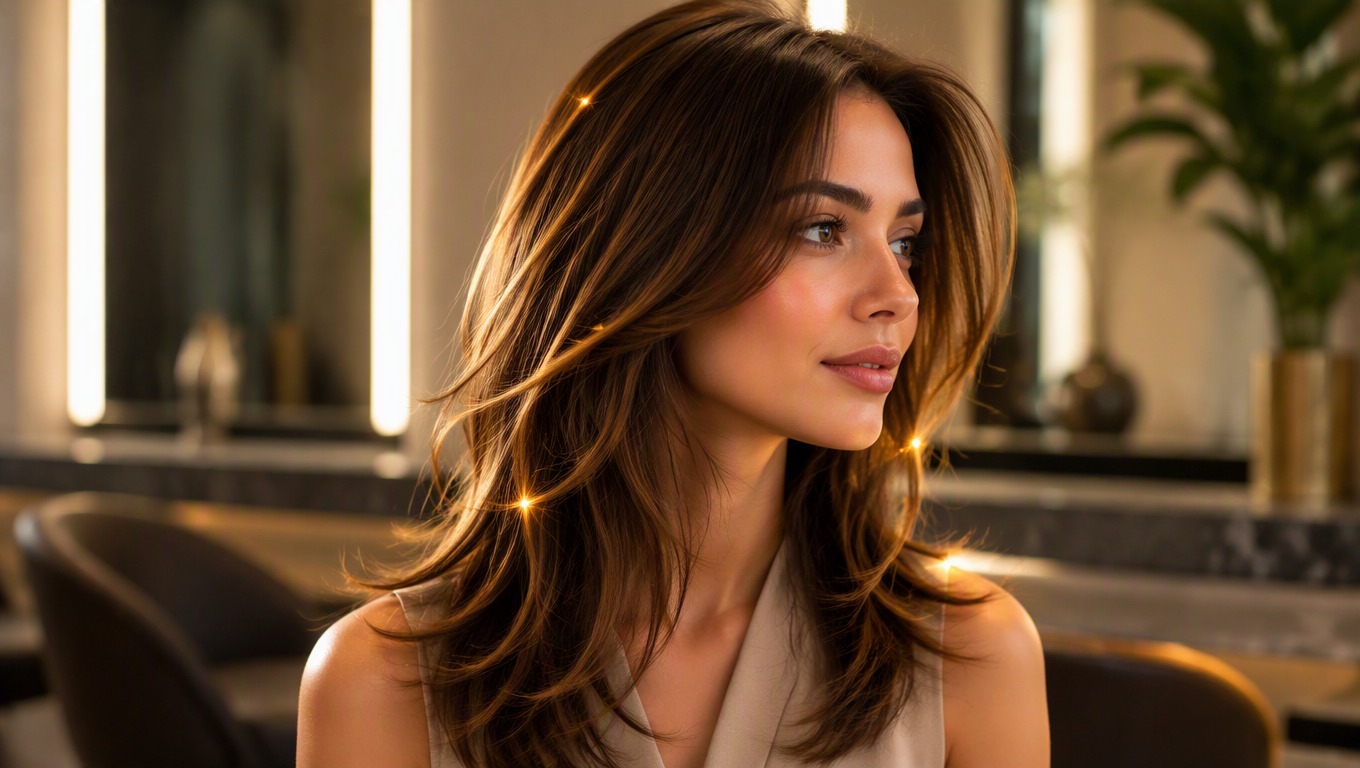
Hairstyle AI: Try a New Look on Your Photo
Upload a portrait to AI Hug and preview a different cut, length, texture, bangs, or hair color. You can also describe the hairstyle you want to guide the result before you review and download it.
Try a New HairstyleAn AI Hairstyle Changer Built for Personal Style Ideas
Use one portrait to explore a hairstyle change while keeping the rest of the image familiar. AI Hug also connects naturally with an image to image workflow when you want to continue refining the visual.
Cuts, Lengths, and Bangs
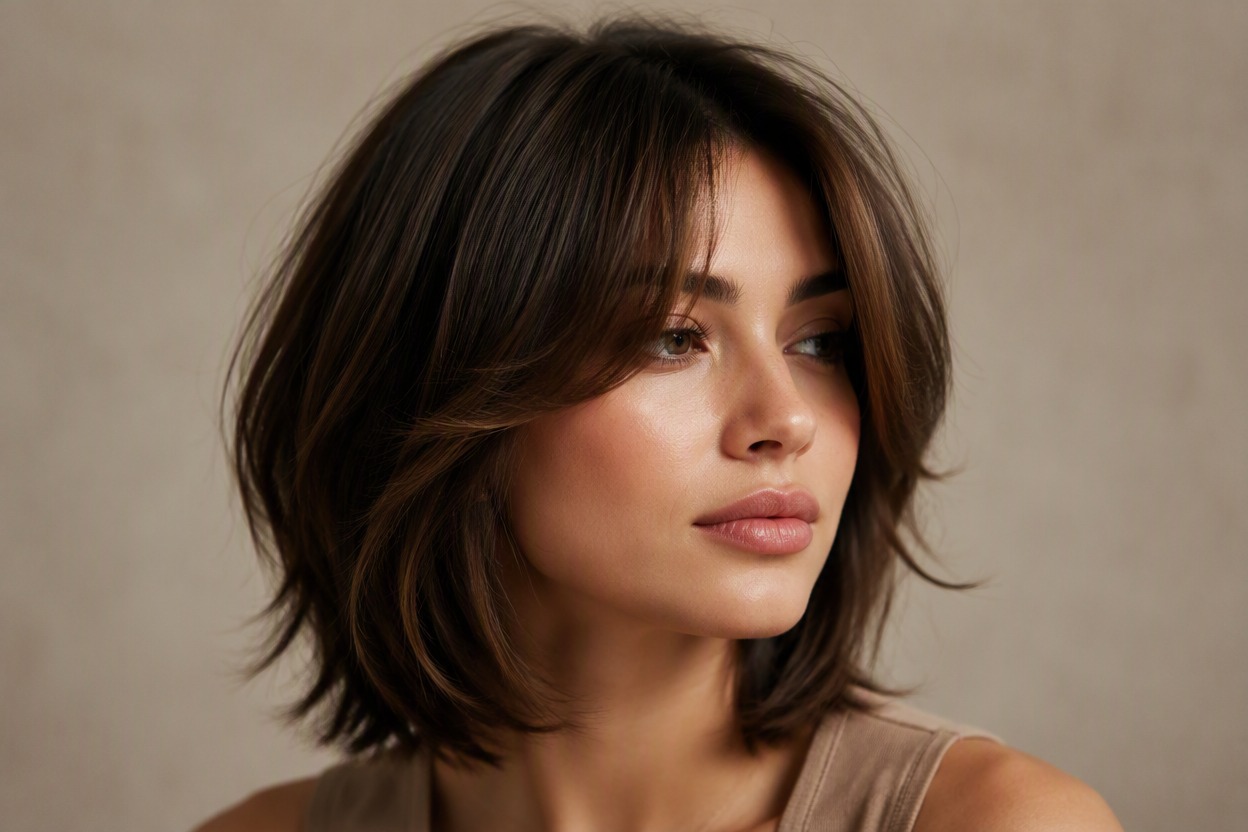
Explore bobs, pixie cuts, layered looks, shags, curtain bangs, blunt fringe, or longer hair. The AI hair changer gives you a visual reference for comparing silhouettes and how each style frames your face.
Texture, Volume, and Finish
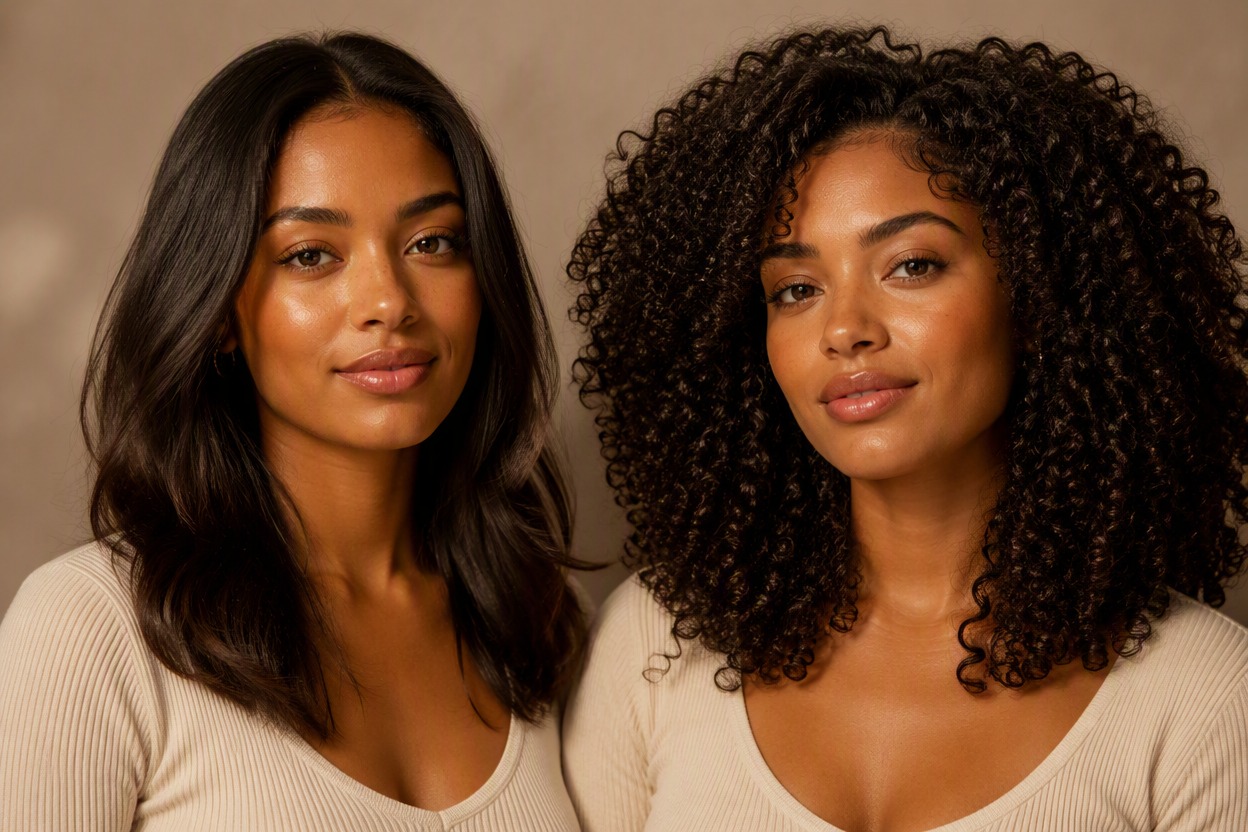
Try straight, wavy, curly, sleek, tousled, or fuller-looking hair without editing individual strands by hand. Use the preview to compare texture and volume directions in the context of your original portrait.
Hair Color in the Same Edit
Use the AI hair color changer to explore darker or lighter shades, warm or cool tones, or a new color alongside a hairstyle update. Results are creative previews, so real-world color can vary with your starting shade and lighting.
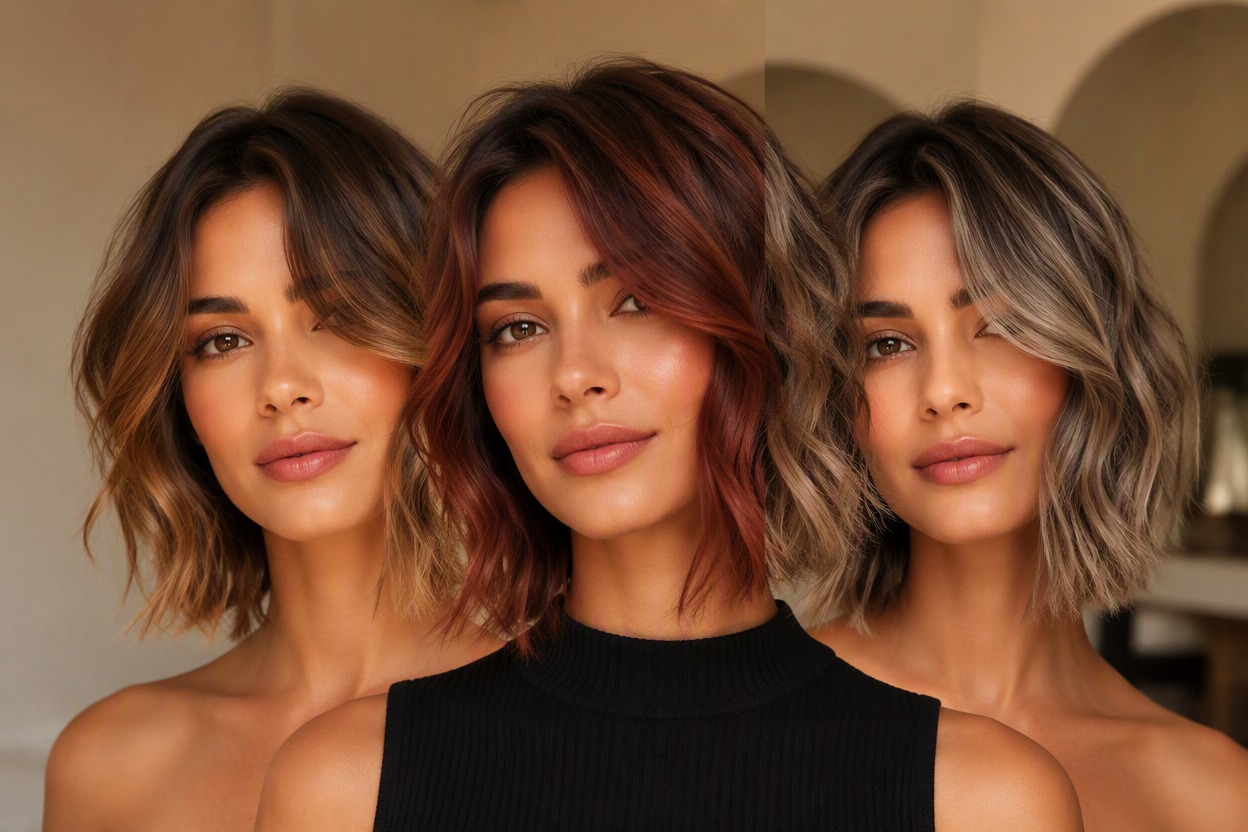
Compare practical hairstyle directions for everyday planning, events, and portrait updates.
What You Can Explore with Hairstyle AI
- 01
Before a Salon Visit
Create visual references for a cut or styling direction you can discuss with your hairstylist.
- 02
Bangs Without the Commitment
Preview curtain bangs, wispy fringe, or a sharper blunt shape before making a change.
- 03
Short and Long Hair Ideas
Compare cropped looks, shoulder-length styles, layers, or added length on the same portrait.
- 04
Color Inspiration
Test broad hair color directions or combine a new shade with a different cut and texture.
- 05
Event Look Planning
Explore polished, soft, dramatic, or relaxed hairstyles for a party, wedding, or photo session.
- 06
Profile Picture Refresh
Create a new portrait variation with a hairstyle that matches the look you want to present.
How to Use the AI Hairstyle Changer
Upload a portrait, add an optional preference, and review your new hairstyle.
- 01
Upload a Clear Portrait
Choose a well-lit photo with your face, hairline, and current hairstyle clearly visible. A straightforward angle helps the AI hair changer interpret the area around your forehead, ears, neck, and shoulders.
- 02
Describe the Look You Want
Apply the hairstyle effect and, if you want more direction, describe a preferred cut, length, texture, bangs, or color. The same preference field can include an outfit direction when that is relevant to your overall look.
- 03
Preview and Download
Review the generated image, paying attention to the hairline, face, edges, lighting, and background. Generate another variation if needed, then download the version that best fits your idea.
Hairstyle AI FAQ
Answers about using AI Hug to preview haircuts, colors, textures, and lengths.
What is hairstyle AI?
Hairstyle AI uses an uploaded portrait to create a new image with a different hairstyle. AI Hug provides the effect so you can explore cuts, lengths, textures, bangs, volume, and color as visual ideas.
How does the AI hairstyle changer work?
Upload a clear portrait, open the hairstyle effect, and generate a new version. You can optionally describe the look you want, such as a layered bob, loose curls, curtain bangs, or copper hair, to give the edit more direction.
What photo should I upload?
Choose a sharp, well-lit portrait with the face and hairline easy to see. Hats, heavy blur, deep shadows, or hair covered by hands and accessories can make the hairstyle area harder to interpret.
Can the AI hair changer try both short and long styles?
Yes. You can explore directions ranging from pixie cuts and bobs to shoulder-length layers and longer styles. Treat each image as a creative preview rather than an exact prediction of a future haircut.
Can I use it as an AI hair color changer?
You can request a different hair color on its own or pair color with a new cut or texture. Screen color, lighting, your starting shade, and real dye behavior can all affect how a salon result differs from the generated image.
Can I describe a hairstyle or outfit preference?
Yes. The interface lets you add an optional description for the hairstyle you want and can also include an outfit direction when relevant. Keep the request focused on the main visual changes you want to explore.
Will hairstyle change AI keep my face exactly the same?
The edit is designed to keep the portrait recognizable, but generative changes can occur. Compare the output with your original photo, especially around the forehead, eyebrows, ears, jawline, and any areas where hair overlaps the face.
Can I use the result as an exact salon reference?
Use it as inspiration and a conversation starter, not a guarantee. Real results depend on hair type, density, growth pattern, current condition, color history, products, and the technique used by your stylist.