AI Image Editor
Edit, enhance, restore, or restyle an existing image with AI Hug. The best AI image editor workflow starts by deciding what should stay fixed and what the model is allowed to change.
- image to image ai
- ai photo editor
- ai photo restoration
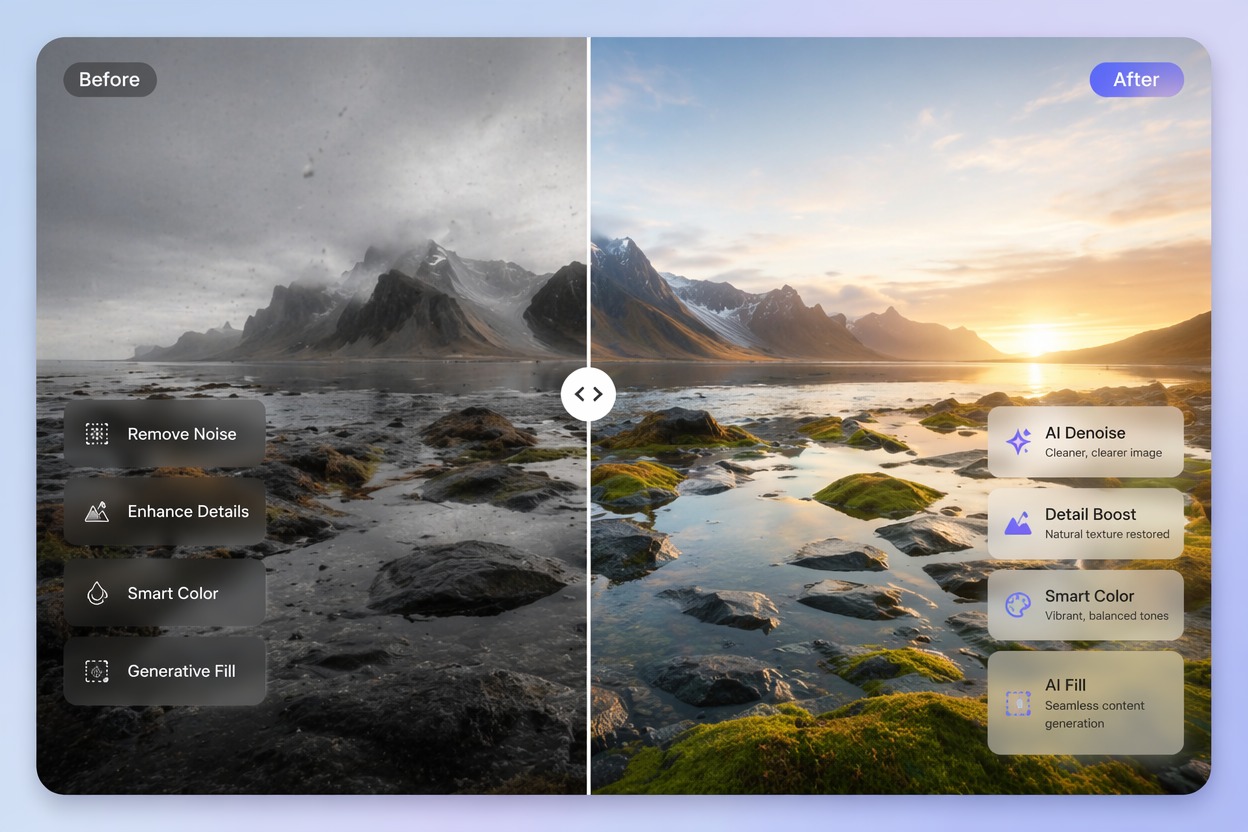
How to Use Image to Image AI Without Losing Control
A useful AI photo editor preserves identity, composition, and intent while improving the chosen area. Strong edits come from clear constraints, not broad vague instructions.
Lock What Matters
Image to image AI works better when you define what must stay: face identity, product shape, layout, pose, or background. Then specify exactly what should change.
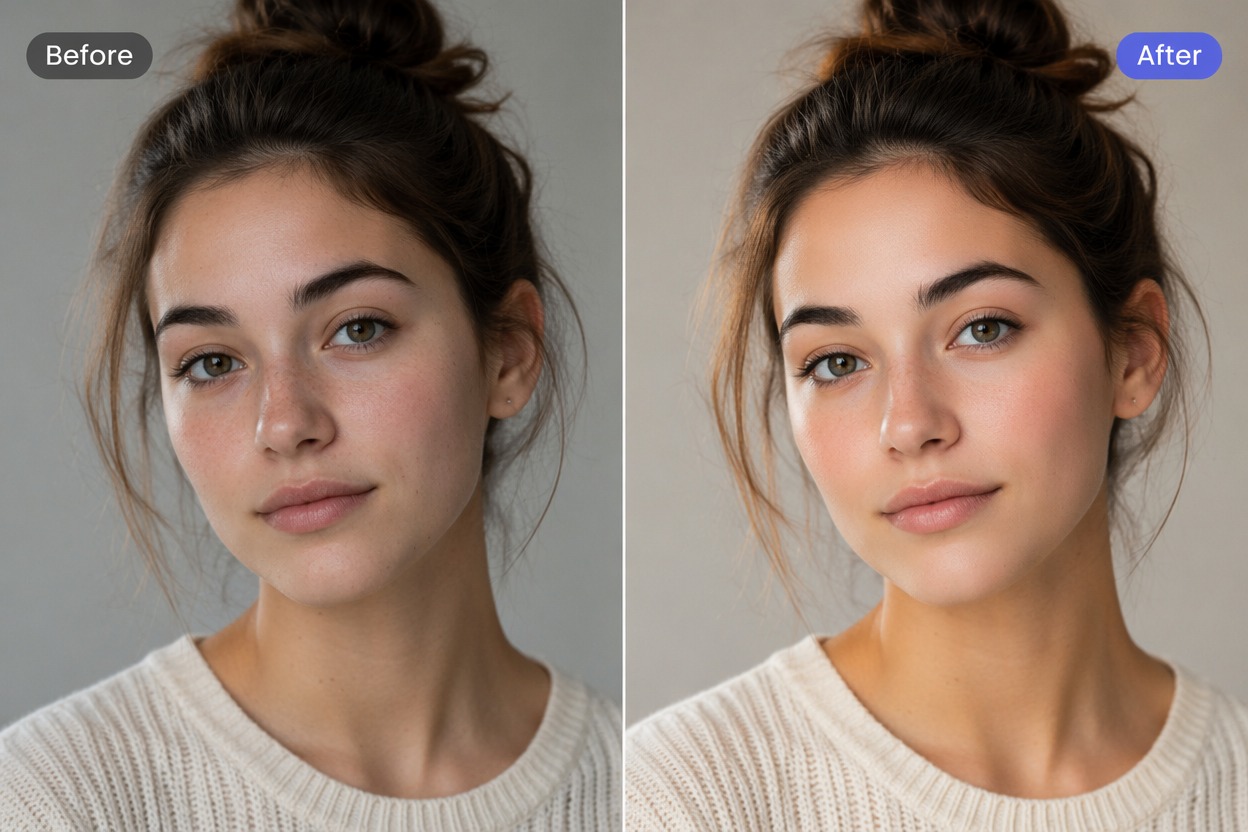
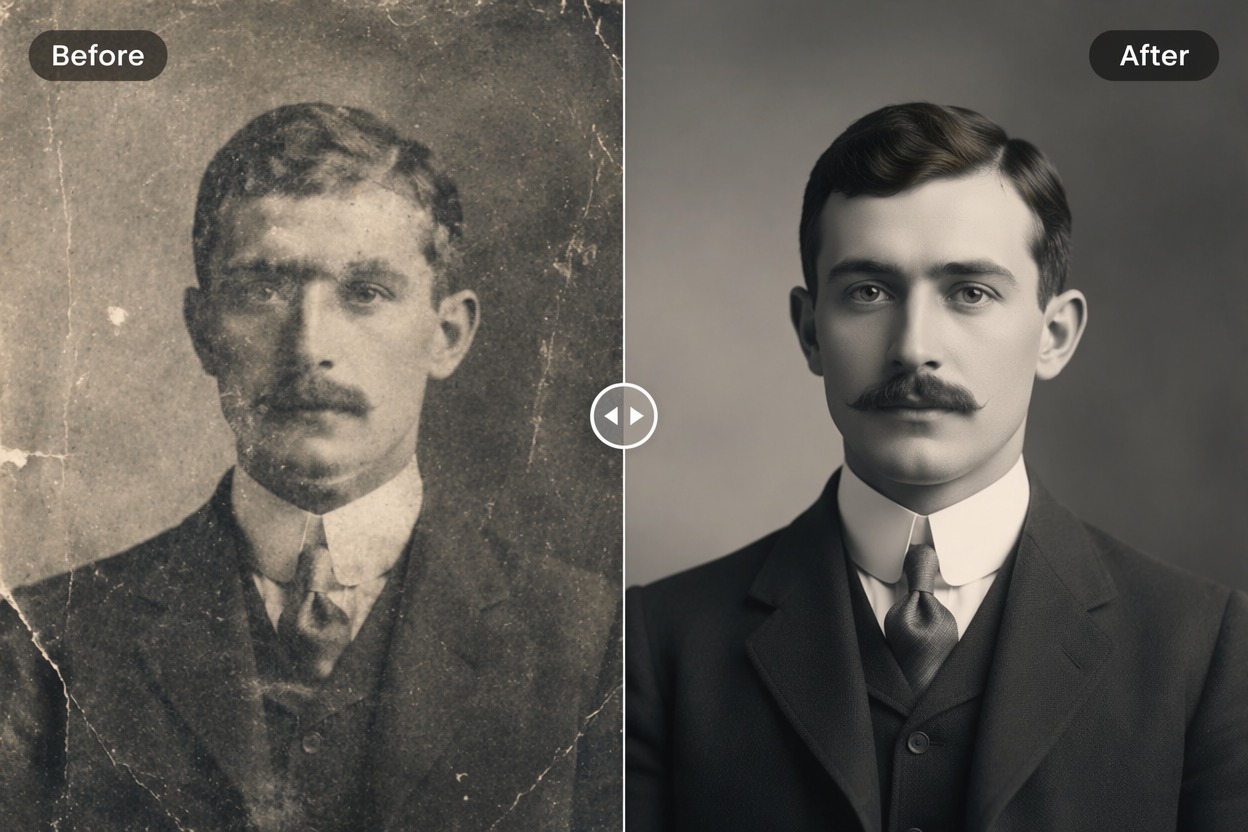
Restoration and Enhancement
AI photo restoration and AI image enhancer workflows need conservative review. Fix scratches, blur, lighting, or color without rewriting important facial or product details.
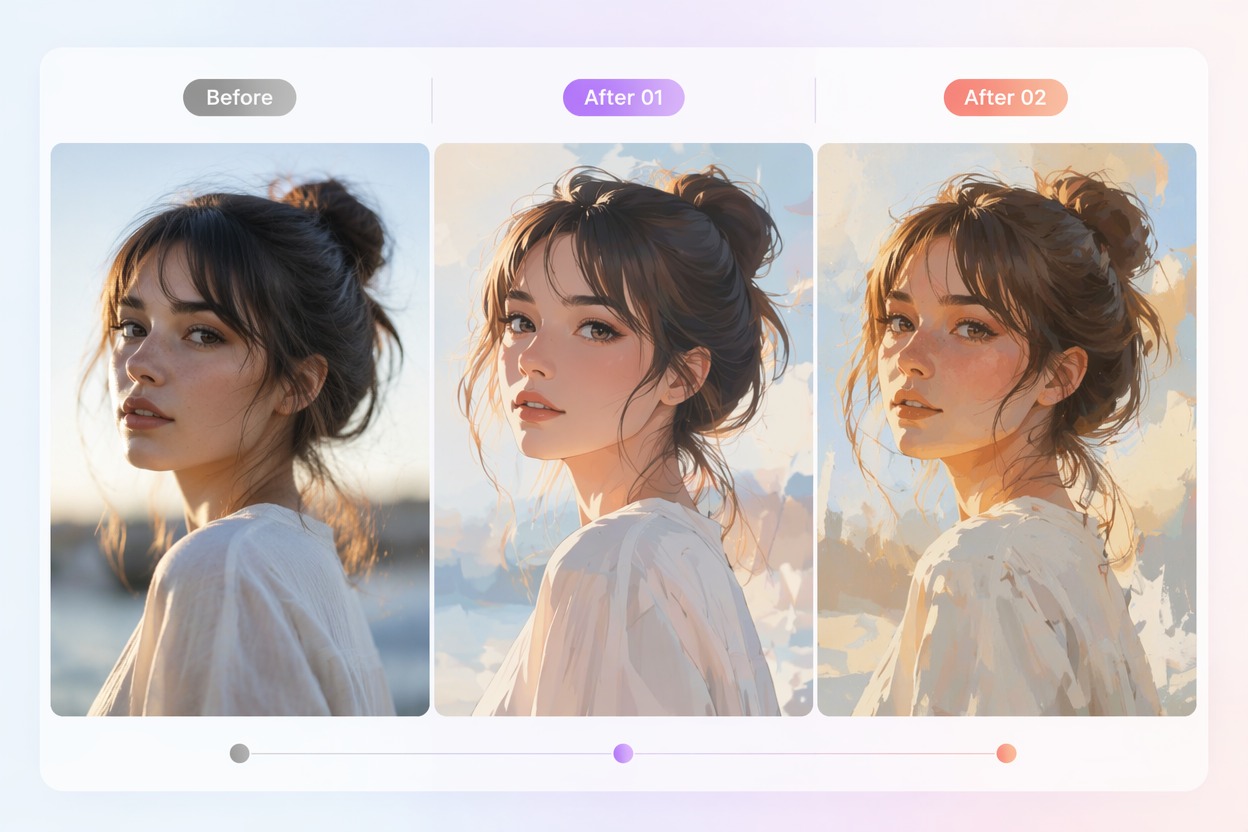
Creative Restyle
AI photo restyle is strongest for mood, lighting, color, and artistic direction. For real people or products, review whether the result still represents the source honestly.
Use cases that fit the workflow
Best Uses for AI Image Editor
- 01
Photo Restoration
Repair old photos, improve color, and reduce visible damage.
- 02
Image Enhancement
Improve lighting, sharpness, composition, and presentation quality.
- 03
Creative Restyling
Turn a source photo into a new mood, style, or campaign direction.
- 04
Product Image Cleanup
Refine backgrounds, lighting, and polish while preserving product shape.
- 05
Avatar and Portrait Edits
Adjust portrait style, background, and finish while protecting identity.
How to Edit Photos with AI
Three practical steps for cleaner results
- 1
Upload the source image
Choose a clear image and decide what parts must remain unchanged.
- 2
Describe the edit
Ask for restoration, enhancement, background change, color correction, or restyle with specific constraints.
- 3
Compare before and after
Check identity, object shape, artifacts, and whether the edited image still fits the intended use.
FAQ
AI Image Editor FAQ
Common questions about image to image ai, ai photo editor, ai photo restoration.
What is image to image AI?
Image to image AI edits an existing image using a prompt or transformation brief, instead of generating from text alone.
What can an AI photo editor do?
It can help with restoration, enhancement, background changes, restyling, cleanup, and visual polish when the edit brief is clear.
How is AI photo restoration different from AI photo restyle?
Restoration tries to recover or improve the original photo. Restyle intentionally changes mood, lighting, art direction, or visual finish.
Is the AI image enhancer free?
Free access depends on the current AI Hug plan and usage limits. Use free tests to check whether the edit preserves the important details.
Can I use edited images commercially?
Commercial use depends on image rights, subject consent, product accuracy, and AI Hug terms. Product and portrait edits need especially careful review.
What should I check before publishing?
Compare before and after for identity drift, object changes, fake details, text artifacts, and whether the final image misrepresents the source.