Seedream 5.0 Lite AI Image Generator
Seedream 5.0 Lite gives you large Seedream images at 2K, 3K or 4K. Describe a scene in the generator above, or edit with up to 9 reference images on image to image. AI Hug is an independent platform providing access to Seedream 5.0 Lite and is not affiliated with ByteDance.
- 2K, 3K and 4K output
- Up to 9 reference images
- 11 aspect ratios plus auto
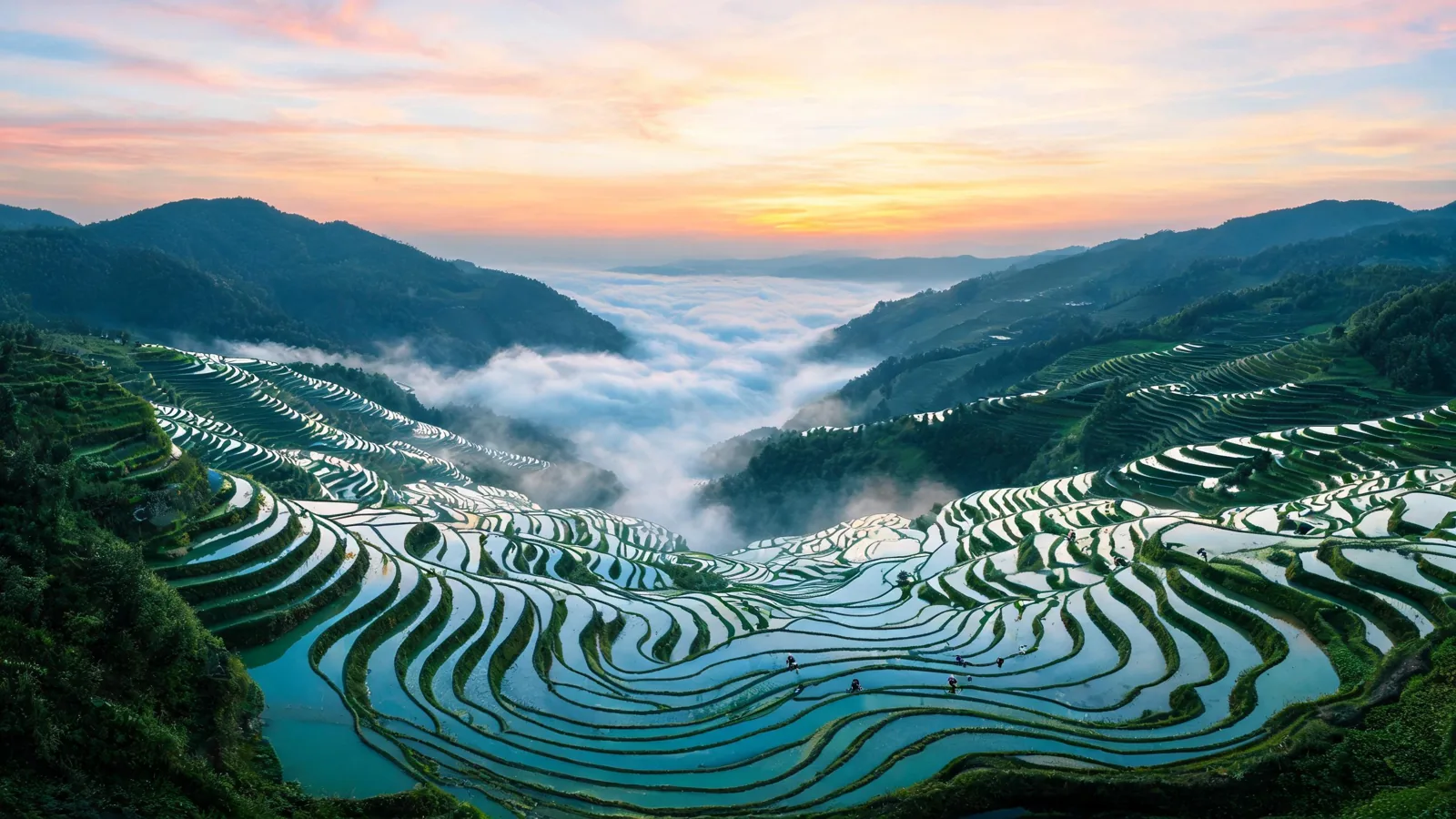
What Seedream 5.0 Lite Delivers
Every example on this page was generated on AI Hug with Seedream 5.0 Lite at 2K from one prompt each, with no retouching. Choose 3K or 4K when you need extra room for printing or cropping.
Close-Up Natural Detail
Water droplets, leaf veins and a tiny ladybug stay crisp, and larger sizes leave room to crop in.
Create a Close-Up
Bold Poster Illustrations
Flat, retro poster styles with clean shapes and a limited palette, ready to print large.
Create a Poster
Calm Interior Scenes
Soft daylight and natural materials such as oak and stone for lifestyle and interior visuals.
Create an Interior
When size matters
What You Can Make with Seedream 5.0 Lite
- 01
Print-Ready Posters
Large 4K files for posters, flyers and wall art.
- 02
Desktop and Phone Wallpapers
16:9 and 9:16 images at 3K or 4K.
- 03
Landscape and Travel Shots
Wide vistas with fine detail from foreground to horizon.
- 04
Room to Crop
Generate at 4K and cut several framings from a single image.
- 05
Website Banners
21:9 headers at high resolution that stay sharp on large screens.
- 06
Reference-Based Edits
Upload up to 9 reference images on the image to image page to restyle or adjust an image.
How to Use Seedream 5.0 Lite
Describe, pick a size, generate
- 1
Describe the Image
Start with the subject, then add the setting, style, lighting and composition.
- 2
Pick a Size
Choose 2K, 3K or 4K together with an aspect ratio. 3K and 4K are available on paid plans.
- 3
Generate and Review
Zoom in to check fine detail at full size, then refine one instruction at a time.
FAQ
Seedream 5.0 Lite FAQ
Sizes, references and access
What is Seedream 5.0 Lite?
Seedream 5.0 Lite is a Seedream 5.0 image model from ByteDance, available in AI Hug's generator. It outputs 2K, 3K or 4K images and edits uploaded images.
What sizes are available?
2K, 3K and 4K, combined with the aspect ratio you choose. For example, 1:1 at 2K is 2048 × 2048 pixels and at 4K is 4096 × 4096 pixels. 3K and 4K are available on paid plans.
Does a larger size cost more?
No. 2K, 3K and 4K use the same number of credits; 3K and 4K only require a paid plan.
How is Lite different from Pro and Flash?
Lite is the choice for large files. Seedream 5.0 Pro focuses on the most polished detail at up to 2K, and Seedream 5.0 Flash is the fastest, lowest-cost tier.
How many reference images can I upload?
Up to 9 per generation on the image to image page.
Is AI Hug affiliated with ByteDance?
No. AI Hug is an independent platform providing access to Seedream 5.0 Lite and does not claim endorsement by ByteDance.
Should I review images before using them?
Yes. Check faces, hands, small details and any text for errors, and make sure you have the rights to the references you upload and to your intended use.