AI Muscle Video Generator
Turn a portrait or gym photo into a short AI muscle transformation video. AI Hug works best when the body outline is clear, the transformation is stylized, and the result is reviewed for proportions rather than treated as real fitness proof.
- ai muscle generator
- muscle transformation video
- ai bodybuilder effect
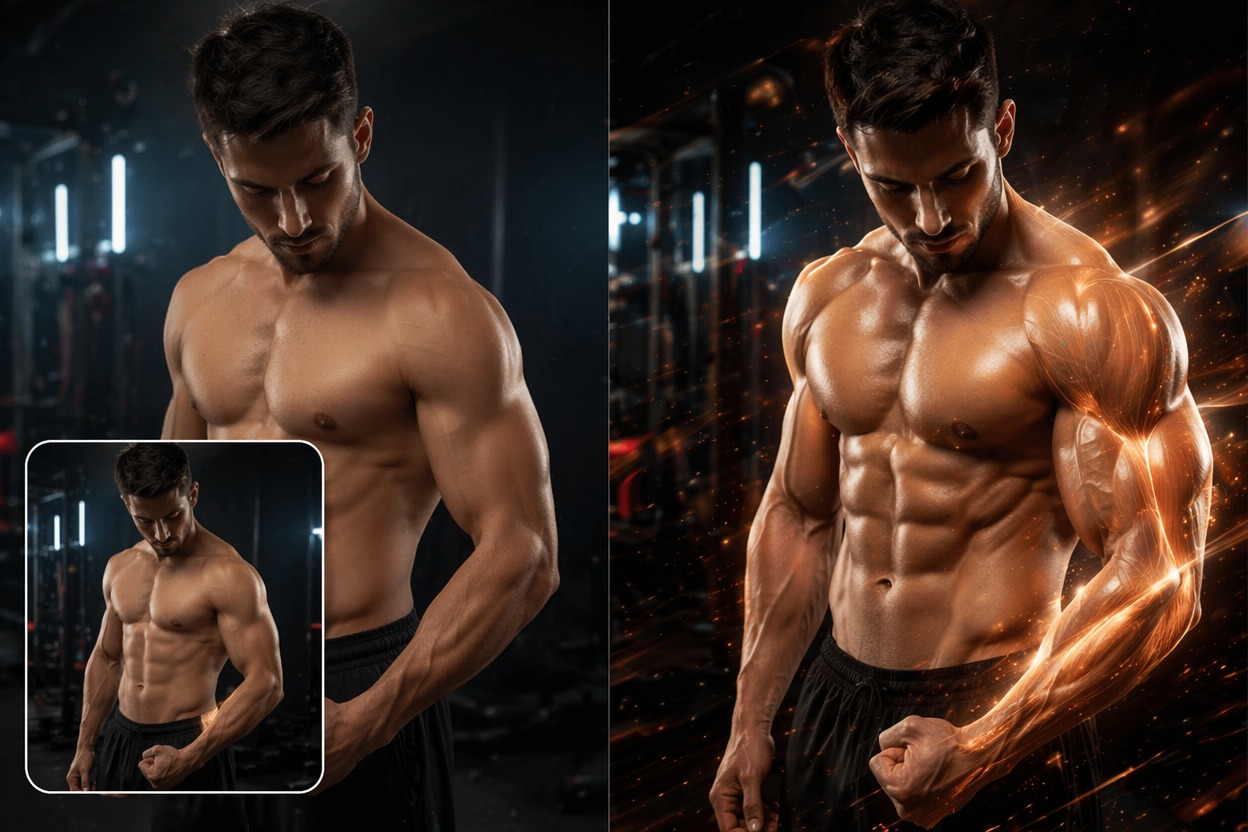
How to Make an AI Bodybuilder Effect Look Better
A useful AI muscle generator should create a fun visual transformation while preserving identity and believable anatomy. Strong outputs come from clean inputs and restrained transformation strength.
Proportion-Aware Growth
The best muscle transformation video adds size without breaking shoulders, arms, hands, or face identity. Use photos with visible torso and clean lighting for better anatomy control.
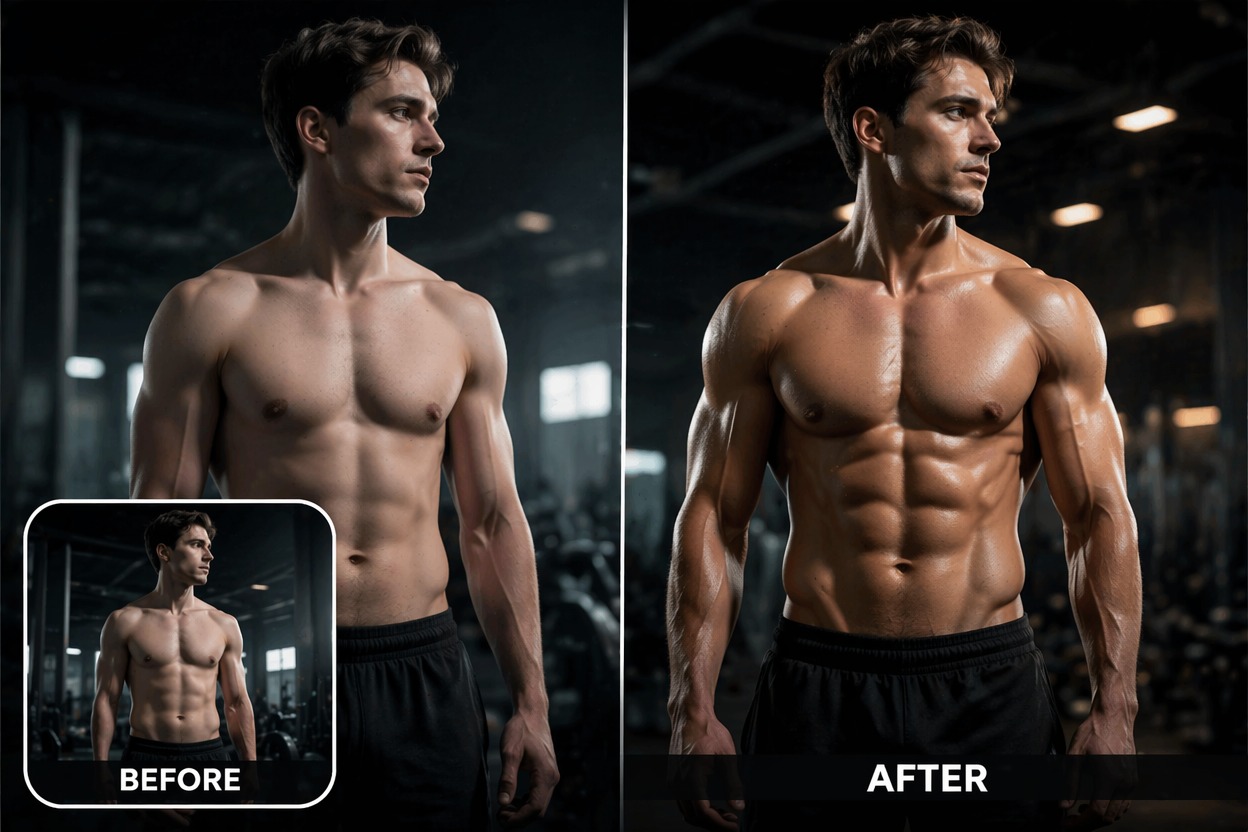
Fitness Edit Boundaries
Gym transformation AI is strongest as a creative before-after effect, not verified progress documentation. Avoid claiming real results unless the footage reflects an actual fitness journey.
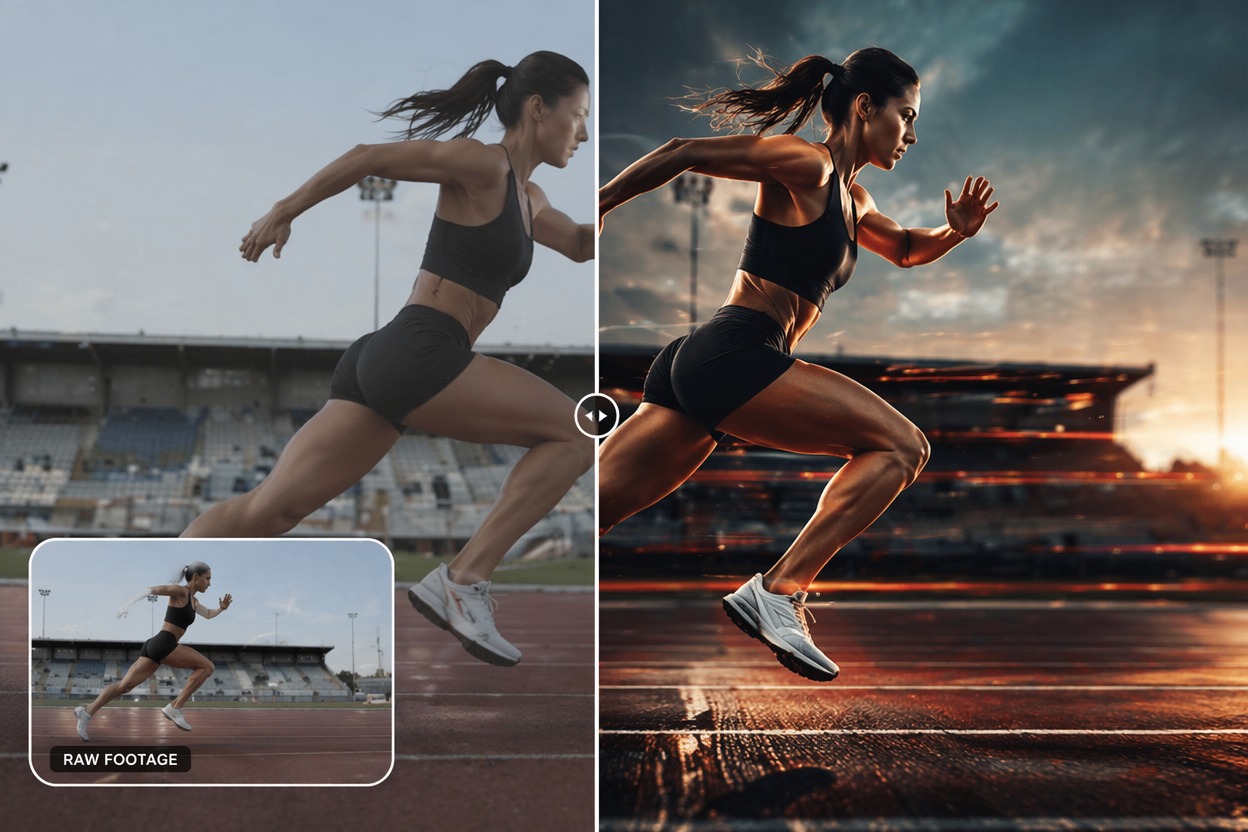
Buff Photo Review
Buff photo AI can exaggerate too much if prompted aggressively. Review body proportions, clothing, face consistency, and whether the final clip still looks intentionally stylized.
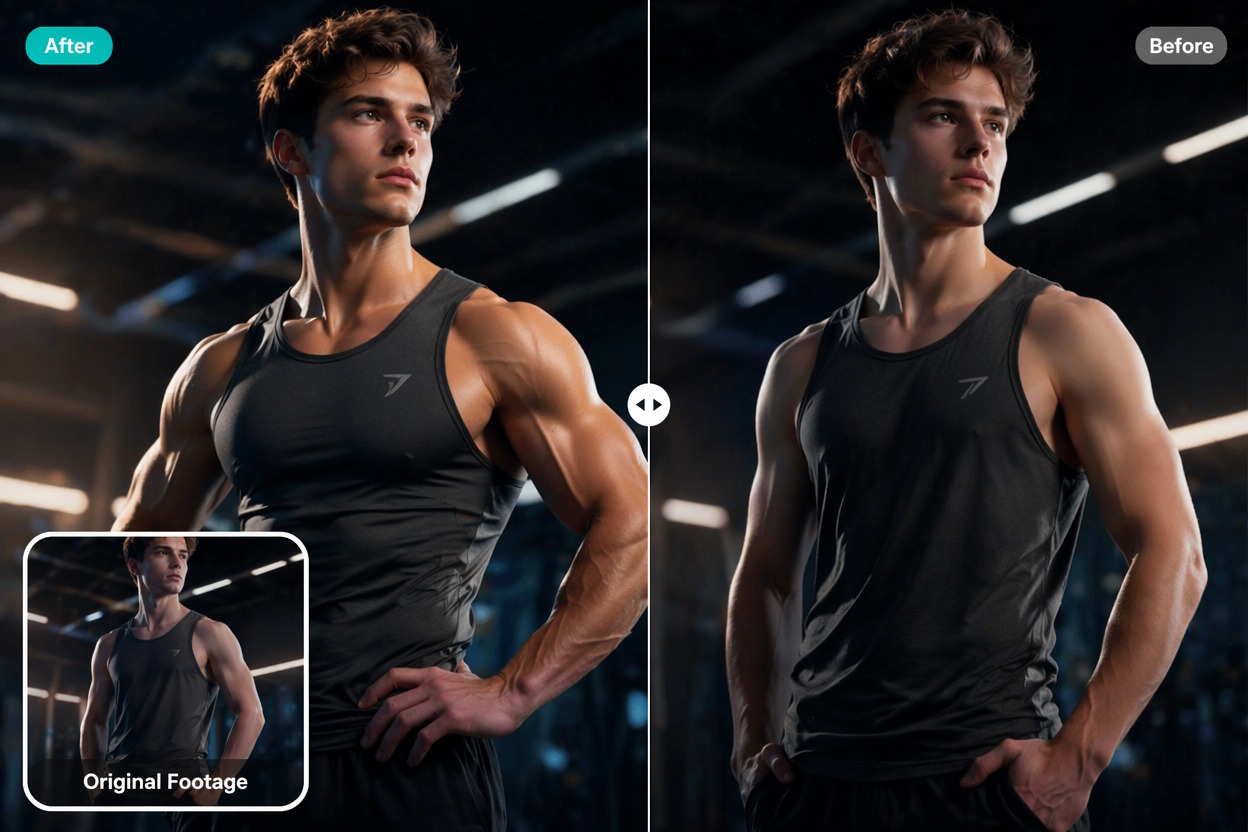
Use cases that fit the effect
Best Uses for AI Muscle Video Generator
- 01
Fitness Motivation Edits
Create a fun visual goal or transformation hook without presenting it as real measured progress.
- 02
Gym Challenge Shorts
Use a quick AI bodybuilder effect for before-after social clips, intros, or challenge memes.
- 03
Avatar and Character Buffs
Turn original characters, mascots, or game avatars into stronger stylized versions.
- 04
Comedy Transformations
Make exaggerated buff photo AI clips for jokes where the artificial effect is obvious.
- 05
Creator Thumbnails
Generate a short transformation preview that can support video hooks, captions, or teaser posts.
How to Create a Muscle Transformation Video
Three practical steps for cleaner results
- 1
Upload a clear body photo
Choose a photo with visible torso, arms, shoulders, and face. Avoid heavy jackets, cropped limbs, or crowded backgrounds.
- 2
Pick a transformation level
Prompt for athletic build, gym transformation, bodybuilder effect, or stylized buff version. Start moderate before going extreme.
- 3
Check anatomy and identity
Review shoulders, hands, waist, clothing, face consistency, and whether the result looks like a fun edit rather than a false claim.
FAQ
AI Muscle Video Generator FAQ
Common questions about ai muscle generator, muscle transformation video, ai bodybuilder effect.
What is an AI muscle generator?
An AI muscle generator creates a stylized visual transformation that makes a subject look more athletic or muscular in a short video or image effect.
Can I make a muscle transformation video from one photo?
Yes. A clear body photo with visible arms, shoulders, torso, and face usually gives better results than a tight headshot.
What is an AI bodybuilder effect best for?
It is best for creative edits, motivational visuals, character transformations, and social hooks. It should not be presented as verified fitness progress.
Is gym transformation AI free?
Free access depends on the current AI Hug plan and usage limits. Use free generations to test whether your image supports believable proportions.
Can I use buff photo AI commercially?
Commercial use depends on product terms, image rights, model consent, and whether the edit could misrepresent a real person. Review rights before publishing.
What should I check before posting?
Check arms, hands, shoulders, clothing, waist shape, and face identity. If anatomy looks broken, reduce transformation strength or use a clearer photo.