Flux AI Image Generator
Create detailed Flux AI images from prompts with AI Hug. The best Flux image generator workflow starts with a precise subject, style, lighting, composition, and negative constraints, then compares variations before choosing a final image.
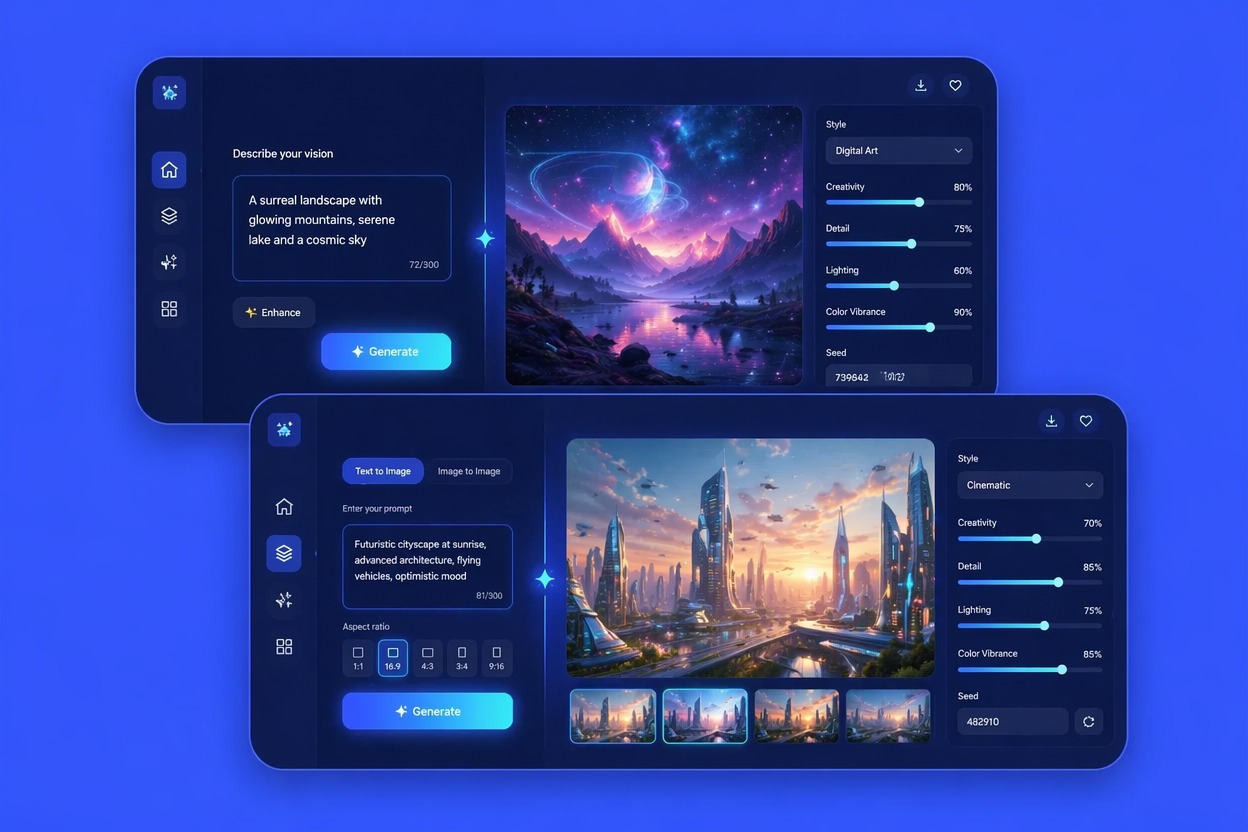
How to Prompt Flux AI for Better Images
Prompt Structure
Text to image Flux prompts work better when they separate subject, environment, lighting, lens, style, and constraints. That makes revisions easier and results more intentional.
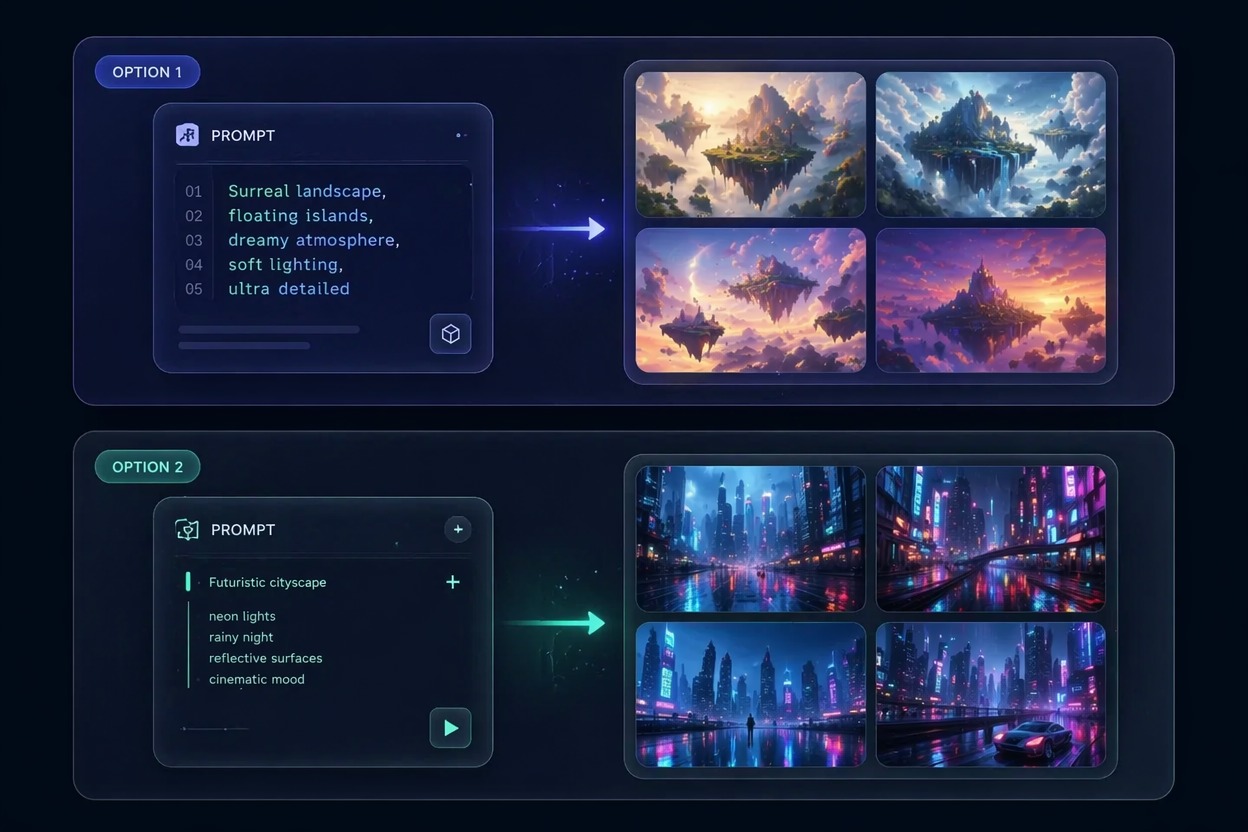
Variation Review
A Flux 1 AI generator is strongest when you compare several outputs. Judge composition, hands, face, text, brand safety, and whether the image fits the actual use case.
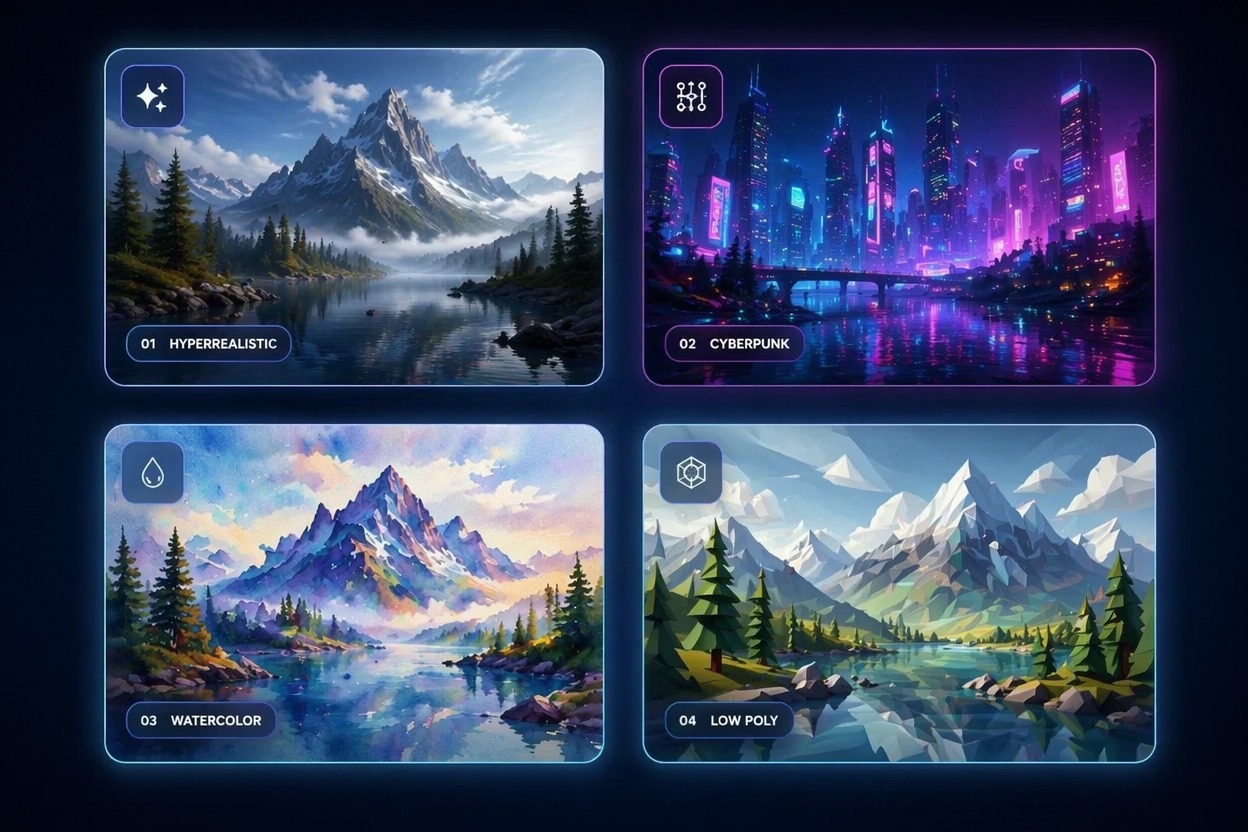
Use-Case Fit
Flux AI is useful for concept art, thumbnails, product moodboards, and editorial visuals, but production assets still need rights checks and human review.
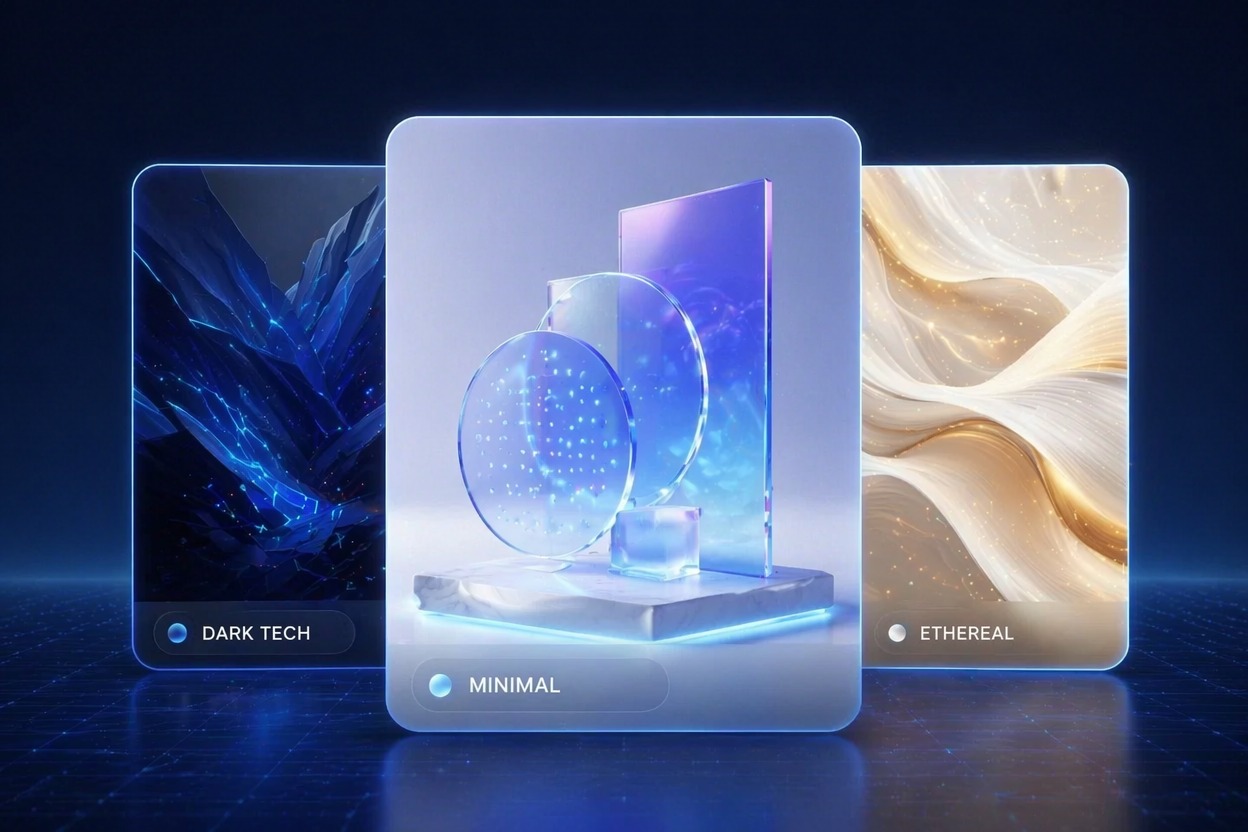
Use cases that fit the workflow
Best Uses for Flux AI Image Generator
Concept Art
Generate visual directions for characters, environments, products, and campaigns.
Marketing Visuals
Draft hero images, social creatives, and blog visuals before final polish.
Thumbnail Ideas
Create multiple directions for YouTube, ads, or landing pages.
Product Moodboards
Explore lighting, materials, and visual tone for product concepts.
Editorial Art
Create stylized illustrations for articles, explainers, and presentations.
How to Use Flux AI Image Generator
Three practical steps for cleaner results
01
Write a structured prompt
Define subject, style, lighting, composition, and output goal clearly.
02
Generate variations
Create several options so you can compare composition and artifact patterns.
03
Refine the best image
Adjust the prompt based on evidence: fix pose, style, framing, color, or constraints one at a time.
Common questions about flux ai, flux image generator, flux ai art.