AI Mermaid Video Generator
Turn a portrait or character image into a short AI mermaid transformation video. AI Hug works best when the face is clear, the scene is stylized, and the mermaid tail video uses graceful motion instead of overcomplicated underwater action.
- ai mermaid effect
- mermaid transformation video
- ai mermaid filter
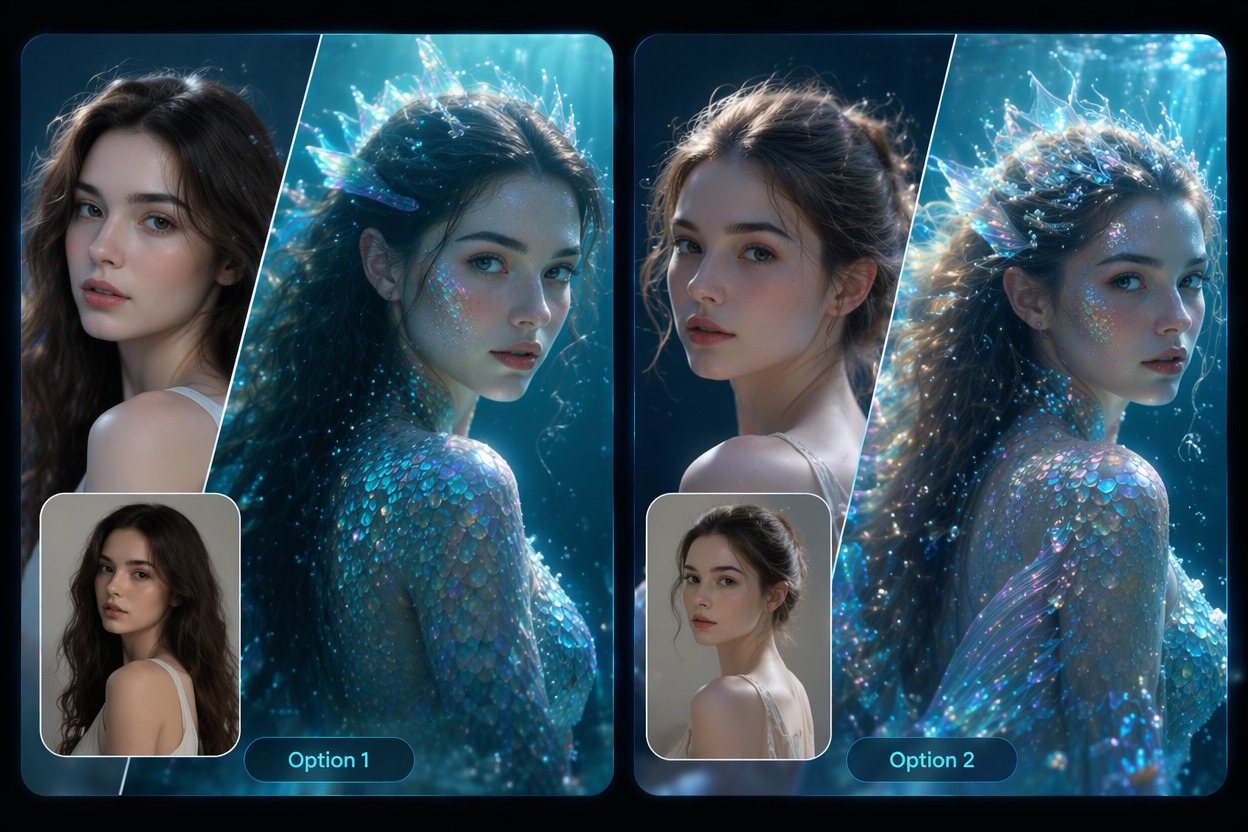
How to Create a Strong AI Mermaid Effect
A mermaid transformation video needs face consistency, readable tail design, and controlled water motion. The best outputs feel magical while staying clear enough to review.
Face-to-Fantasy Continuity
The best AI mermaid filter keeps the person recognizable while adding ocean styling, shimmer, and a readable tail. A clear portrait helps identity survive the fantasy transformation.
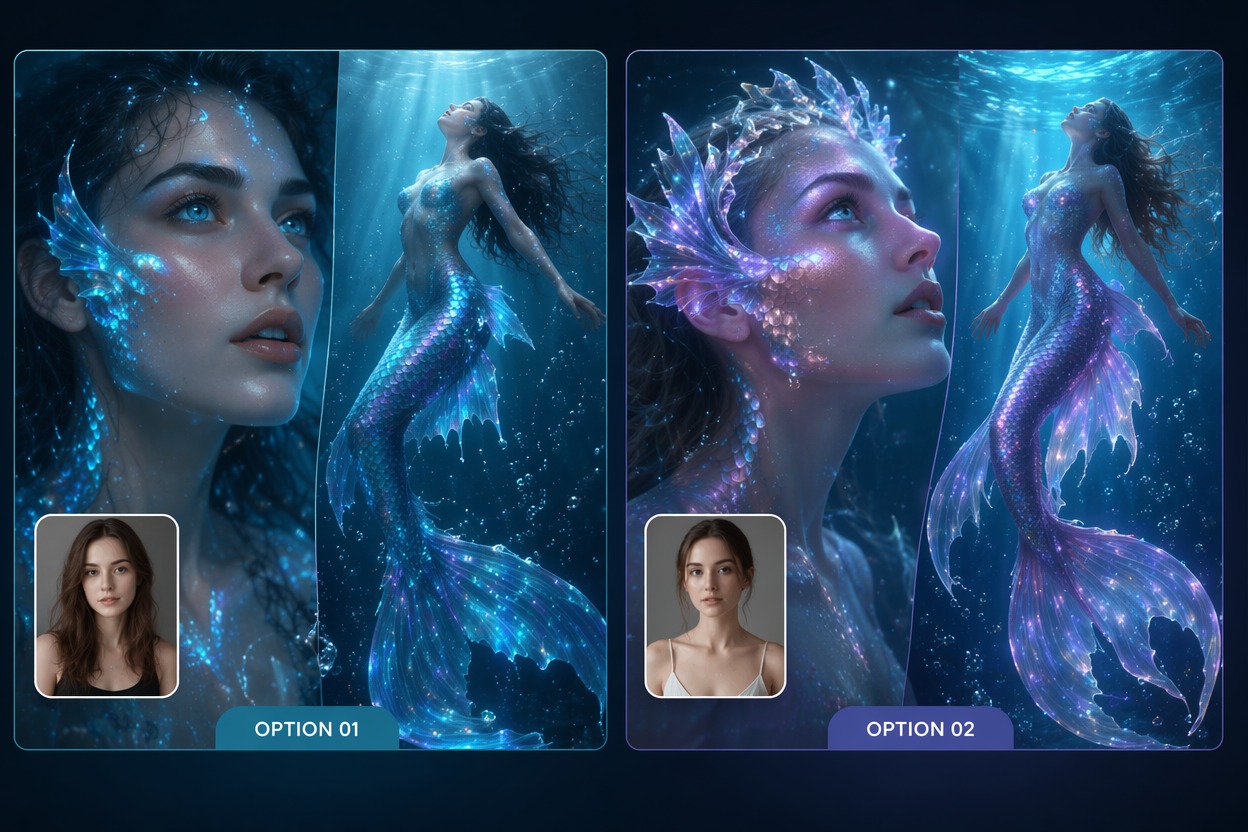
Readable Tail Motion
Mermaid tail video works better when the tail movement is simple and elegant. Busy bubbles, complex camera spins, or multiple characters can make the transformation harder to read.
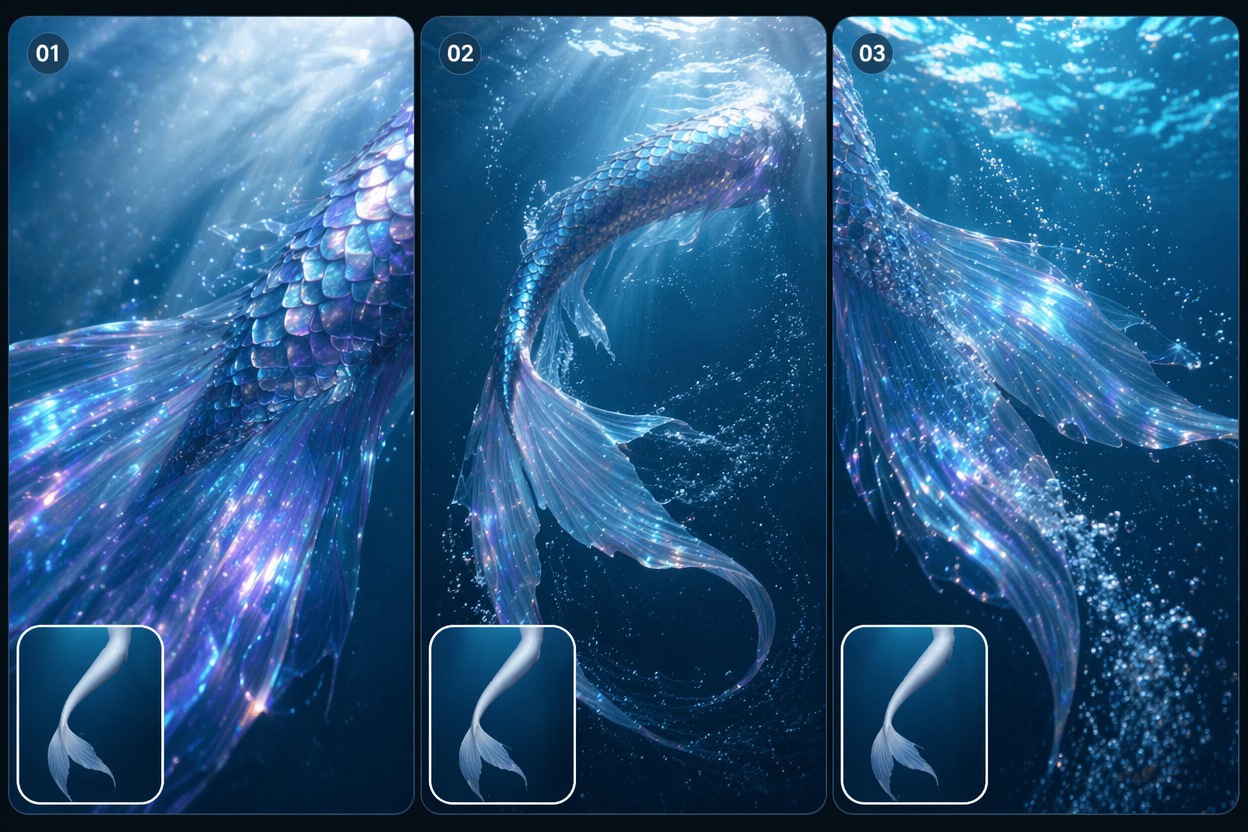
Fantasy-Safe Styling
Turn into mermaid AI clips are strongest as original fantasy edits. Avoid copying specific films, characters, costumes, or logos when the output will be shared publicly.
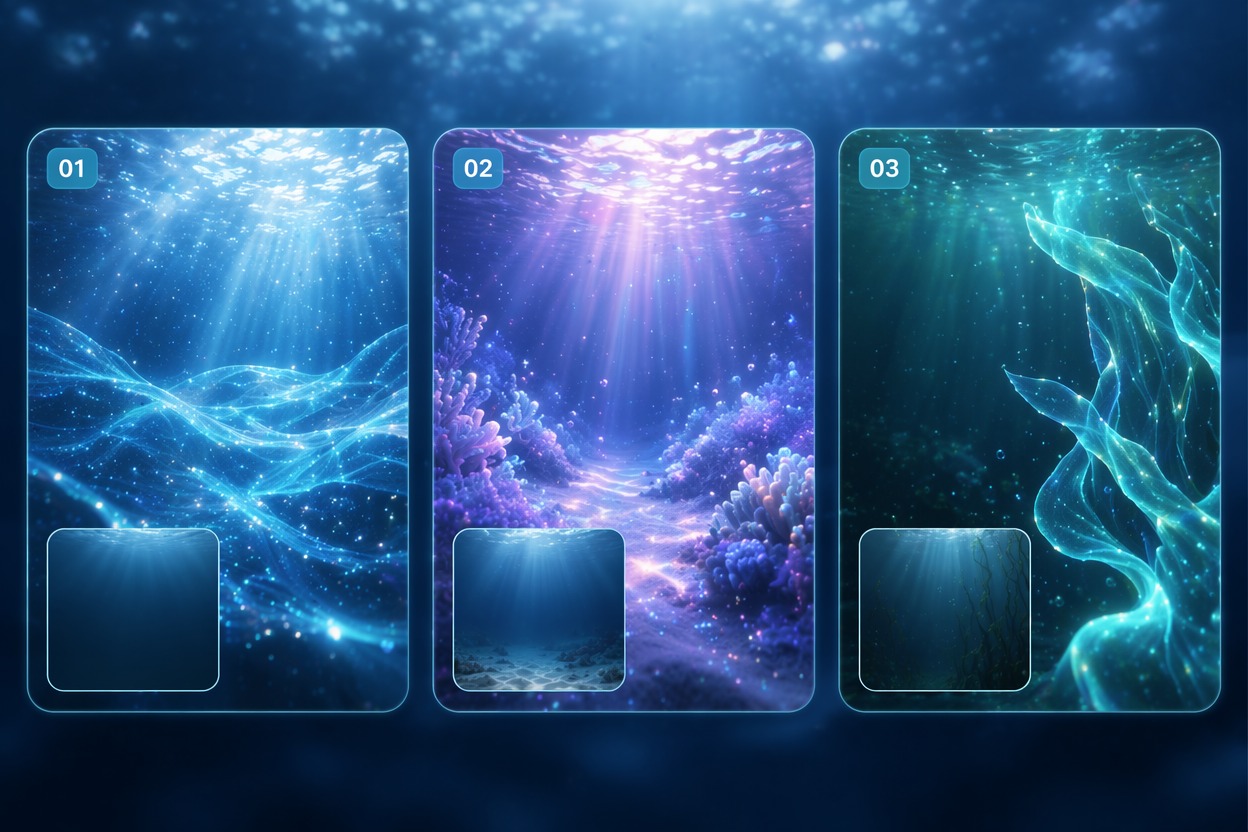
Use cases that fit the effect
Best Uses for AI Mermaid Video Generator
- 01
Fantasy Profile Clips
Create a short magical transformation for avatars, profile reveals, or seasonal ocean-themed posts.
- 02
Kids Party Concepts
Use original fantasy visuals for invitations or private family clips, then review tone and rights before public use.
- 03
Cosplay Previews
Test mermaid tail colors, ocean mood, and transformation framing before a costume shoot.
- 04
Character Story Edits
Animate original characters into mermaid forms for roleplay, story teasers, or creator content.
- 05
Music and Dream Clips
Pair a graceful AI mermaid effect with soft music for short atmospheric social videos.
How to Make a Mermaid Transformation Video
Three practical steps for cleaner results
- 1
Upload a clear portrait
Choose a face or character image with clean lighting and enough body framing for a fantasy transformation.
- 2
Describe the mermaid look
Prompt for ocean glow, shimmering tail, graceful swim, fantasy transformation, or soft underwater scene. Keep the first version simple.
- 3
Review the fantasy motion
Check face identity, tail shape, hand artifacts, water movement, and whether the final clip feels magical rather than cluttered.
FAQ
AI Mermaid Video Generator FAQ
Common questions about ai mermaid effect, mermaid transformation video, ai mermaid filter.
What is an AI mermaid effect?
An AI mermaid effect turns a person, avatar, or character image into a stylized mermaid transformation video or fantasy visual.
Can I turn into mermaid AI from one photo?
Yes. A clear portrait or character image can work, especially when the prompt keeps the scene simple and the tail design readable.
What makes a good mermaid transformation video?
Good results preserve face identity, show a clear mermaid tail, and keep water motion controlled. Overly complex underwater scenes can create artifacts.
Is the AI mermaid filter free?
Free access depends on the current AI Hug plan and usage limits. Use free tests to see whether your photo handles fantasy transformation cleanly.
Can I use mermaid tail video outputs commercially?
Commercial use depends on AI Hug terms, image rights, and whether the design avoids protected characters, film costumes, or brand references.
What should I check before posting?
Review face resemblance, tail anatomy, hands, water distortion, and whether the clip uses original fantasy styling rather than copying a known character.