AI Buzzcut Filter
Upload a photo to apply this effect while keeping the subject recognizable for a natural, polished result.
01Upload your photo
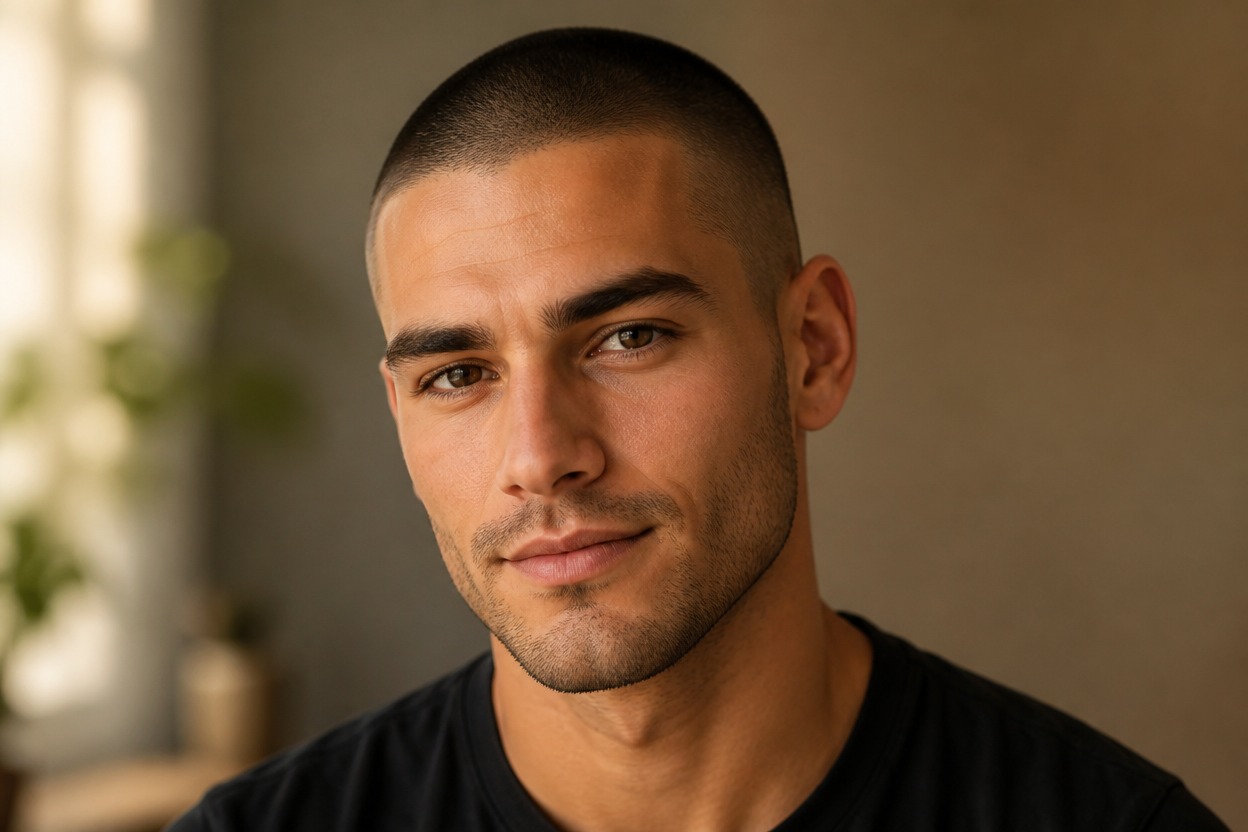
Buzz Cut Filter: See Yourself with a Buzz Cut
Upload one clear adult portrait and preview a polished close-cropped look in one coherent image. Powered by GPT-Image-2, AI Hug rebuilds the hairline, scalp stubble, taper, and nearby portrait details together.
- buzz cut filter
- ai buzz cut filter
- buzzcut filter
- try buzz cut on my face
A Focused AI Buzzcut Filter for One Portrait
Create a close-cropped hairstyle preview from one portrait, then explore more still-image transformations with AI Hug’s image to image tools.
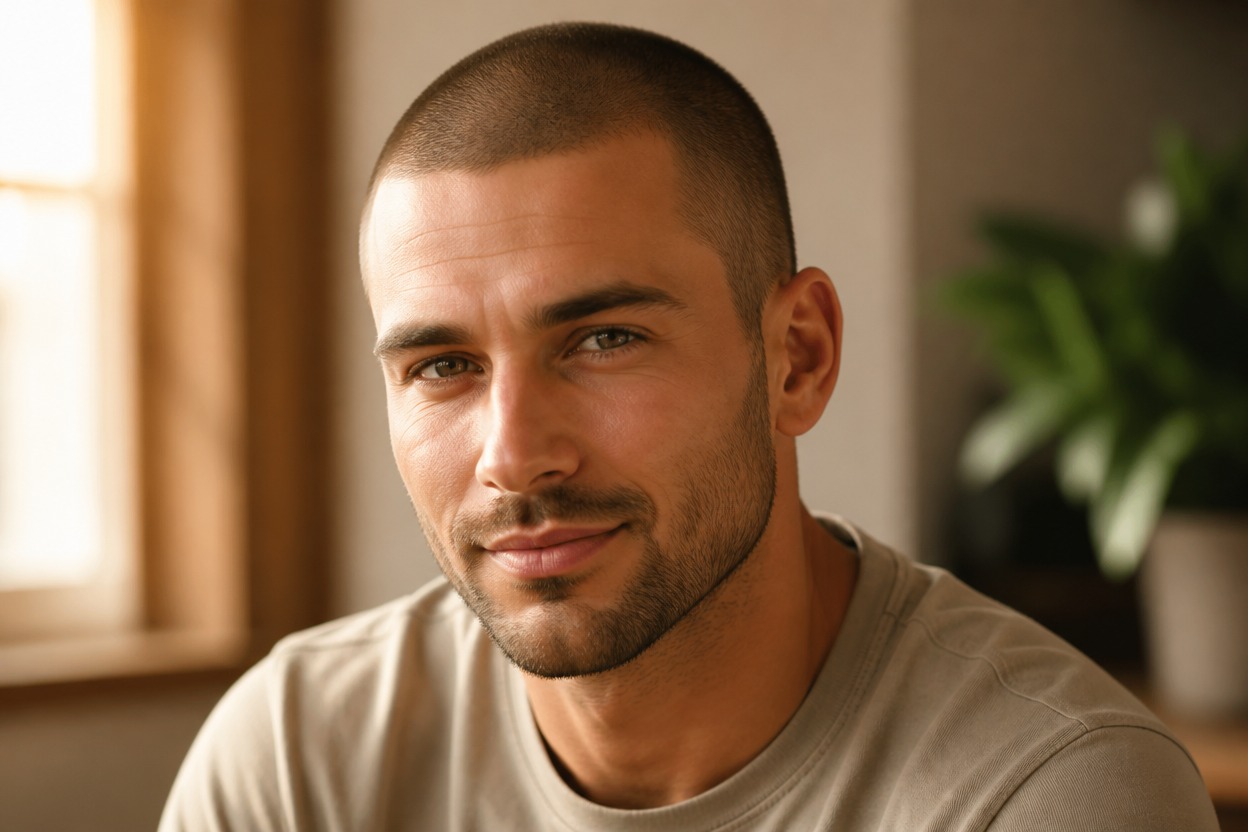
Natural Stubble and Hairline
GPT-Image-2 can create fine scalp stubble, a plausible forehead and temple line, subtle density variation, and shading that follows the head.
One-Photo Transformation
Start with one uploaded image and receive one finished portrait, without a split-screen, comparison board, or hairstyle-card layout.
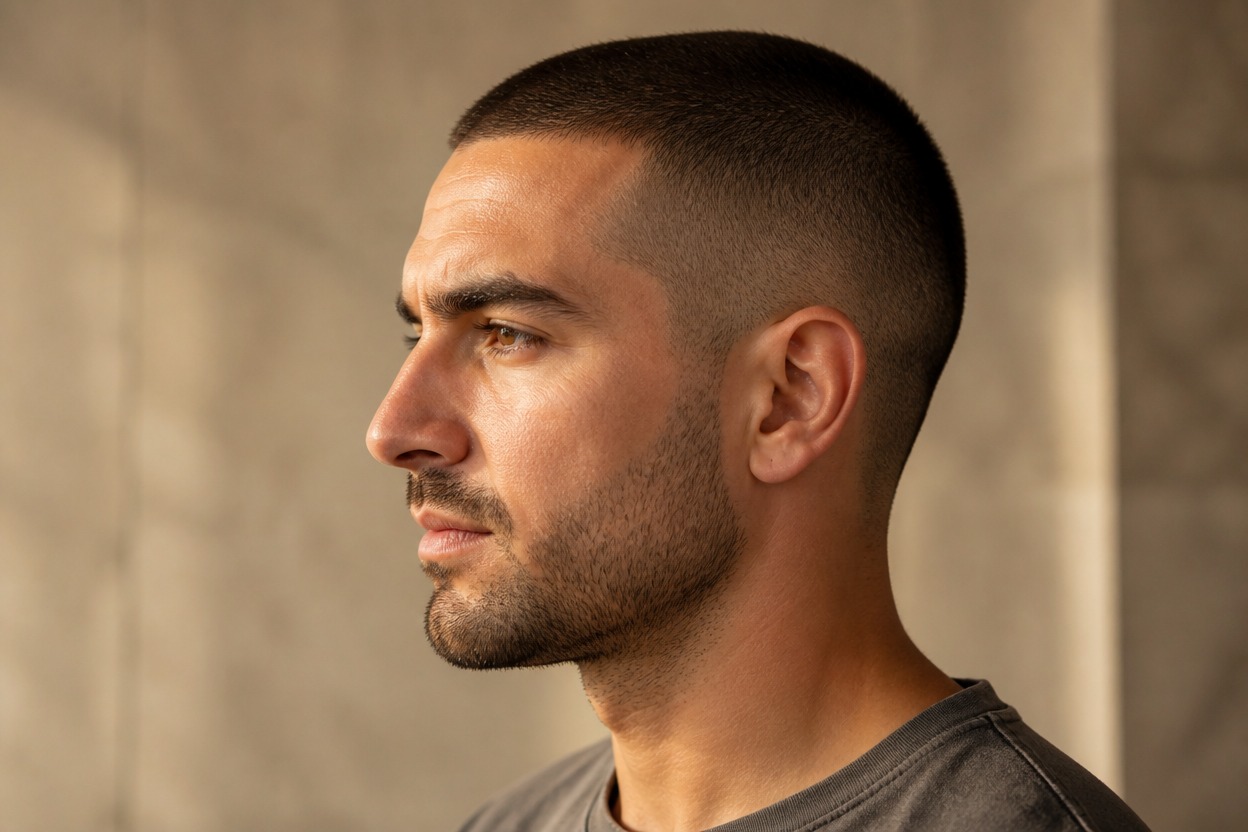
Portrait-Aware Editing
The effect aims to keep recognizable facial features, expression, pose, clothing, lighting, and setting while changing the hair and scalp area.
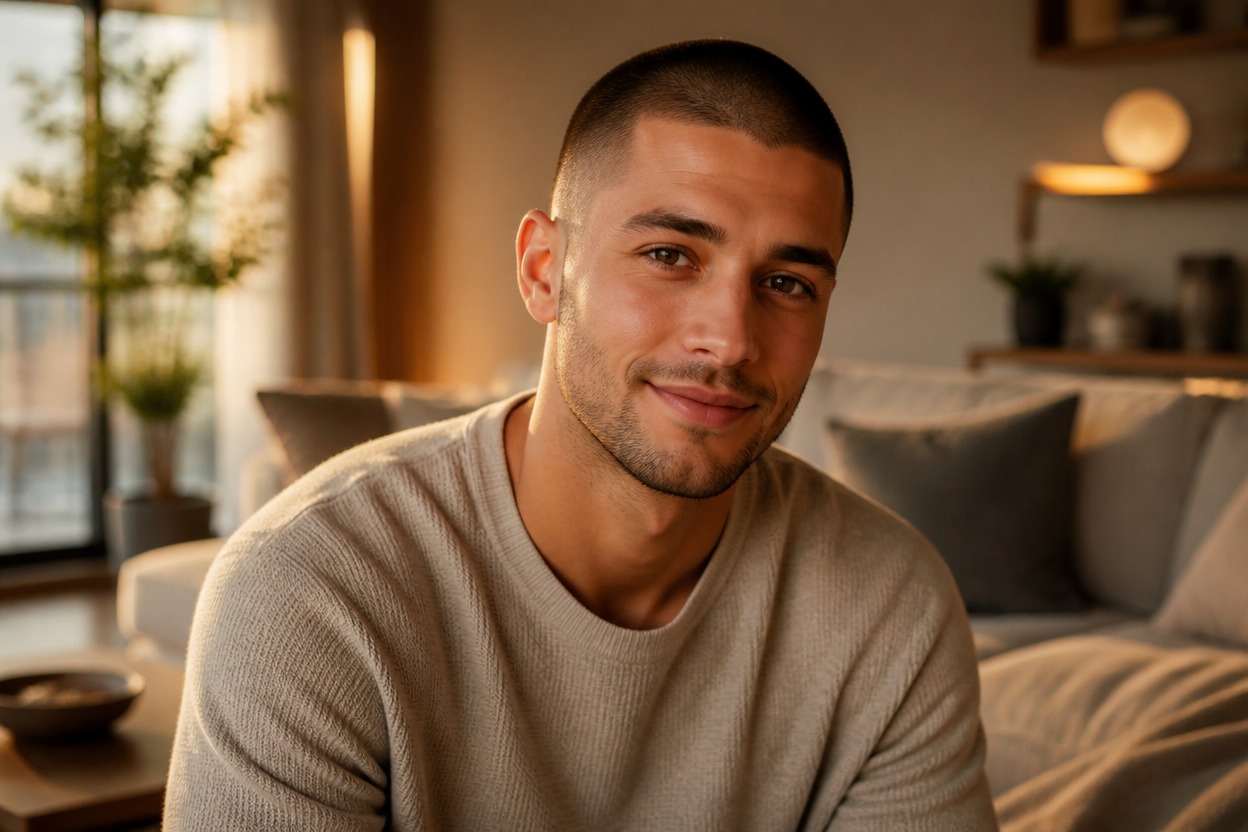
Explore close-cropped hairstyle ideas for grooming, portraits, characters, and creative styling
Ways to Use an AI Buzzcut Preview
- 01
Haircut Planning
Explore a very short cut as visual inspiration before discussing length, taper, and maintenance with a barber or stylist.
- 02
Profile Photo Refresh
Create a recognizable portrait variation with a clean, close-cropped hairstyle for a fresh visual direction.
- 03
Original Character Direction
Test a buzzcut on an authorized original character portrait while keeping the surrounding scene coherent.
- 04
Costume and Styling Reference
Build a practical visual reference for an adult costume, performance, or editorial styling concept.
- 05
Low-Maintenance Style Ideas
See how a minimal haircut may frame the face, eyebrows, ears, facial hair, and overall silhouette.
- 06
Long-to-Short Concepts
Use a clear long-hair portrait as the source for a dramatic short-hair preview; this effect shortens hair rather than adding length.
What the buzz cut filter shows you
Should I Get a Buzz Cut? Try It on Your Photo First
- 01
Buzz cut filter from a selfie
Upload a front-facing photo. The buzz cut filter replaces your hair with a close-cropped cut and natural scalp stubble while keeping your face, skin tone and lighting.
- 02
Long hair to buzz cut
The filter works on long, curly and thick hair as well as short hair, so you can see the full long-to-short change before committing.
- 03
Buzz cut vs. bald
Want to go all the way? Compare with the AI bald filter.
How to Use the AI Buzzcut Filter from Photo
Upload one portrait, apply the effect, and review one finished close-cropped image
- 01
Upload One Clear Portrait
Choose a sharp, well-lit photo of one adult with the full crown, forehead, temples, ears, neck, and shoulders visible.
- 02
Apply the Buzzcut Effect
Start the one-image transformation. AI Hug uses GPT-Image-2 to rebuild the hairline, scalp stubble, taper, and nearby portrait details.
- 03
Review and Download
Inspect the hairline, stubble density, temples, ears, facial likeness, skin texture, shadows, and background, then download the result you prefer.
AI Buzzcut Filter FAQ
Answers about one-photo input, GPT-Image-2, source-photo quality, likeness, and realistic expectations
What is a buzz cut filter?
A buzz cut filter is an AI photo effect that shows how you would look with a very short, clipper-cut haircut, using one photo of your face.
Can I try a buzz cut on my face for free?
New AI Hug accounts can try the buzz cut filter with free credits. Each photo uses a fixed number of credits shown before you generate.
What is an AI Buzzcut Filter?
It is an AI hair filter that transforms one uploaded portrait into a generated image with a close-cropped hairstyle integrated into the face and scene.
How does the AI Buzzcut Filter from photo work?
Upload one clear adult portrait and apply the effect. AI Hug uses GPT-Image-2 to reinterpret the hairline, scalp stubble, taper, lighting, and nearby portrait details as one coherent image.
What kind of photo works best?
Use a sharp, evenly lit portrait with the full head, face, temples, and ears visible. Hats, heavy blur, cropped crowns, deep shadows, or hands covering the hairline provide less useful detail.
Will the result keep the person recognizable?
The transformation aims to preserve recognizable facial features, expression, pose, and setting, but generative differences can occur. Review the hairline, ears, eyebrows, jaw, and head contour closely.
Can I upload a long-hair photo?
Yes. A clear long-hair portrait can be used as the source for a long-to-short preview. This is not an AI long hair filter: it creates a buzzcut rather than adding hair length.
Do I need more than one image?
No. The workflow is designed for one uploaded portrait and one transformed result, without requiring multiple angles or a comparison layout.
Is the result an exact prediction of a real haircut?
No. Treat it as visual inspiration. A real buzzcut depends on hair density, growth pattern, scalp shape, taper technique, maintenance, camera angle, and lighting.
Is the AI Buzzcut Filter free or unlimited?
This page does not promise free or unlimited use. Current access, credits, and generation limits depend on the AI Hug plan shown when you use the effect.
Related effects on AI Hug
More Face and Hair Filters
- 01
Bald Filter
AI Bald Filter: see yourself with no hair at all.
- 02
Age Filter
Age Filter: see an older version of your face.
- 03
Baby Filter
AI Baby Filter: turn a portrait into a baby face.
- 04
Braces Filter
Braces Filter: preview a smile with braces.
- 05
Funny Face Filter
Funny Face Filter: exaggerated, meme-ready expressions.
- 06
Hairstyle Changer
AI Hairstyle Changer: try other cuts and colors.