AI Buzzcut Filter
Upload a photo to apply this effect while keeping the subject recognizable for a natural, polished result.
Image
Examples
Buzzcut Filter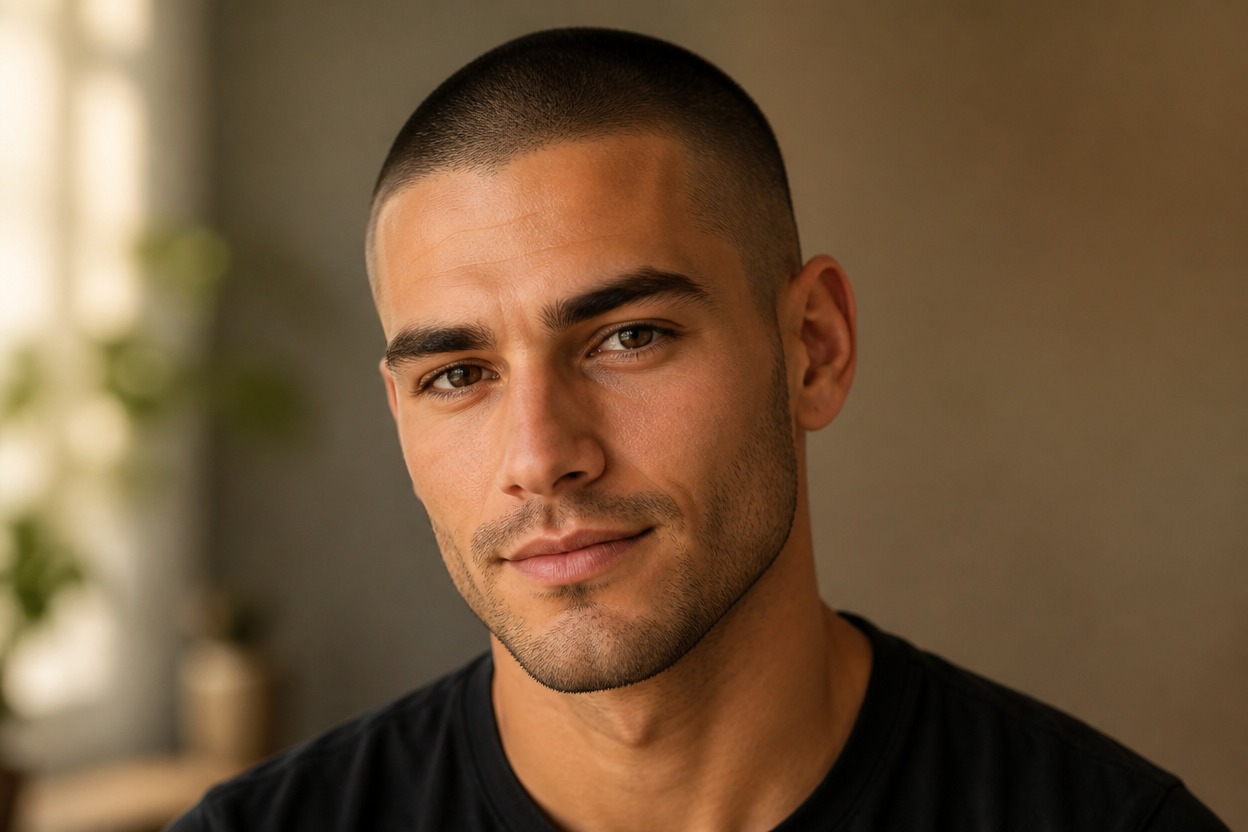
AI Buzzcut Filter from Photo
Upload one clear adult portrait and preview a polished close-cropped look in one coherent image. Powered by GPT-Image-2, AI Hug rebuilds the hairline, scalp stubble, taper, and nearby portrait details together.
Try the Buzzcut FilterA Focused AI Buzzcut Filter for One Portrait
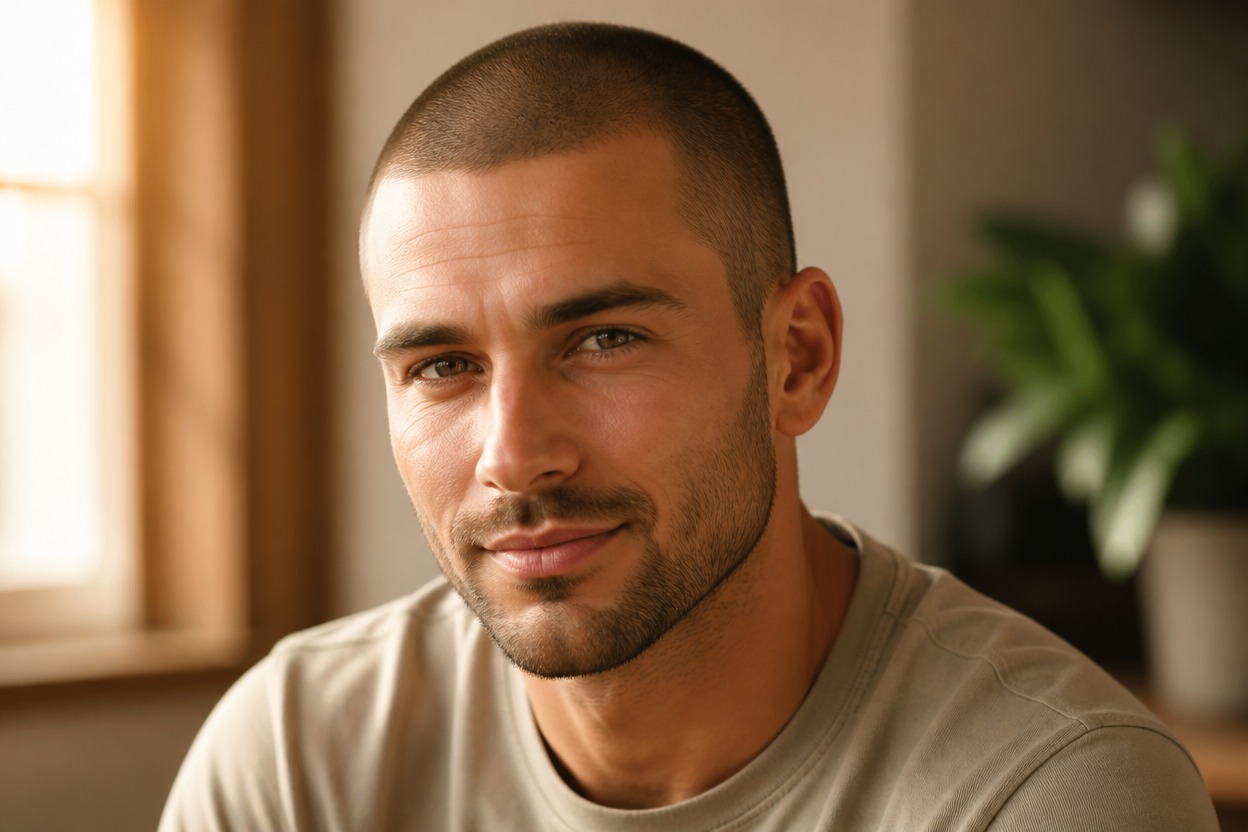
Natural Stubble and Hairline
GPT-Image-2 can create fine scalp stubble, a plausible forehead and temple line, subtle density variation, and shading that follows the head.
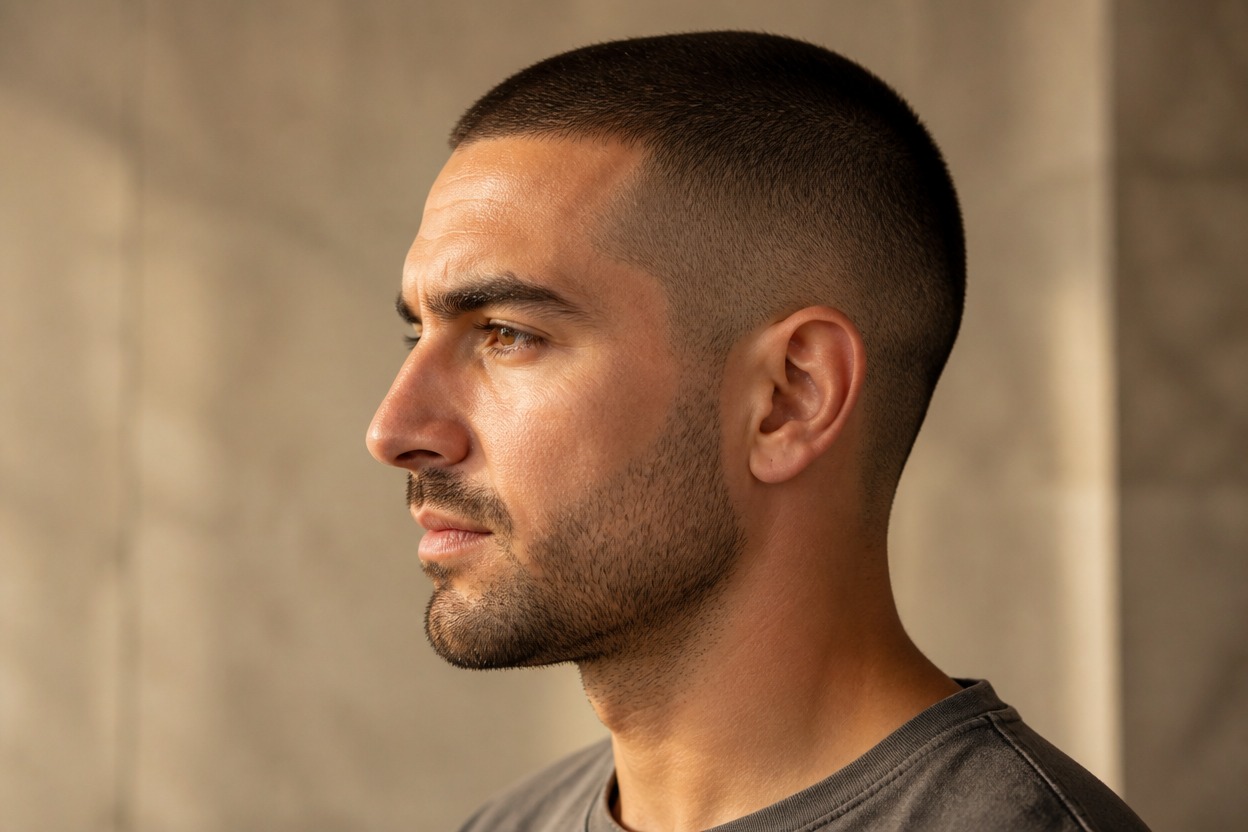
One-Photo Transformation
Start with one uploaded image and receive one finished portrait, without a split-screen, comparison board, or hairstyle-card layout.
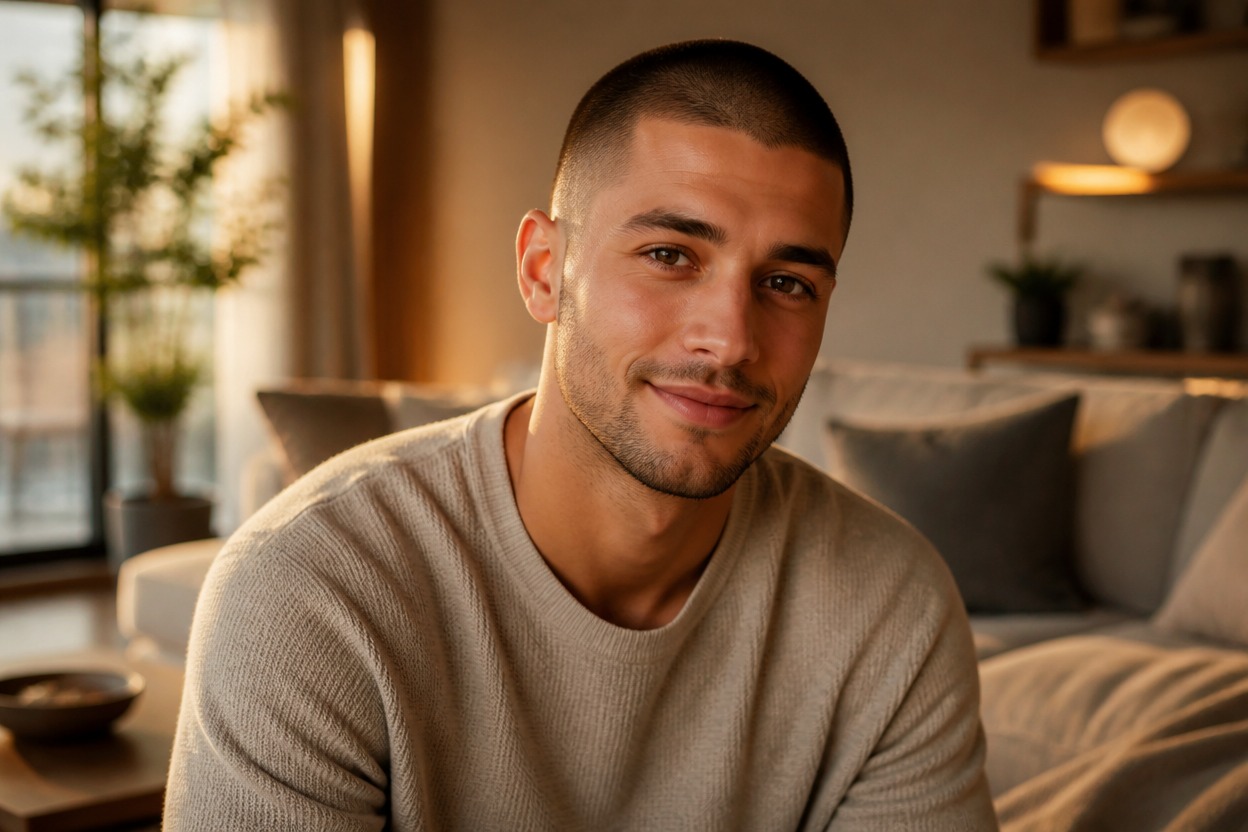
Portrait-Aware Editing
The effect aims to keep recognizable facial features, expression, pose, clothing, lighting, and setting while changing the hair and scalp area.
Explore close-cropped hairstyle ideas for grooming, portraits, characters, and creative styling
Ways to Use an AI Buzzcut Preview
Haircut Planning
Explore a very short cut as visual inspiration before discussing length, taper, and maintenance with a barber or stylist.
Profile Photo Refresh
Create a recognizable portrait variation with a clean, close-cropped hairstyle for a fresh visual direction.
Original Character Direction
Test a buzzcut on an authorized original character portrait while keeping the surrounding scene coherent.
Costume and Styling Reference
Build a practical visual reference for an adult costume, performance, or editorial styling concept.
Low-Maintenance Style Ideas
See how a minimal haircut may frame the face, eyebrows, ears, facial hair, and overall silhouette.
Long-to-Short Concepts
Use a clear long-hair portrait as the source for a dramatic short-hair preview; this effect shortens hair rather than adding length.
How to Use the AI Buzzcut Filter from Photo
Upload one portrait, apply the effect, and review one finished close-cropped image
01
Upload One Clear Portrait
Choose a sharp, well-lit photo of one adult with the full crown, forehead, temples, ears, neck, and shoulders visible.
02
Apply the Buzzcut Effect
Start the one-image transformation. AI Hug uses GPT-Image-2 to rebuild the hairline, scalp stubble, taper, and nearby portrait details.
03
Review and Download
Inspect the hairline, stubble density, temples, ears, facial likeness, skin texture, shadows, and background, then download the result you prefer.
Answers about one-photo input, GPT-Image-2, source-photo quality, likeness, and realistic expectations