AI Braces Filter
Upload a photo to apply this effect while keeping the subject recognizable for a natural, polished result.
Image
Examples
Braces Filter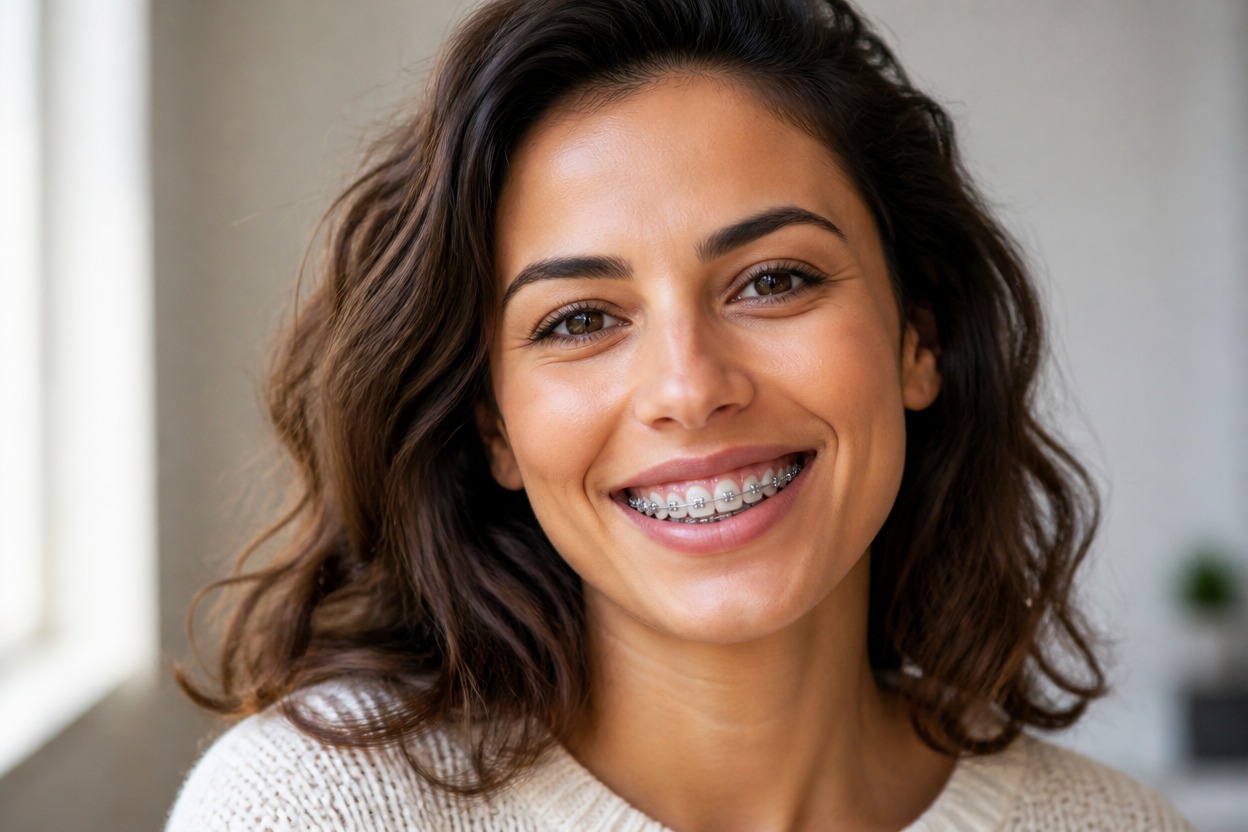
AI Braces Filter from Photo
Upload one clear portrait and see a polished braces transformation in a single finished image. Powered by GPT-Image-2, AI Hug integrates realistic brackets and an orthodontic wire with the teeth, smile, lips, skin, and lighting.
Apply the AI Braces FilterAdd Natural-Looking Braces to One Photo
Smile-Aware Braces Placement
GPT-Image-2 interprets the visible smile and places brackets and wire along the tooth row so the result reads as part of the portrait rather than a flat sticker.
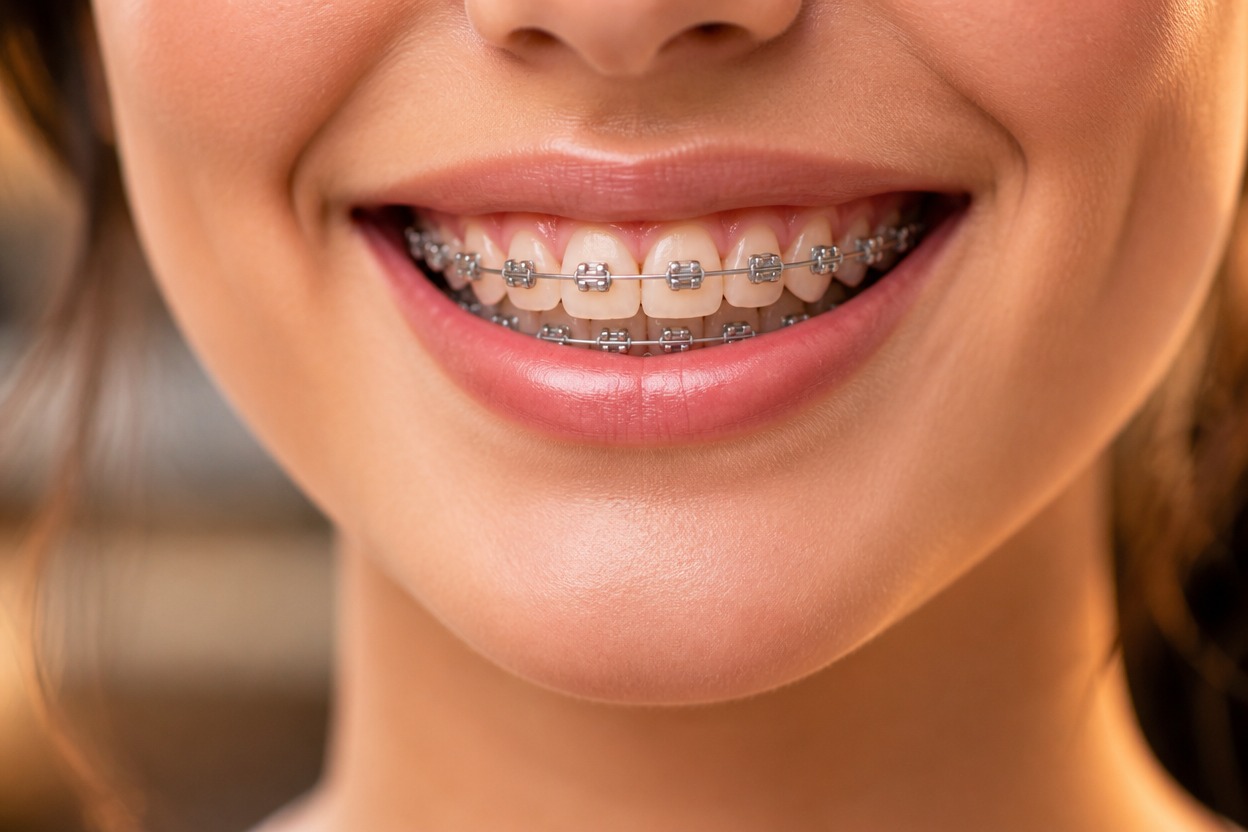
Coherent Teeth and Facial Detail
The transformation rebuilds visible teeth, lips, mouth shadows, and nearby skin together, helping the braces follow the original angle, expression, and scene light.
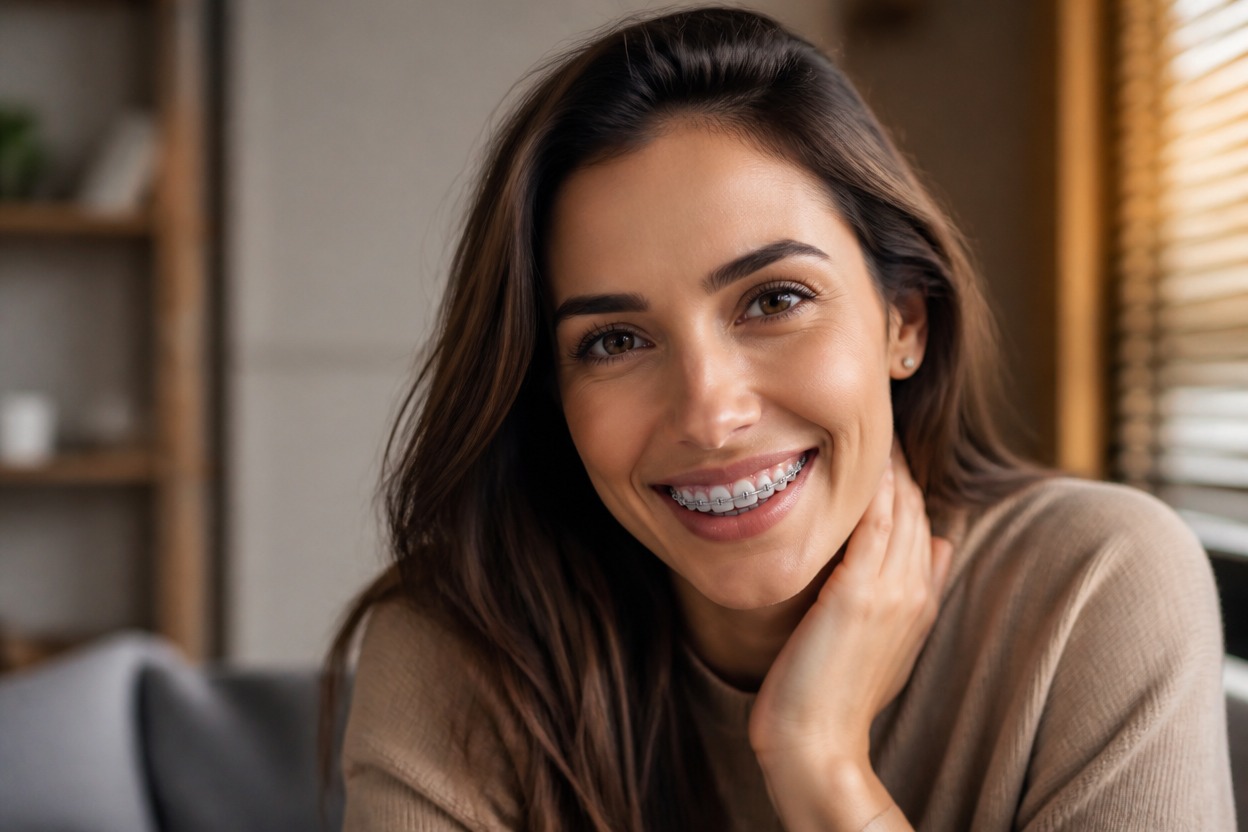
One Upload, One Finished Image
Start with one uploaded portrait and receive one transformed scene without manual bracket placement, multiple reference photos, or a before-and-after board.
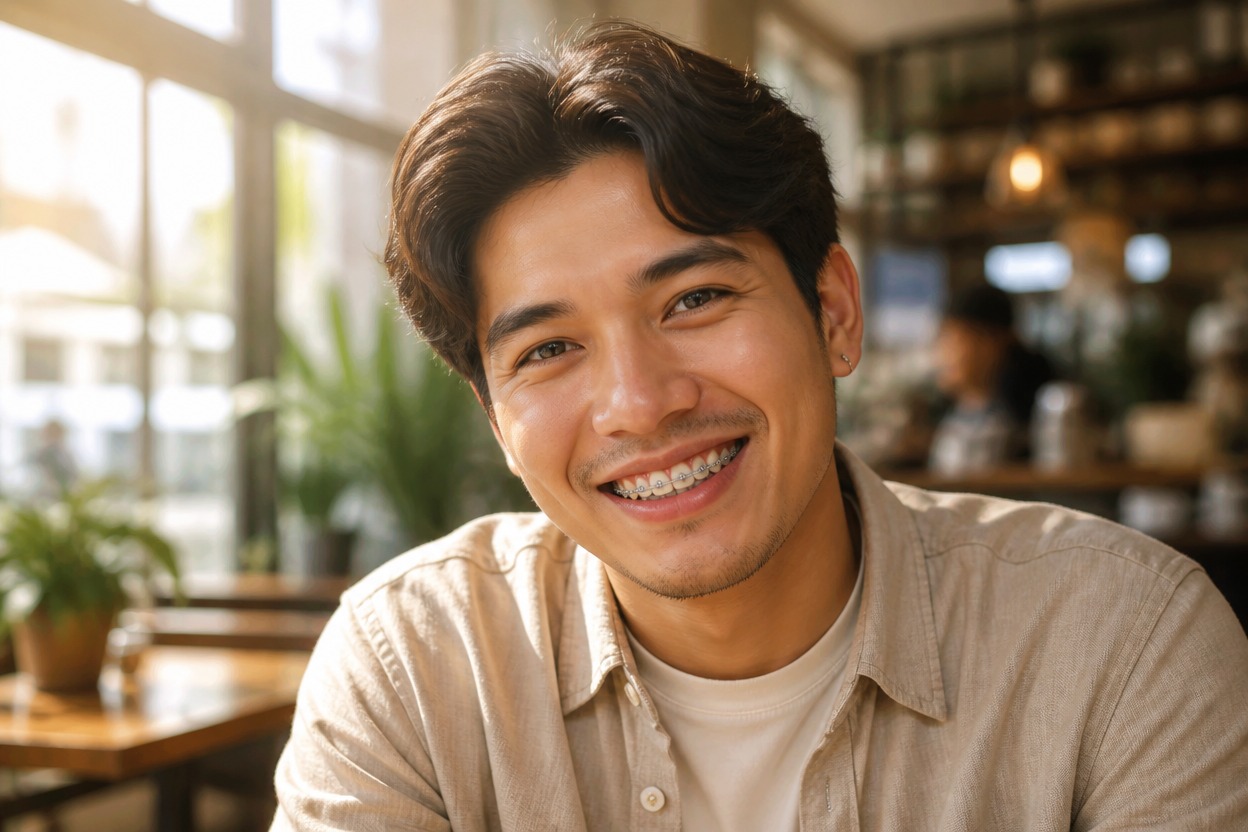
Explore profile images, social portraits, and original character designs with one-photo transformations
Braces Variations for Portraits and Character Concepts
Profile Picture Variations
Try a braces look for an adult avatar or profile portrait while keeping the result centered on one recognizable face.
Orthodontic Style Exploration
Visualize how metal brackets could change the character of a smile as a creative generated interpretation, not a clinical prediction.
Character Design References
Add braces to an original or authorized adult character portrait for a distinctive contemporary detail.
Social Portrait Edits
Create a lighthearted braces variation for a personal post, reaction image, or casual portrait.
Costume and Role Concepts
Explore an adult character or costume concept where braces support a specific age-neutral style or story direction.
Portrait Version Testing
Generate another visual direction when you like a photo’s framing and expression but want to test a braces look.
How to Use the AI Braces Filter from Photo
Upload one portrait, apply the effect, and review the finished braces transformation
01
Upload One Clear Portrait
Choose a sharp, well-lit image of one adult with the mouth, teeth, and most of the face clearly visible.
02
Apply the Braces Effect
Start the one-image transformation. AI Hug uses GPT-Image-2 to generate brackets and wire that follow the visible smile, tooth row, mouth shadows, and lighting.
03
Preview and Download
Check bracket spacing, wire continuity, teeth, lips, facial anatomy, skin texture, and background consistency, then download the result you prefer.
Answers about one-photo input, GPT-Image-2, portrait quality, generated braces, and access