AI Baby Filter
Upload a photo to apply this effect while keeping the subject recognizable for a natural, polished result.
01Upload your photo
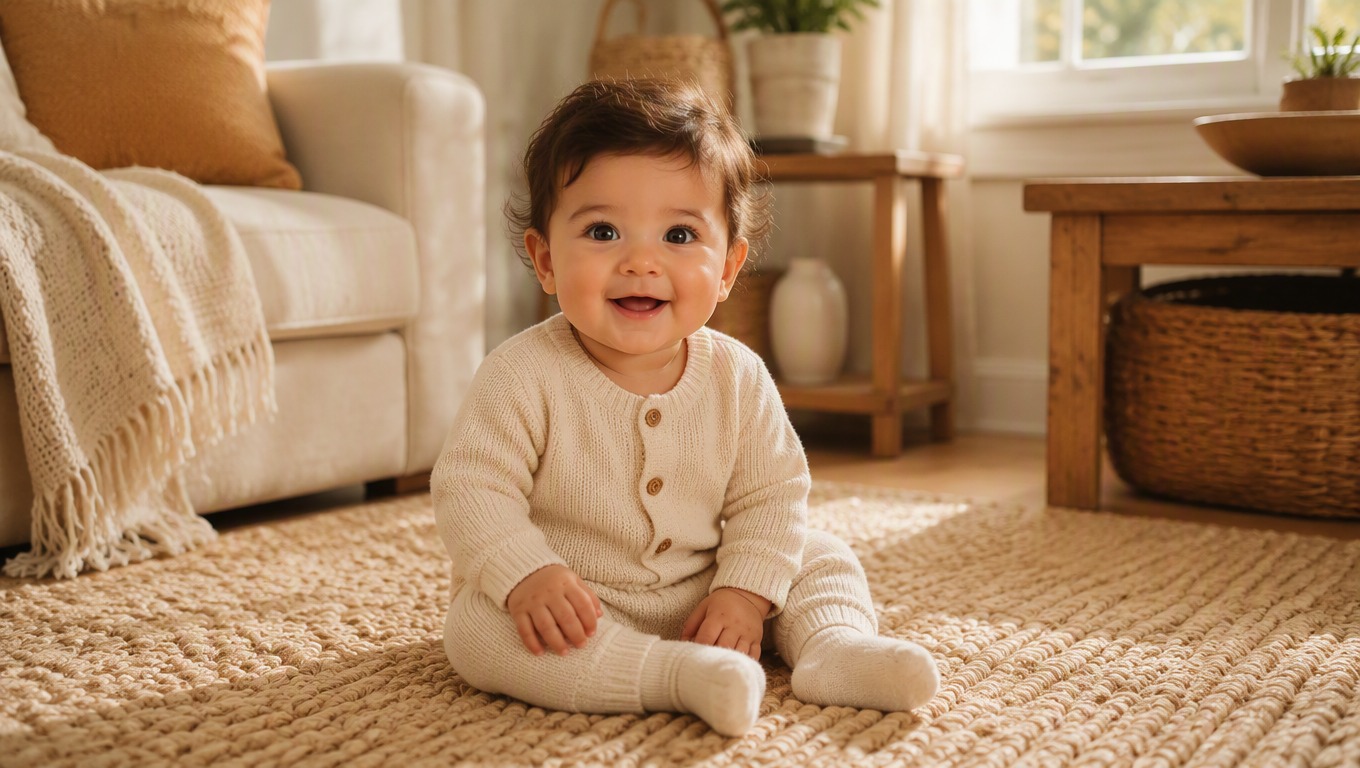
AI Baby Filter for Photos
Upload a clear portrait and apply AI Hug’s baby filter to create a playful baby-face version. The effect generates a new image with softer, younger-looking features while keeping the result cohesive and ready to preview.
Apply the Baby FilterTurn One Portrait into a Playful Baby-Face Image
AI Hug provides a simple fixed photo effect: upload a portrait, apply the baby filter, and review the generated result. For other ways to restyle a photo, explore image to image creation.
One Photo Is All You Need
Start with a single, well-lit portrait. The baby face filter handles the transformation as one complete effect, so there is no need to combine multiple photos or edit facial features by hand.

A Complete Baby-Face Restyle
The effect reworks facial proportions, expression, hair, clothing, lighting, and surrounding details together. This helps the finished portrait feel like one image instead of a face pasted onto another scene.
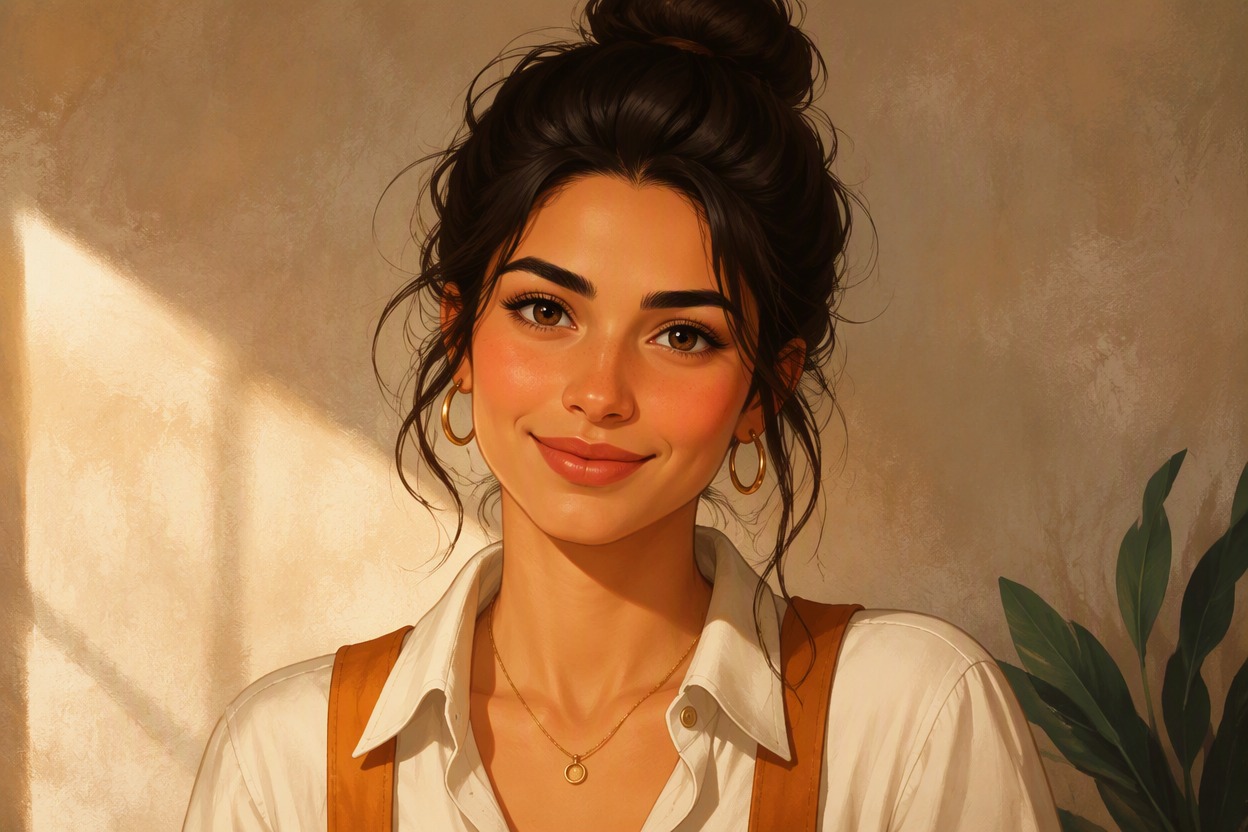
Easy to Preview and Try Again
Review the generated portrait before saving it. Because each result is a creative interpretation, you can apply the babyface filter again when you want to compare another version from the same photo.
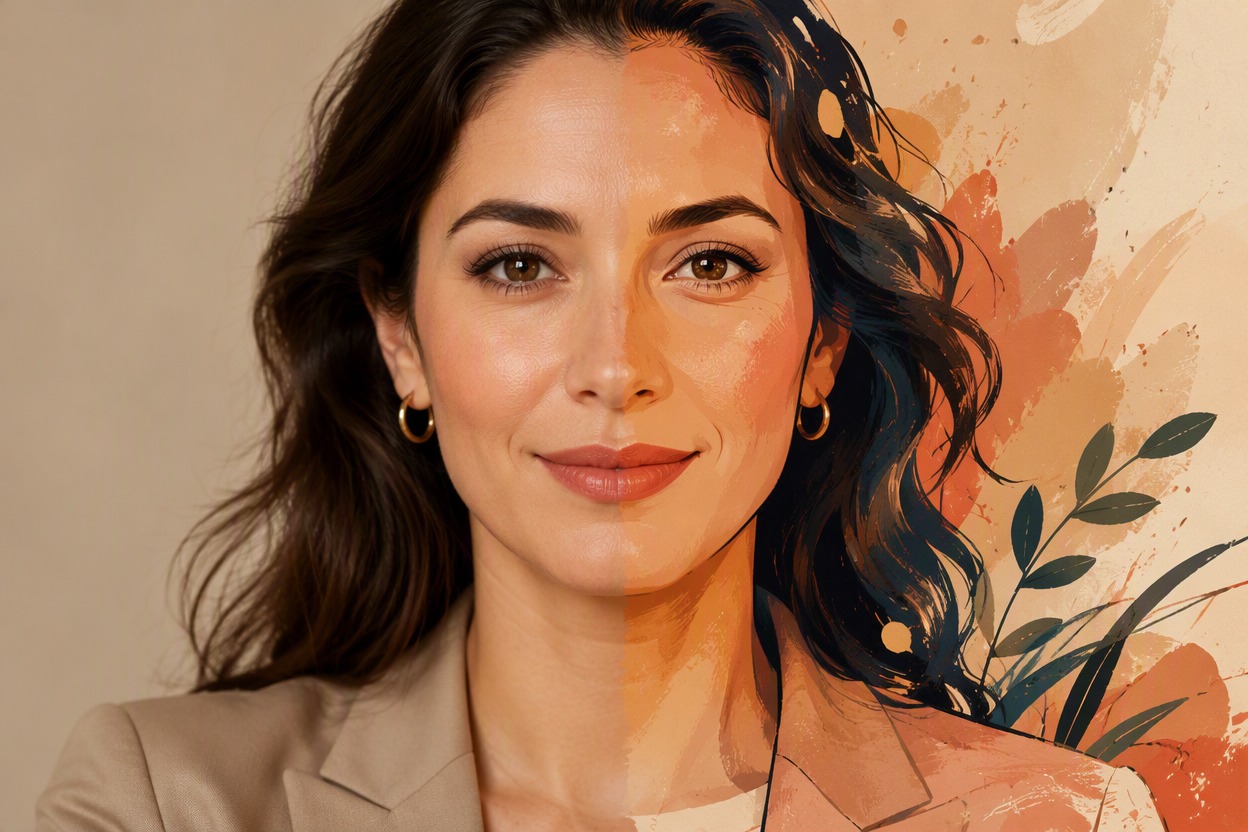
Ideas for personal photos, posts, keepsakes, and character concepts
Creative Ways to Use a Baby Face Filter
- 01
Fun Profile Images
Create a playful baby-face profile picture for a personal account, private group, or casual conversation.
- 02
Family-Themed Keepsakes
Add a lighthearted generated portrait to a digital scrapbook, greeting, or personal family project.
- 03
Party and Event Posts
Use the effect for birthday posts, throwback themes, reunion chats, or other playful social moments.
- 04
Character Reference Ideas
Generate a youthful visual reference for an original character, story concept, or illustration brief.
- 05
Memes and Reactions
Turn an expressive portrait into a baby-style reaction image for personal chats and creative posts.
- 06
Photo-Effect Collections
Apply the baby filter alongside other AI Hug photo effects to explore different looks from one source image.
How to Apply the Baby Filter
Upload, generate, and review in three straightforward steps
- 01
Upload a clear portrait
Choose a sharp, well-lit photo with one face in view. A front-facing or gently angled portrait usually gives the effect a clearer starting point.
- 02
Apply the baby filter
Start the fixed effect and let AI Hug generate a new baby-face interpretation. No prompt or style instructions are needed.
- 03
Preview and save your result
Check the face, hair, clothing, hands, and background. Download the version you like, or apply the effect again to explore another result.
Baby Filter FAQ
Answers about photos, generation, results, and downloads
What does the baby filter do?
AI Hug’s baby filter turns one uploaded portrait into a newly generated baby-face image. It is a creative photo effect, not a factual reconstruction of how the person looked as a baby.
Is a baby face filter the same as a babyface filter?
Yes. “Baby face filter” and “babyface filter” are common names for the same type of effect: transforming a portrait into a younger, baby-style interpretation.
How do I use the baby filter on a photo?
Upload one clear portrait, apply the effect, and wait for the new image to generate. You do not need to enter a prompt or describe a custom style.
What kind of photo works best?
Choose a sharp, well-lit portrait with one clearly visible face and minimal obstruction. Heavy blur, deep shadows, extreme angles, or objects over the face can make details harder to interpret.
Will the result look exactly like the person I upload?
Not necessarily. The source photo guides the effect, but the output is a creative interpretation and exact identity preservation is not guaranteed. Review the result before saving or sharing it.
Can I apply the babyface filter more than once?
Yes. Generated results can vary, so applying the effect again can produce another interpretation for you to compare.
Can I download the generated baby-face image?
After generation, preview the portrait and use the available download action to save the result you want to keep.
Is this baby filter provided by AI Hug?
Yes. AI Hug is the independent product that provides this browser-based photo effect as part of its collection of creative image tools.