AI Bald Filter
Upload a photo to apply this effect while keeping the subject recognizable for a natural, polished result.
Image
Examples
Bald Filter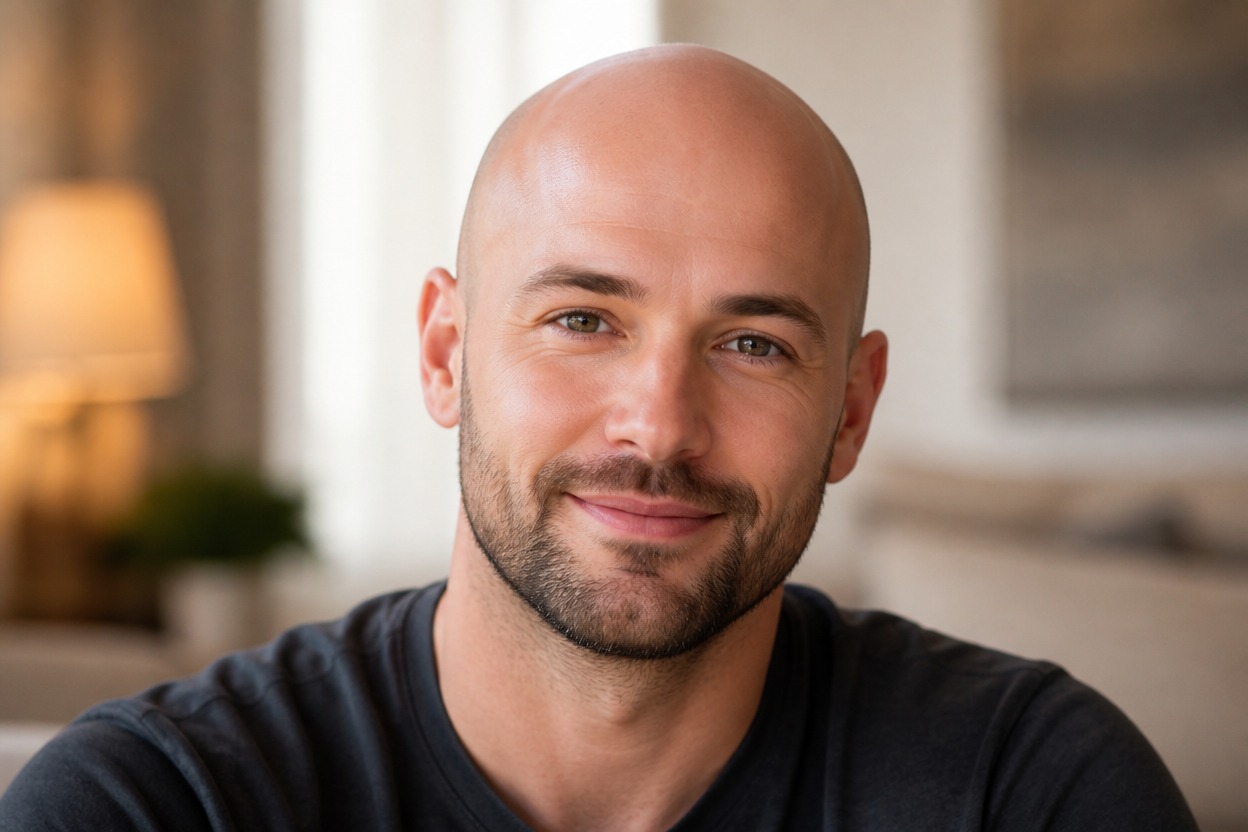
AI Bald Filter from Photo
Upload one clear adult portrait and preview a clean-shaven bald look in one coherent image. Powered by GPT-Image-2, AI Hug rebuilds the scalp, hairline area, skin texture, light, and nearby portrait details together.
Try the Bald FilterA Focused AI Bald Filter for One Portrait
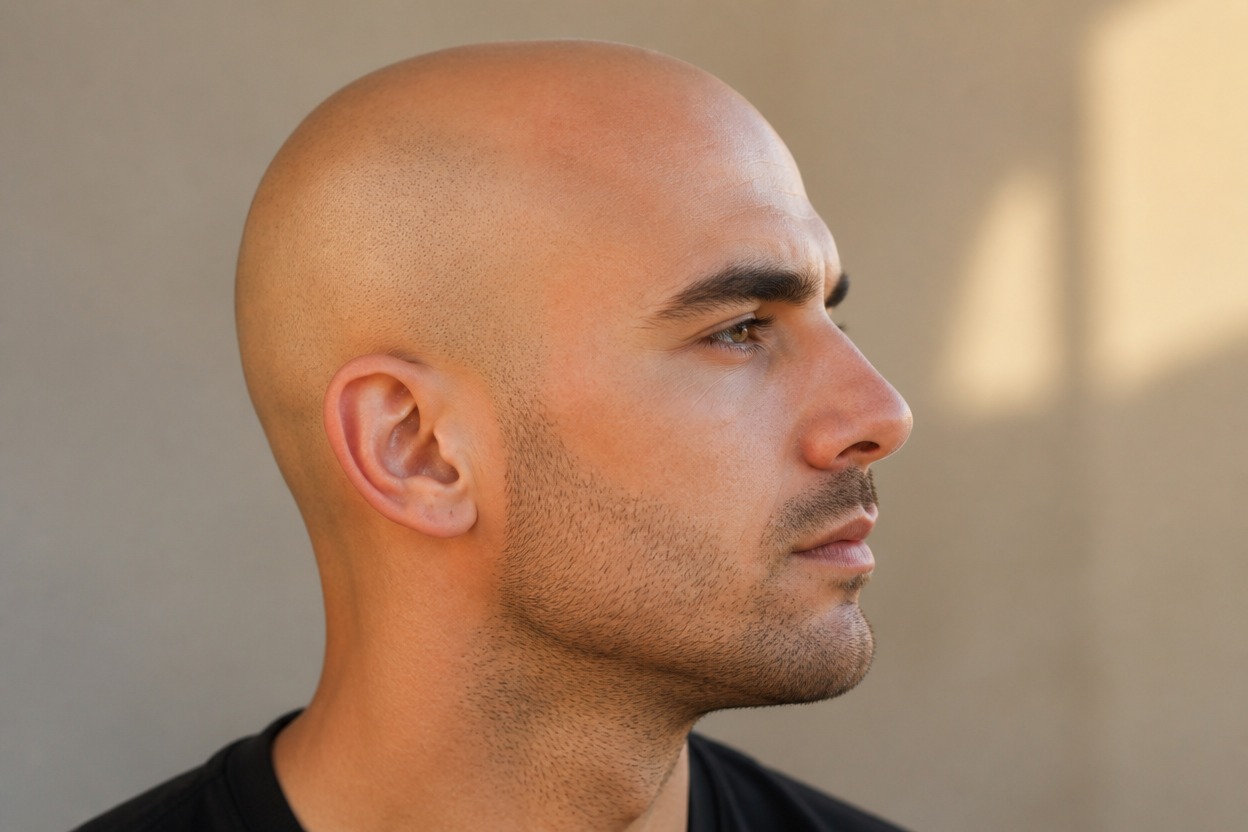
Natural Scalp Reconstruction
GPT-Image-2 can replace visible hair with a clean scalp shape, believable skin texture, subtle tonal variation, and lighting that follows the head and face.
One-Photo Transformation
Start with one uploaded image and receive one finished portrait rather than a split-screen, comparison board, or set of hairstyle cards.
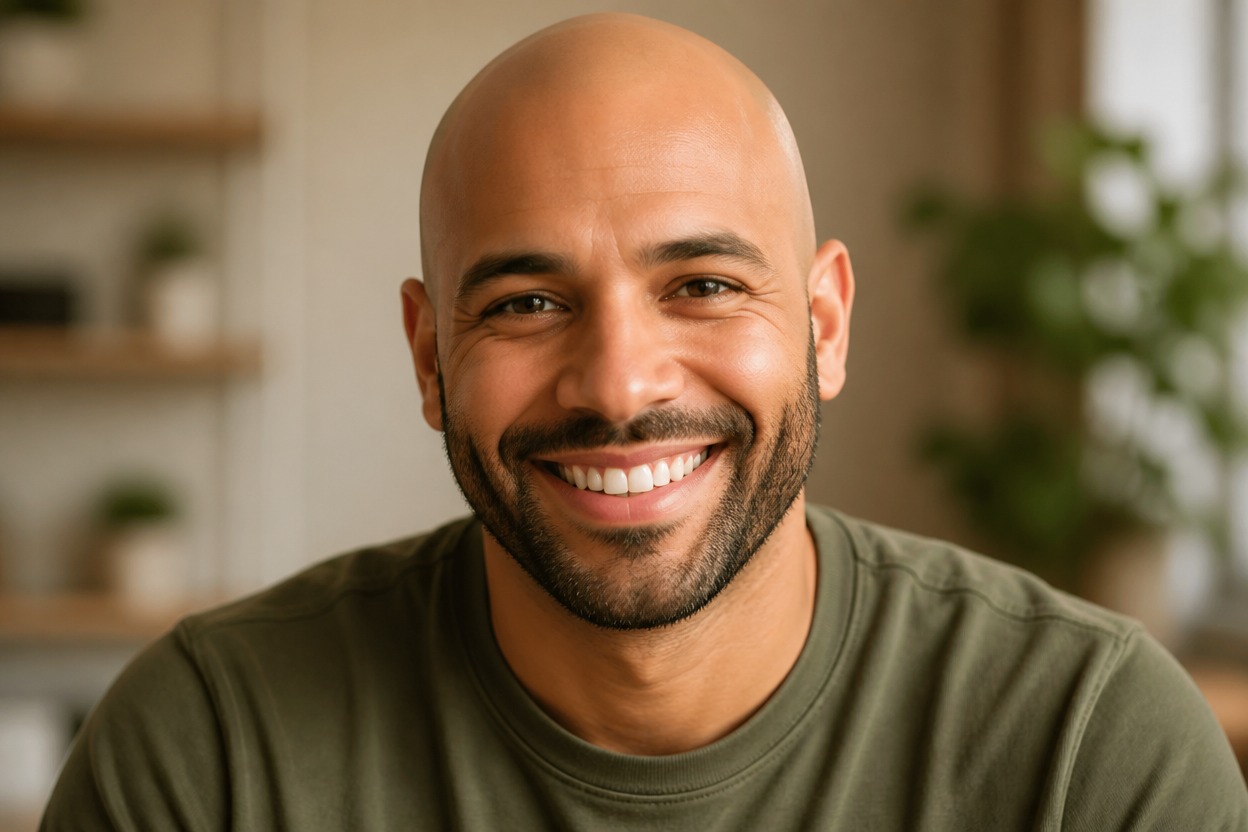
Portrait-Aware Editing
The effect aims to keep recognizable facial features, expression, pose, clothing, lighting, and setting while adapting the head and scalp area.
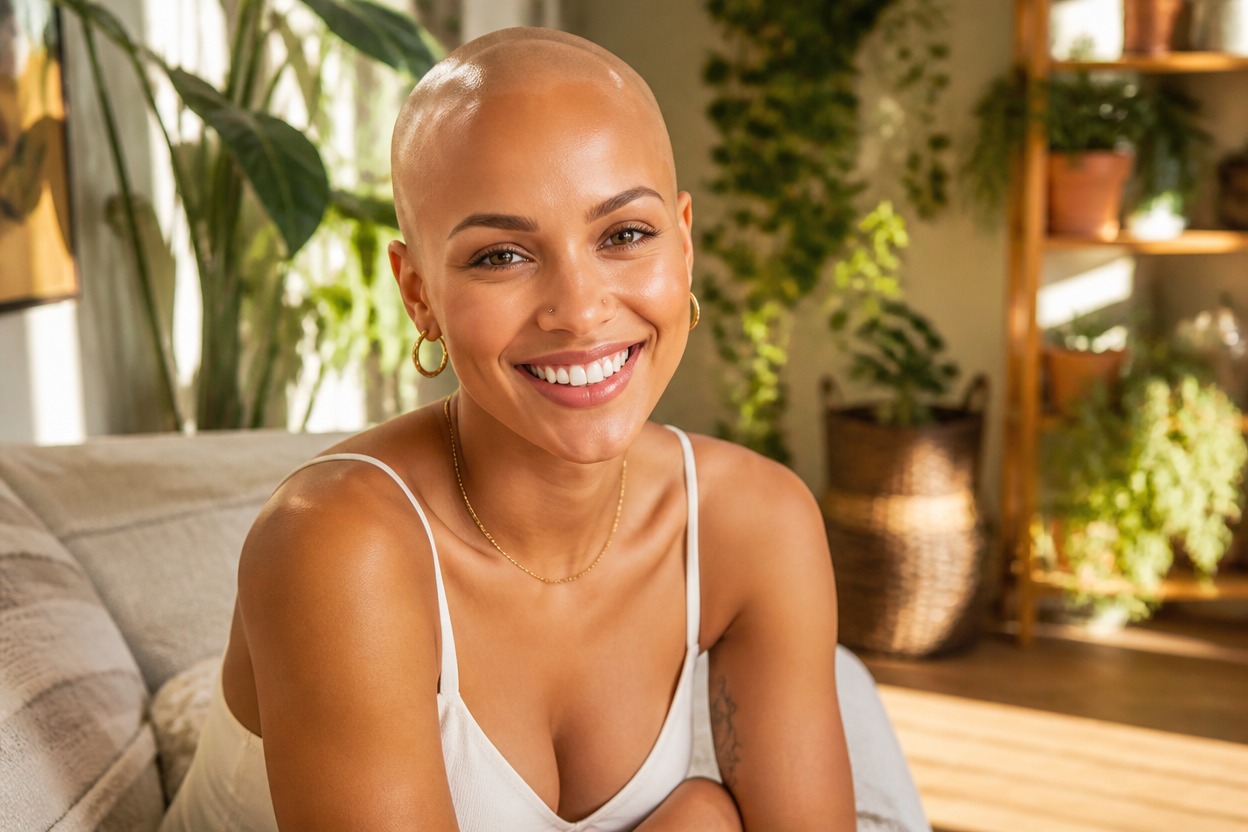
Explore shaved-style ideas for grooming, creative portraits, characters, and profile images
Ways to Use an AI Bald Preview
Clean-Shaven Style Preview
Explore a fully shaved appearance before making a personal grooming or styling decision.
Haircut Planning
Use the generated portrait as visual inspiration when considering a dramatic change from longer hair to a shaved style.
Character and Costume Concepts
Create an original bald portrait direction for an authorized character, costume, or creative project.
Profile Photo Variations
Generate a recognizable portrait variation with a different head shape and styling emphasis.
Facial-Hair Pairing
Review how a shaved scalp may balance with an existing beard, mustache, eyebrows, and face shape.
Long-to-Bald Concepts
Use a clear long-hair portrait as the source for a dramatic hair-removal preview; this effect removes visible hair rather than adding length.
How to Use the AI Bald Filter from Photo
Upload one portrait, apply the effect, and review one finished bald-style image
01
Upload One Clear Portrait
Choose a sharp, well-lit photo of one adult with the full head, forehead, temples, ears, neck, and shoulders visible.
02
Apply the Bald Effect
Start the one-image transformation. AI Hug uses GPT-Image-2 to rebuild the scalp area and integrate it with the face, light, clothing, and setting.
03
Review and Download
Inspect the scalp contour, skin texture, temples, ears, facial likeness, shadows, and background, then download the result you prefer.
Answers about one-photo input, GPT-Image-2, source-photo quality, likeness, and realistic expectations