AI Aging Filter
Upload a photo to apply this effect while keeping the subject recognizable for a natural, polished result.
Image
Examples
Aging Filter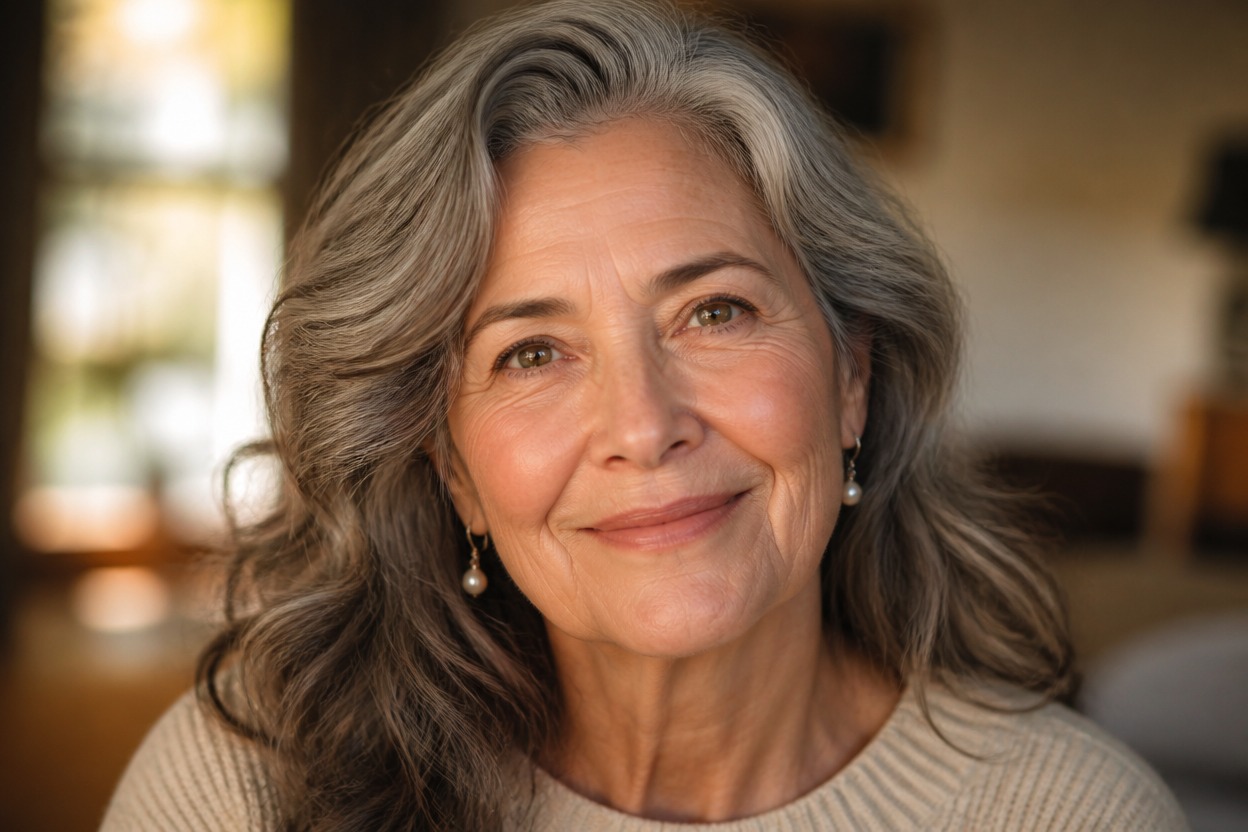
AI Aging Filter from Photo
Upload one clear portrait and create a natural older-age interpretation. Powered by GPT-Image-2, AI Hug reimagines age-related facial details, hair, and lighting as one coherent photo.
Apply the AI Aging FilterCreate a Natural Older-Age Portrait from One Photo
Integrated Age Details
GPT-Image-2 can reinterpret fine lines, facial contours, hair color, and subtle age-related texture together instead of placing a flat overlay on the face.
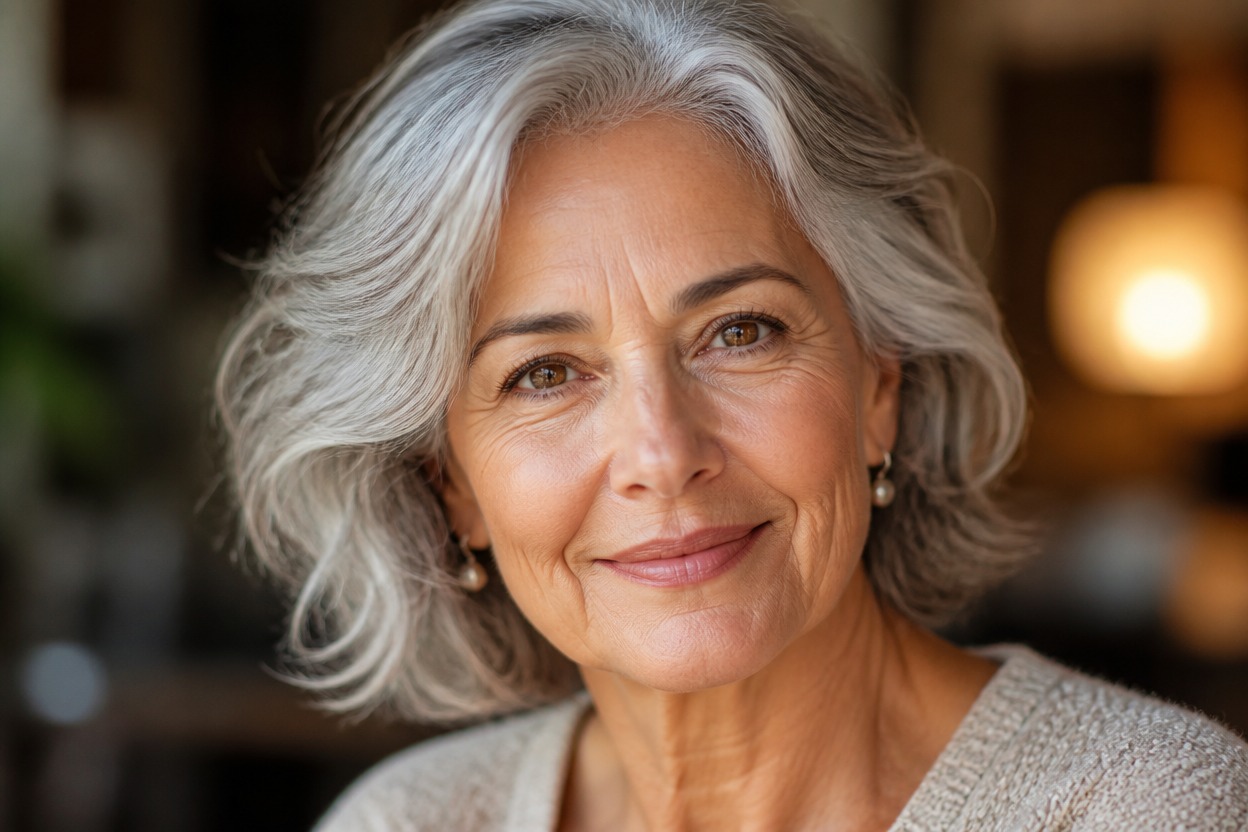
Face-Aware Transformation
The effect follows visible facial structure, expression, pose, and source lighting while generating an older-age version of the uploaded portrait.
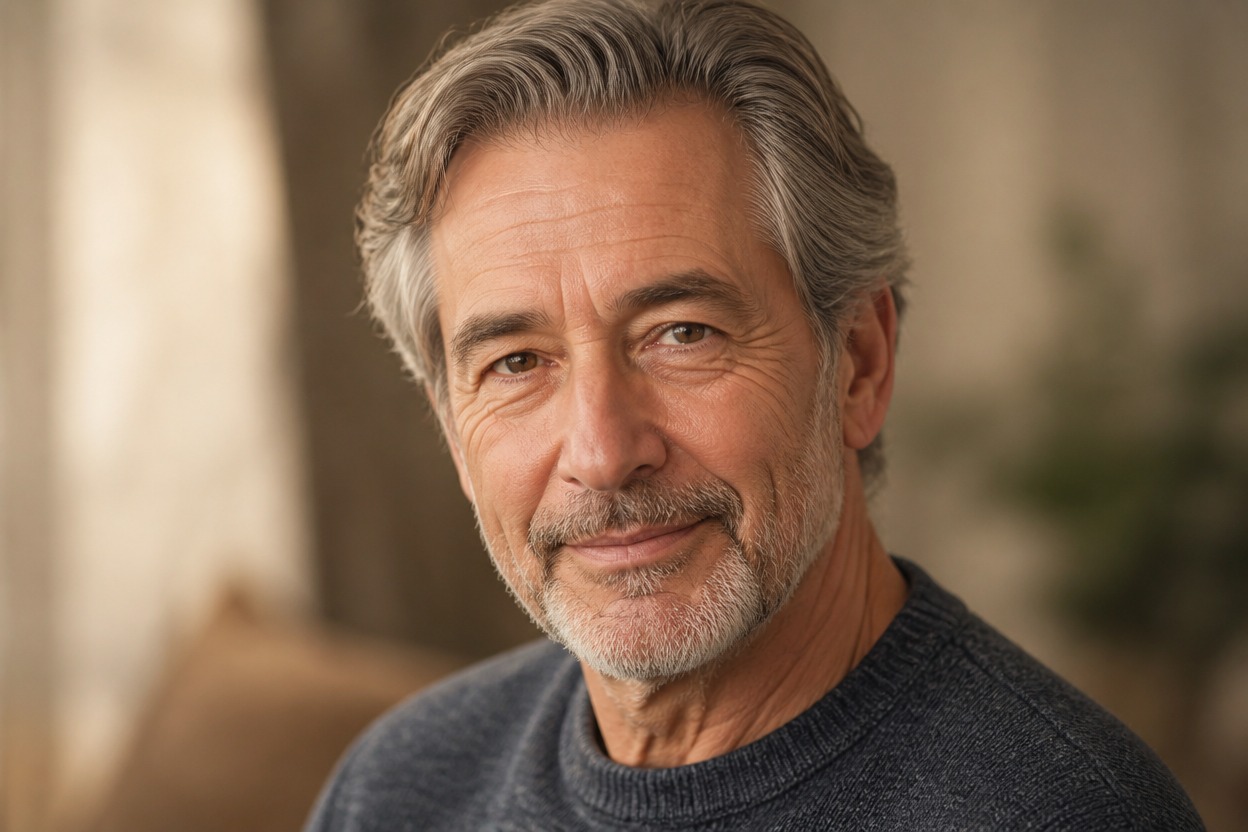
A Result You Can Review
Preview facial likeness, skin texture, eyes, hairline, neck, clothing, and background continuity before choosing the generated image you want to keep.
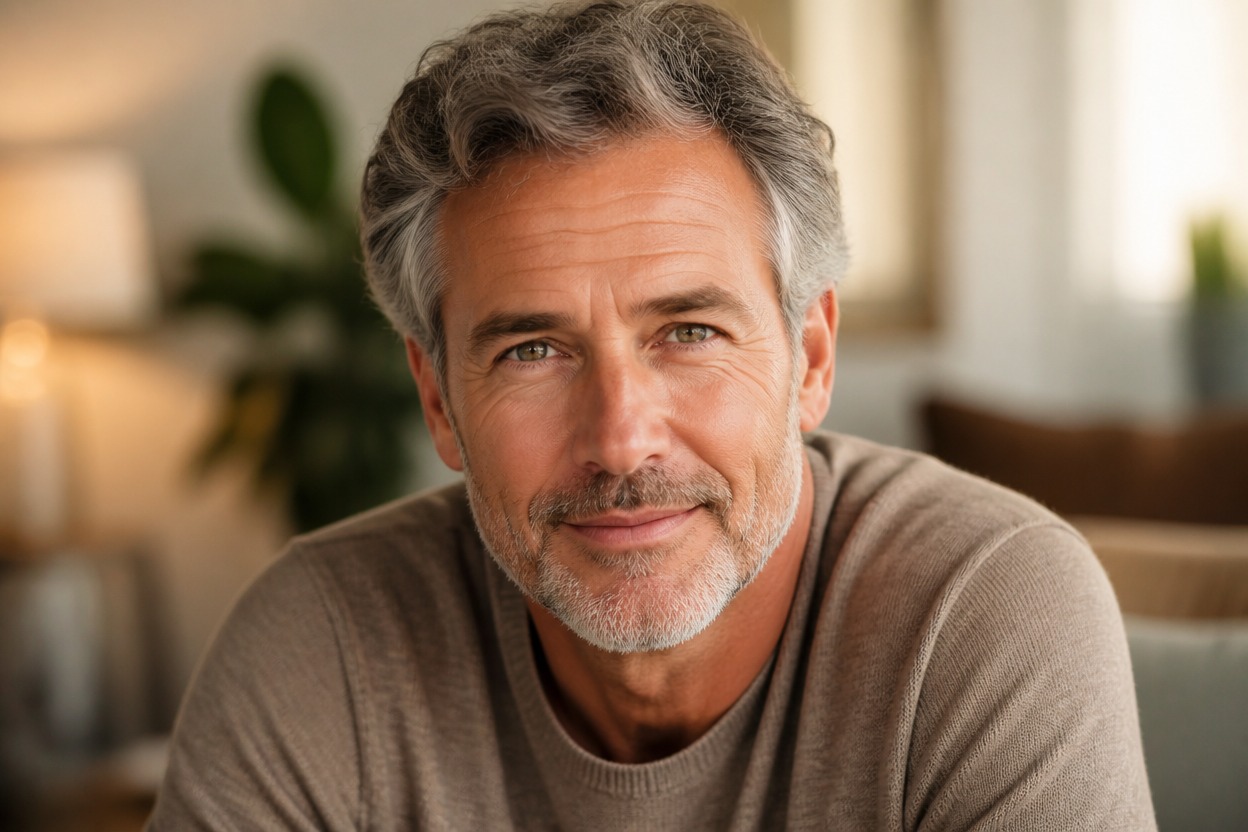
Explore future-self portraits, character concepts, profile variations, and creative photo ideas
Ways to Use an AI Aging Filter
Future-Self Portrait Ideas
Explore a creative older-age interpretation of a clear adult portrait for a personal future-self concept.
Character Aging Concepts
Develop an aged version of an original adult character for storytelling, casting references, or visual development.
Profile Photo Variations
Generate an older-age portrait variation for a personal avatar or age-themed profile concept.
Family Story Projects
Create an age-transformed portrait for a private family story, keepsake concept, or conversation starter.
Makeup and Styling Inspiration
Review how mature hair color, facial texture, and subtle styling cues work together in a generated portrait.
Creative Photo Experiments
Try an AI face filter that changes apparent age while keeping the source pose and scene recognizable where possible.
How to Use the AI Aging Filter
Upload one portrait, apply the effect, and review the generated transformation
01
Upload One Clear Adult Portrait
Choose a sharp, well-lit image with one visible adult face, natural skin detail, and minimal obstruction.
02
Apply the Aging Effect
Start the one-image transformation. AI Hug uses GPT-Image-2 to generate an older-age interpretation with integrated facial, hair, and lighting details.
03
Preview and Download
Check likeness, eyes, skin texture, hairline, neck, anatomy, and background continuity, then download the result you prefer.
Answers about one-photo input, GPT-Image-2, portrait quality, aging results, and access