Funny Face Filter
Upload a photo to apply this effect while keeping the subject recognizable for a natural, polished result.
Image
Examples
Funny Face Filter
Funny Face Filter from Photo
Upload one clear portrait and turn it into a playful comic expression. AI Hug uses GPT-Image-2 to exaggerate eyes, cheeks, smiles, and facial proportions as one polished, coherent image.
Make a Funny FaceFunny Face Filter Features for Playful Portraits
Expressive Face Distortion
GPT-Image-2 can reinterpret visible facial features with oversized eyes, puffed cheeks, stretched smiles, and other comic proportions that read instantly as a funny face.

One-Photo Transformation
Start with one uploaded portrait. The effect rebuilds the subject and setting as a unified result instead of layering stickers or arranging a before-and-after composition.
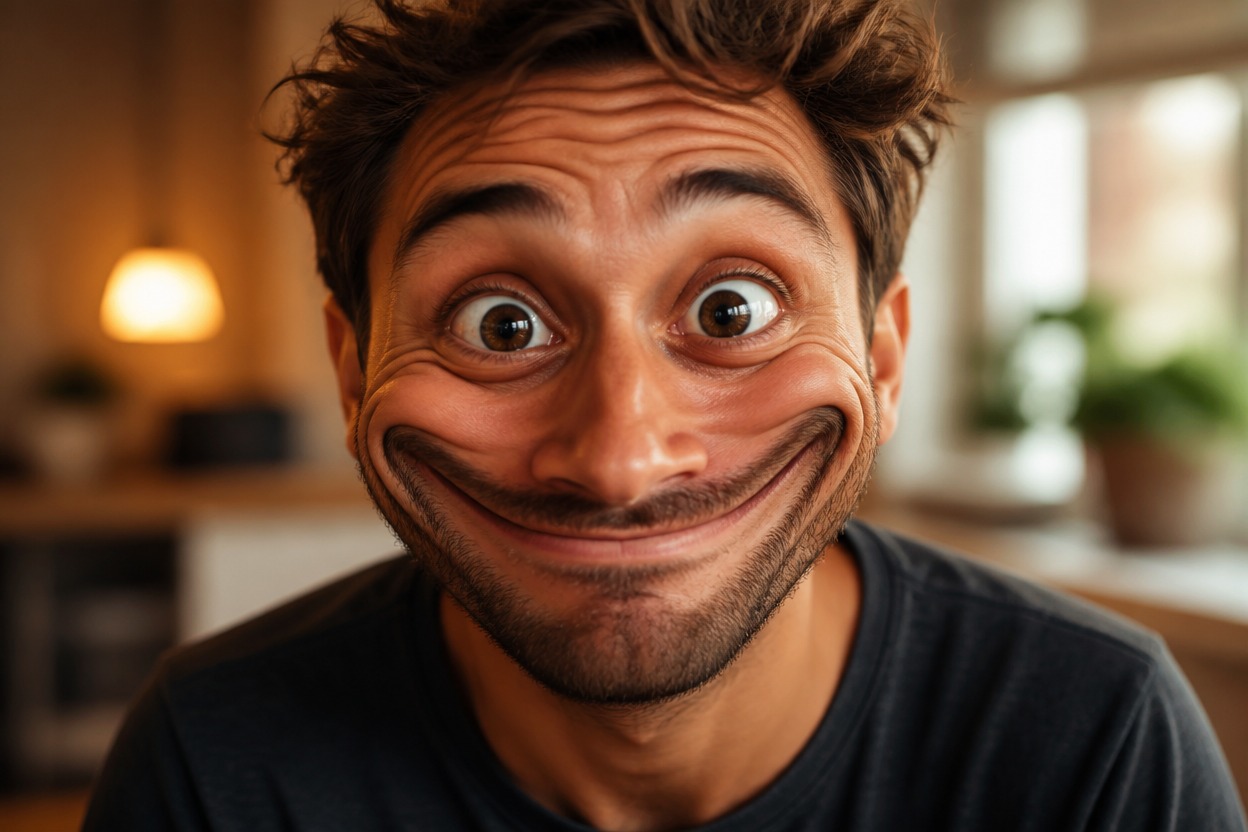
Recognizable, Playful Results
The generated image follows visible cues from the source while adding a bold comic expression. Because details can vary, check the face, teeth, hair, and background before saving.
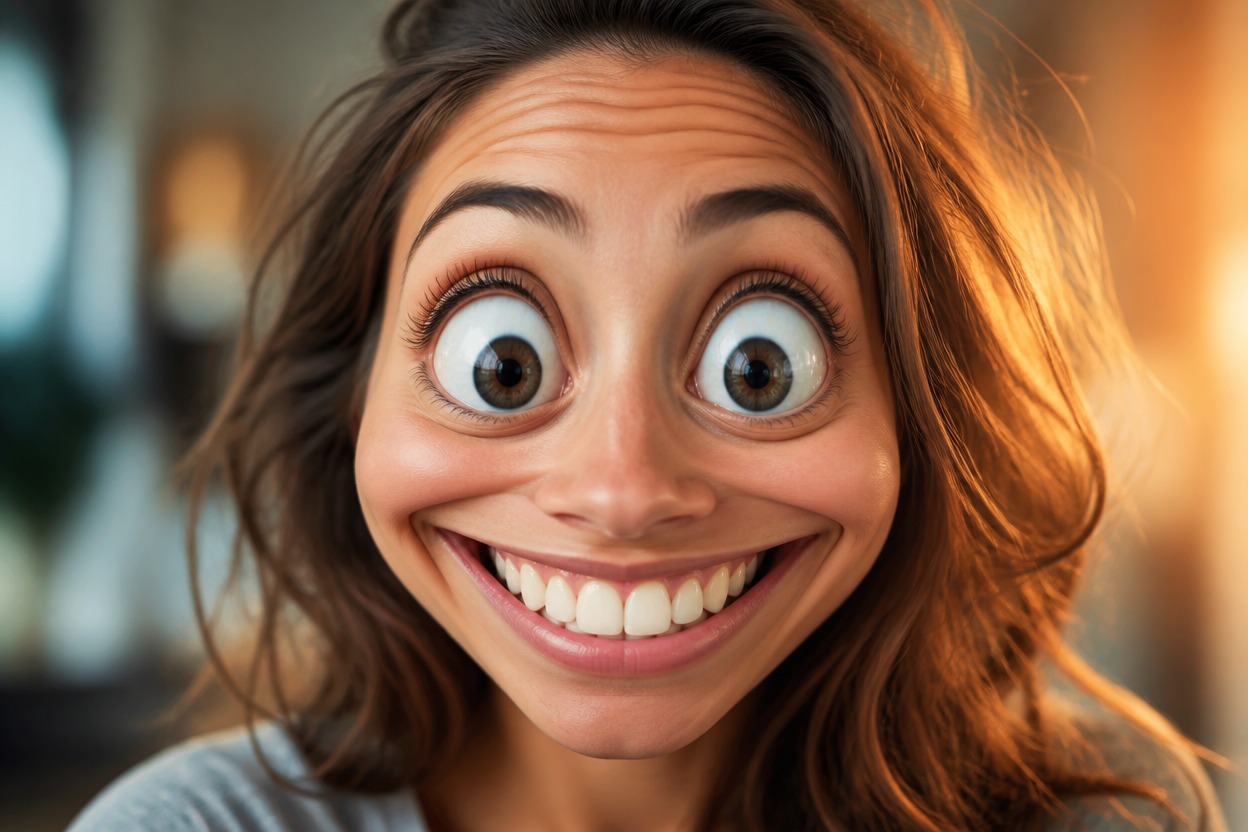
Playful portrait ideas for reactions, profiles, parties, stickers, and character expressions
What You Can Make with a Funny Face Filter
Reaction Images
Turn a clear portrait into an exaggerated expression for a playful reaction image or private chat reply.
Profile Picture Variations
Create a lighthearted alternative to a standard headshot for a personal avatar or casual profile.
Party Portraits
Give an adult party photo a comic face treatment for invitations, recaps, or themed personal posts.
Sticker Ideas
Use a bold generated expression as the starting point for a personal sticker, emote, or reaction graphic.
Makeup-Inspired Experiments
Explore how a playful AI makeup filter mood, vivid color, or dramatic expression could change a portrait.
Character Expression Studies
Apply the effect to an original or authorized character portrait to explore a more comedic emotional range.
How to Use the Funny Face Filter from Photo
Upload one image, apply the effect, and review the finished portrait
01
Upload One Clear Portrait
Choose a sharp, well-lit image with one adult face, visible features, and minimal obstruction around the eyes and mouth.
02
Apply the Funny Face Effect
Start the one-image transformation. AI Hug uses GPT-Image-2 to generate a playful expression and coherent comic proportions.
03
Preview and Download
Review the eyes, smile, teeth, skin texture, hair, and background, then download the result that looks intentional and complete.
Answers about photo input, GPT-Image-2, generated expressions, quality checks, and access