GPT-Image-2 AI Image Generator
Create polished images from written prompts with GPT-Image-2 in the generator above. Describe the subject, setting, style, lighting, and composition, then refine the prompt to explore a stronger direction. AI Hug is an independent platform that provides access to GPT-Image-2; it is not OpenAI or an official OpenAI product page.
Generate with GPT-Image-2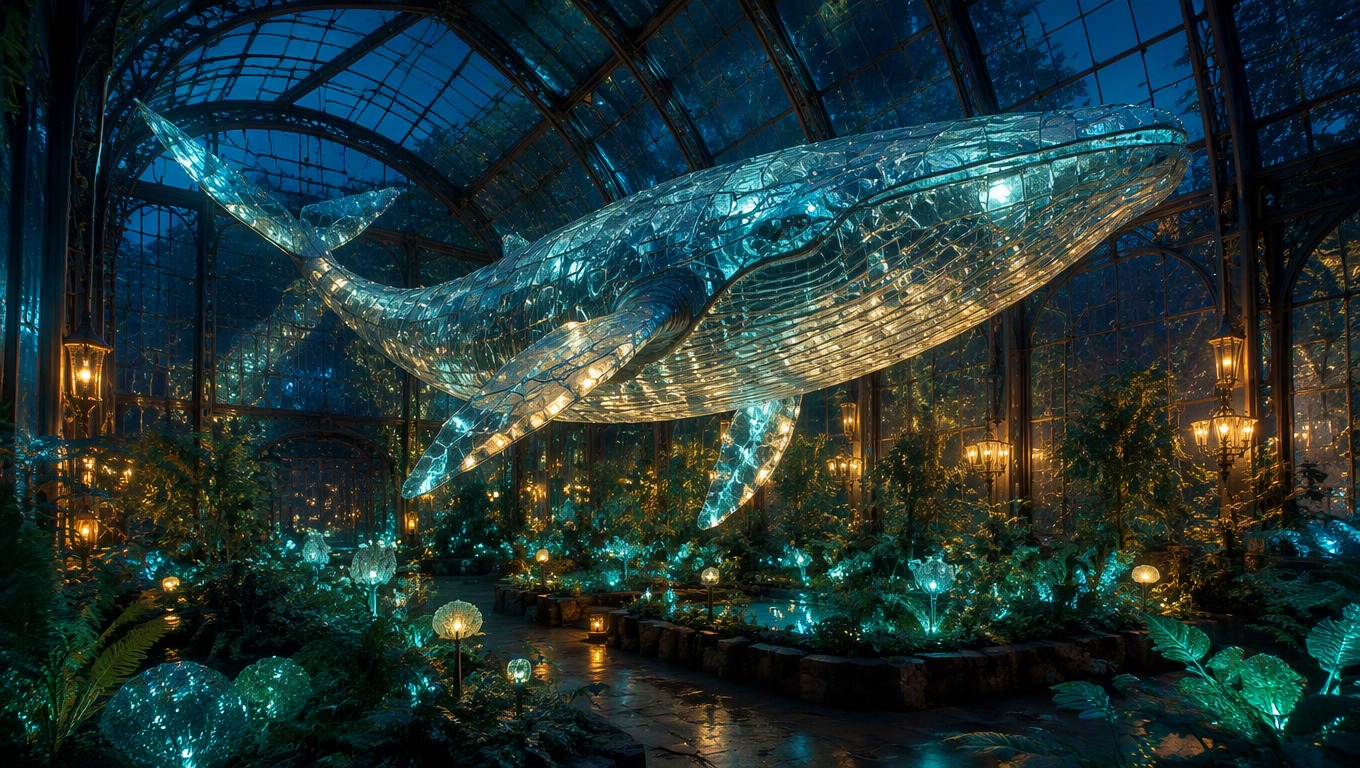
Shape the Image Through the Prompt
Move from a broad idea to a purposeful visual by specifying what belongs in the frame and how it should feel. The embedded GPT picture generator is designed for prompt-based image creation, so each revision can focus on one creative decision.
Direct the Subject and Scene
Define the main subject, environment, viewpoint, and action so the composition has a clear focal point rather than a generic theme.
Generate an Image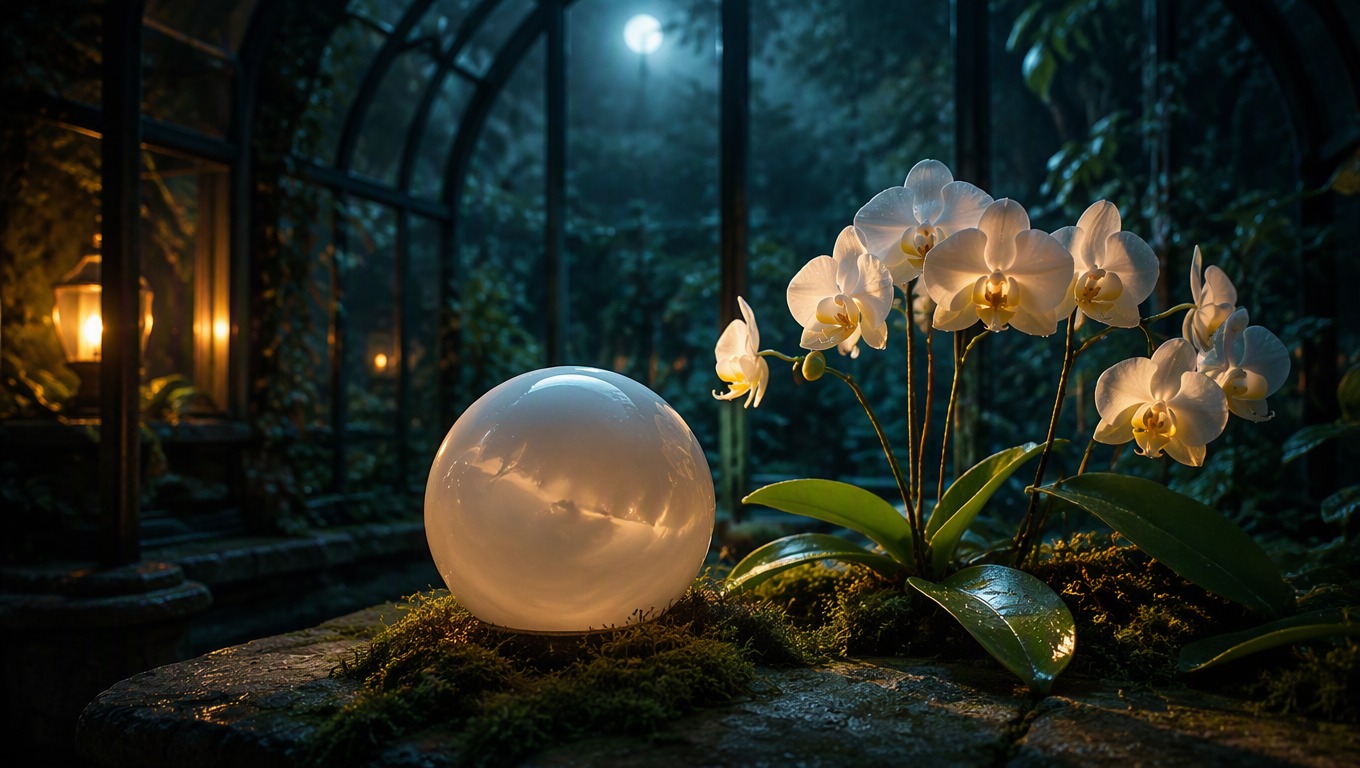
Control Style and Atmosphere
Add material, color, lighting, lens, and mood cues to guide the visual language while keeping the core subject consistent.
Explore a Style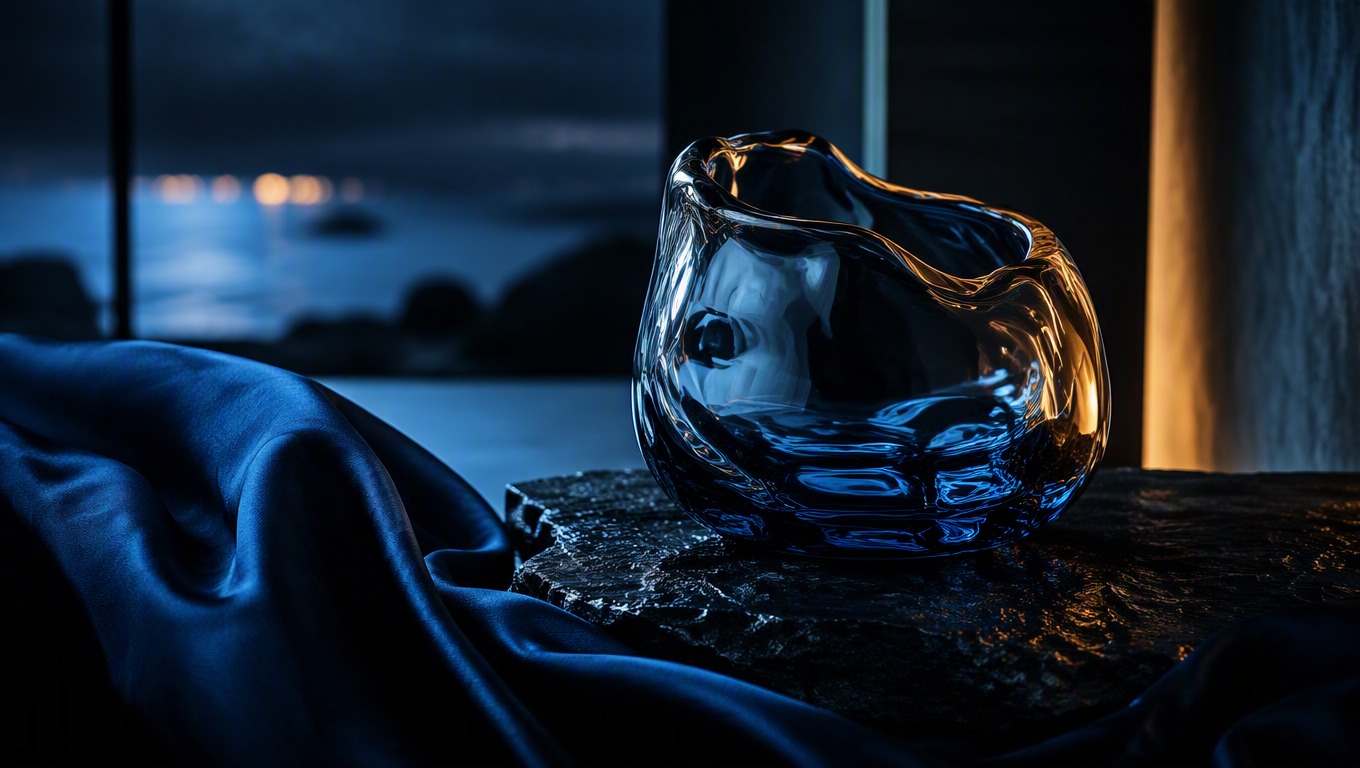
Refine One Detail at a Time
Adjust framing, palette, background, or subject details in the next GPT Image 2 prompt so you can judge which instruction changed the result.
Refine Your Prompt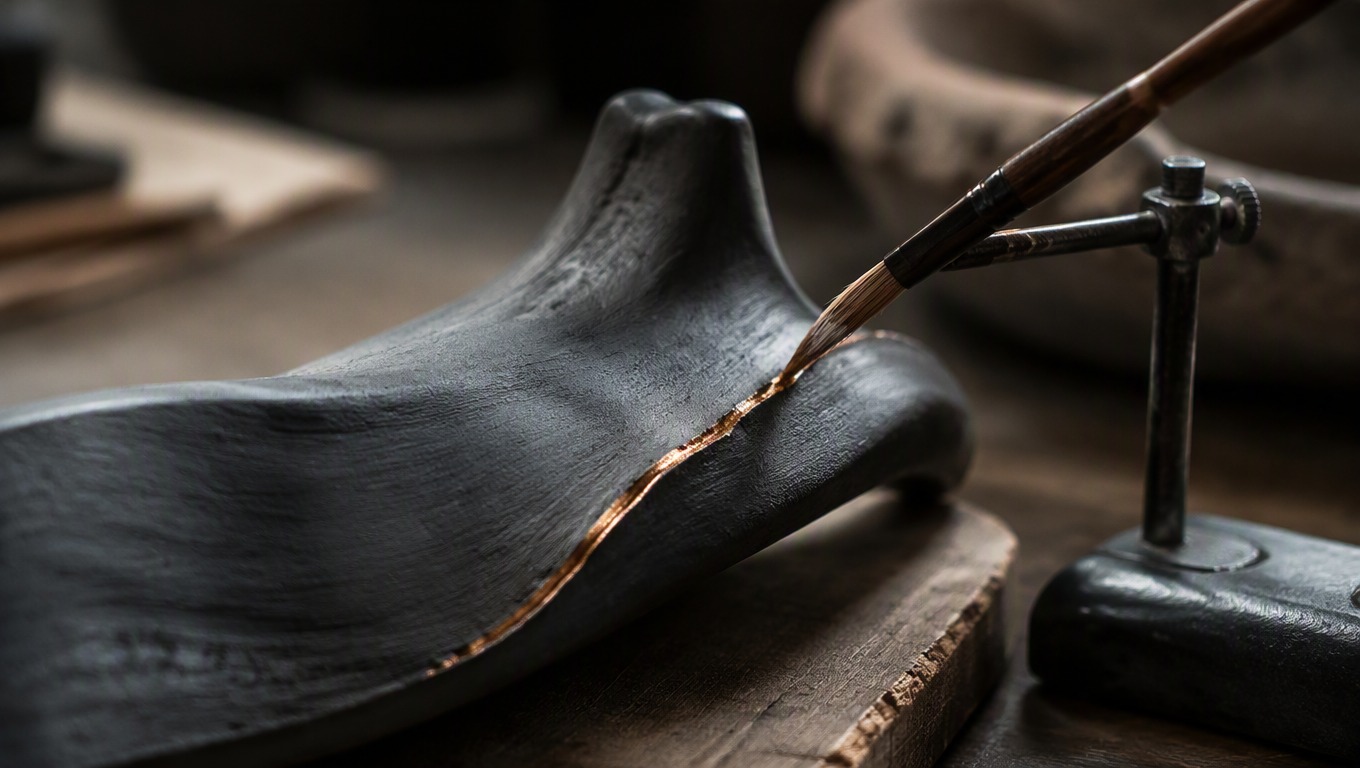
Practical visual directions for creative and content work
What You Can Create with GPT-Image-2
- 01
Campaign Concepts
Explore art direction for landing pages, promotions, launch themes, and seasonal creative briefs.
- 02
Product Scenes
Place an original product concept in a tailored environment with controlled materials, lighting, and mood.
- 03
Editorial Illustrations
Turn an abstract topic into a focused visual metaphor for articles, presentations, and explainers.
- 04
Story Worlds
Develop locations, props, creatures, and cinematic moments for an original narrative or game concept.
- 05
Portrait Directions
Describe an original subject, wardrobe, setting, expression, and photographic treatment for a distinct portrait concept.
- 06
Design Exploration
Test color systems, materials, shapes, and visual moods before committing to a final creative direction.
How to Use the GPT Image 2 Generator
Describe, generate, and refine your image in three focused steps
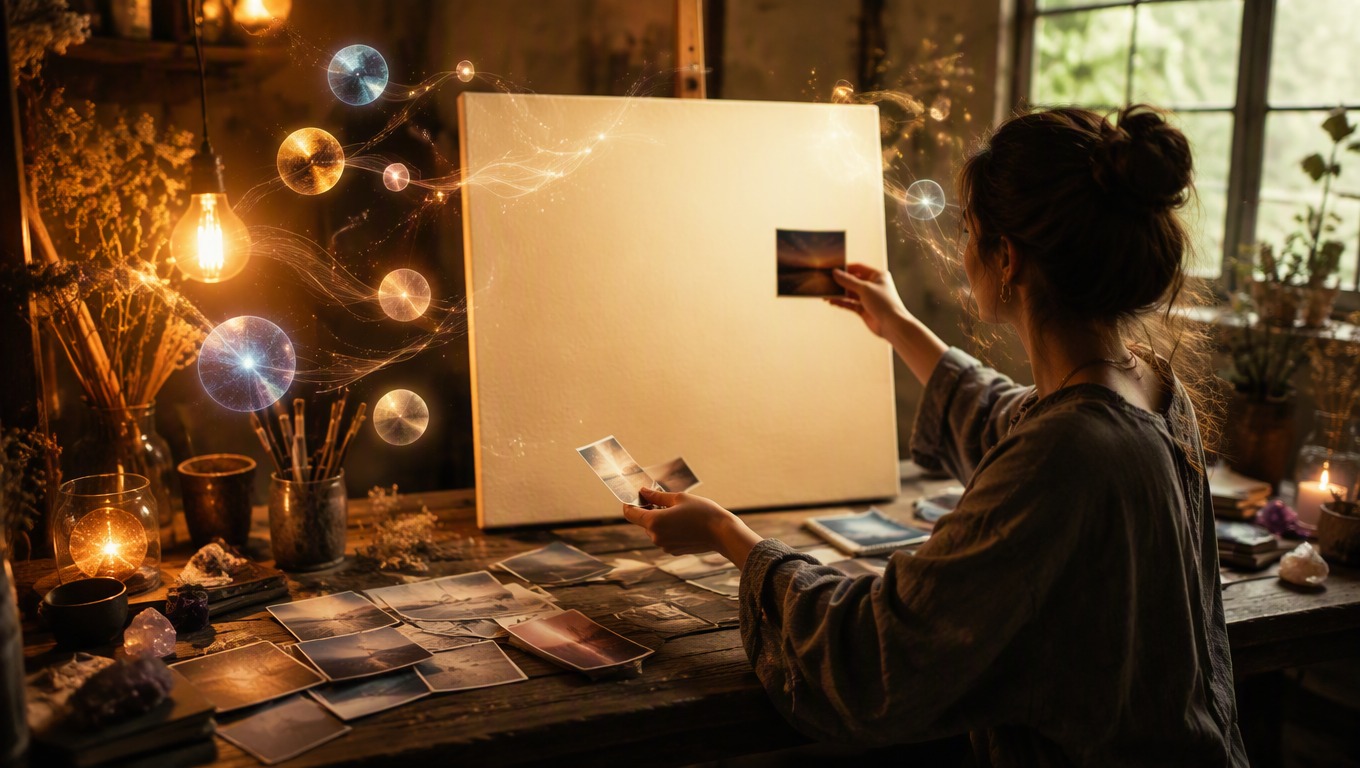 01
Write a Specific Prompt
Describe the subject first, then add the setting, composition, style, lighting, color, and details that matter to the final use.
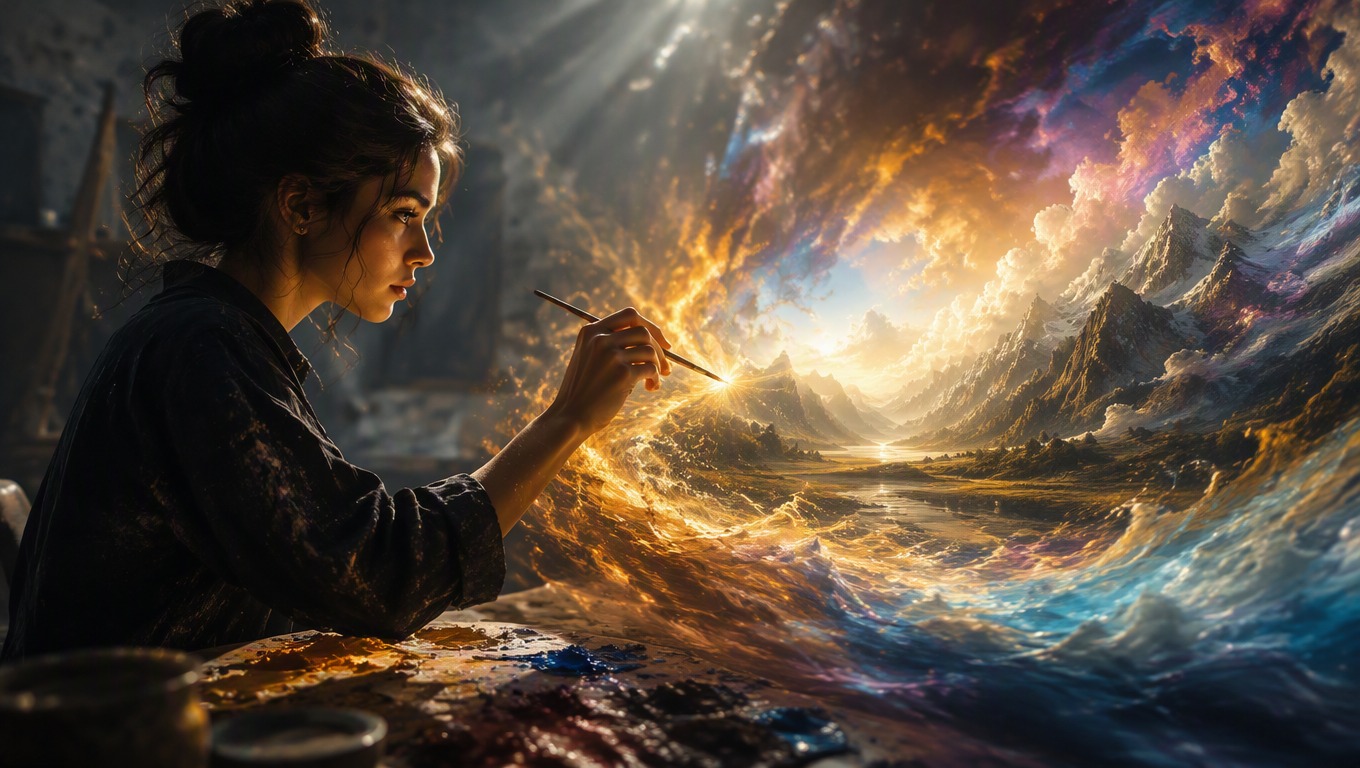 02
Generate in the Tool
Submit the prompt in the embedded generator above and review the complete image for composition, coherence, and unwanted artifacts.
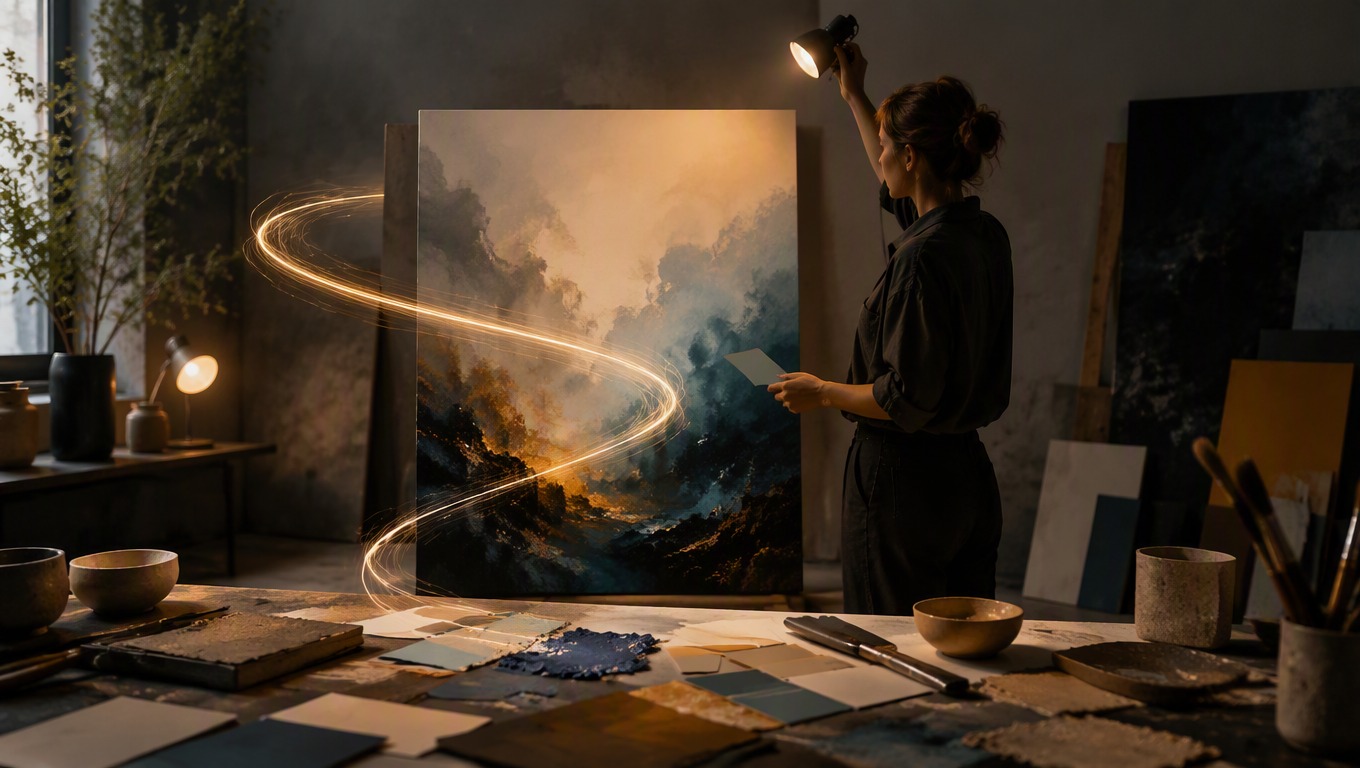 03
Refine and Generate Again
Keep the useful parts of the prompt and change one weak element at a time, such as framing, background, material, or mood.
GPT-Image-2 Generator FAQ
Prompt writing, image creation, access, and responsible use
What is the GPT-Image-2 AI image generator on this page?
It is a prompt-based image generation option available through AI Hug's embedded tool. You describe the image you want, generate a result, and revise the prompt when you want a different direction.
Is GPT Image 2.0 the same search intent as GPT-Image-2?
People may use GPT Image 2.0 as an informal search phrase for GPT-Image-2. This page focuses on the GPT-Image-2 option available in the AI Hug generator above.
What should a useful GPT Image 2 prompt include?
Start with the main subject and action, then add the environment, viewpoint, visual style, lighting, palette, and any details that must be included or avoided.
How do I improve a result without rewriting everything?
Preserve the prompt details that worked and revise one category at a time. Changing only the framing, lighting, background, or material makes the effect of each edit easier to evaluate.
What can I make with this GPT picture generator?
You can explore original campaign imagery, product concepts, editorial illustrations, story scenes, portraits, and design directions based on the prompts you provide.
Does this page provide GPT-Image-2 API access?
No. This page describes prompt-based image generation in the embedded AI Hug tool and does not claim or offer API access.
Is AI Hug affiliated with OpenAI?
No. AI Hug is an independent platform providing access to GPT-Image-2. AI Hug is not OpenAI, is not an official OpenAI product page, and does not claim OpenAI endorsement.
Should I review an image before using it?
Yes. Check the composition, faces, hands, small details, accidental text or marks, and whether you have the rights needed for your prompt inputs and intended use.