Kling 3.0 AI Video Generator
Turn a written scene into a moving visual with the working generator above. Describe the subject, environment, action, camera behavior, lighting, pace, and mood to shape a more deliberate Kling AI video.
Create a Video
Direct One Cinematic Shot from Prompt to Motion
The embedded Kling video generator is ready above this content. Build one coherent scene, use concrete motion language, and refine the visual direction without turning the prompt into a list of disconnected ideas.
Compose the Whole Scene
Define the subject, setting, viewpoint, lighting, and atmosphere as one connected shot so the visual idea stays readable.
Try Your Prompt
Describe Action and Camera Behavior
Use precise verbs such as tracking, orbiting, drifting, rising, revealing, or rushing to communicate how the subject and camera should move.
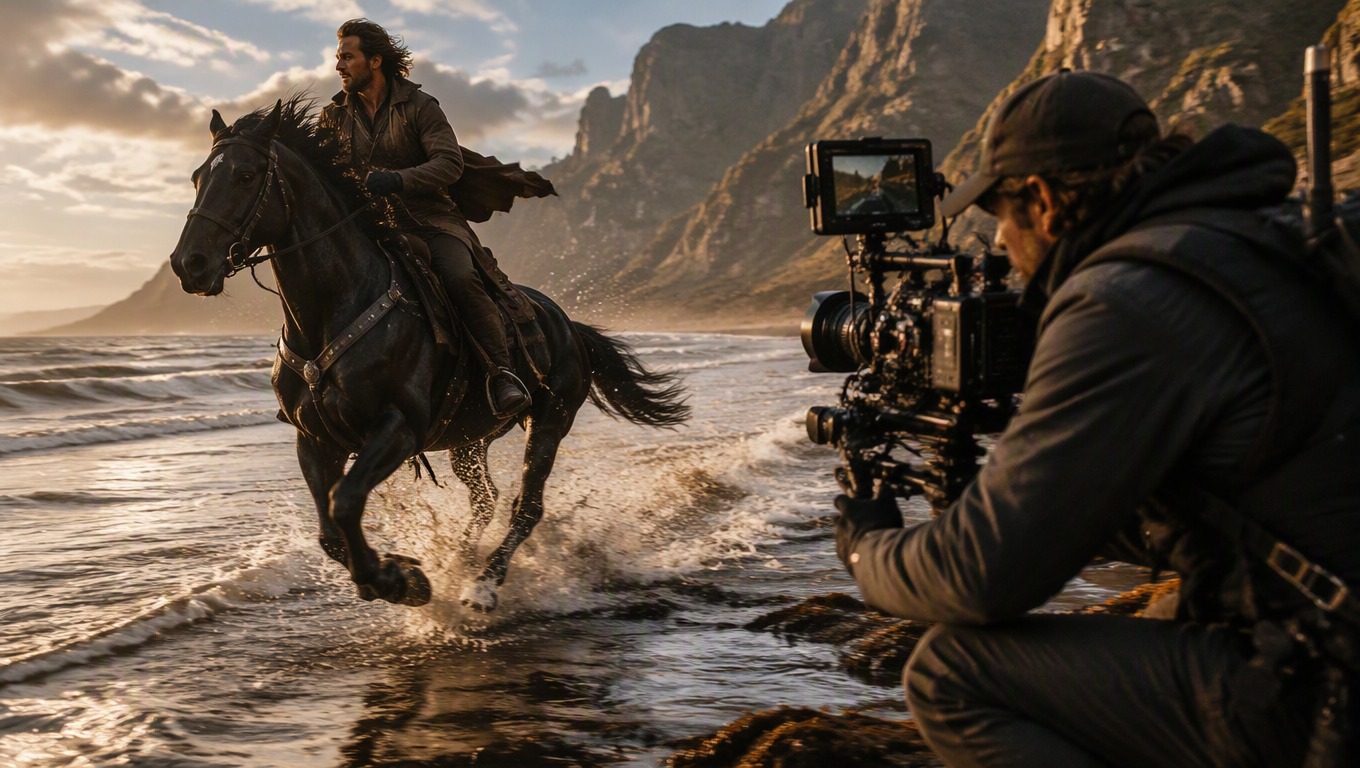
Control Mood through Visual Cues
Guide the result with compatible choices for weather, color, lighting, lens feel, tempo, and visual style rather than relying on vague quality words.
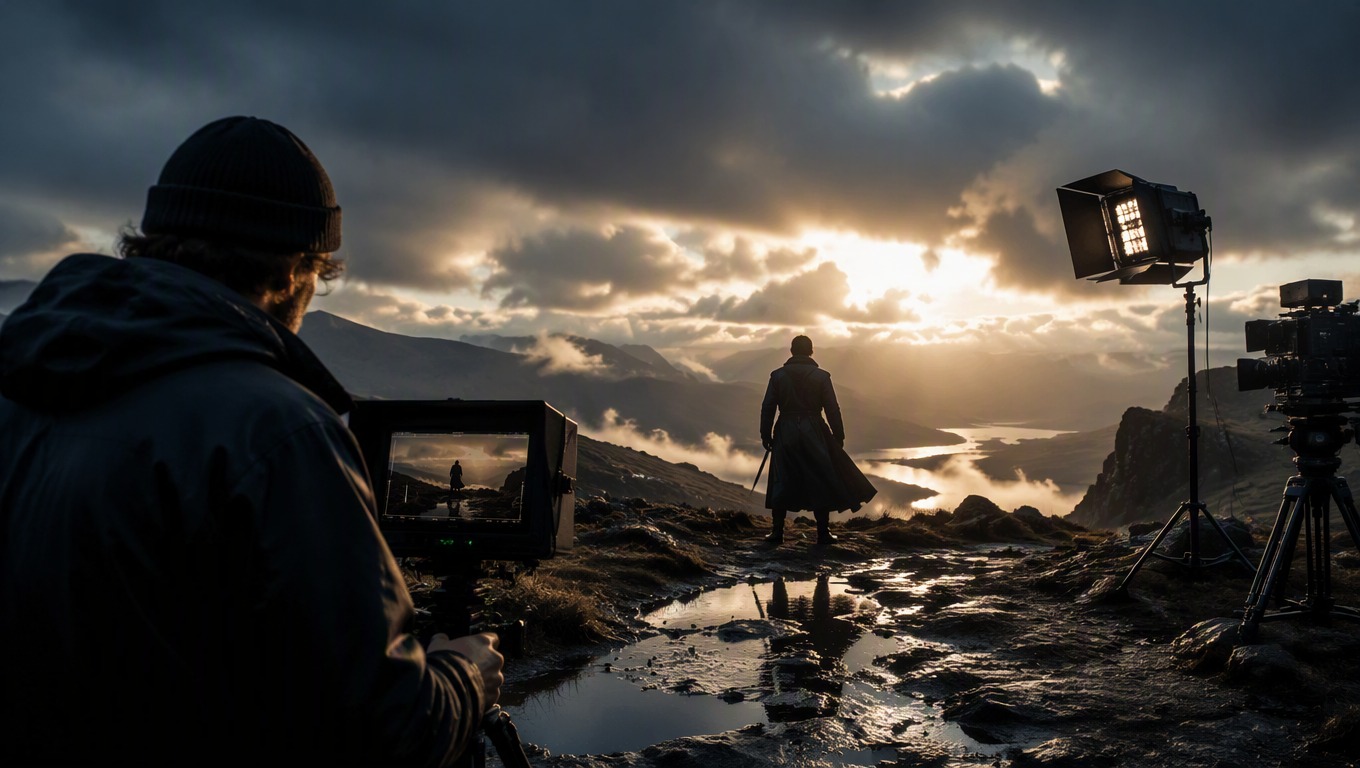
Explore focused moving scenes for concrete creative planning and production tasks.
What to Create with Kling AI Video
- 01
Cinematic Establishing Shots
Visualize an original location with intentional camera movement, weather, scale, and atmosphere.
- 02
Storyboard Moments
Turn a key narrative beat into a moving concept that helps clarify action and framing.
- 03
Product Atmosphere Concepts
Place an original product idea in a controlled scene with deliberate light, motion, and camera perspective.
- 04
Fantasy and Science-Fiction Scenes
Explore original worlds, environments, creatures, vehicles, and dramatic natural movement.
- 05
Animated Art Direction
Test color, texture, lighting, pace, and motion language for an original visual treatment.
- 06
Short-Form Visual Hooks
Prototype a concise opening image or reveal before developing a longer creative sequence.
How to Use the Kling Video Generator
Start in the embedded tool above, review the generated motion, then revise with purpose.
 01
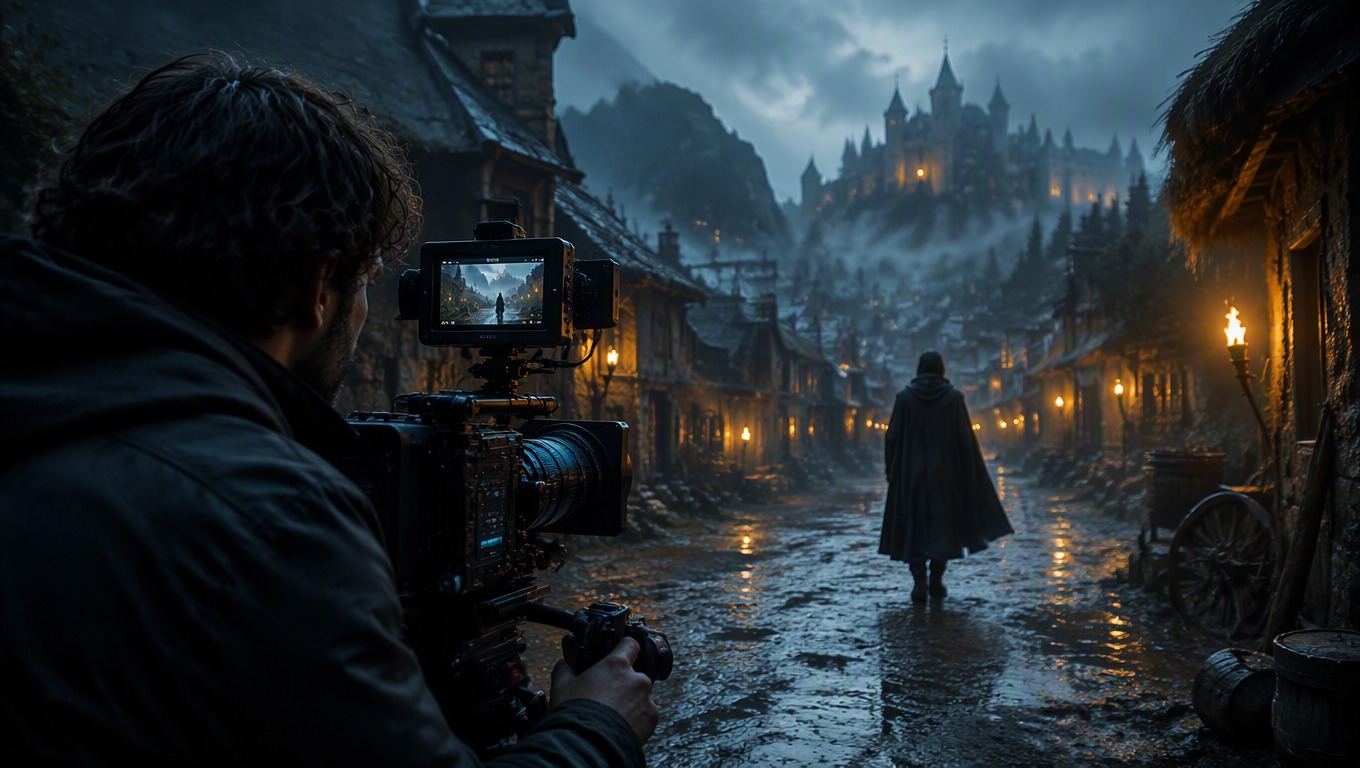
01Describe One Shot
Write the main subject, environment, action, visual style, lighting, and mood as a single coherent scene.
 02
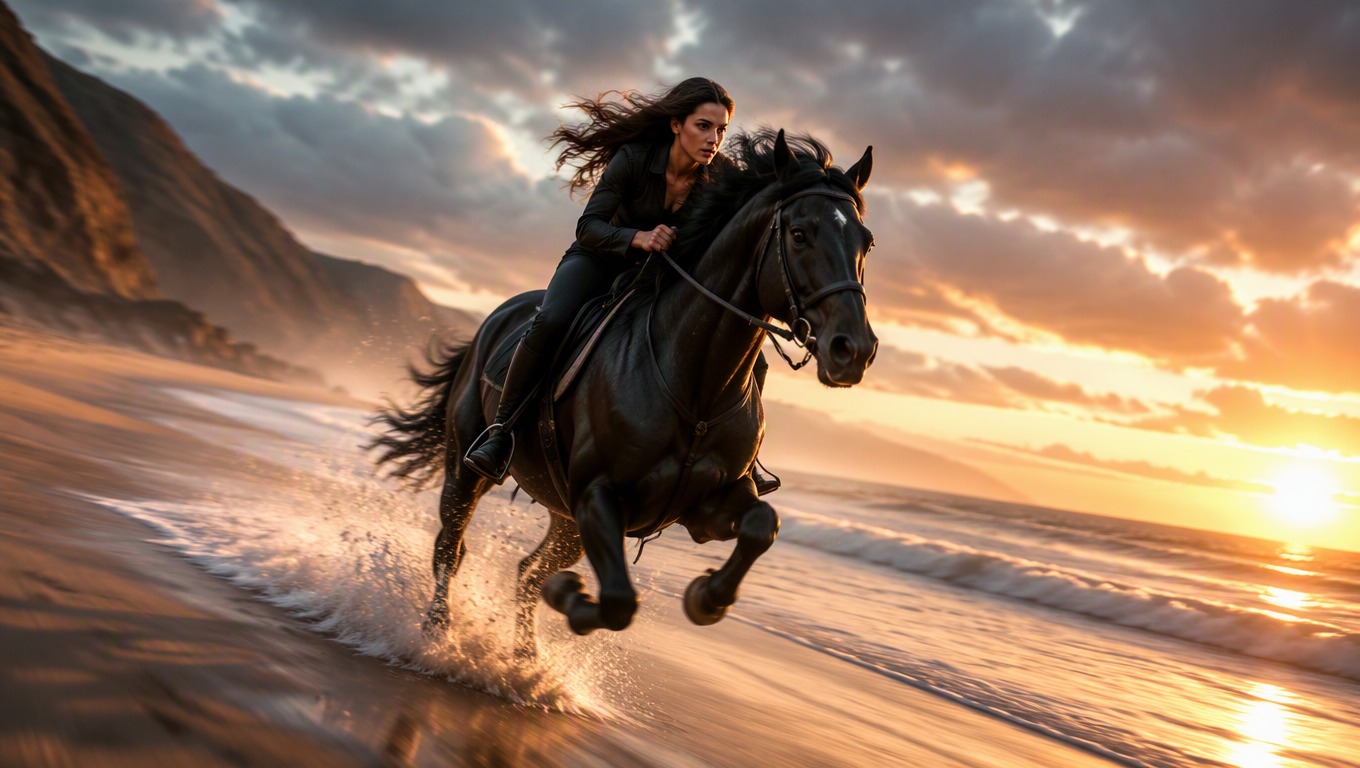
02Add Motion Direction
Specify how the subject moves, how the camera behaves, and whether the pace feels calm, energetic, or dramatic.
 03
03Generate and Review
Run the prompt, then inspect scene consistency, subject behavior, composition, camera movement, and atmosphere.
 04
04Refine One Variable
Keep what works and change one important direction—such as action, framing, weather, lighting, or tempo—for the next variation.
Kling 3.0 AI Video FAQ
Practical answers for writing prompts and using this independent AI Hug model page.
What is the Kling 3.0 AI video generator on this page?
It is a text-to-video experience embedded on AI Hug. Enter a scene description in the working generator above, generate a result, and refine the directions that matter most.
What should I include in a Kling AI video prompt?
Describe the subject, environment, action, camera behavior, lighting, mood, pace, and visual style. Keep the details compatible so they form one shot.
Can I direct camera movement?
You can request camera behavior in the prompt. Concrete phrases such as slow tracking shot, aerial reveal, gentle orbit, or rapid push-in provide clearer direction, though each generation may interpret them differently.
How can I improve an unclear result?
Remove competing actions, clarify what moves, and revise one variable at a time. Focused changes make each new result easier to evaluate.
Does this page offer Kling AI image to video?
This page focuses on the text-to-video workflow exposed by the embedded tool. Do not assume image upload or image-to-video input unless that option is visibly available in the generator.
Are results guaranteed to match my prompt exactly?
No. AI video generation is interpretive, so motion, composition, and small details can vary. Review every result and refine the prompt when needed.
Is this an official Kling or Kuaishou page?
No. AI Hug is an independent platform. It is not Kuaishou or Kling AI, and this is not an official Kling product page. Related names belong to their respective owners.