AI Ahegao Face Generator
Create an exaggerated funny face AI effect from an appropriate adult avatar or consented image. AI Hug frames this as a meme-style expression generator, with strict review for consent, age safety, and platform context.
- ai ahegao
- ahegao face generator
- ai ahegao filter
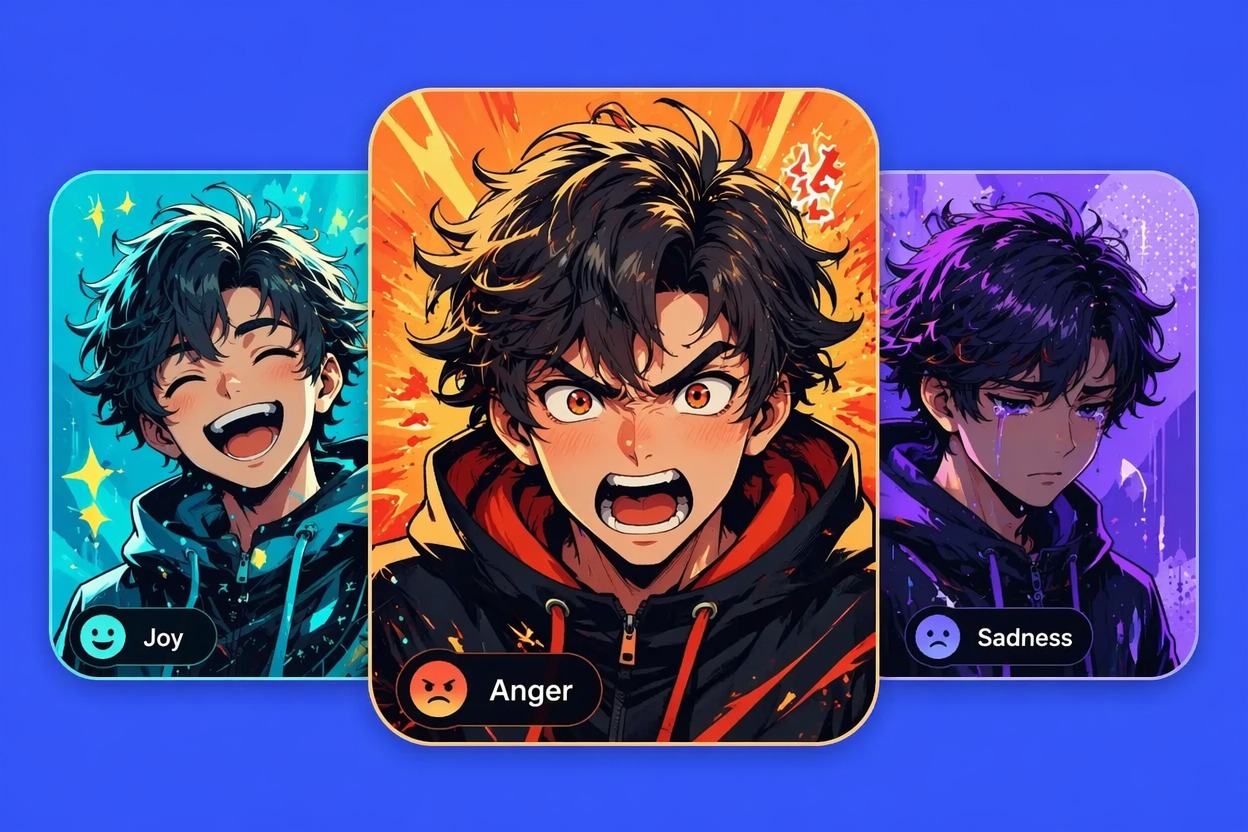
How to Keep an AI Ahegao Filter Safer
An ahegao face generator sits near adult meme culture, so the workflow should stay consent-first, non-explicit, and clearly humorous. Avoid minors, non-consensual real people, or sexualized framing.
Consent and Age Safety
Use only adult-appropriate images you have permission to edit. The safest AI ahegao workflow uses original avatars, anime-style OCs, or opt-in creator images.
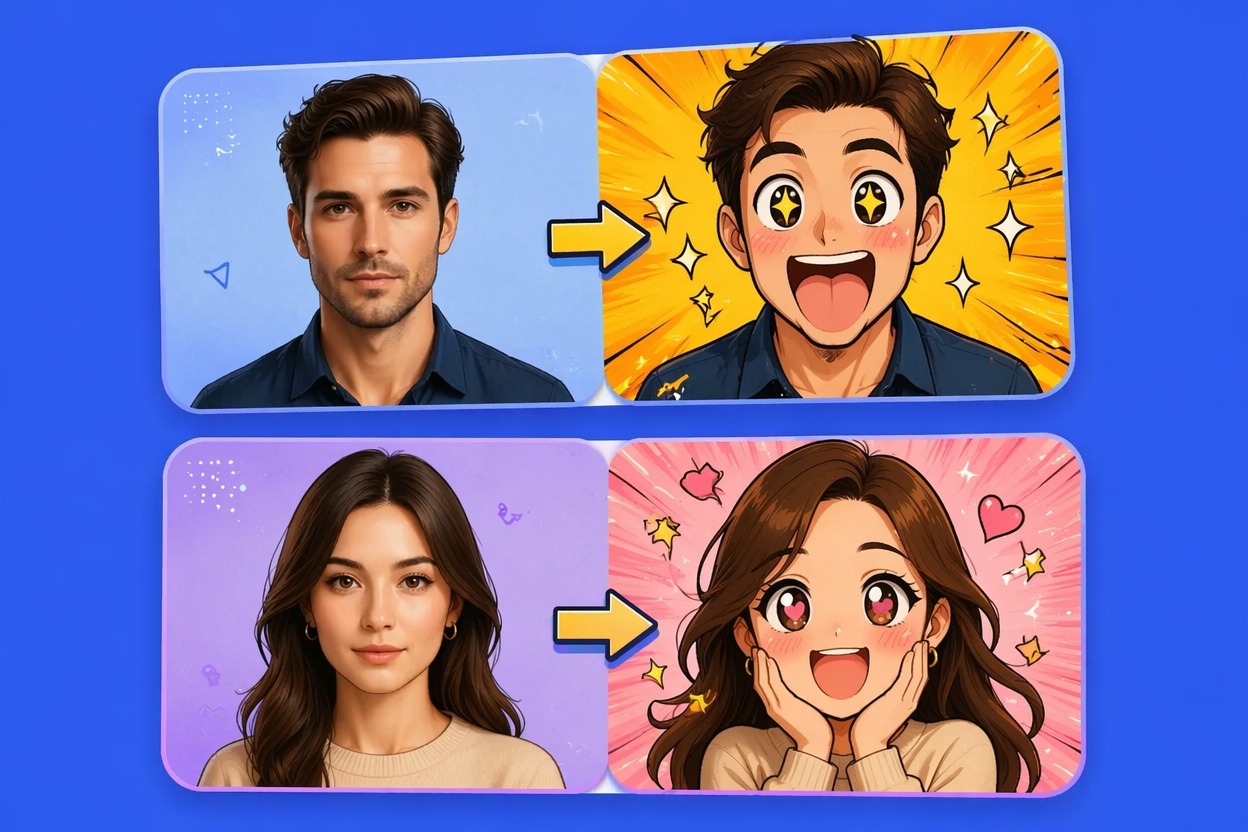
Meme Expression Control
Treat the ahegao effect video as a funny face AI filter: exaggerated eyes, silly expression, and comedic timing. Avoid explicit body framing or sexualized scene context.
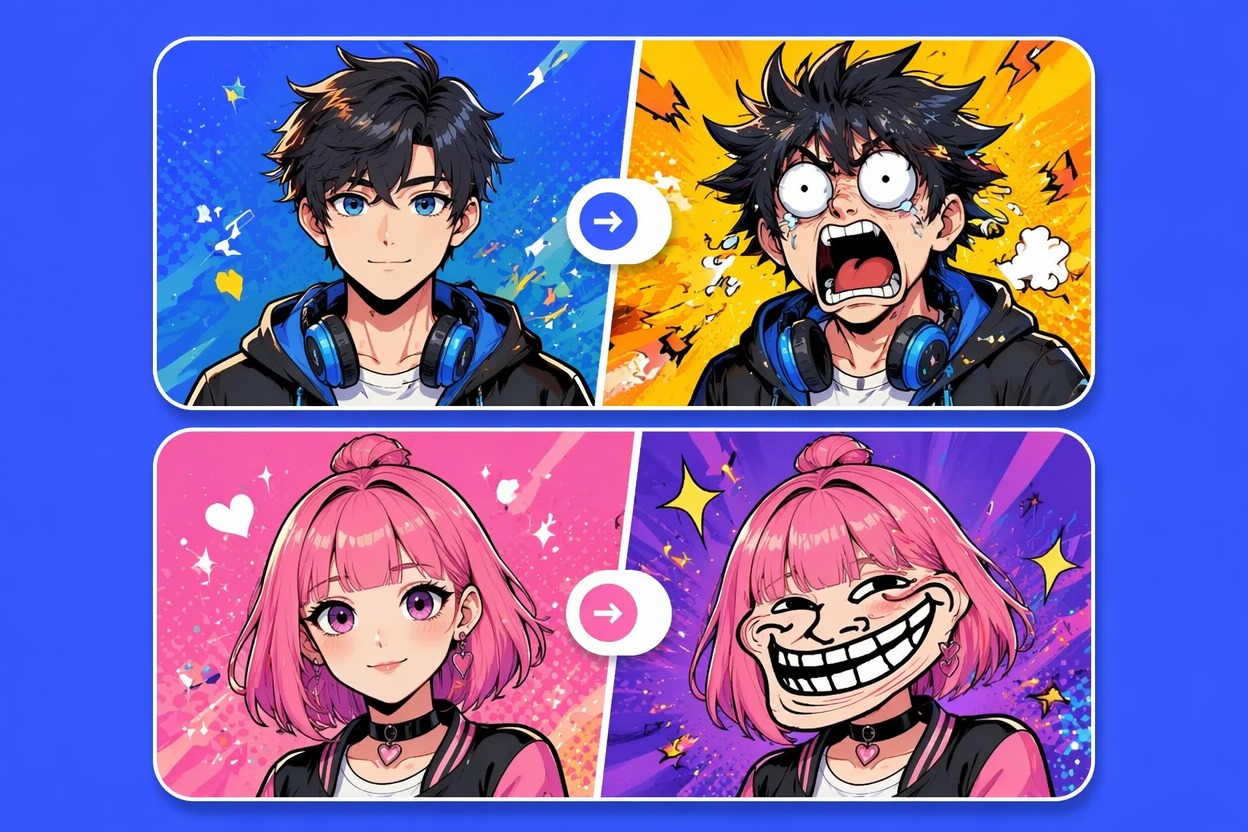
Shareability Review
Before sharing, check whether the face edit could embarrass, sexualize, or misrepresent someone. If consent or context is unclear, do not publish it.
Use cases that fit the effect
Best Uses for AI Ahegao Face Generator
- 01
Anime Meme Avatars
Create exaggerated expression clips for original anime-style characters, avatars, or fictional personas.
- 02
Private Joke Edits
Make silly face edits for private use only when the person represented has clearly opted in.
- 03
Streamer Reaction Assets
Generate humorous face-effect reactions for virtual characters or creator-owned personas.
- 04
Sticker and GIF Concepts
Use the AI ahegao filter as a starting point for exaggerated meme stickers without explicit framing.
- 05
Funny Face AI Tests
Compare prompt strength, eye style, and expression intensity before deciding what is shareable.
How to Create an AI Ahegao-Style Face Effect
Three practical steps for cleaner results
- 1
Choose a safe input
Use an adult avatar, original character, or consented adult image. Do not use minors or unsuspecting real people.
- 2
Prompt a funny expression
Ask for exaggerated meme face, silly anime expression, or comedic face filter. Keep the scene non-explicit and focused on expression.
- 3
Review the result
Check whether the output remains humorous, non-explicit, and consent-safe. Discard anything that sexualizes or misrepresents a real person.
FAQ
AI Ahegao Face Generator FAQ
Common questions about ai ahegao, ahegao face generator, ai ahegao filter.
What is an AI ahegao face generator?
It is an AI face-effect tool for creating exaggerated anime-inspired meme expressions. Use it as funny face AI, not as non-consensual sexual content.
Can I use an AI ahegao filter on any photo?
No. Use adult-appropriate images with permission, and avoid minors, public figures, coworkers, or anyone who has not agreed to this kind of edit.
Is an ahegao effect video explicit?
It does not need to be. This page frames the effect as a non-explicit meme expression workflow focused on face exaggeration and humor.
What inputs work best?
Original avatars, anime-style characters, and opt-in creator images work better than random real-person photos because they reduce consent and misrepresentation risk.
Is the funny face AI generator free?
Free access depends on the current AI Hug plan and usage limits. Use free tests to judge expression quality before making a final clip.
What should I check before sharing?
Check age safety, consent, expression tone, platform rules, and whether the result could embarrass or sexualize someone without permission.