AI Belly Inflation Video Generator
Create a playful belly balloon effect from an appropriate adult image, avatar, mascot, or character. AI Hug works best when the effect is clearly fictional, cartoon-styled, and reviewed for consent, comfort, and platform fit before sharing.
- belly inflation ai
- ai belly inflation video
- belly balloon effect
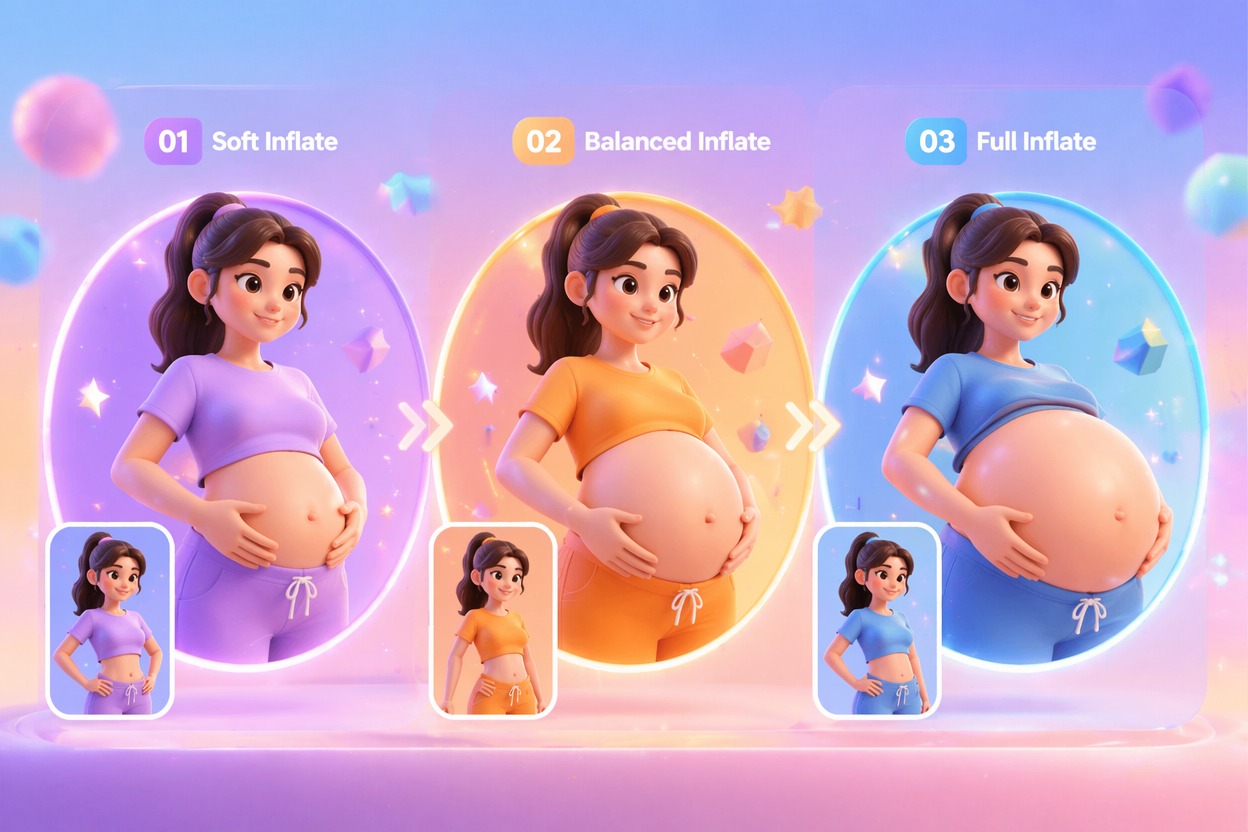
How to Use Belly Inflation AI Safely
A belly inflation AI workflow should be treated as a stylized visual effect, not a realistic body claim. The strongest fit is playful cartoon transformation on opt-in adult or fictional subjects.
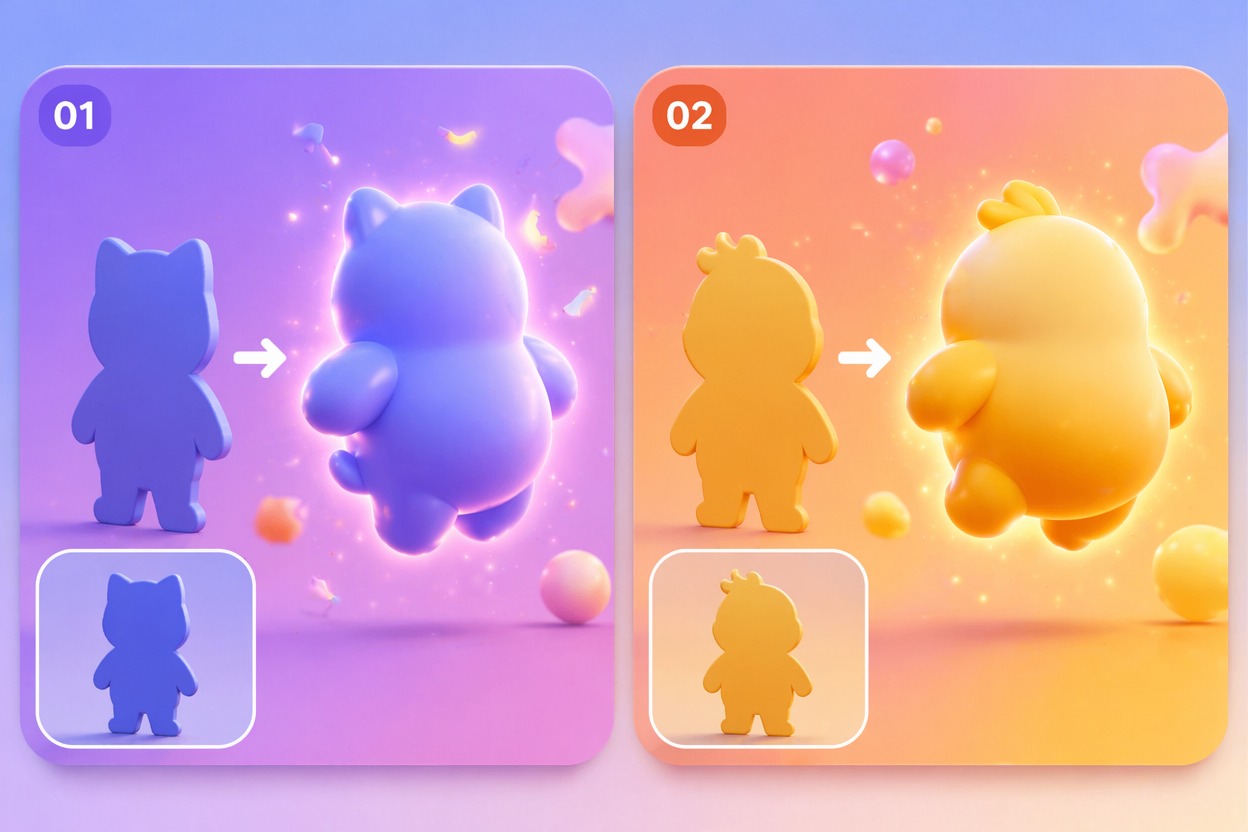
Consent-Safe Inputs
Only make belly inflate AI videos from images you own or have permission to edit. For real people, use adult-appropriate, opt-in images and avoid humiliating or misleading framing.
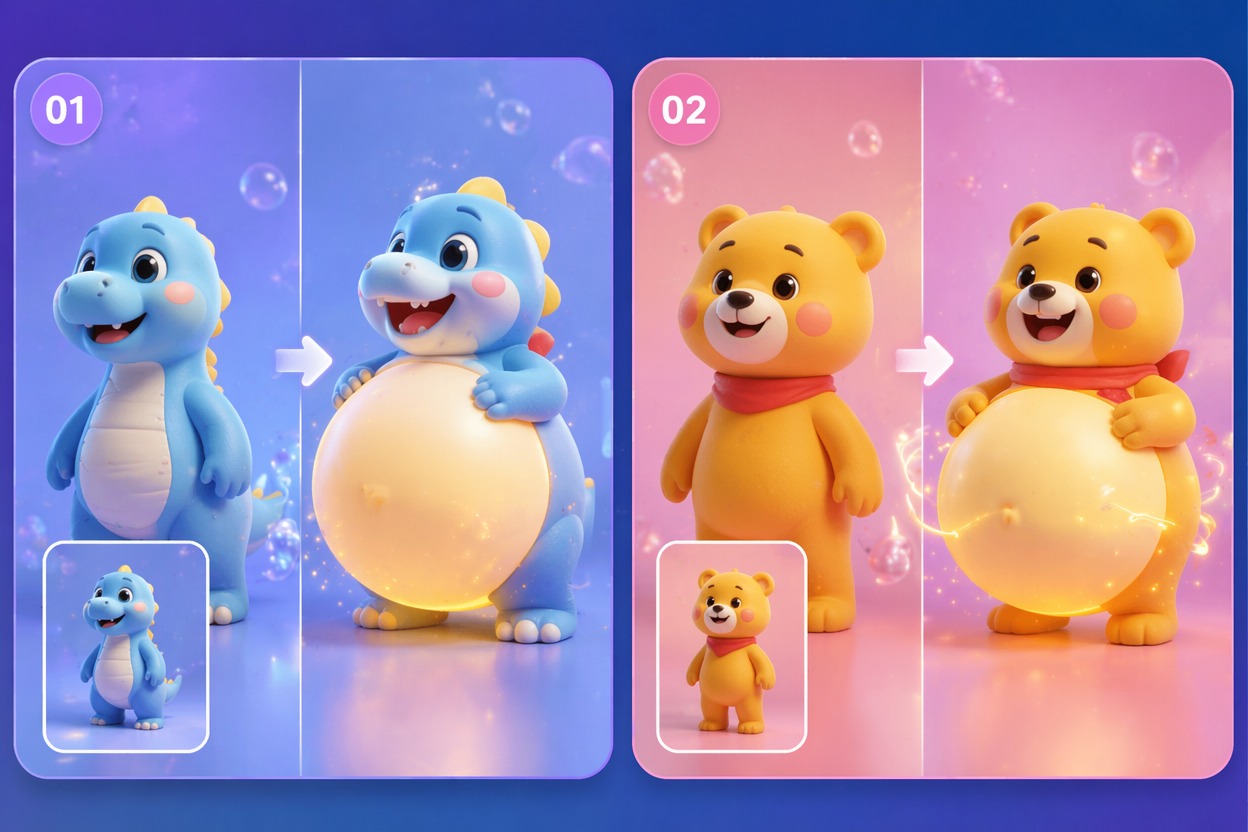
Cartoon Balloon Styling
The belly balloon effect works best when framed as a light fictional transformation. Use rounded, stylized motion and avoid realistic medical, body-shaming, or distress-oriented prompts.
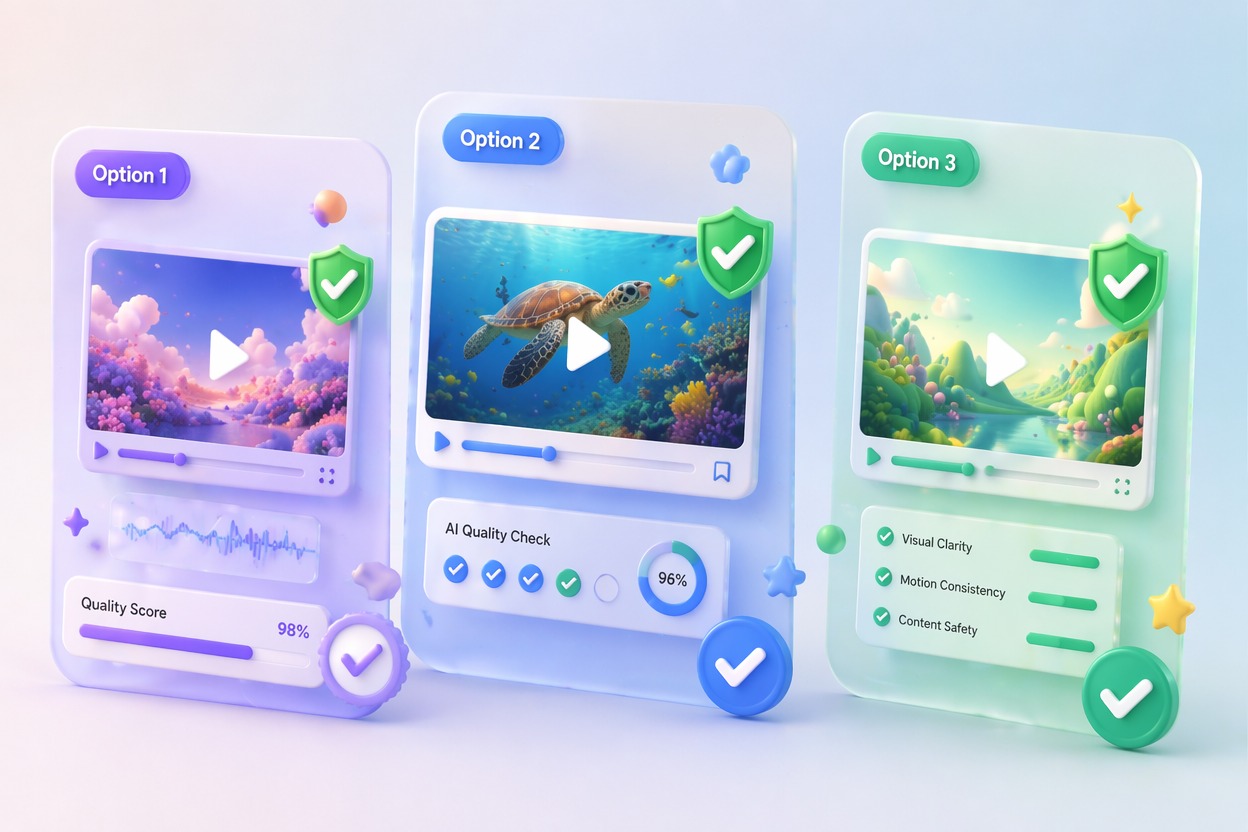
Short Preview Review
AI belly inflation video can become awkward if the motion runs too long or the pose is unclear. Generate a short preview, then check proportions, clothing edges, body outline, and overall tone.
Use cases that fit the effect
Best Uses for AI Belly Inflation Video Generator
- 01
Cartoon Reaction Clips
Create a quick belly balloon effect for fictional characters, avatars, or mascot-style meme edits.
- 02
Avatar Transformation Tests
Use original avatars or OCs for safer playful inflation effects than real-person surprise edits.
- 03
Private Joke Edits
Make lighthearted clips only when everyone represented is comfortable with the output.
- 04
Social Trend Previews
Test a short AI belly inflation video before matching it to captions, music, or platform rules.
- 05
Fantasy Effect Concepts
Explore stylized inflate visuals as fictional transformation ideas without presenting them as real body changes.
How to Create an AI Belly Inflation Video
Three practical steps for safer, cleaner results
- 1
Choose a safe image
Use an adult opt-in photo, avatar, mascot, or original character with a clear body outline and simple background.
- 2
Prompt a playful effect
Ask for cartoon belly balloon effect, soft rounded inflation, or light fictional inflate motion. Keep the tone non-explicit and respectful.
- 3
Review before sharing
Check body proportions, clothing behavior, consent context, and whether the clip could embarrass or misrepresent someone.
FAQ
AI Belly Inflation Video Generator FAQ
Common questions about belly inflation ai, ai belly inflation video, belly balloon effect.
What is belly inflation AI?
Belly inflation AI creates a stylized video or image effect where the belly appears to expand in a cartoon-like way. It should be treated as fictional visual editing, not a real body claim.
Can I create an AI belly inflation video from one photo?
Yes, but use appropriate adult, avatar, mascot, or original character images with permission. A clear body outline and simple background usually produce cleaner motion.
What is a belly balloon effect best for?
It is best for playful cartoon transformations, avatar effects, private jokes, and fictional character edits where the artificial style is obvious.
Is the AI inflation generator free?
Free access depends on the current AI Hug plan and usage limits. Use free tests to check whether the image handles rounded inflation motion cleanly.
What content should I avoid?
Avoid minors, non-consensual real-person edits, humiliating framing, medical distress, body-shaming, or content that could misrepresent someone.
What should I check before posting?
Review consent, age safety, body proportions, clothing edges, platform rules, and whether the output feels playful rather than uncomfortable or misleading.