AI Bikini Video Generator
Create a beach-style AI swimsuit effect from an appropriate adult portrait or avatar. AI Hug works best when the input has clear pose, consent, and a fashion-edit brief rather than a sexualized or misleading transformation.
- ai bikini generator
- bikini photo ai
- ai swimsuit effect
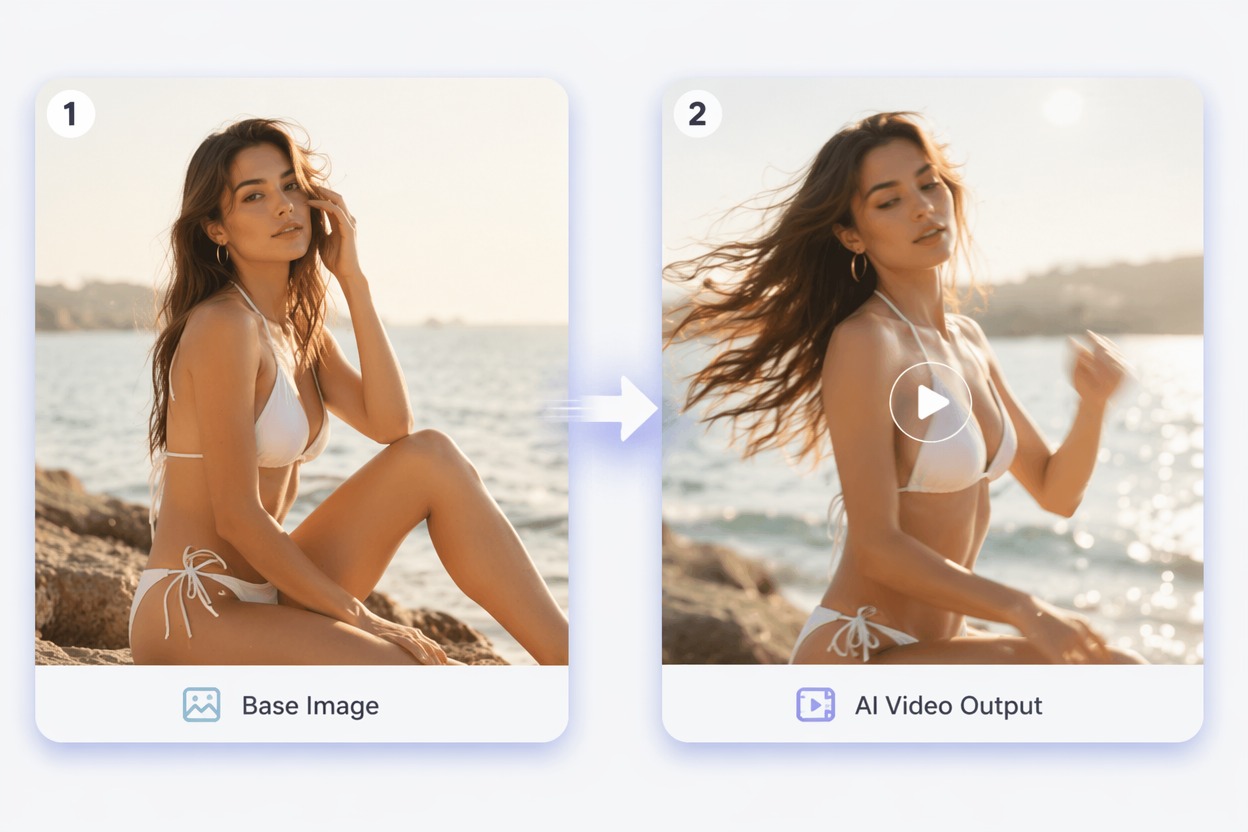
How to Use an AI Bikini Generator Responsibly
A useful bikini photo AI workflow should feel like a swimwear styling preview, not a non-consensual body edit. Strong outputs need rights, adult-appropriate inputs, and human review.
Consent-Safe Swimwear
Only use images you own or have permission to edit. The strongest AI bikini filter use case is opt-in fashion, avatar, or creator content, not surprise edits of real people.
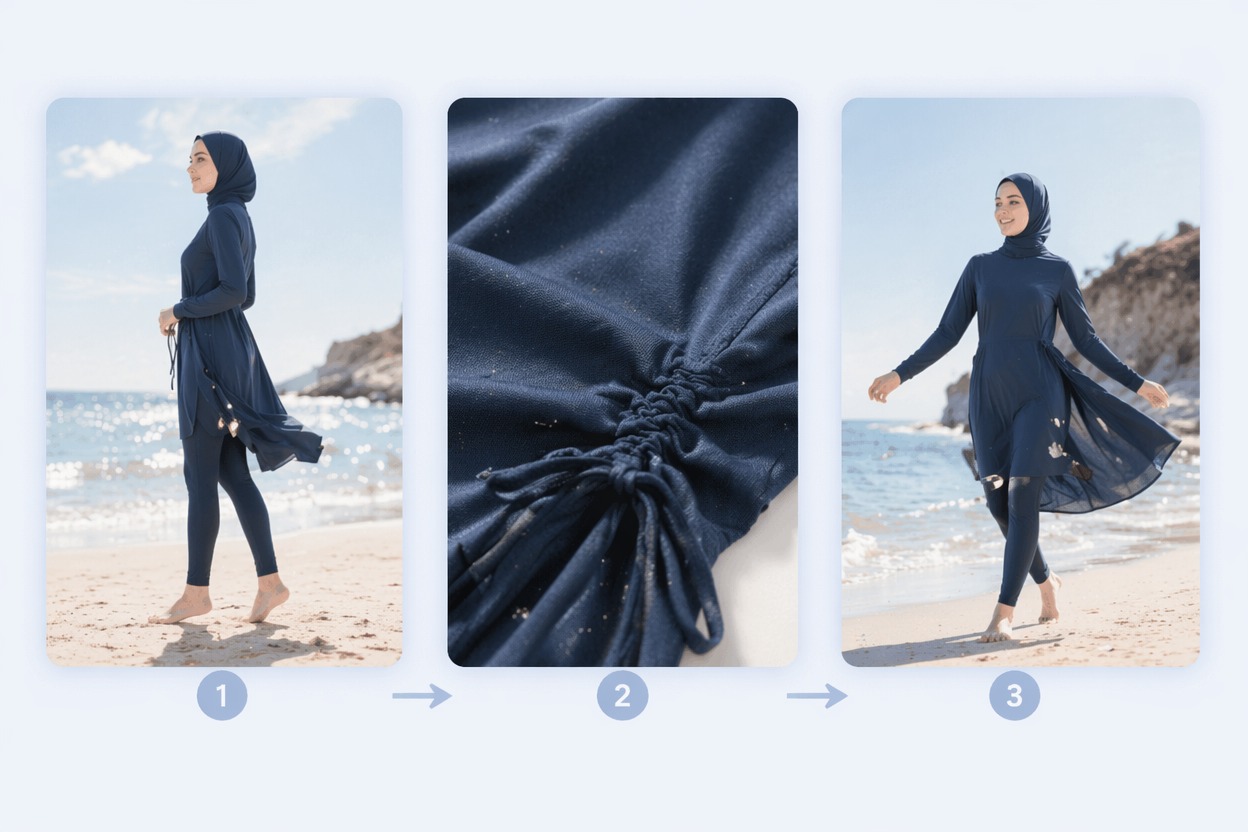
Pose and Fit Control
Bikini video AI works better when the pose is clear and the brief is specific: beach outfit, swimsuit styling, or vacation visual. Cropped bodies and complex poses create more artifacts.
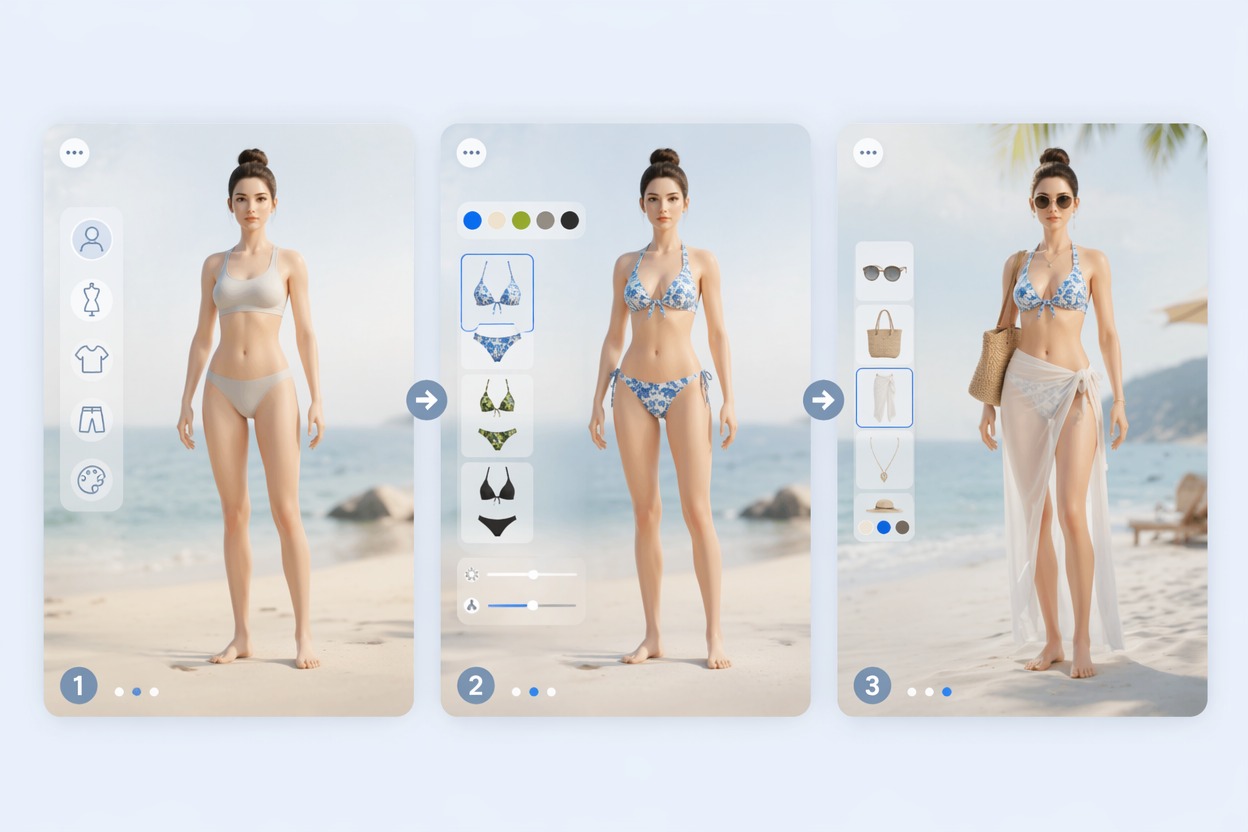
Review Before Sharing
Check whether the result changes identity, body shape, clothing boundaries, or context in a misleading way. If the edit could embarrass someone, do not publish it.
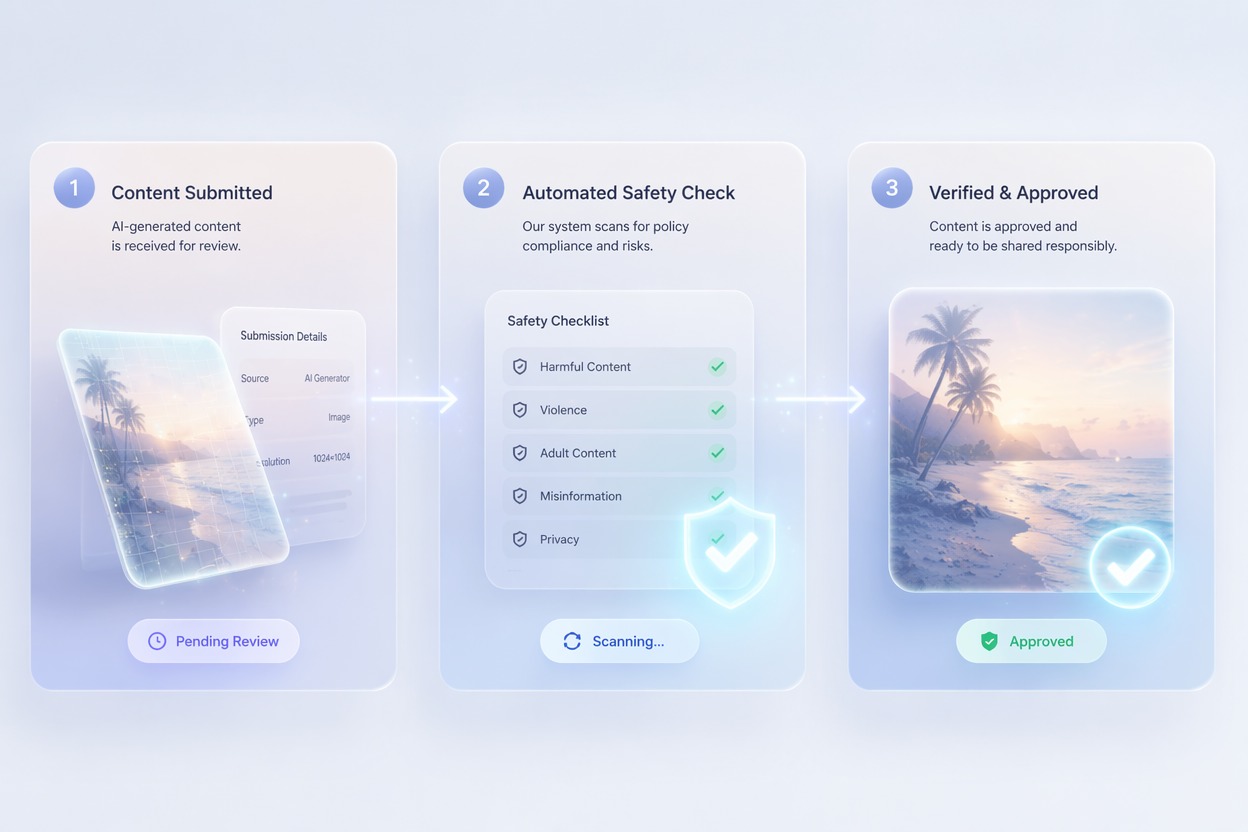
Use cases that fit the effect
Best Uses for AI Bikini Video Generator
- 01
Opt-In Creator Previews
Create swimsuit-style video previews for creators or avatars who intentionally want beach fashion content.
- 02
Vacation Concept Edits
Test a beach look, summer background, or resort-style visual before making a public post.
- 03
Avatar and Character Styling
Use original characters, mascots, or virtual influencers for safer swimwear-style creative tests.
- 04
Fashion Moodboards
Generate beachwear direction, color mood, or social hook concepts without claiming real photography.
- 05
Private Visual Experiments
Try AI swimsuit effects privately, then review rights and consent before any public sharing.
How to Create an AI Bikini Effect Video
Three practical steps for cleaner results
- 1
Use an appropriate adult image
Start with an adult, avatar, or original character image you have permission to edit. Avoid minors and non-consensual real-person edits.
- 2
Describe a fashion-safe brief
Prompt for beachwear styling, swimwear preview, summer outfit, or resort fashion video. Keep the tone tasteful and non-explicit.
- 3
Review carefully
Check identity, body proportions, clothing edges, and whether the output could misrepresent or embarrass someone before sharing.
FAQ
AI Bikini Video Generator FAQ
Common questions about ai bikini generator, bikini photo ai, ai swimsuit effect.
What is an AI bikini generator?
An AI bikini generator creates a swimwear-style visual or video effect from a suitable input image. It should be used with adult-appropriate images, rights, and consent.
Can I use bikini photo AI on any person?
No. Use only images you own or have permission to edit, and avoid minors, public figures, coworkers, or anyone who did not agree to this kind of transformation.
What makes an AI swimsuit effect look better?
Clear pose, simple background, visible body outline, and a fashion-safe prompt usually produce cleaner results than extreme pose changes or vague prompts.
Is the AI bikini filter free?
Free access depends on the current AI Hug plan and usage limits. Use free tests to check whether the source image handles swimwear styling cleanly.
Can I use bikini video AI commercially?
Commercial use depends on AI Hug terms, image rights, model consent, and whether the output is appropriate for the campaign or platform.
What should I check before posting?
Review identity, clothing boundaries, body proportions, context, and consent. If the result could mislead or embarrass someone, keep it private or discard it.