AI Dance Video Generator
Turn a portrait, pet, mascot, or character image into a short AI dance video. AI Hug works best when the subject is centered, the body outline is visible, and the dance motion stays simple enough to preserve identity.
- ai dance video
- make photo dance ai
- ai dancing generator
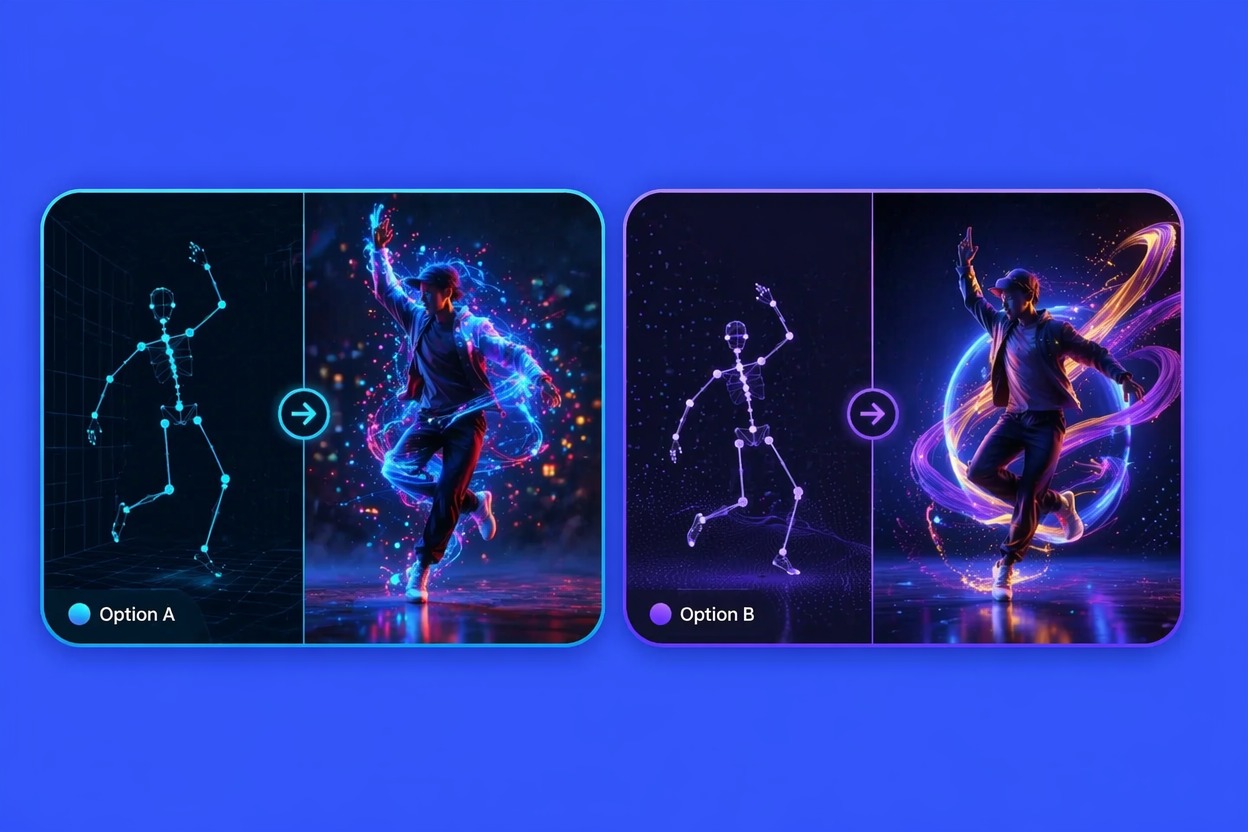
How to Get Better AI Dance Video Results
A practical AI dancing generator needs clear subject shape, controlled motion, and a short review loop. The strongest results come from simple poses before complex choreography.
Readable Body Motion
The best AI dance effect starts with a visible upper body or full body. Clear shoulders, arms, legs, and face help the model animate movement without losing the original subject.
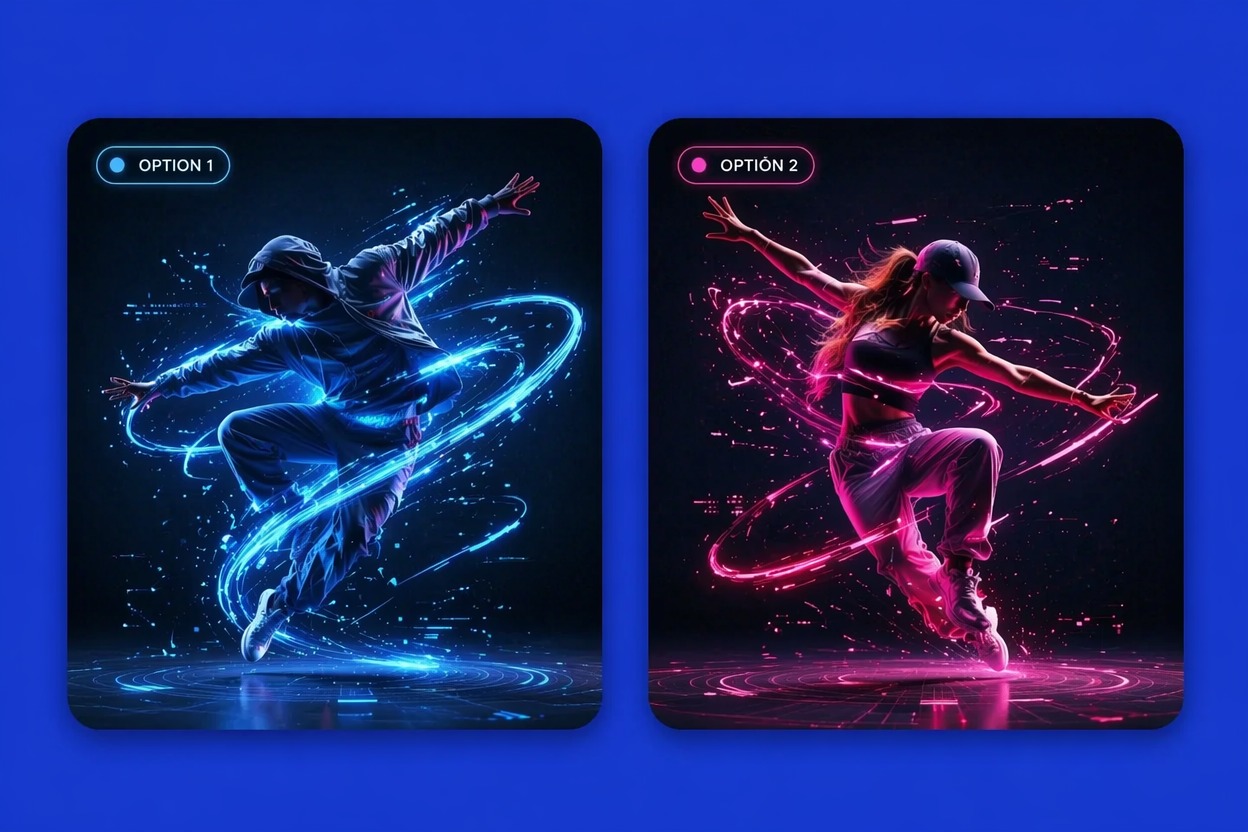
Photo-to-Dance Control
When you make photo dance AI, keep the first prompt focused on one dance style or one movement. Too many moves at once can cause drifting limbs, unstable faces, or messy background motion.
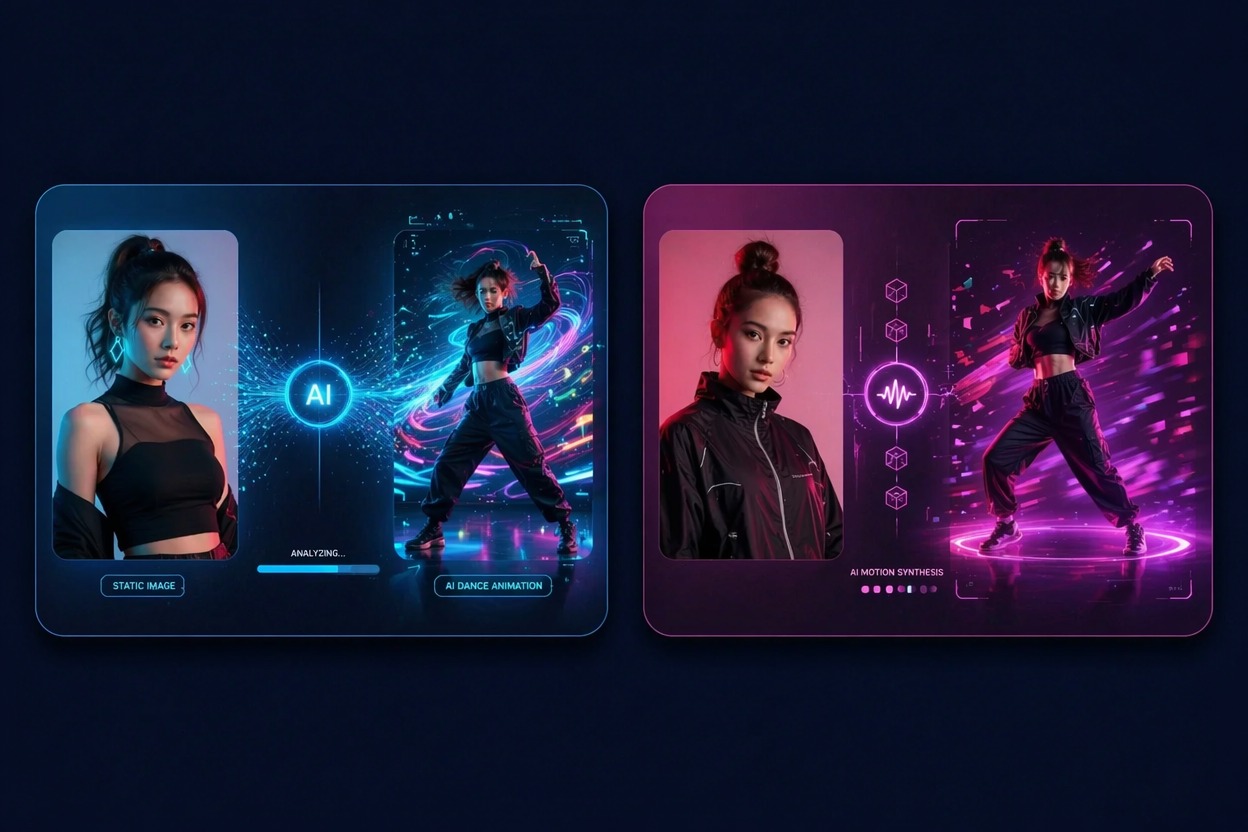
Social-Ready Review
AI dance video clips are strongest as short hooks. Review face consistency, hands, foot placement, and rhythm before posting, especially when the source image is a real person.
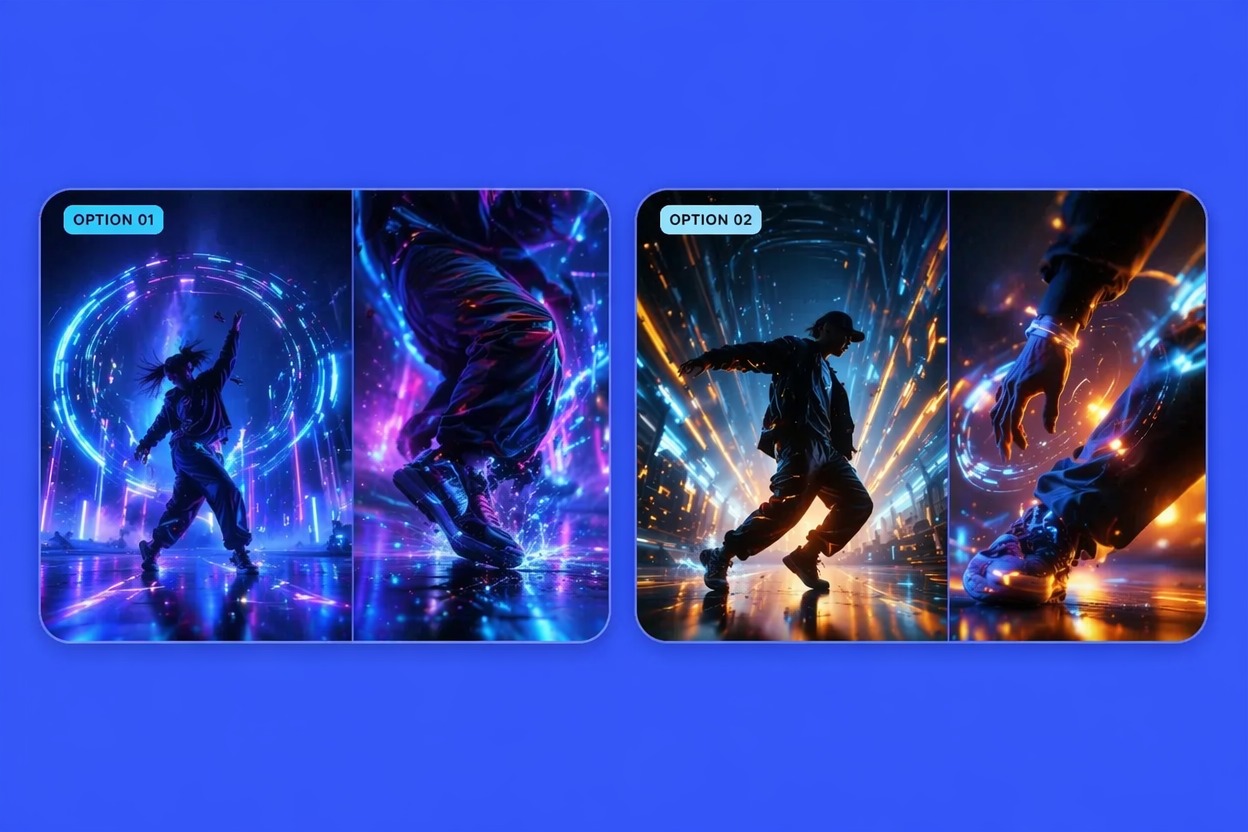
Use cases that fit the effect
Best Uses for AI Dance Video Generator
- 01
TikTok and Reels Hooks
Create a short dance reveal from a selfie, mascot, or character image for quick social posts.
- 02
Pet and Mascot Clips
Animate pets and brand mascots with playful dance motion where charm matters more than realism.
- 03
Birthday and Party Edits
Turn a photo into a fun dance greeting for private messages, invitations, or celebration posts.
- 04
Creator Character Tests
Preview how an original avatar or OC looks with rhythm and movement before making longer clips.
- 05
Music Promo Snippets
Pair a simple AI dance effect with a beat drop, then review motion artifacts before publishing.
How to Make a Photo Dance with AI
Three practical steps for cleaner results
- 1
Upload a clear subject
Choose a portrait or full-body image with visible face, limbs, and enough space around the subject.
- 2
Pick a simple dance style
Prompt for a short groove, cute bounce, hip-hop move, party dance, or mascot dance instead of a long routine.
- 3
Generate and review
Check face identity, arms, legs, rhythm, and background stability. If motion breaks, use a simpler prompt or cleaner photo.
FAQ
AI Dance Video Generator FAQ
Common questions about ai dance video, make photo dance ai, ai dancing generator.
What is an AI dance video generator?
An AI dance video generator animates a still photo into a short dancing clip. It works best for simple movements, centered subjects, and social-style previews.
Can I make photo dance AI from one image?
Yes. A single clear image can be enough, but photos with visible body shape and minimal occlusion usually produce cleaner movement.
Is the AI dancing generator free?
Free access depends on the current AI Hug plan and usage limits. Use free tests to check whether your source photo can handle dance motion.
What photos work best for photo to dance video?
Full-body or upper-body images with clear arms, legs, shoulders, and face work best. Group photos, cropped limbs, and busy backgrounds can reduce quality.
Can I use AI dance videos commercially?
Commercial use depends on product terms, image rights, music rights, and permission from recognizable people. Use owned or licensed assets for public campaigns.
What should I check before posting?
Review face resemblance, hands, foot placement, body proportions, and whether the movement matches the music. Regenerate if artifacts distract from the dance.