AI Inflate Video Generator
Create a playful AI inflate effect from a portrait, object, pet, or character image. AI Hug works best when the subject has a clear outline and the inflate video stays cartoon-like, controlled, and safe to review before sharing.
- ai inflate effect
- inflation video generator
- ai balloon effect
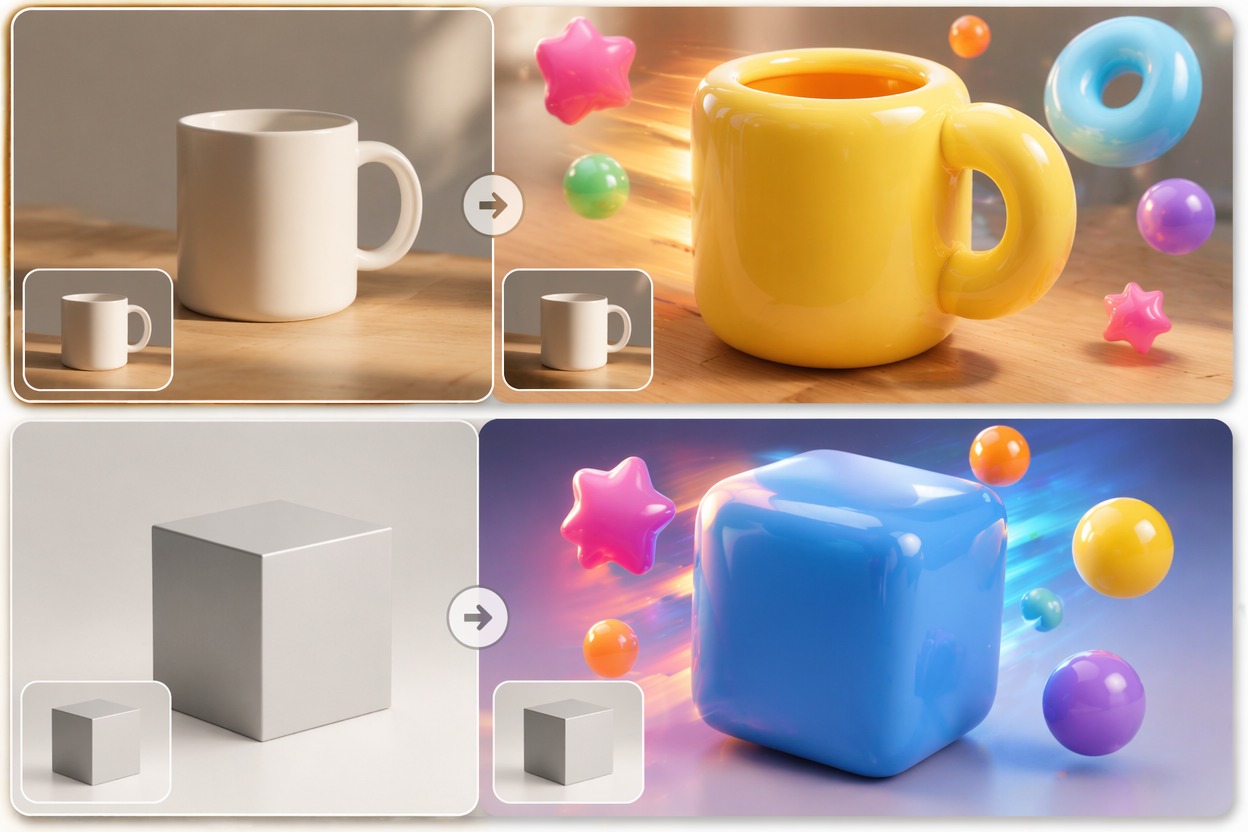
How to Make an AI Balloon Effect Look Clean
A good inflation video generator keeps the subject readable while adding rounded expansion motion. The strongest fit is playful cartoon transformation, not realistic body alteration or uncomfortable distortion.
Readable Expansion
The best ai balloon effect expands the subject while preserving key features and outline. Start with simple images so the inflate filter AI can separate subject from background.
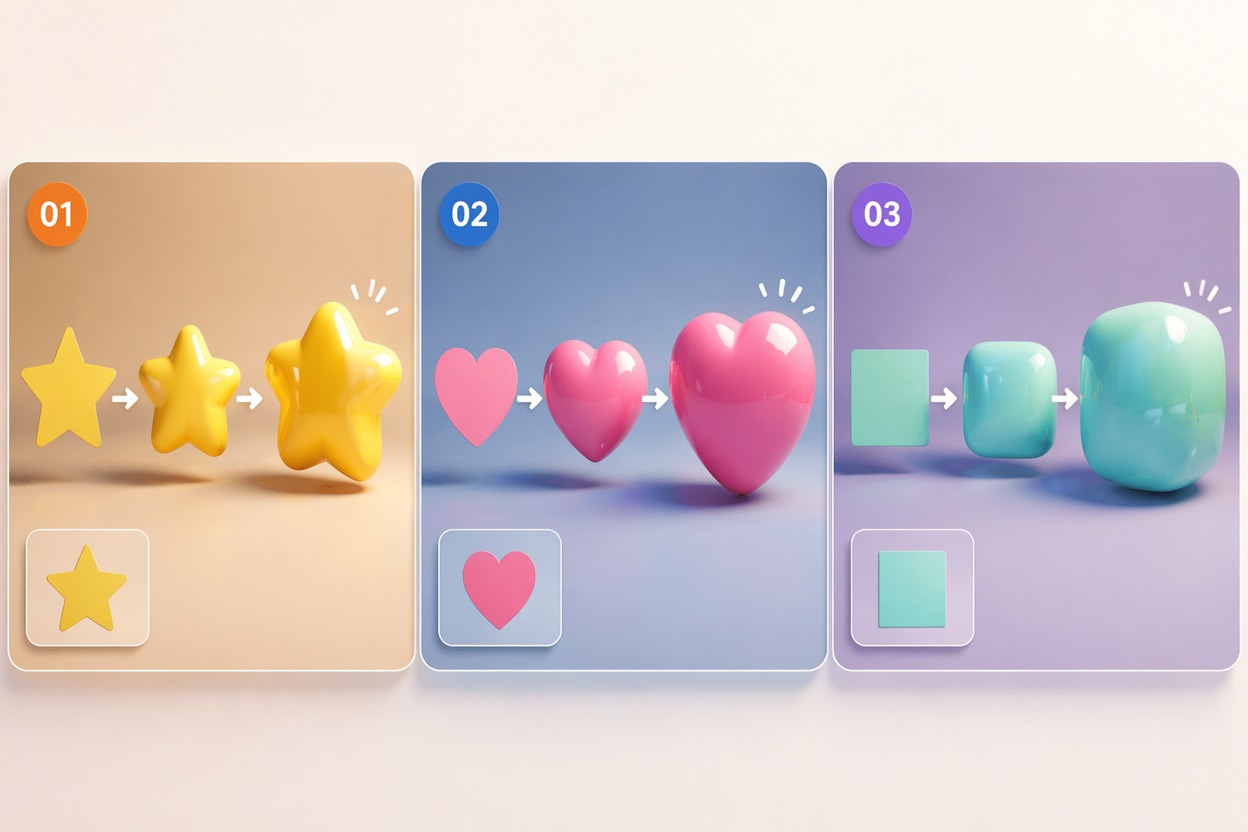
Cartoon-Safe Styling
Blow up video AI works better when framed as a fun cartoon inflate effect. Avoid sensitive body-focused prompts and keep the motion stylized, light, and clearly fictional.
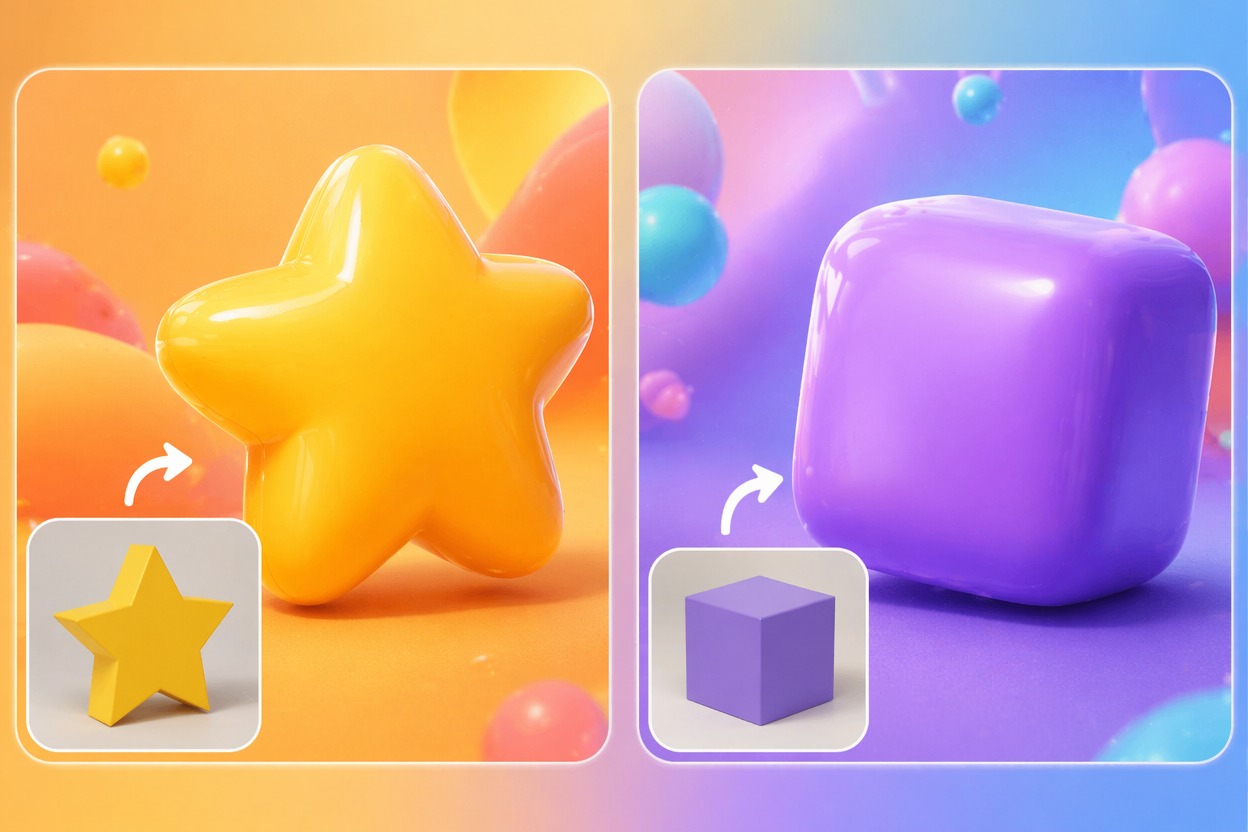
Short Preview Review
Inflation motion can become strange if the clip runs too long. Generate a short preview first, then check outline stability, face shape, hands, and whether the final frame feels intentional.
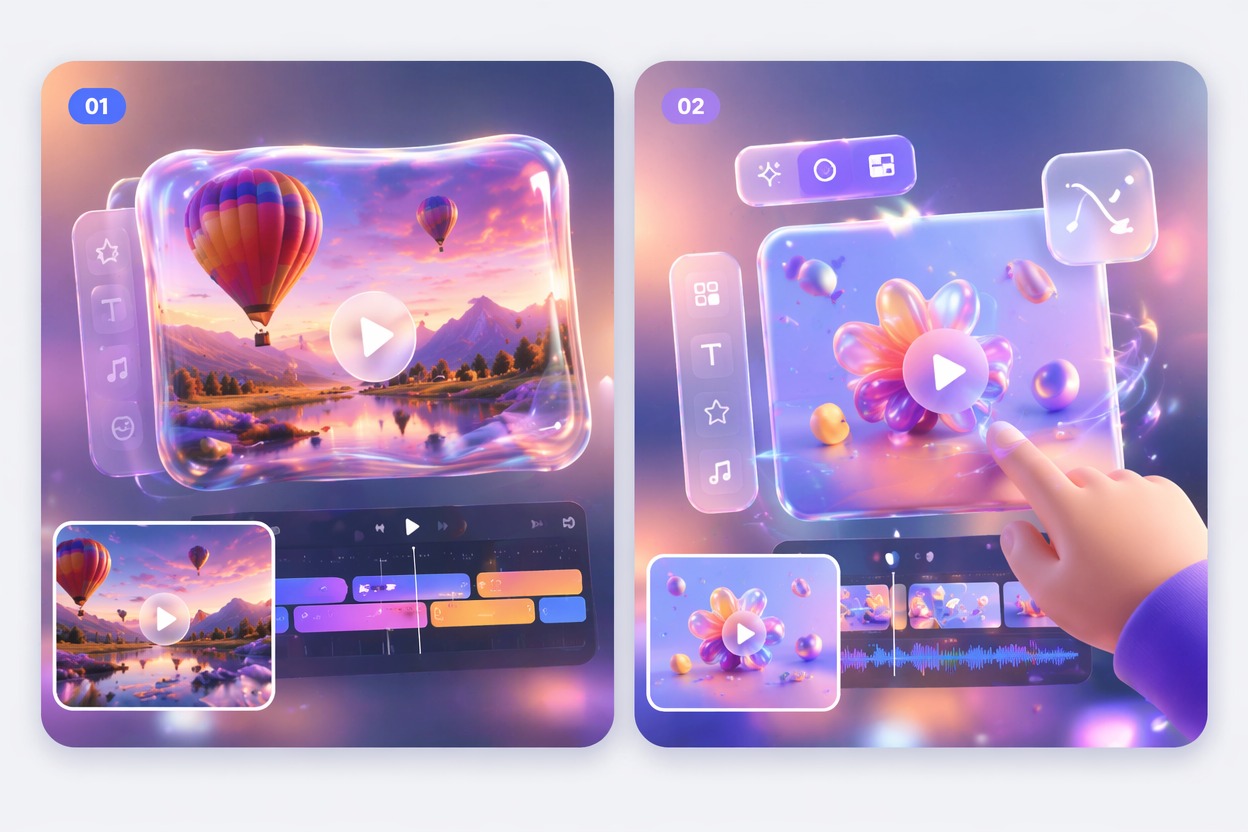
Use cases that fit the effect
Best Uses for AI Inflate Video Generator
- 01
Cartoon Reaction Clips
Create a quick inflate effect for memes, reactions, and playful edits where exaggeration is the joke.
- 02
Object Balloon Effects
Turn products, props, or simple objects into rounded balloon-like motion for fun visual hooks.
- 03
Pet and Mascot Edits
Use pets or original mascots for cute inflate filter AI clips with softer, safer motion.
- 04
Social Trend Tests
Try a short blow up video AI effect before matching it to captions, music, or TikTok timing.
- 05
Character Transformations
Animate original characters with rounded expansion while avoiding realistic body alteration themes.
How to Create an AI Inflate Effect Video
Three practical steps for cleaner results
- 1
Upload a simple subject
Use a clear portrait, object, pet, or character with a visible outline. Avoid crowded scenes and overlapping bodies.
- 2
Prompt a playful inflate effect
Ask for cartoon balloon expansion, soft rounded inflation, or a light blow-up visual effect. Keep the tone fun and non-realistic.
- 3
Check the preview
Review outline stability, face readability, hands, and whether the expansion looks intentionally stylized before using the clip publicly.
FAQ
AI Inflate Video Generator FAQ
Common questions about ai inflate effect, inflation video generator, ai balloon effect.
What is an AI inflate effect?
An AI inflate effect animates a subject so it appears to expand, round out, or become balloon-like. It is strongest as a playful cartoon transformation.
How does an inflation video generator work best?
It works best with one clear subject, a simple background, and a prompt that describes stylized balloon-like motion instead of realistic body change.
Can I create an AI balloon effect from a photo?
Yes. Clear photos of objects, pets, mascots, and original characters usually work better than crowded human scenes because the outline is easier to expand cleanly.
Is blow up video AI safe to use?
Use it for light, fictional, cartoon-style effects and review outputs carefully. Avoid sensitive body-focused prompts, humiliation framing, or content involving people without consent.
Is inflate filter AI free?
Free access depends on the current AI Hug plan and usage limits. Free tests are useful for checking whether your source image expands cleanly.
What should I check before posting?
Check outline quality, face shape, hands, background warping, and whether the effect reads as playful. If it looks uncomfortable or messy, simplify the prompt and regenerate.