AI Kiss Video Generator
Create an AI kiss video from portraits with a cleaner, consent-aware workflow. AI Hug works best when both faces are clear, the relationship context is appropriate, and the first render is reviewed for identity, motion, and tone.
- ai kiss video
- ai kissing video generator
- make photo kiss ai
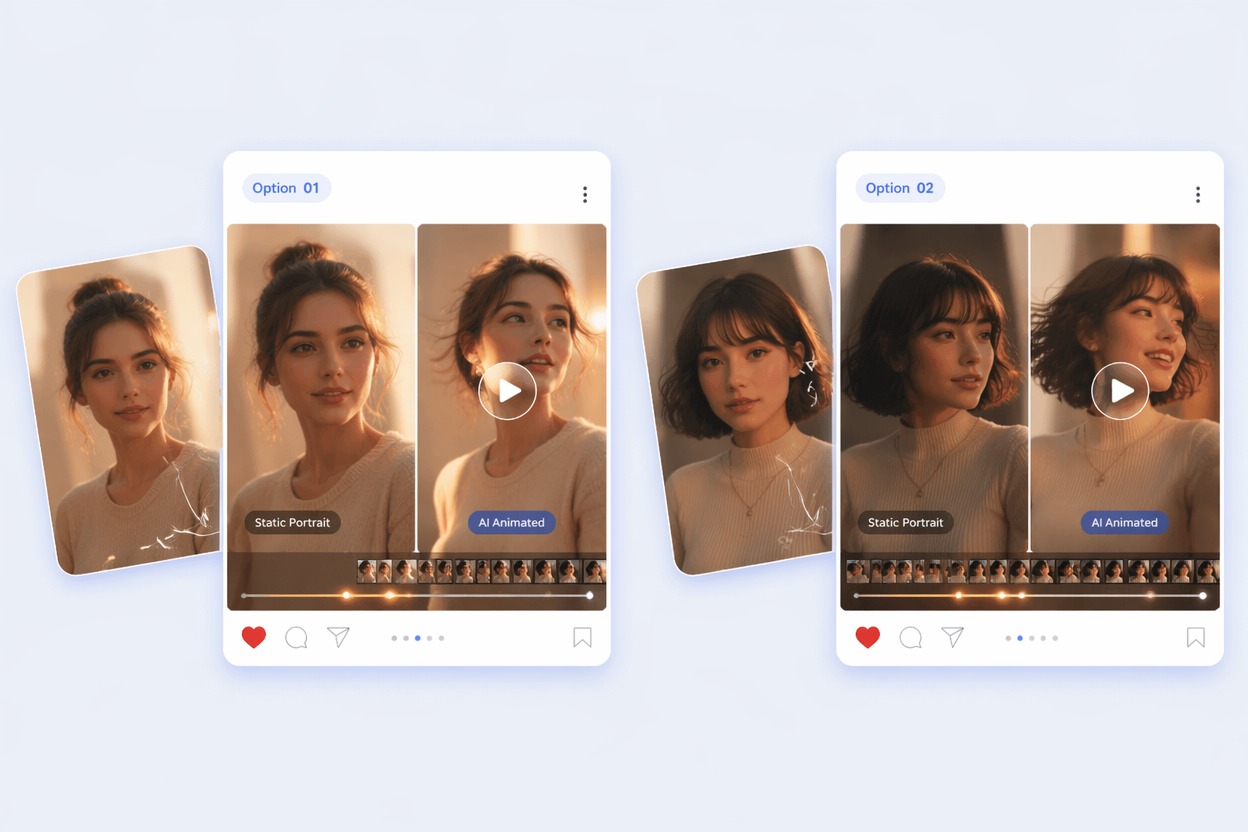
How to Get a Better AI Kiss Effect
A believable AI kissing video generator must balance face consistency, natural approach motion, and emotional restraint. The goal is a short romantic effect that feels intentional, not uncanny.
Face Consistency First
Kiss effects are unforgiving because viewers notice face drift immediately. Use clear portraits, avoid extreme angles, and check whether both people still look like themselves after motion is added.
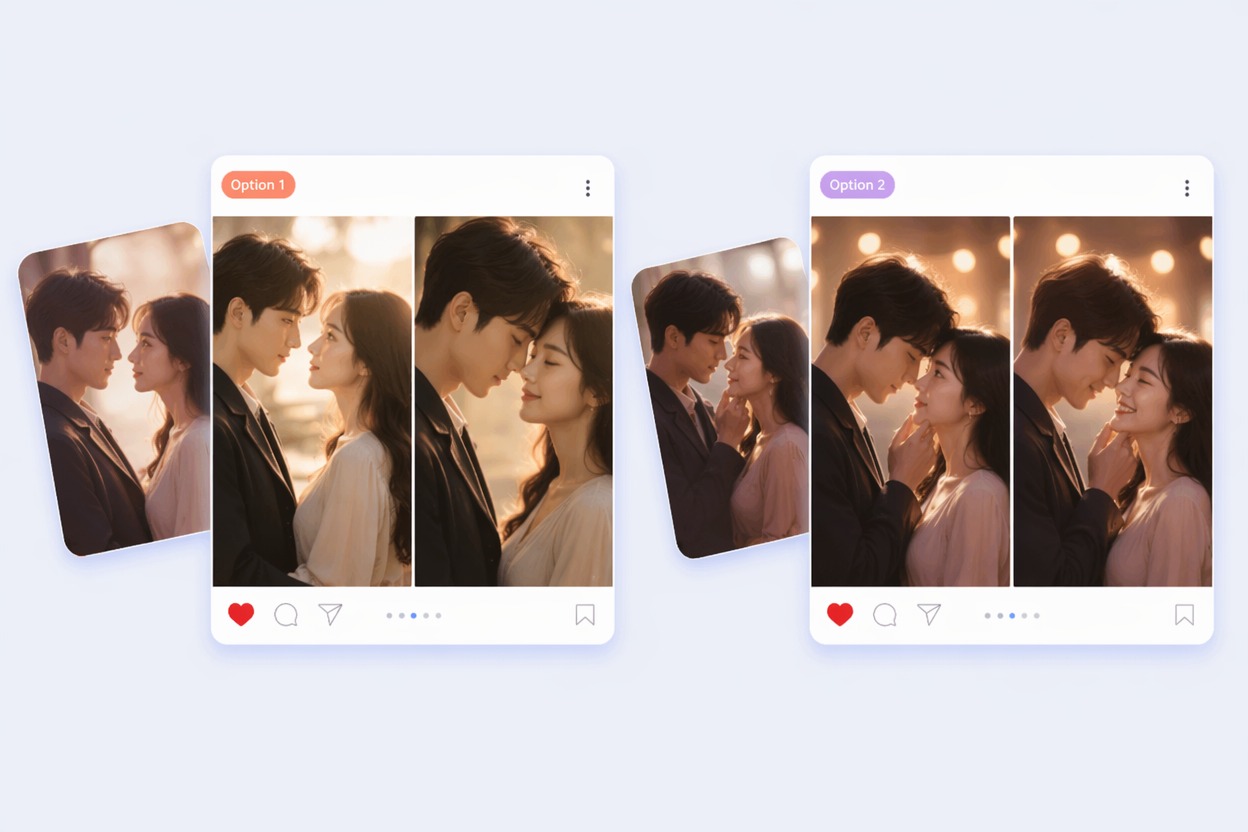
Natural Approach Motion
The strongest AI kiss video keeps the movement simple: slight lean, eye contact, and a brief kiss moment. Complex camera moves or crowded backgrounds usually add artifacts instead of realism.
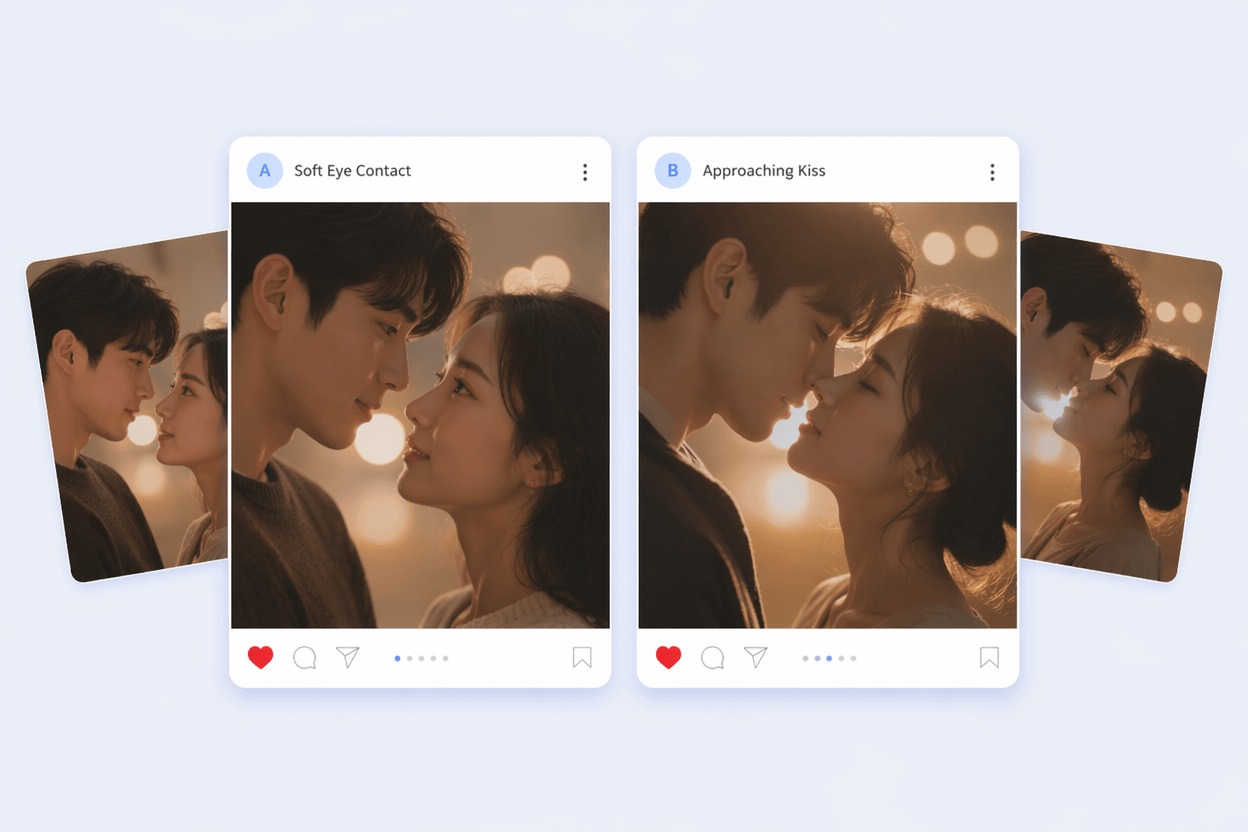
Free Preview Testing
A kiss video generator free test should be used to judge input quality, not to promise a perfect final clip. If lips, hands, or expressions look off, simplify the prompt and try a cleaner crop.
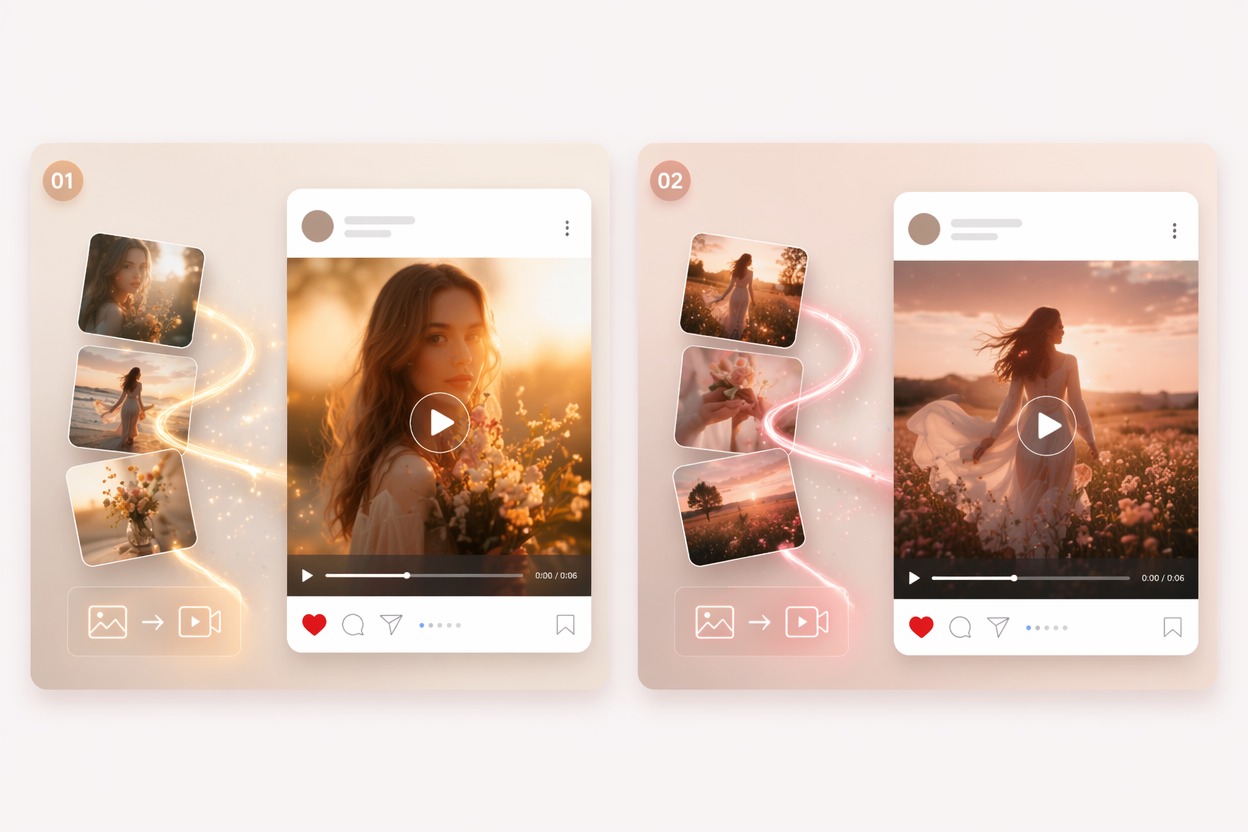
Use cases that fit the effect
Best Uses for AI Kiss Video Generator
- 01
Couple Memory Edits
Turn couple photos into short romantic clips for anniversaries, private messages, or social posts when both people have consented.
- 02
Wedding and Proposal Shorts
Use the AI kiss effect for emotional teasers, but keep the final review strict for face realism and tone.
- 03
Character Romance Scenes
Original characters and illustrations can work well when the faces are clear and the style is consistent.
- 04
Music Video Moments
Add a brief kiss beat to a romantic montage where the effect supports the song rather than carrying the whole edit.
- 05
Private Creative Tests
Make photo kiss AI previews privately before deciding whether the result is respectful and shareable.
How to Create an AI Kiss Video
Three practical steps for cleaner results
- 1
Upload suitable portraits
Use images of consenting adults with clear faces, similar lighting, and enough space around the head and shoulders.
- 2
Choose a simple kiss style
Prompt for a gentle kiss, romantic lean-in, cinematic couple moment, or soft cheek kiss. Simpler direction usually produces cleaner motion.
- 3
Preview before sharing
Check face identity, lip placement, expression, and whether the clip feels appropriate. Regenerate if the output looks forced or uncanny.
FAQ
AI Kiss Video Generator FAQ
Common questions about ai kiss video, ai kissing video generator, make photo kiss ai.
What is an AI kiss video?
An AI kiss video is a generated short clip that animates photos into a kissing or romantic close-up effect. It works best as a brief stylized moment, not a substitute for real footage.
Can I make photo kiss AI from one image?
Some tools can generate a kiss effect from one image, but two clear portraits usually give better control over identity and composition.
Is the kiss video generator free?
Free access depends on the current AI Hug plan and usage limits. Use free tests to check whether your photos are suitable before creating a final video.
What inputs create the best AI kissing video generator results?
Clear adult portraits, similar face scale, good lighting, and minimal occlusion usually work best. Sunglasses, side profiles, group photos, and busy backgrounds can reduce quality.
Can I use AI kiss videos commercially?
Commercial use depends on product terms, rights to the photos, and permission from recognizable people. Do not use someone’s likeness in romantic content without consent.
What are the limits of an AI kiss effect?
The weak fit is complex body movement, crowded scenes, extreme angles, or emotionally sensitive content without consent. Treat the effect as a short creative clip that needs human review.