AI Squish Video Generator
Create a playful AI squish effect from a portrait, pet photo, or character image. AI Hug works best when the subject is centered, the expression is visible, and the squish video stays short enough to feel funny rather than distorted.
- ai squish effect
- squish video generator
- ai squish filter
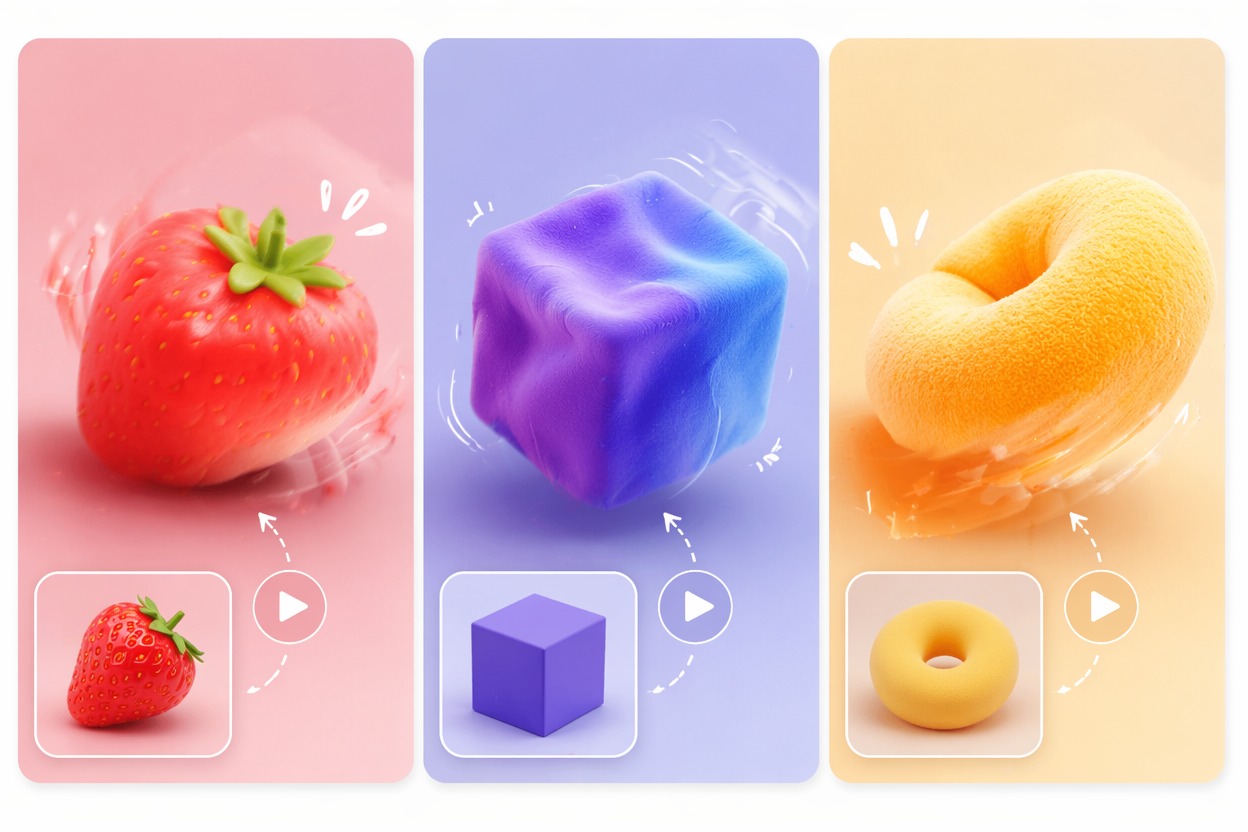
What Makes a Squish Video Generator Work
A strong AI squish filter exaggerates shape without destroying identity. The practical goal is a quick, funny deformation that still looks like the original subject after the motion ends.
Identity-Preserving Squish
The best squishing video AI keeps eyes, mouth, and face outline recognizable. Use centered photos and moderate distortion so the clip reads as playful, not broken.
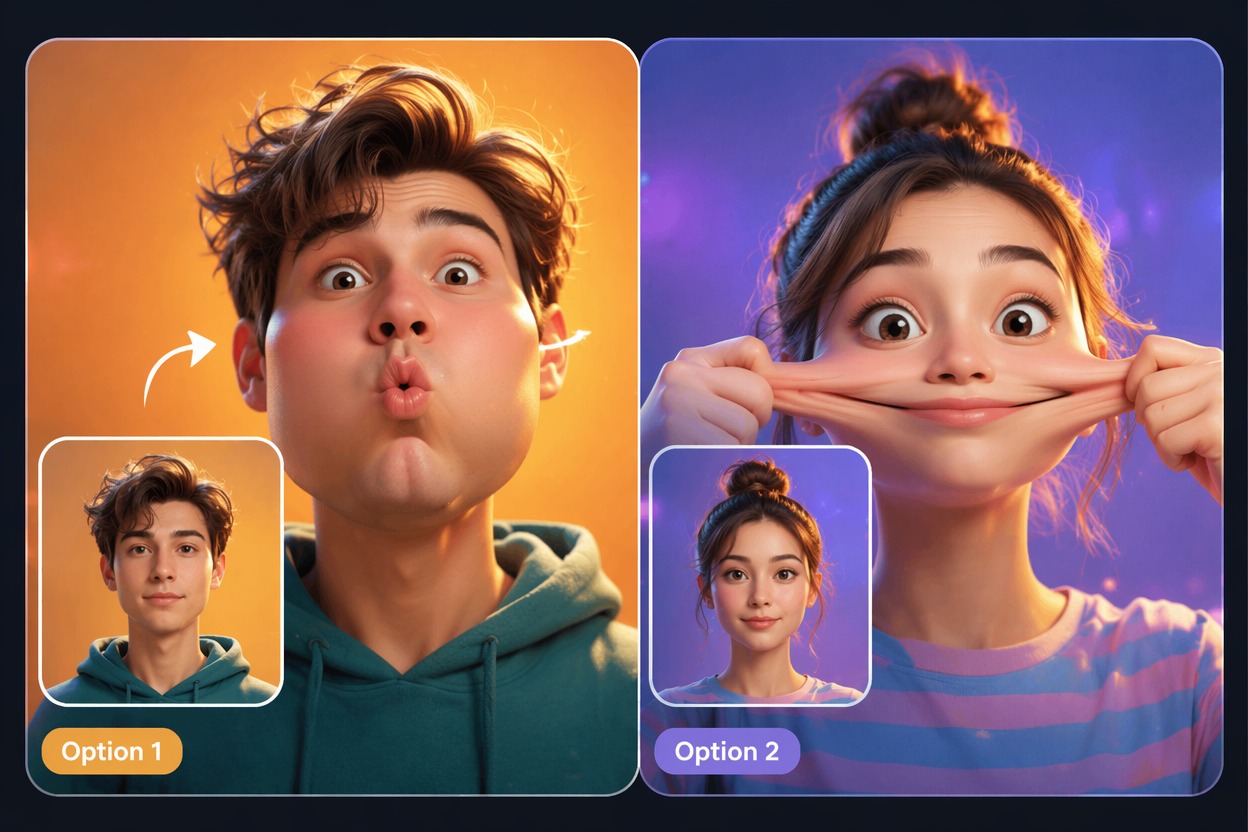
TikTok-Ready Motion
A TikTok squish effect works best as a fast visual joke. Keep the motion simple: compress, bounce, recover. Complex backgrounds or multiple faces make the effect harder to judge.
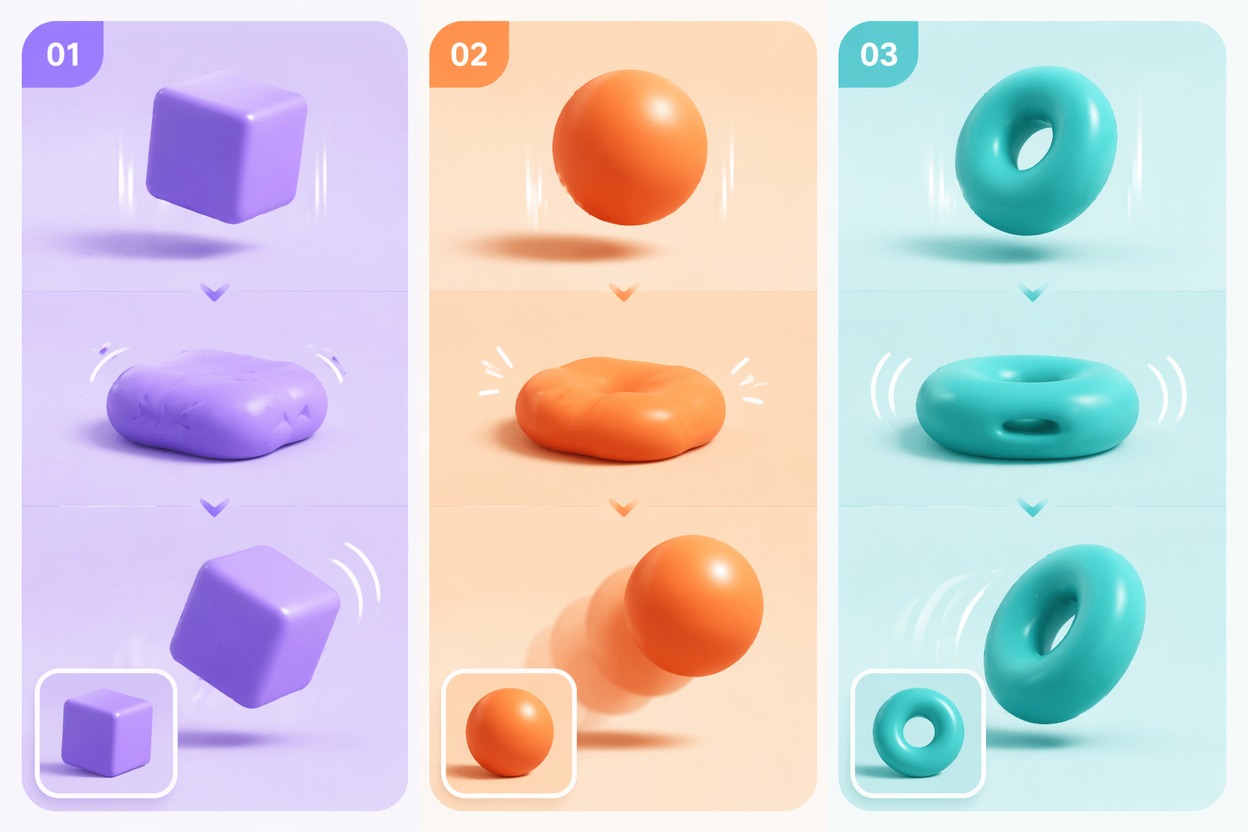
Pet and Character Fun
Pets, mascots, and illustrated characters can carry bigger squash-and-stretch motion than realistic portraits. Still review eyes, teeth, and outlines before sharing.
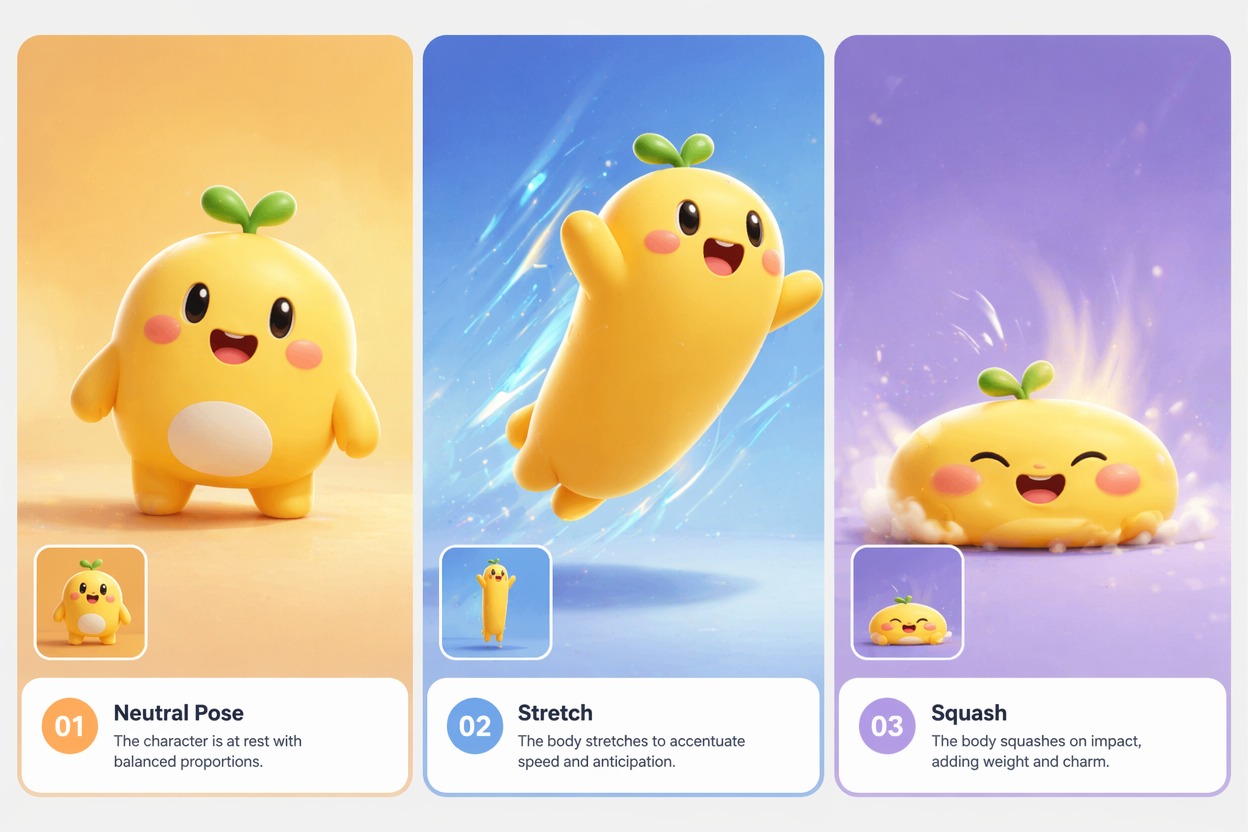
Use cases that fit the effect
Best Uses for AI Squish Video Generator
- 01
Funny Reaction Posts
Turn a selfie or friend photo into a quick reaction clip built around a bounce or squish moment.
- 02
Pet Meme Clips
Use clear pet photos for playful squish edits where cuteness matters more than realism.
- 03
Character Stickers
Animate original characters or mascots into squash-and-stretch style video loops.
- 04
TikTok Trend Tests
Try a short AI squish filter clip before committing to a longer edit or caption format.
- 05
Group Chat Jokes
Create private low-stakes clips, but avoid posting recognizable people without permission.
How to Make an AI Squish Effect Video
Three practical steps for cleaner results
- 1
Upload a centered image
Pick a clear subject with visible facial features or a readable character silhouette. Simple backgrounds help the squish read cleanly.
- 2
Choose the squish style
Prompt for soft bounce, face squish, rubbery compression, or playful squash-and-stretch motion. Avoid extreme distortion on realistic portraits.
- 3
Preview the result
Check whether the subject remains recognizable, whether the deformation snaps back naturally, and whether any face details look uncomfortable.
FAQ
AI Squish Video Generator FAQ
Common questions about ai squish effect, squish video generator, ai squish filter.
What is an AI squish effect?
An AI squish effect animates a photo with playful compression, bounce, or squash-and-stretch motion. It is strongest for short meme-style clips, pets, and characters.
How does a squish video generator work best?
It works best with a centered subject, clean outline, and simple background. The model has less ambiguity when it can clearly see what should compress and recover.
Is the AI squish filter good for TikTok?
Yes, a TikTok squish effect can work well as a short visual hook. Keep the clip fast, readable, and focused on one subject.
Can I use squishing video AI on pets or characters?
Yes. Pets, mascots, and illustrated characters often handle stronger squash motion better than realistic faces, but eyes and mouth details still need review.
Is the AI squish effect free?
Free access depends on the current AI Hug plan and usage limits. Use free generations to test photo suitability before making final clips.
What are the limits of AI squish videos?
The weak fit is crowded scenes, multiple faces, busy backgrounds, or extreme deformation on realistic people. Treat the result as a fun effect that still needs human review.