AI Twerk Video Generator
Create a short AI twerk video from a suitable adult photo or character image with a consent-aware workflow. AI Hug works best when the subject is clearly framed, the motion is brief, and the result is reviewed before sharing.
- ai twerk video
- make photo twerk
- twerk video generator
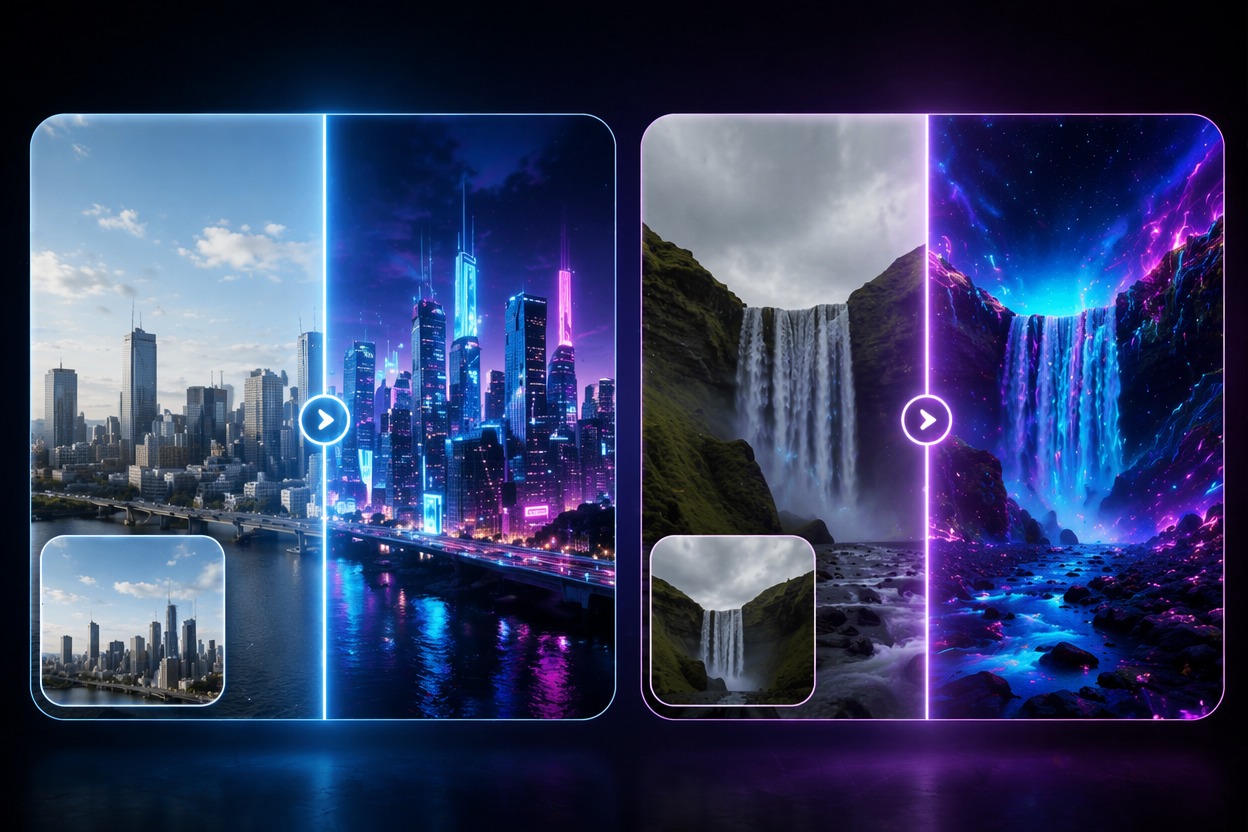
How to Use an AI Twerk Effect Responsibly
A twerk video generator should be treated as a playful adult-style effect that needs consent, source rights, and careful review. The strongest fit is private or opt-in creator content, not surprise edits of real people.
Consent-First Inputs
Only make photo twerk with images you have permission to use, especially for recognizable adults. Avoid minors, public figures, coworkers, or anyone who has not agreed to this kind of edit.
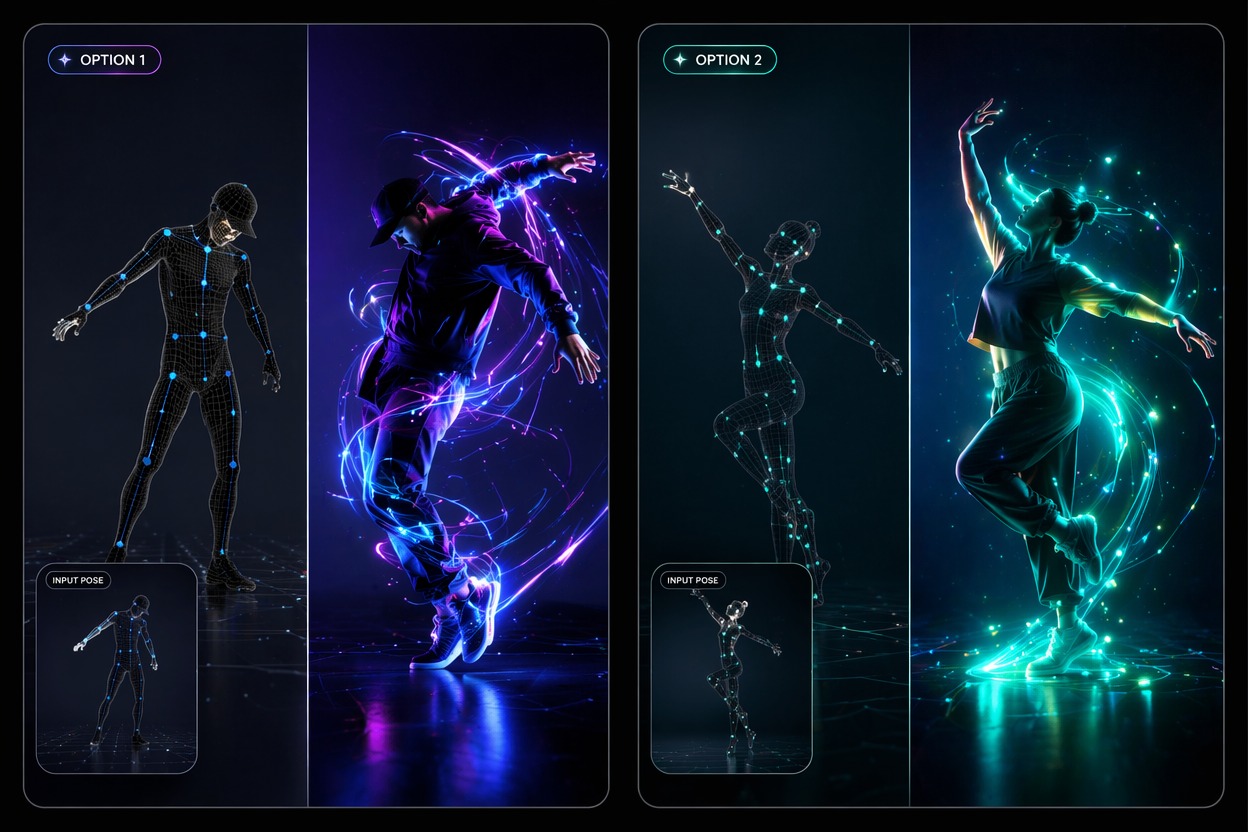
Short Controlled Motion
The best AI twerk effect is a brief dance-style clip with stable framing. Extreme movement, cropped bodies, or busy scenes can create awkward proportions and distracting artifacts.
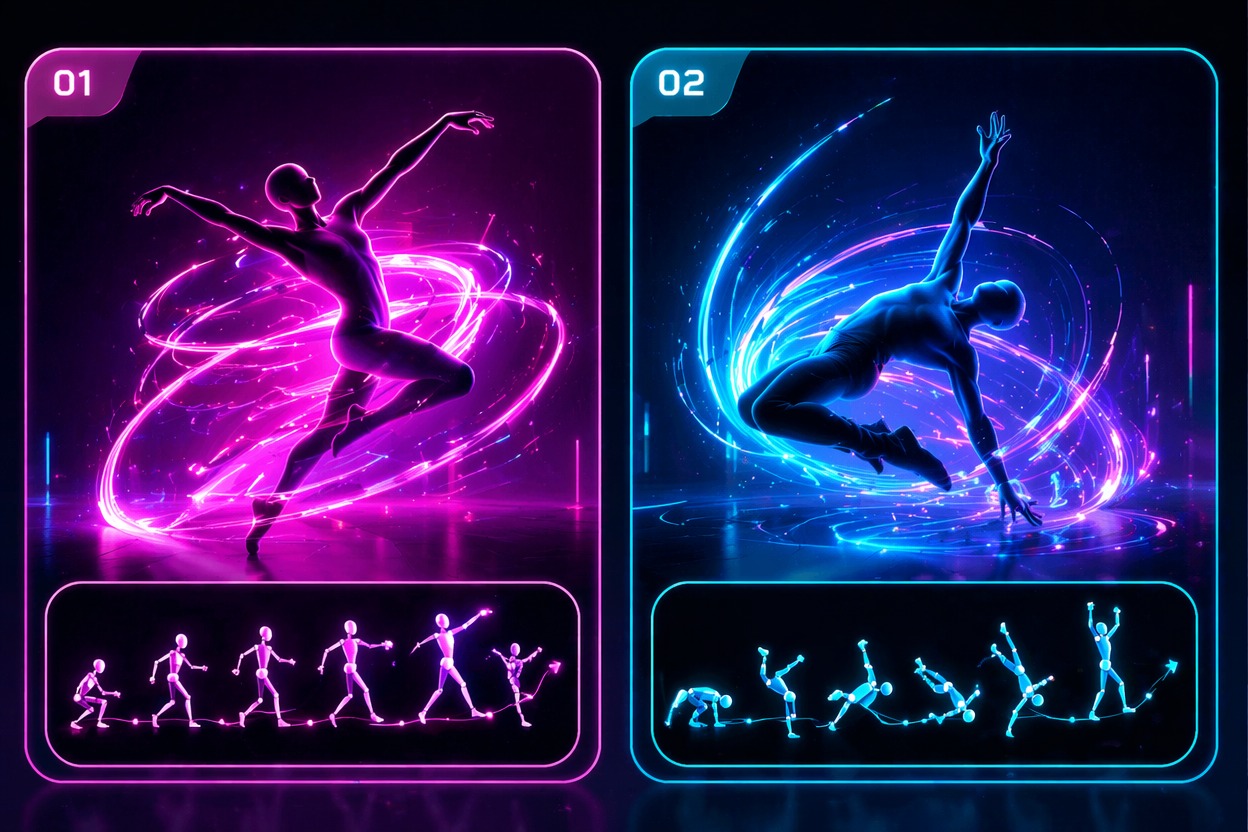
Human Review Before Sharing
Twerking video AI can look funny or uncomfortable depending on face, pose, and motion. Review identity, body proportions, and context before posting or sending the clip.
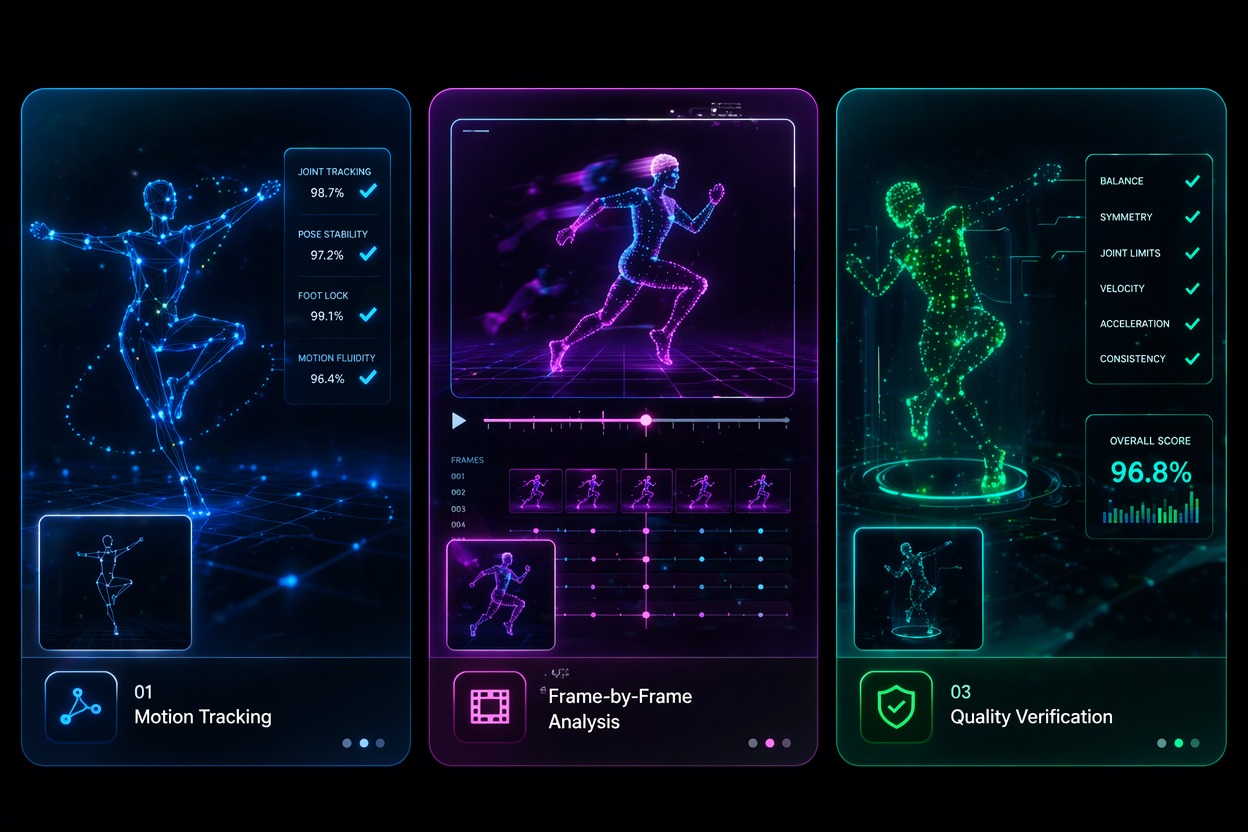
Use cases that fit the effect
Best Uses for AI Twerk Video Generator
- 01
Opt-In Creator Clips
Create short playful dance clips for creators who explicitly want this style of edit.
- 02
Character Dance Memes
Use original characters, mascots, or stylized avatars for safer joke edits than real-person surprise clips.
- 03
Private Party Edits
Make lighthearted private clips only when everyone represented is comfortable with the output.
- 04
Social Trend Tests
Preview a short AI twerk effect before matching it to captions, music, or trend timing.
- 05
Avatar Content Experiments
Test how a virtual persona handles dance motion without involving a real person’s likeness.
How to Create an AI Twerk Video
Three practical steps for cleaner results
- 1
Use an appropriate adult image
Start with a consenting adult, original character, or avatar. Do not use minors or people who did not agree to this edit.
- 2
Keep the prompt brief
Ask for a short twerk dance effect, playful dance loop, or stylized avatar movement rather than a complex scene.
- 3
Review before sharing
Check proportions, identity, clothing, context, and whether the output is respectful enough to publish or send.
FAQ
AI Twerk Video Generator FAQ
Common questions about ai twerk video, make photo twerk, twerk video generator.
What is an AI twerk video generator?
An AI twerk video generator animates a photo or character into a short twerk-style dance clip. It should be used with consent and adult-appropriate inputs.
Can I make photo twerk from one image?
Yes, but the image must be appropriate and used with permission. Clear body framing and simple backgrounds usually create cleaner motion.
Is the AI twerk effect free?
Free access depends on the current AI Hug plan and usage limits. Free tests are best for checking motion quality before making a final clip.
What content should I avoid?
Avoid minors, non-consensual edits, public figures, workplace images, humiliating framing, or any image you do not have rights to use.
Can I post twerking video AI outputs publicly?
Only post when you have the right to use the input image and the person or character context is appropriate. Public sharing needs stricter consent and platform-rule review.
What should I check before publishing?
Check face identity, body proportions, clothing behavior, motion artifacts, and whether the clip could embarrass or misrepresent someone.