MiniMax-H3 AI Video Generator
Describe a scene in the generator above and MiniMax-H3 turns it into a 5 to 15-second video with sound already built in, at up to 2K. You can also animate a photo on image to video, or drive a clip with up to 9 reference images on reference to video. AI Hug is an independent platform providing access to MiniMax-H3 and is not affiliated with MiniMax.
- 5 to 15 second clips
- Native audio, always on
- Up to 2K
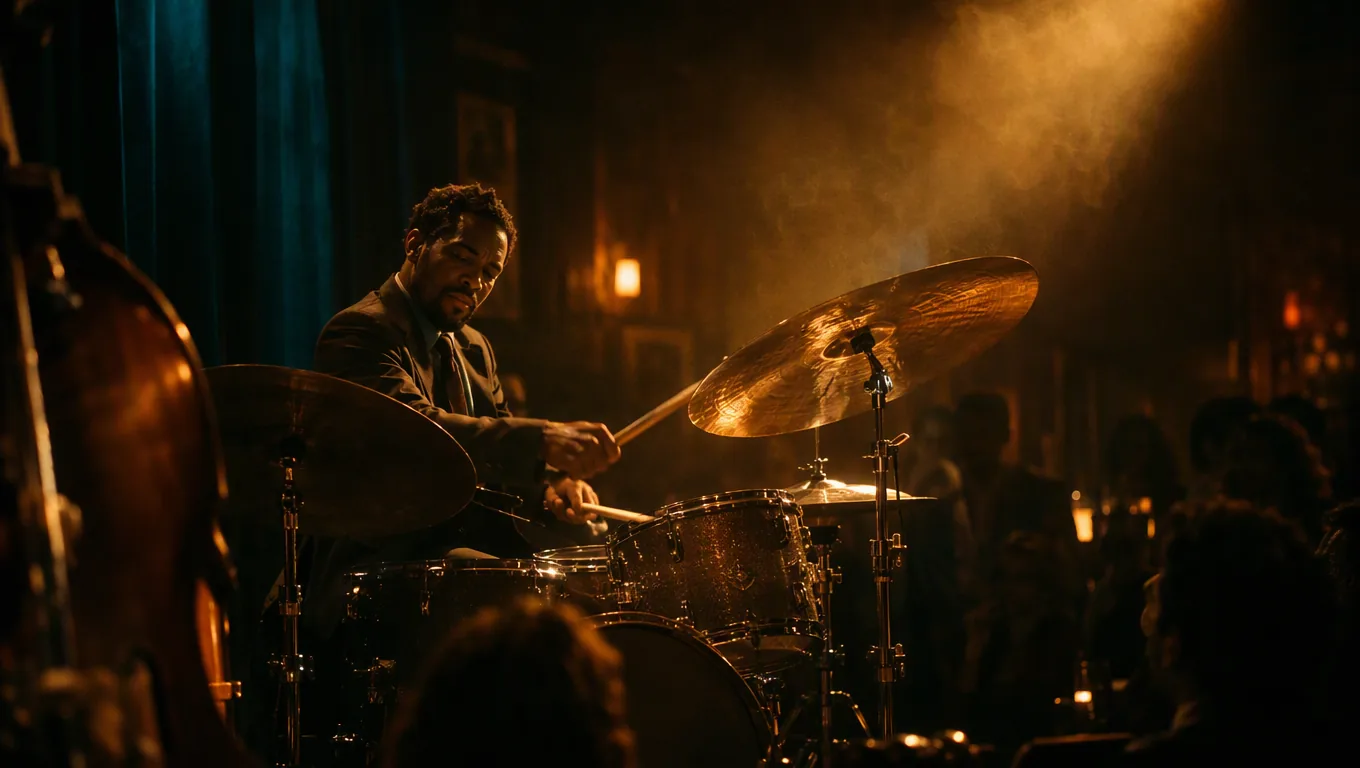
Write Scenes You Can Hear
MiniMax-H3 generates the soundtrack together with the picture, so the sounds you describe end up in the clip. The frames below are illustrative stills, not videos generated by MiniMax-H3; each one shows a kind of shot that suits the model. Describe your own version in the generator above to get the moving, sound-on clip.
Sound That Matches the Action
Name the sounds tied to what happens on screen, such as waves hitting rock or a crowd cheering. Audio is always generated and cannot be switched off, so describe it on purpose.
Create a Sound-On Clip
Natural Motion in Everyday Scenes
Describe who moves, where and how fast. A 10 to 15-second clip has room for a full moment, like a ride through a busy market street.
Create a Street Scene
Sharper Detail at 2K
Pick 2K for the crispest result. It renders at 720p first and is then upscaled, so it takes longer than 480p or 720p.
Generate in 2K
Ideas that benefit from built-in sound
What You Can Make with MiniMax-H3
- 01
Food and Travel Clips
Sizzling pans, street ambience and market chatter make short food and travel videos feel alive.
- 02
Music and Performance Moments
Drummers, buskers and dancers paired with matching sound in a single clip.
- 03
Nature and Ambience Loops
Waves, rain and wind with matching audio for intros, backgrounds and relaxation videos.
- 04
Animated Photos
Turn a still image into a moving, sound-on clip on the image to video page.
- 05
Consistent Characters
Keep a face, outfit or product on-model with up to 9 reference images on the reference to video page.
- 06
Social Formats
Vertical 9:16 for Reels, Shorts and TikTok, or 16:9 and 1:1 for other feeds.
How to Use MiniMax-H3
Describe the scene and sound, set the length, generate
- 1
Describe the Scene and Its Sounds
Write the subject, setting and camera movement, then name the sounds that should go with the action.
- 2
Set Length and Resolution
Choose a duration from 5 to 15 seconds and 480p, 720p or 2K. Longer and sharper clips use more credits.
- 3
Generate and Review
Watch the result with sound on, then change one detail, such as a camera move or a sound cue, and generate again.
FAQ
MiniMax-H3 FAQ
Length, audio, resolution and access
What is MiniMax-H3?
MiniMax-H3 is an AI video model from MiniMax, available in AI Hug's video generator. It creates clips with native audio from text prompts, a starting image or reference images.
How long can a MiniMax-H3 video be?
Any whole number of seconds from 5 to 15. Set the length with the duration slider before you generate.
Can I turn the audio off?
No. MiniMax-H3 always generates sound together with the video, so describe the sounds you want instead of leaving them to chance.
What resolutions are available?
480p, 720p and 2K. 2K renders at 720p first and is then upscaled, so it takes longer than the other options.
How does reference to video work with MiniMax-H3?
On the reference to video page, upload 1 to 9 reference images, plus up to 1 reference video and up to 3 audio clips, tag them in your prompt, and MiniMax-H3 uses them to keep subjects consistent. Only the first 15 seconds of each reference video or audio clip are used.
Is AI Hug affiliated with MiniMax?
No. AI Hug is an independent platform providing access to MiniMax-H3 and does not claim endorsement by MiniMax.
Should I review videos before using them?
Yes. Watch the full clip with sound, check faces, hands and any text, and make sure you have the rights to the references you upload and to your intended use.