Nano Banana Pro Image Generator
Turn a written idea into a polished visual with the working generator above. Describe the subject, composition, lighting, materials, mood, and style, then refine your Nano Banana Pro prompts to explore focused variations without leaving AI Hug.
Generate an Image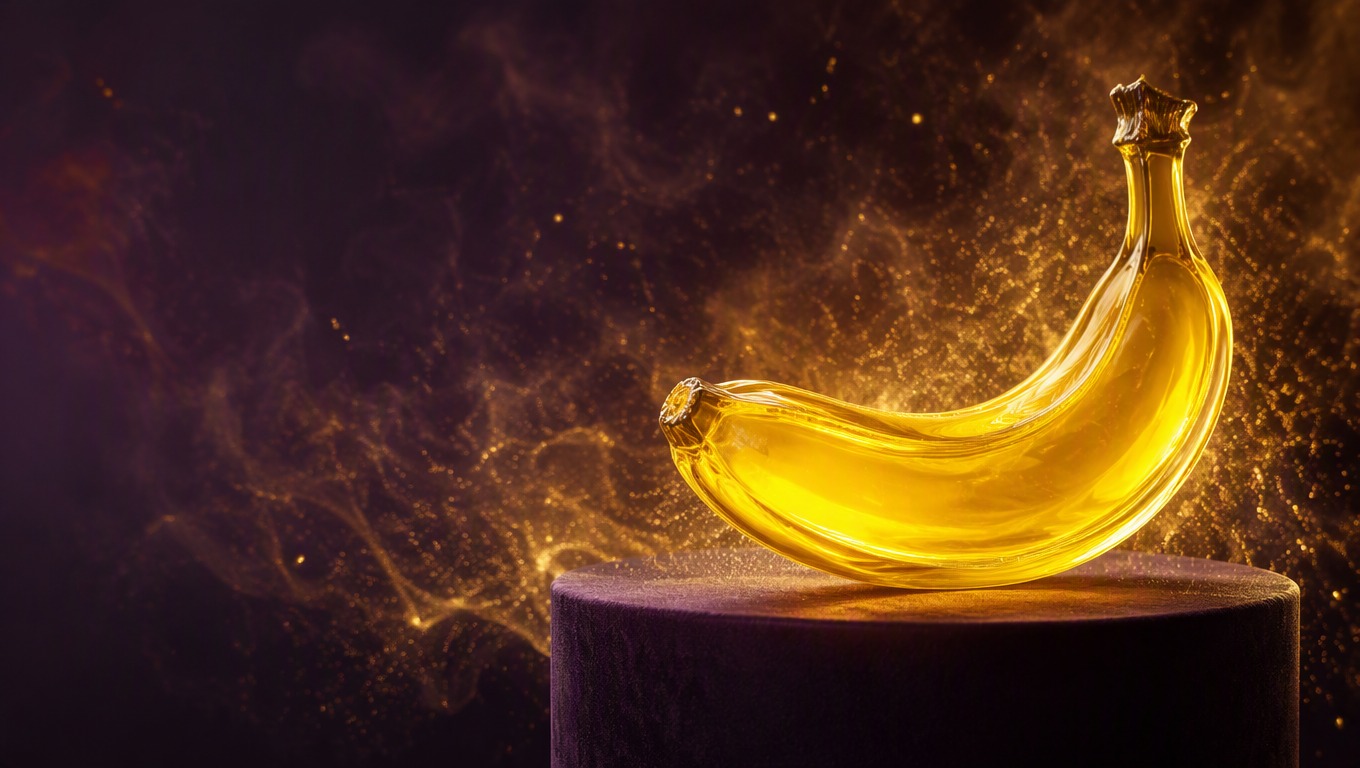
From Nano Banana Pro Prompts to Finished Images
The generator is ready above this guide. Use the page to create first, then apply the prompt ideas below to shape composition, atmosphere, and visual detail rather than settling for a vague first draft.
Build a Complete Scene from Text
Combine a clear subject with environment, lighting, camera distance, color palette, and material cues so the generator has one coherent visual direction.
Try a Detailed Prompt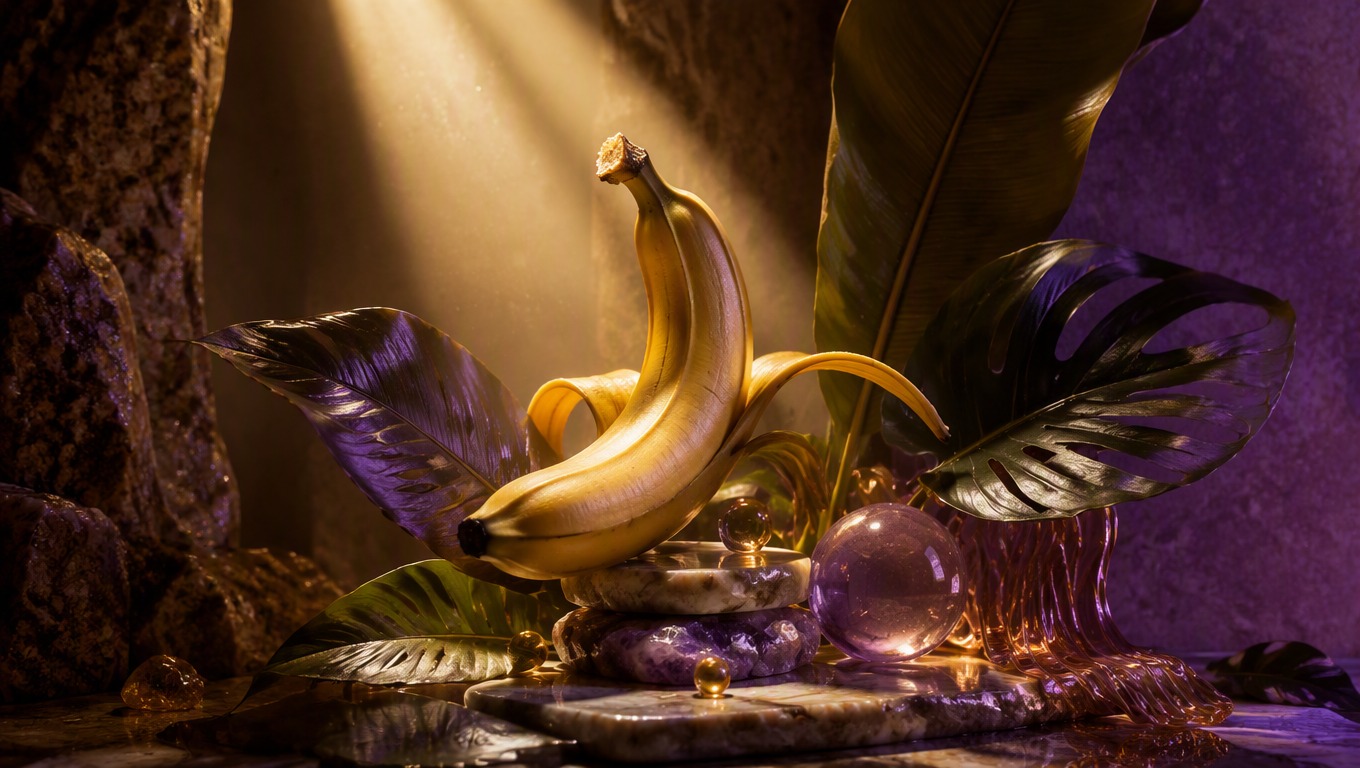
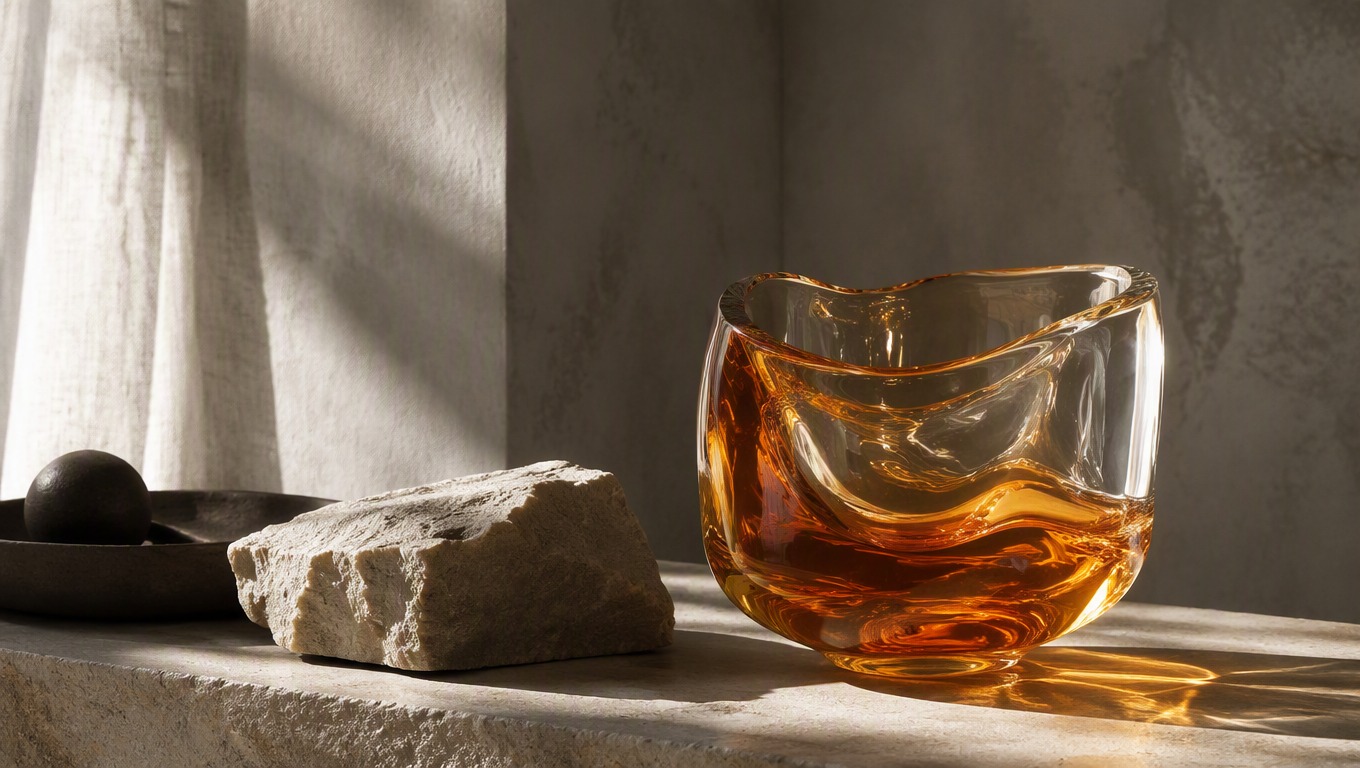
Direct Mood and Materials
Move beyond generic style words by specifying the visual qualities that matter: soft daylight or dramatic rim light, matte stone or translucent glass, muted tones or saturated color.
Regenerate with Focused Changes
Keep the successful parts of a prompt and revise one variable at a time. This makes it easier to explore a new angle, background, palette, or level of detail.
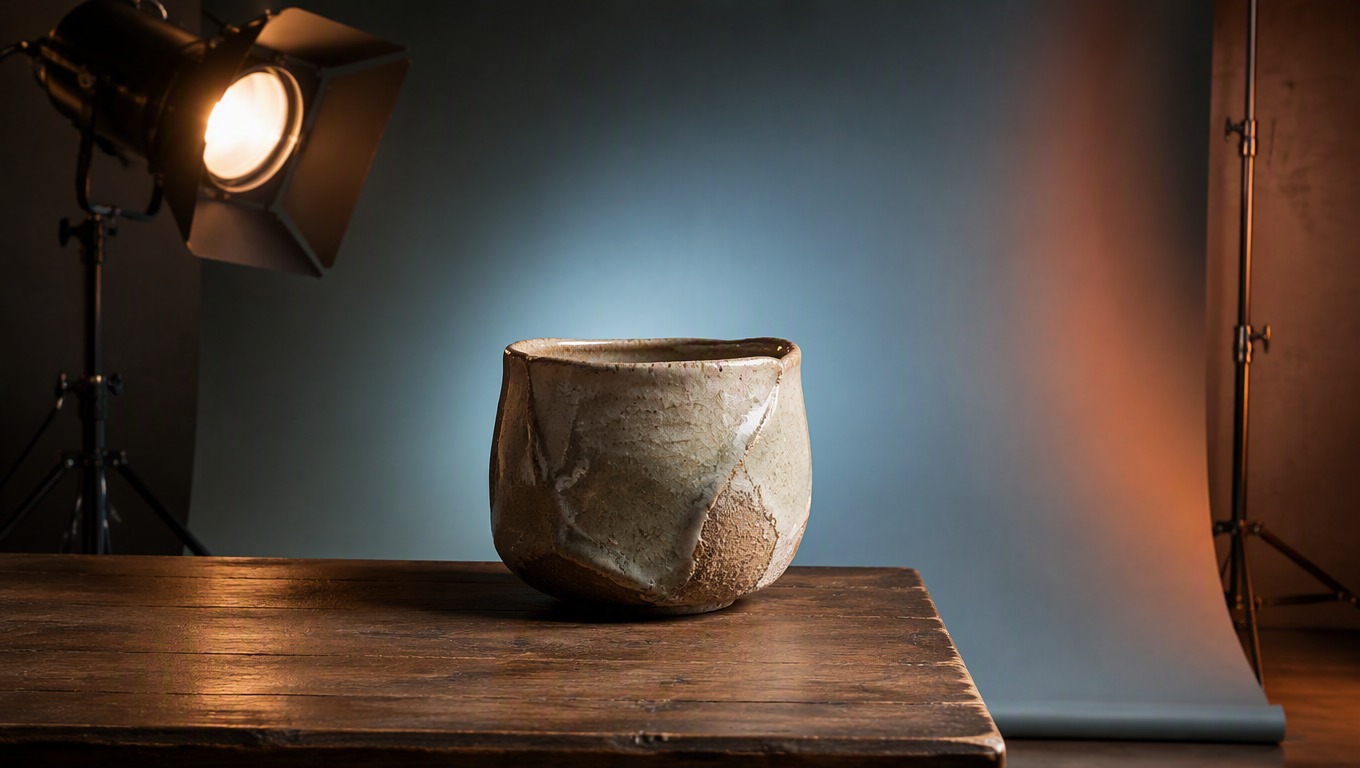
Practical text-to-image ideas for marketing, editorial, product, and concept work
What to Create with Nano Banana Pro on AI Hug
- 01
Campaign Concepts
Create original visual directions for landing pages, seasonal campaigns, and ad ideation before committing to a full production shoot.
- 02
Product Atmosphere
Place an object in a carefully described environment with intentional lighting, surfaces, color, and mood for concept exploration.
- 03
Editorial Illustrations
Generate art-led scenes for articles, newsletters, presentations, and creative briefs using a specific visual metaphor.
- 04
Character and World Ideas
Explore original characters, environments, costumes, props, and story moments while keeping the prompt centered on one scene.
- 05
Poster Backgrounds
Create text-free cinematic backgrounds with deliberate negative space, then add approved typography separately in your design workflow.
- 06
Style Direction Studies
Test lighting, material, color, and camera-language alternatives to find a direction worth developing further.
How to Use the Nano Banana Pro Image Generator
Write a focused prompt, generate above, and refine the visual with intentional changes
 01
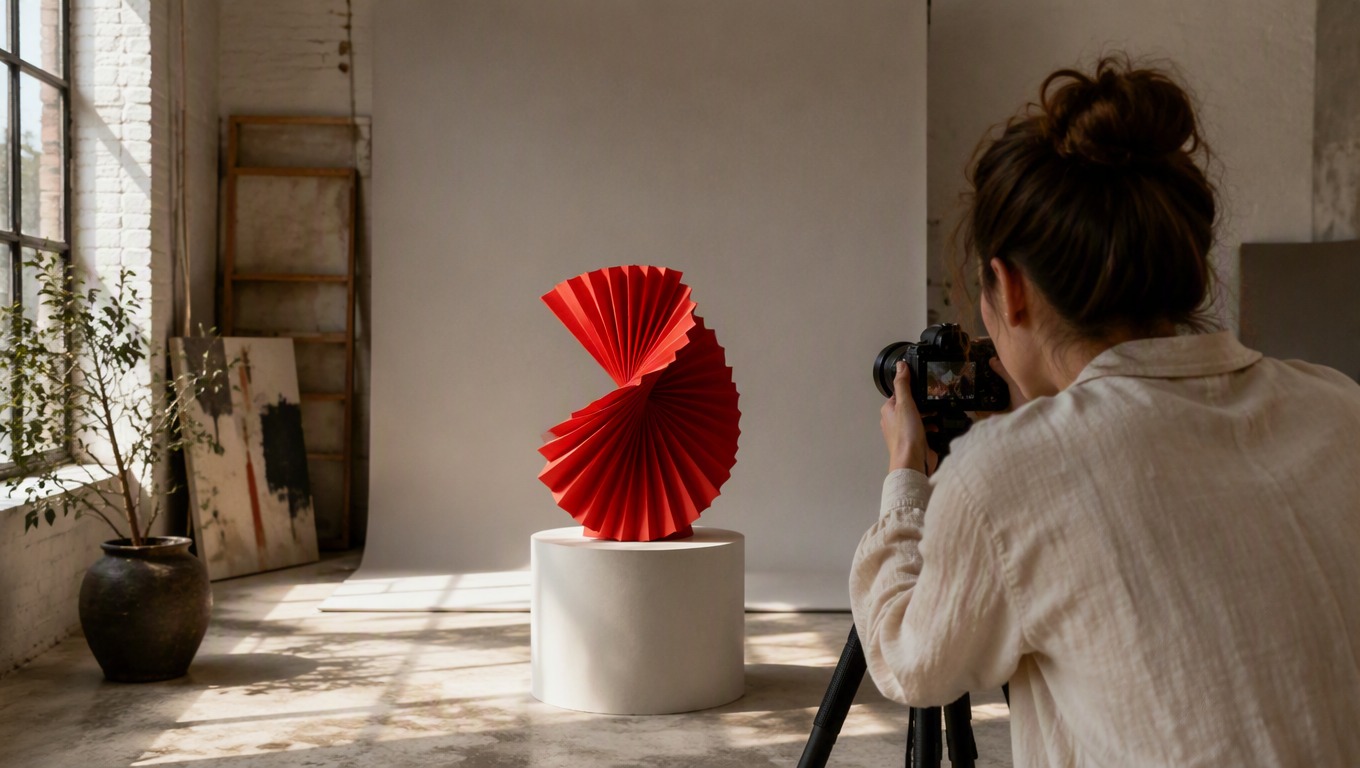
01Describe One Clear Visual Goal
Start in the generator above with the main subject and action. Add the setting and decide what should command attention in the frame.
 02
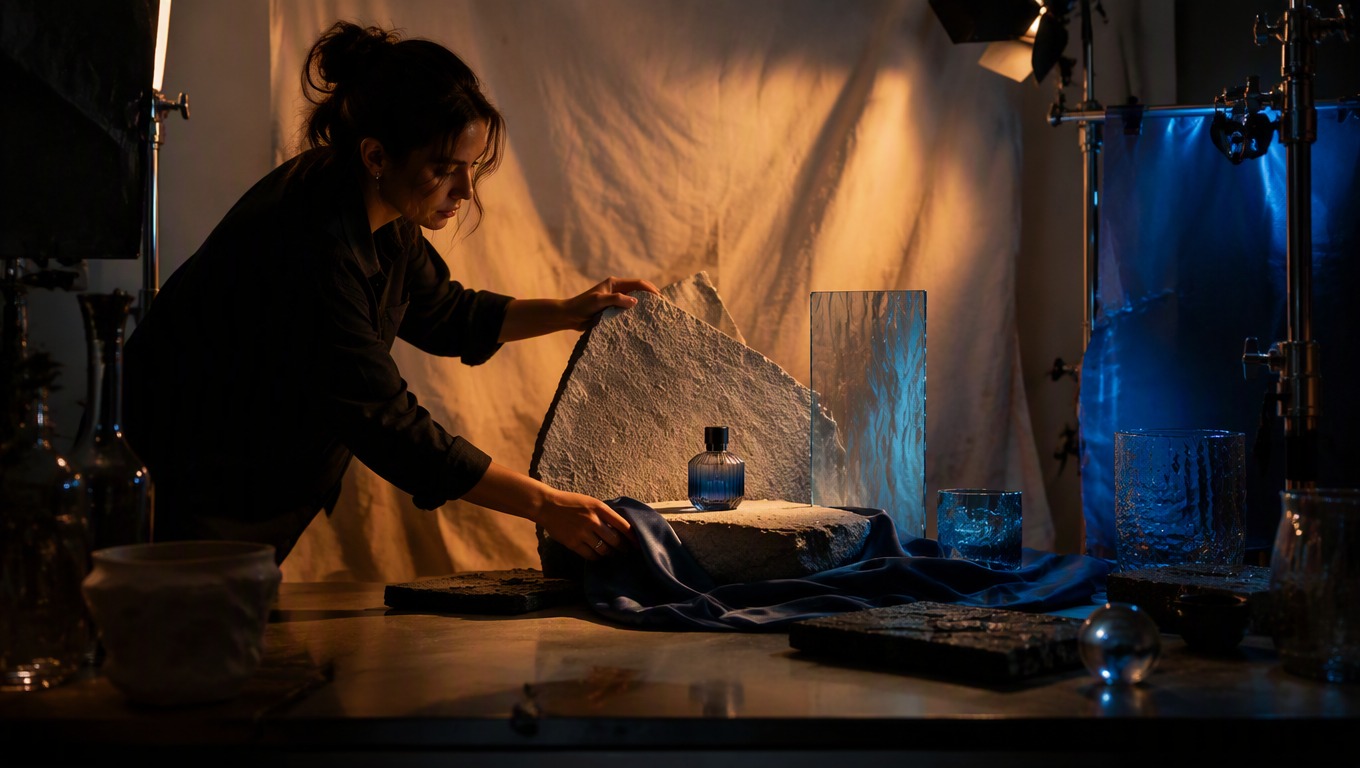
02Add Concrete Art Direction
Specify composition, viewpoint, lighting, palette, material, atmosphere, and finish. Replace vague praise words with details the image can visibly express.
 03
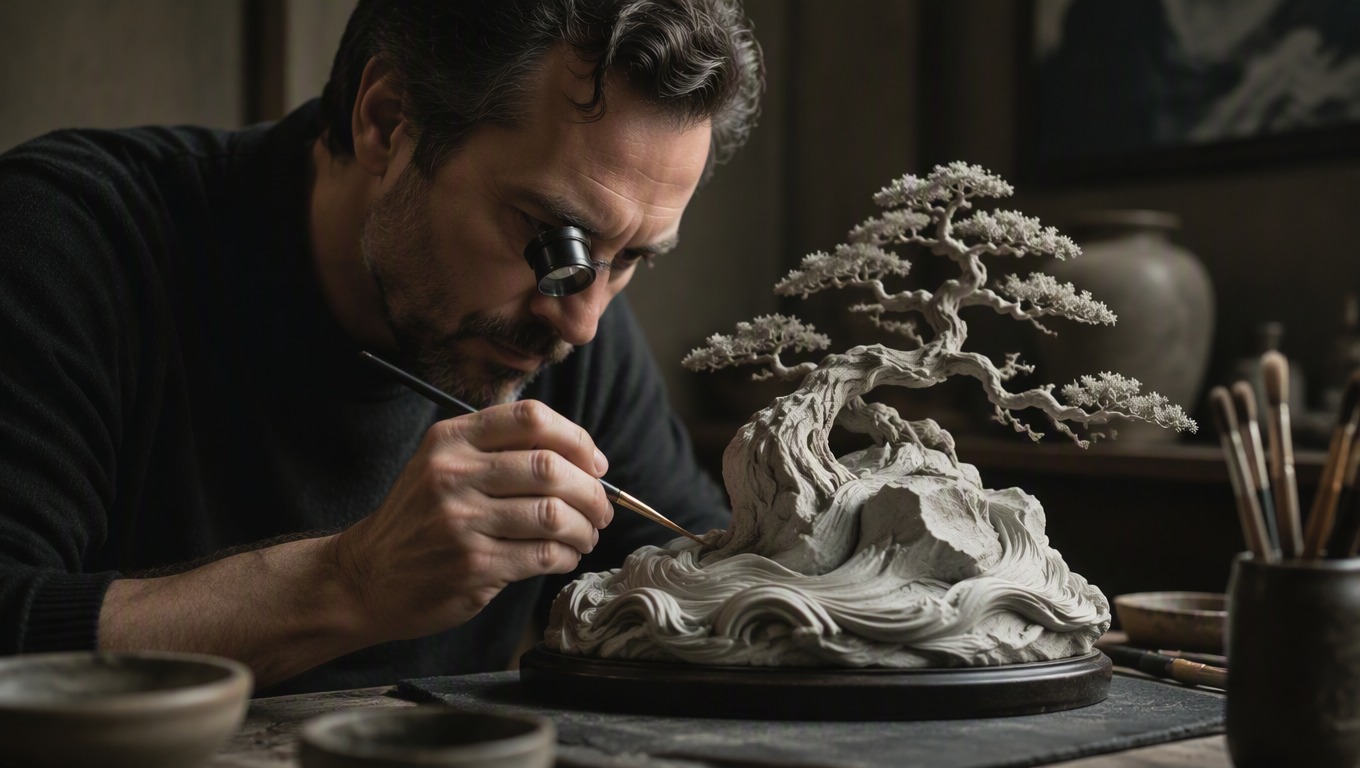
03Review and Refine
Check the subject, anatomy, edges, background, and unwanted text. Keep what works, change one instruction, and generate another variation when needed.
Nano Banana Pro Image Generator FAQ
Prompt writing, model comparison, text-to-image scope, and result refinement
What is the Nano Banana Pro image generator on this page?
It is the text-to-image experience presented through AI Hug. Enter a visual description in the working generator above, generate an image, and refine the prompt when you want a different composition or style.
What should strong Nano Banana Pro prompts include?
Name the subject, setting, composition, viewpoint, lighting, palette, materials, and mood. A prompt with one coherent scene usually gives clearer direction than a loose list of unrelated ideas.
How should I think about Nano Banana Pro vs Nano Banana 2?
Treat the query as a workflow choice rather than assuming one option is always better. Compare the models available in your current interface using the same prompt, then judge subject accuracy, composition, detail, and style for your specific image.
Does this page provide Nano Banana Pro image to image?
This page focuses on the text-to-image workflow exposed by the generator above. If you are starting from a reference image, translate its essential subject, composition, palette, and lighting into a prompt or use a dedicated image-to-image workflow where available.
How can I reduce unwanted text or clutter in a result?
Ask for a single coherent scene and explicitly exclude readable text, logos, watermarks, panels, interface elements, and unnecessary props. Simplifying the composition can also help.
Can I generate another version of the same idea?
Yes. Keep the core subject and successful art direction, then change one element such as the camera distance, lighting, palette, background, or material treatment before generating again.
Are generated results guaranteed to match every prompt exactly?
No. AI-generated images can vary and may contain visual errors. Review important details and regenerate or revise the prompt before using a result in a final project.
Is AI Hug an official Google or model-vendor product page?
No. AI Hug is an independent platform and is not Google, an official Google product page, or an endorsed model-vendor site. Product names are used to describe the generator experience available on this page.