2D to 3D Image Converter
Upload a photo to apply this effect while keeping the subject recognizable for a natural, polished result.
Image
Examples
2D to 3D Image Converter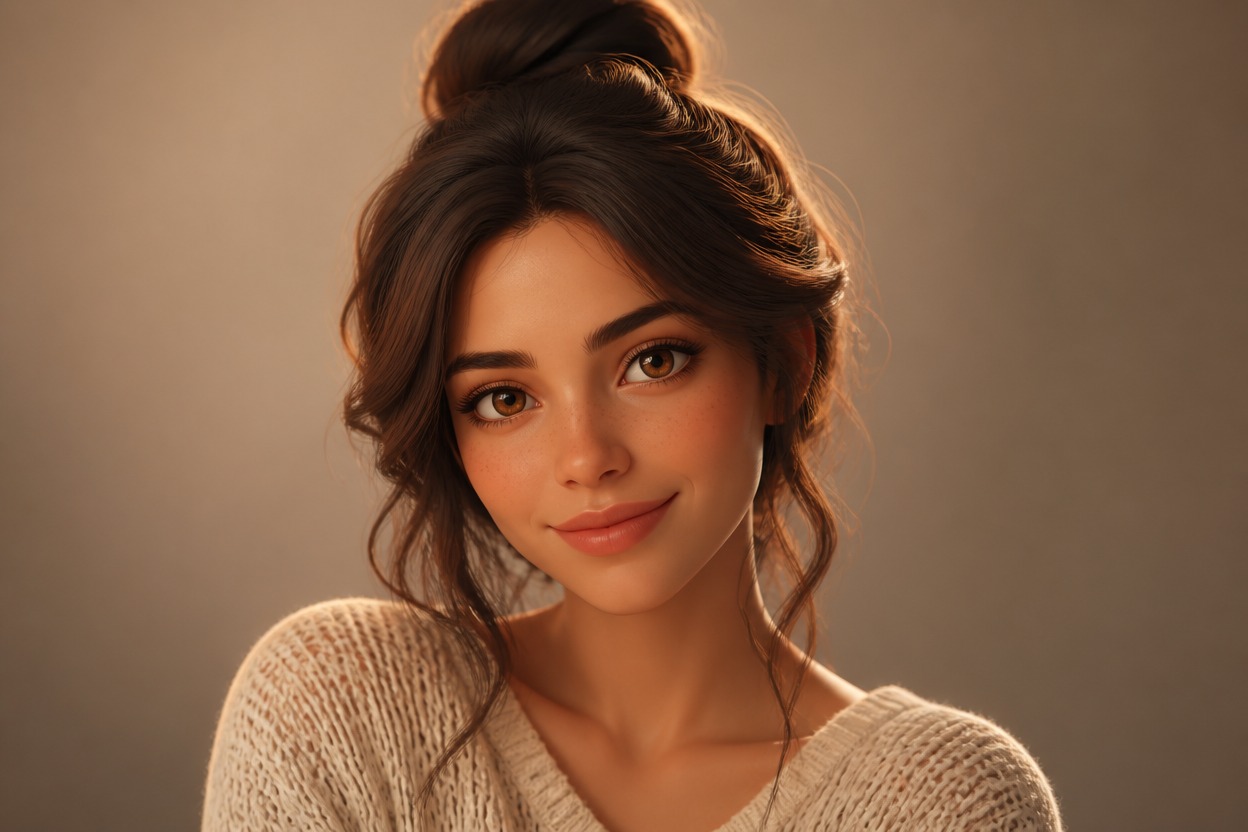
2D to 3D Image Converter
Upload one image and transform it into a polished 3D-style visual. Powered by GPT-Image-2, AI Hug rebuilds depth, volume, lighting, and materials as one coherent finished scene.
Convert Your ImageTurn Flat Photos into Dimensional 3D-Style Scenes
Depth from One Image
Start with one uploaded photo. GPT-Image-2 interprets visible shapes, overlap, perspective, and light to create stronger spatial separation in the finished image.
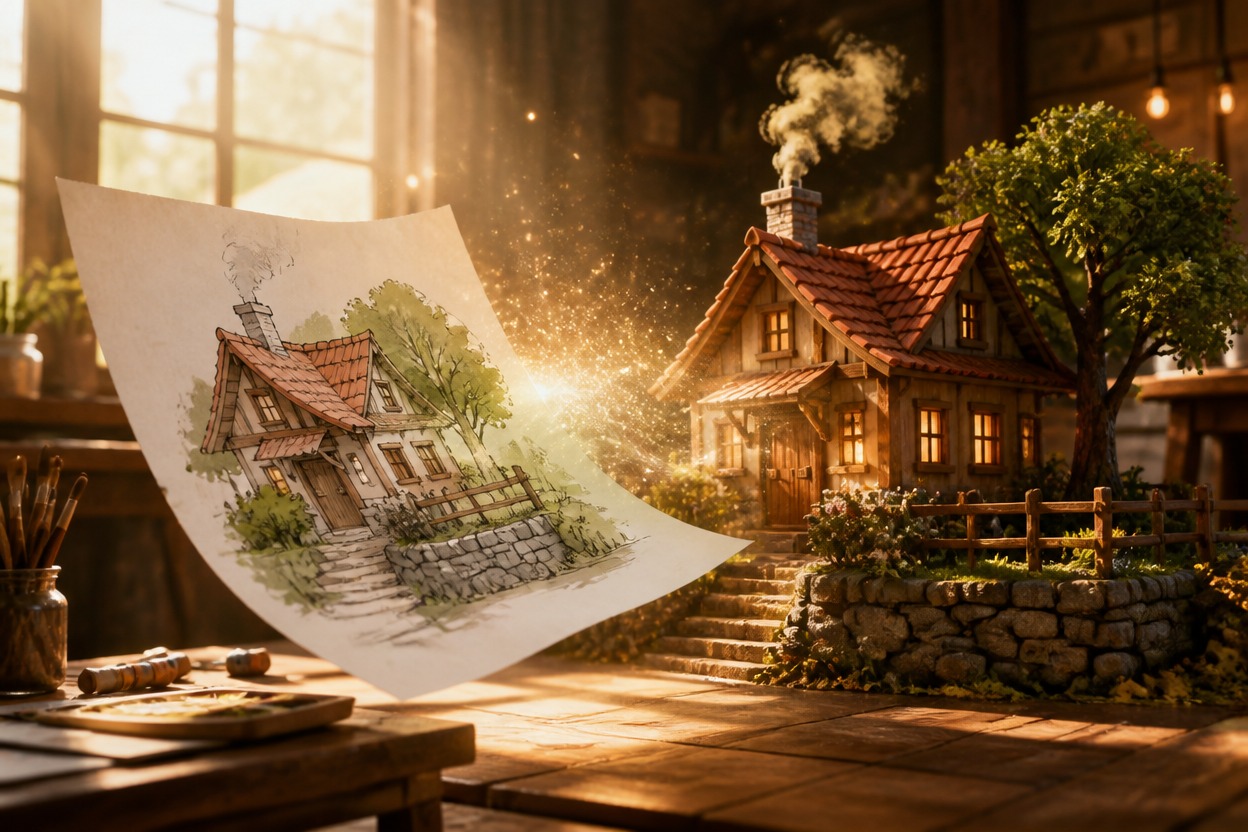
Dimensional Materials
Flat color and texture can become sculpted surfaces, layered forms, soft shadows, and tactile detail that make the subject feel more dimensional.
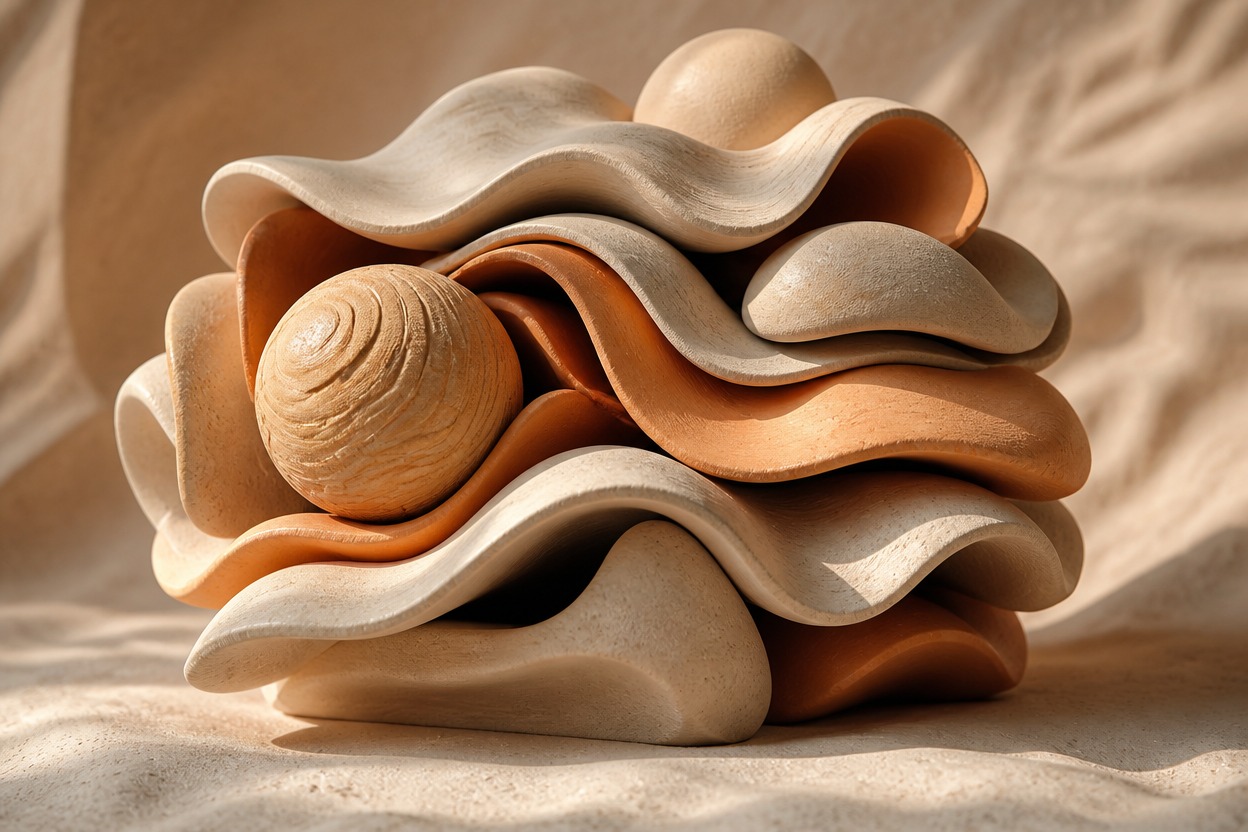
Coherent Scene Rebuilding
The effect transforms the subject and surrounding setting together instead of placing separate versions in a comparison layout. Review faces, hands, edges, and small details before saving.

Dimensional visuals for portraits, characters, products, pets, artwork, and social concepts
What You Can Create with 2D-to-3D Effects
Dimensional Portraits
Give a clear adult portrait stronger volume, layered depth, and sculpted lighting while keeping the person visually recognizable.
Character Artwork
Reimagine an original illustrated character with dimensional forms, tactile materials, and a more cinematic sense of space.
Product Concepts
Turn a simple object photo into a richer 3D-style presentation for mood boards, creative direction, or campaign exploration.
Pet Images
Add depth to a pet photo through layered fur, rounded form, environmental separation, and directional lighting.
Artwork Reinterpretations
Transform an authorized drawing or painting into a dimensional visual while preserving its central subject and color direction.
Social Visuals
Create an eye-catching dimensional image that can serve as the visual foundation for an original post or profile concept.
How to Use the 2D to 3D Image Converter
Upload one image, apply the effect, and review the dimensional result
01
Upload One Clear Image
Choose a sharp photo with a distinct subject, visible edges, useful lighting, and enough detail for the conversion to interpret.
02
Apply the 2D-to-3D Effect
Start the one-image transformation. AI Hug uses GPT-Image-2 to rebuild volume, depth, materials, shadows, and spatial separation as one scene.
03
Preview and Download
Inspect faces, hands, object edges, textures, and background depth, then download the version that looks coherent and complete.
Answers about one-image input, GPT-Image-2, dimensional results, source quality, and access