AI Action Figure Generator

Upload a photo to apply this effect while keeping the subject recognizable for a natural, polished result.

Image

Examples

Action Figure Generator
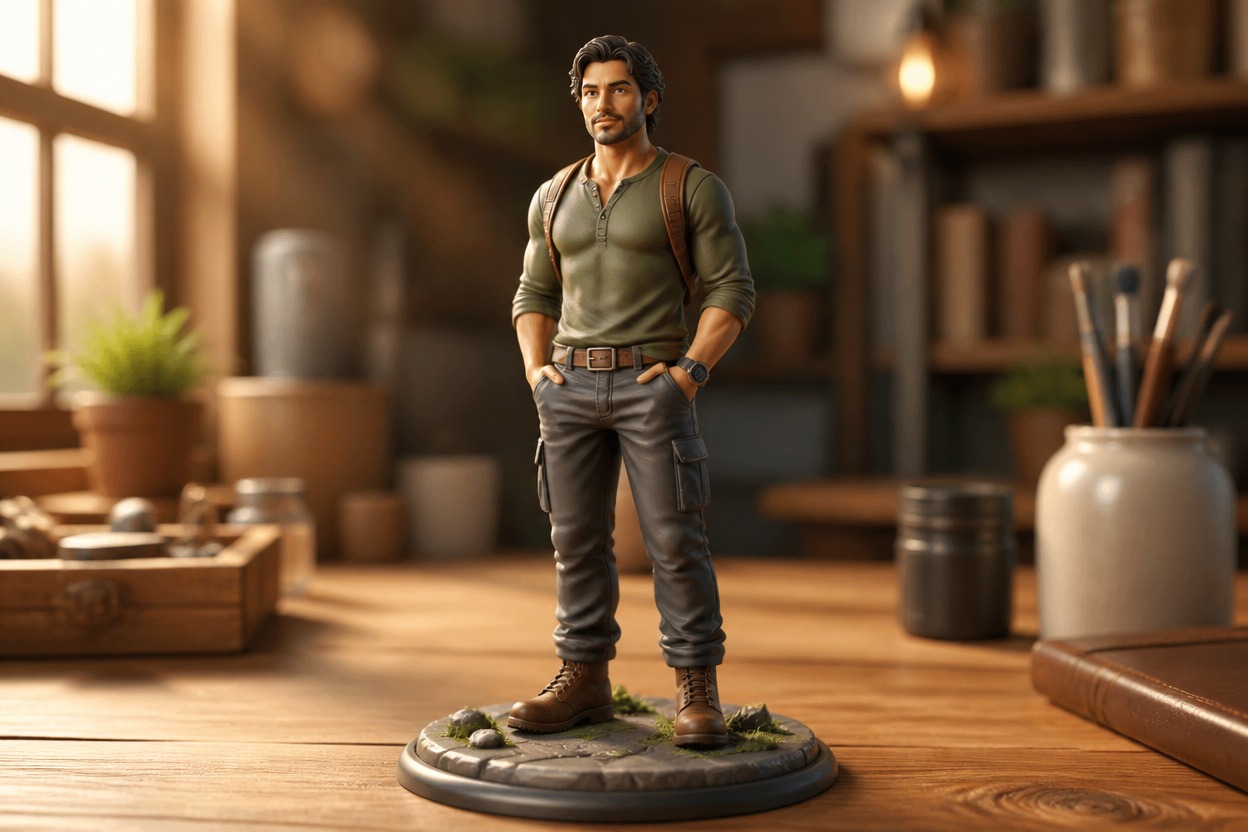
AI Action Figure Generator example

AI Action Figure Generator from Photo

Upload one clear image and transform its adult subject, pet, or main object into an original collectible-style figure scene. Powered by GPT-Image-2, AI Hug rebuilds the subject, outfit, pose, materials, and setting as one coherent image.

Create My Action Figure
Original adult-inspired collectible action figure in a cinematic miniature scene

Turn One Photo into a Polished Action Figure Scene

Use the AI Action Figure Generator for a focused one-image transformation, then explore more still-image restyling with AI Hug’s image to image tools.

01

Collectible-Style Transformation

GPT-Image-2 reinterprets the uploaded subject with sculpted proportions, articulated details, painted materials, and a display-ready pose instead of applying a flat color overlay.
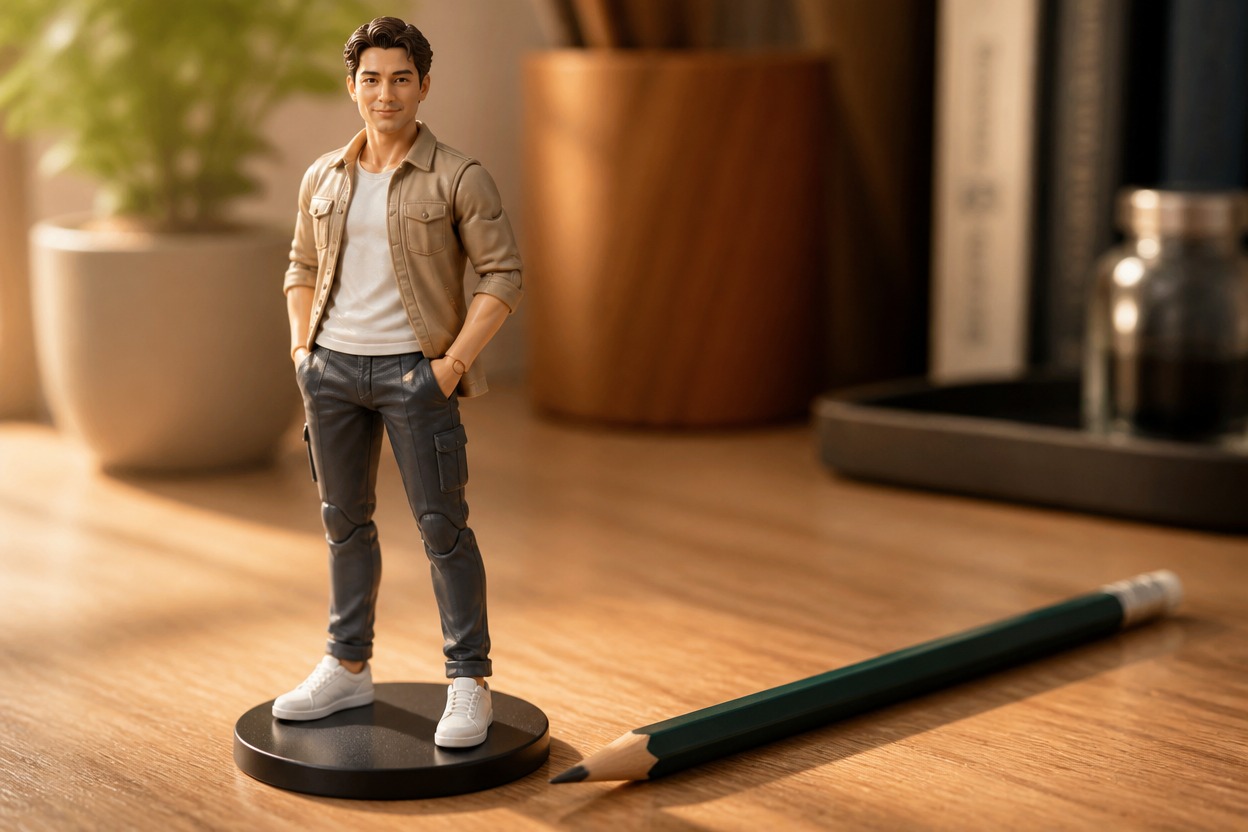
Articulated miniature figure posed on a tabletop stand beside a pencil.
02

Source-Guided Character Details

Visible traits such as hairstyle, expression, clothing colors, pose, and key accessories guide the new figure while the model creates an original stylized result.
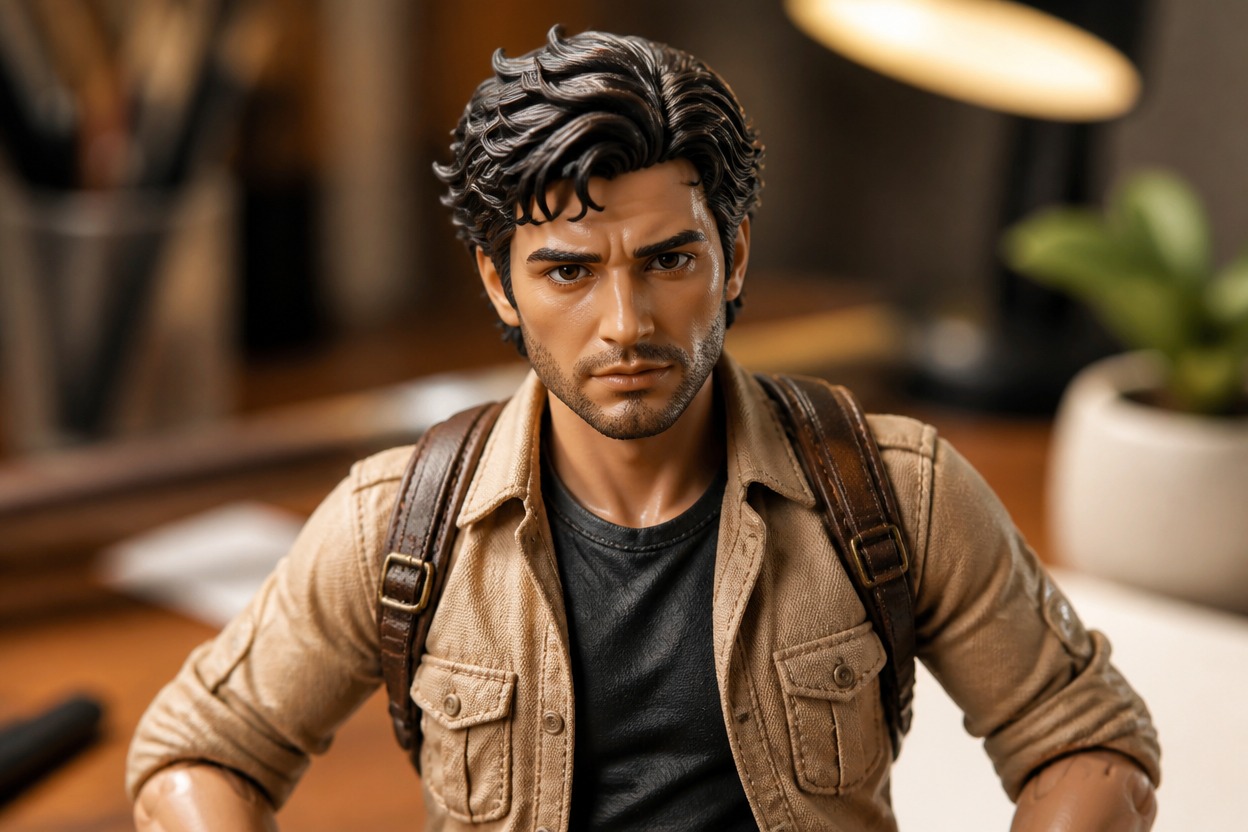
Close-up of sculpted hair, painted features, clothing, and joint details on a miniature figure.
03

One Coherent Display Scene

The figure, display base, lighting, and environment are generated together so scale, perspective, shadows, and materials feel connected in a single finished scene.
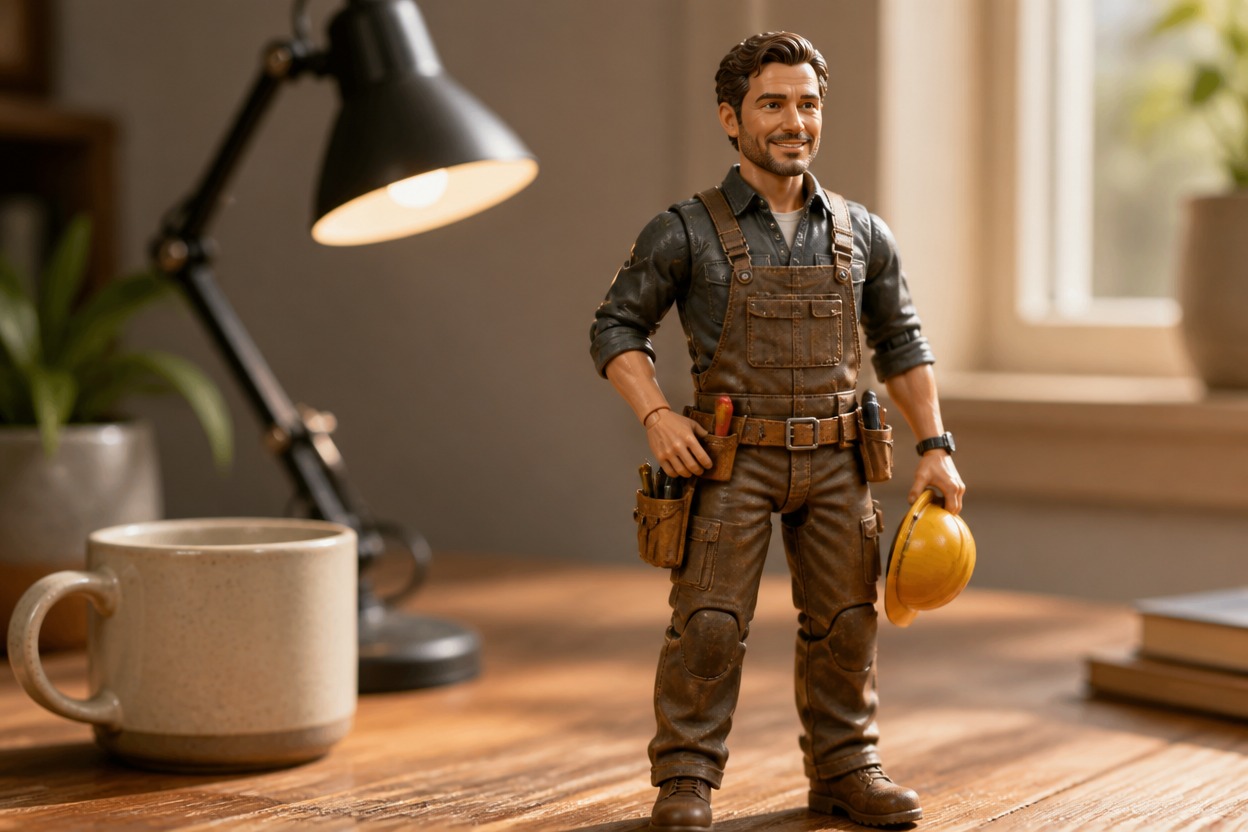
Articulated worker figure on a display base beside a ceramic cup and desk lamp.

Ideas for portraits, pets, original characters, hobbies, gifts, objects, and mascots

Action Figure Images You Can Create

  • 01

    Collectible-Style Portraits

    Restyle a clear adult portrait as an original articulated figure with coordinated clothing, pose, materials, and display setting.

  • 02

    Pet Hero Figures

    Turn a well-framed pet photo into a playful collectible character scene shaped by its markings, posture, and expression.

  • 03

    Original Character Concepts

    Visualize an original or authorized character as a display-ready figure with a distinctive costume, silhouette, and themed base.

  • 04

    Team and Hobby Keepsakes

    Create figure-style portraits inspired by an adult athlete, musician, maker, or hobbyist without using third-party logos or brand marks.

  • 05

    Gift Image Concepts

    Transform an authorized photo into a personalized collectible-style visual for a birthday, celebration, or digital keepsake.

  • 06

    Product and Mascot Restyles

    Reimagine a clearly photographed object or original mascot as a toy-like display piece in a coherent miniature environment.

How to Use the AI Action Figure Generator

Upload one image, apply the effect, and review one finished collectible-style scene

  1. 1

    Upload One Clear Image

    Choose a sharp, well-lit photo with one distinct main subject. A visible face or silhouette, natural proportions, and an uncluttered background give the model stronger visual structure.

  2. 2

    Apply the Action Figure Effect

    Start the one-uploaded-image transformation. AI Hug uses GPT-Image-2 to reinterpret the subject, outfit, pose, materials, display base, lighting, and setting as one cohesive collectible scene.

  3. 3

    Preview and Download

    Check facial details, hands, joints, proportions, accessories, and background continuity, then download the generated version you prefer.

FAQ

AI Action Figure Generator FAQ

Answers about one-photo input, GPT-Image-2, source quality, generated details, access, and responsible use

What is an AI Action Figure Generator?

It is an AI photo effect that turns one uploaded image into an original collectible-style figure scene with sculpted forms, articulated details, coordinated materials, and a unified setting.

How does the AI Action Figure Generator from photo work?

Upload one suitable image and apply the effect. AI Hug uses GPT-Image-2 to interpret the visible subject, clothing, pose, colors, lighting, and composition, then generates one cohesive action figure result.

Do I need more than one uploaded image?

No. The effect is positioned as a one-uploaded-image transformation. One clear source image is enough to begin, and the result is a single finished scene rather than a before-and-after composition.

What kind of photo works best?

Use a sharp, evenly lit image with a clear main subject and readable outlines. Heavy blur, deep shadows, covered faces, extreme crops, or crowded scenes give GPT-Image-2 less reliable structure to follow.

Will the generated figure match the photo exactly?

The upload guides the transformation, but GPT-Image-2 creates a new interpretation rather than a precise physical replica. Review faces, hands, joints, proportions, clothing details, and important accessories before use.

Can I make figures from pets, objects, or original characters?

A clear pet, object, or original character image can guide the effect as long as the main subject is easy to identify. Results vary with source quality and visual complexity.

Is this different from a basic AI photo filter?

A basic filter may mainly change color or surface texture. This generative effect can rebuild the subject and environment with figure-like forms, articulated details, new materials, depth, and coordinated lighting.

Is the AI Action Figure Generator free or unlimited?

This page does not claim free or unlimited use. Current access, credits, and generation limits depend on the AI Hug plan shown when you use the effect.

Can I use any person or character photo?

Use images you are authorized to upload and avoid implying endorsement by people or third parties. For branded or protected characters, review the relevant rights before sharing or using the result.

Turn One Photo into an Original Action Figure Scene

Create My Action Figure