Add Suit to Photo
Upload a photo to apply this effect while keeping the subject recognizable for a natural, polished result.
Image
Examples
Add Suit to Photo
Add Suit to Photo with AI
Upload one image and let AI Hug add a realistic suit with GPT-Image-2. This focused AI photo editor changes the outfit while aiming to keep the person, pose, lighting, and background recognizable.
Add a Suit to Your PhotoA Realistic AI Suit Editor for One Photo
Tailored Suit Structure
Generate defined lapels, collars, seams, cuffs, and jacket proportions that follow the visible body position.
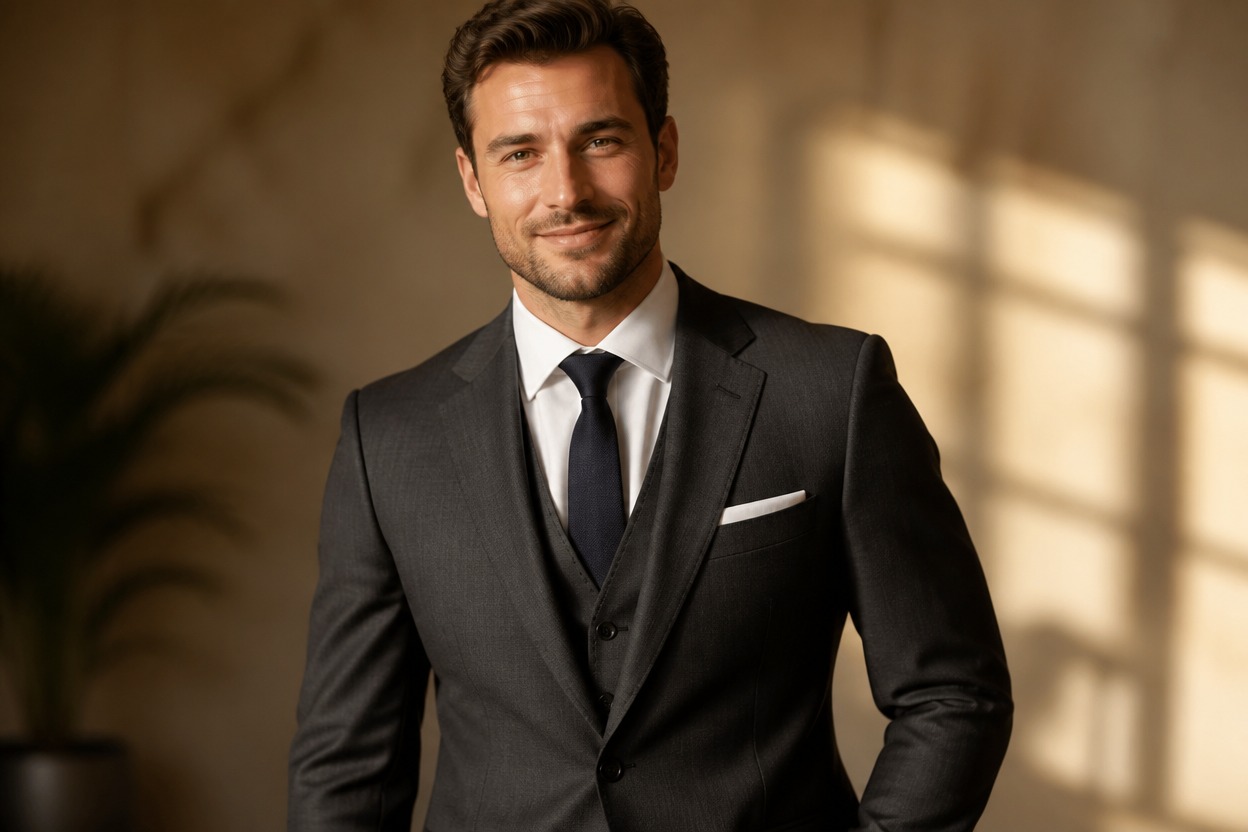
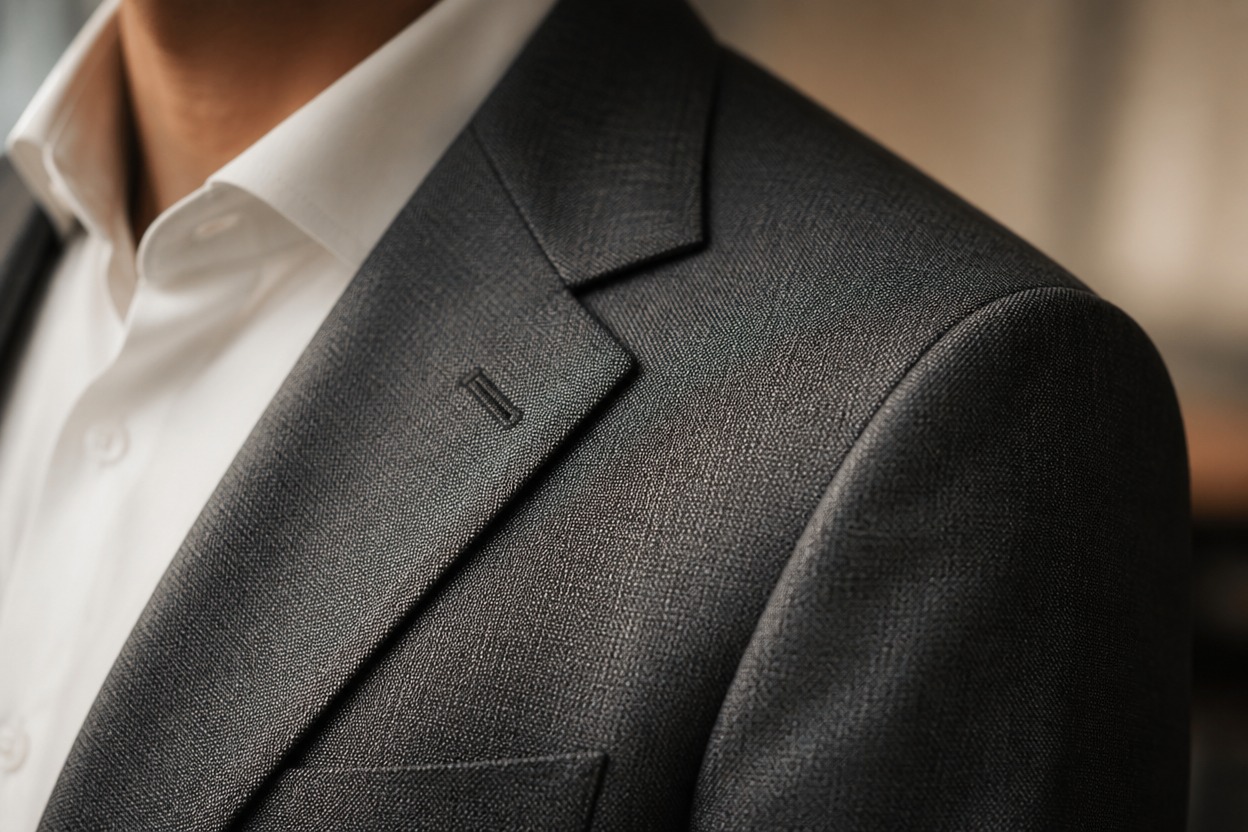
Believable Fabric and Fit
Create natural-looking weave, folds, drape, highlights, and contact shadows instead of a flat clothing overlay.
A Focused Outfit Change
The edit targets clothing while aiming to retain the face, hairstyle, posture, camera angle, lighting, and surrounding scene.

Professional and creative outfit ideas from one image
Ways to Use Your AI Suit Photo
Professional Profile Photos
Create a suit-wearing portrait for a polished personal profile while keeping the original expression and setting familiar.
Resume and Portfolio Portraits
Explore a more formal wardrobe direction for a resume, portfolio, or personal introduction image.
Business Event Previews
Visualize a tailored look for a conference, presentation, networking event, or formal appointment.
Team Page Concepts
Prepare a professional portrait concept for an about page or internal team profile after reviewing the generated details.
Formal Outfit Planning
See how a dark, light, classic, or modern suit direction works with the pose and composition in your photo.
Character and Editorial Styling
Give an original portrait a business, executive, or cinematic formal wardrobe for a creative visual concept.
How to Add a Suit to a Photo
Upload one image, apply the effect, and review the result
01
Upload One Clear Photo
Choose a sharp, well-lit image where the person, upper body, clothing edges, pose, and background are easy to see.
02
Apply the Suit Effect
Start the edit and let GPT-Image-2 replace the visible outfit with a realistic suit shaped around the person and scene.
03
Preview and Download
Check the face, lapels, seams, hands, fit, folds, shadows, and background, then download the version that looks most coherent.
Answers about inputs, suit realism, and generated results