AI Album Cover Generator
Upload a photo to apply this effect while keeping the subject recognizable for a natural, polished result.
Image
Examples
Album Cover Generator
AI Album Cover Generator from Photo
Upload one image and transform it into cohesive cover artwork with dramatic color, atmosphere, and composition. AI Hug uses GPT-Image-2 to create a new visual interpretation around your subject—no prompt-first setup required.
Create Album Cover ArtCreate Album Artwork with a Strong Visual Identity
Full-Scene Artistic Transformation
Reinterpret the subject, setting, light, and color as one unified piece instead of placing a simple filter over the upload.
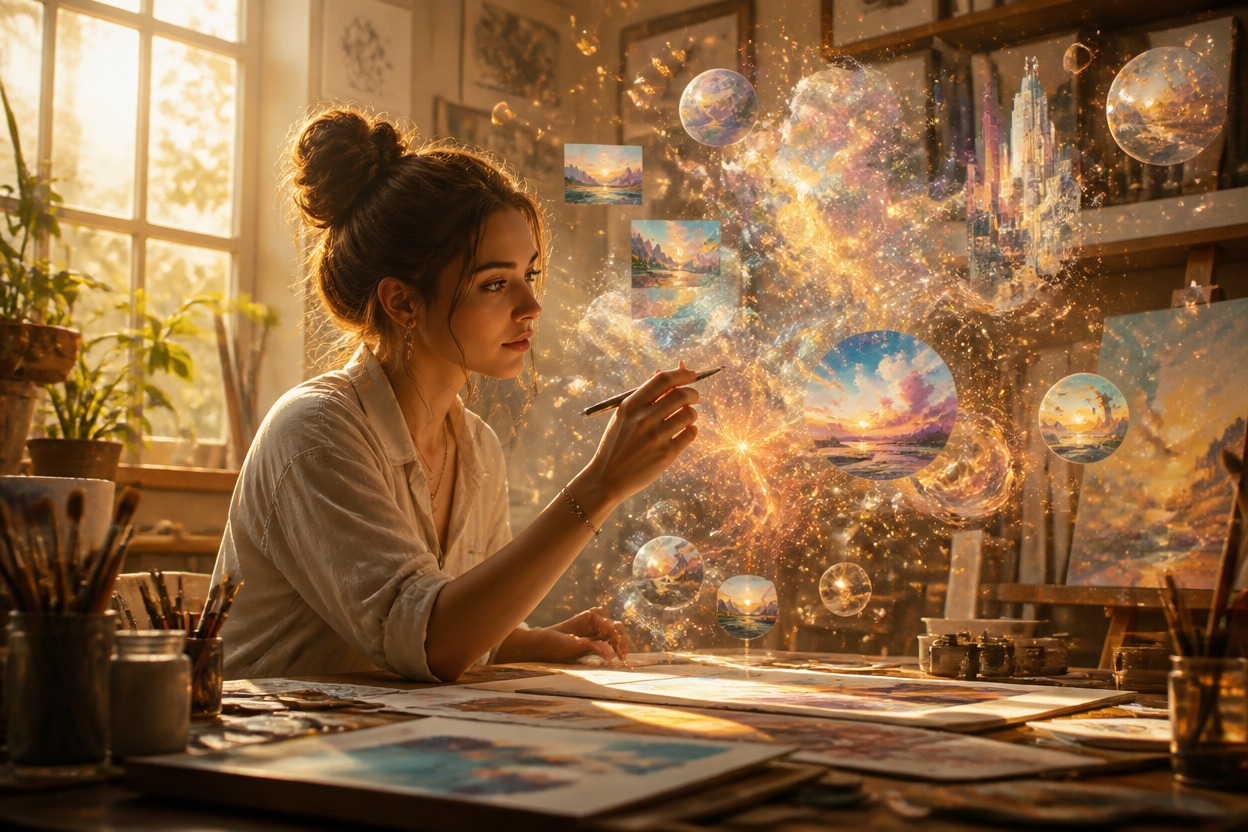
Music-Ready Visual Mood
Create cinematic, atmospheric artwork suited to the tone of a single, EP, playlist, mixtape, or personal music concept.

One-Image Creation
Start with one clear portrait, artist photo, object, or scene. The uploaded image supplies the subject and visual structure for the transformation.

Create visual concepts for singles, EPs, playlists, artist profiles, instrumentals, and moodboards
Album Cover Ideas for Different Music Projects
Single Cover Concepts
Shape a portrait or scene into distinctive artwork for a new track concept.
EP and Mixtape Artwork
Develop a cohesive visual mood for a short release, demo, or independent project.
Playlist Covers
Create an original image that matches the atmosphere of a personal or curated playlist.
Artist Profile Visuals
Rework a suitable artist photo into a polished promotional visual with a music-led aesthetic.
Instrumental Releases
Transform landscapes, objects, or abstract source images into evocative cover concepts without a portrait.
Music Moodboards
Generate visual directions for color, lighting, styling, and atmosphere before choosing a final cover.
How to Use the AI Album Cover Generator
Upload one image, apply the effect, and review your finished artwork
01
Upload One Clear Image
Choose a sharp portrait, artist photo, object, or scene with a clear focal point and enough detail to guide the transformation.
02
Apply the Album Cover Effect
Start the transformation. AI Hug uses GPT-Image-2 to rebuild the image with a cohesive mood, palette, lighting, and album-art composition.
03
Preview and Download
Review the subject, face, hands, important objects, overall composition, and visual mood, then download the version you want to keep.
Answers about one-image input, GPT-Image-2, source photos, artwork, text, and access