AI Baby Generator
Upload two parent photos to imagine a baby portrait. For entertainment, with boy, girl or surprise appearance options.
01Upload your photo
Parent 1
Parent 2
For fun only. This is an imagined baby portrait, not a genetic or medical prediction.
02Prompt
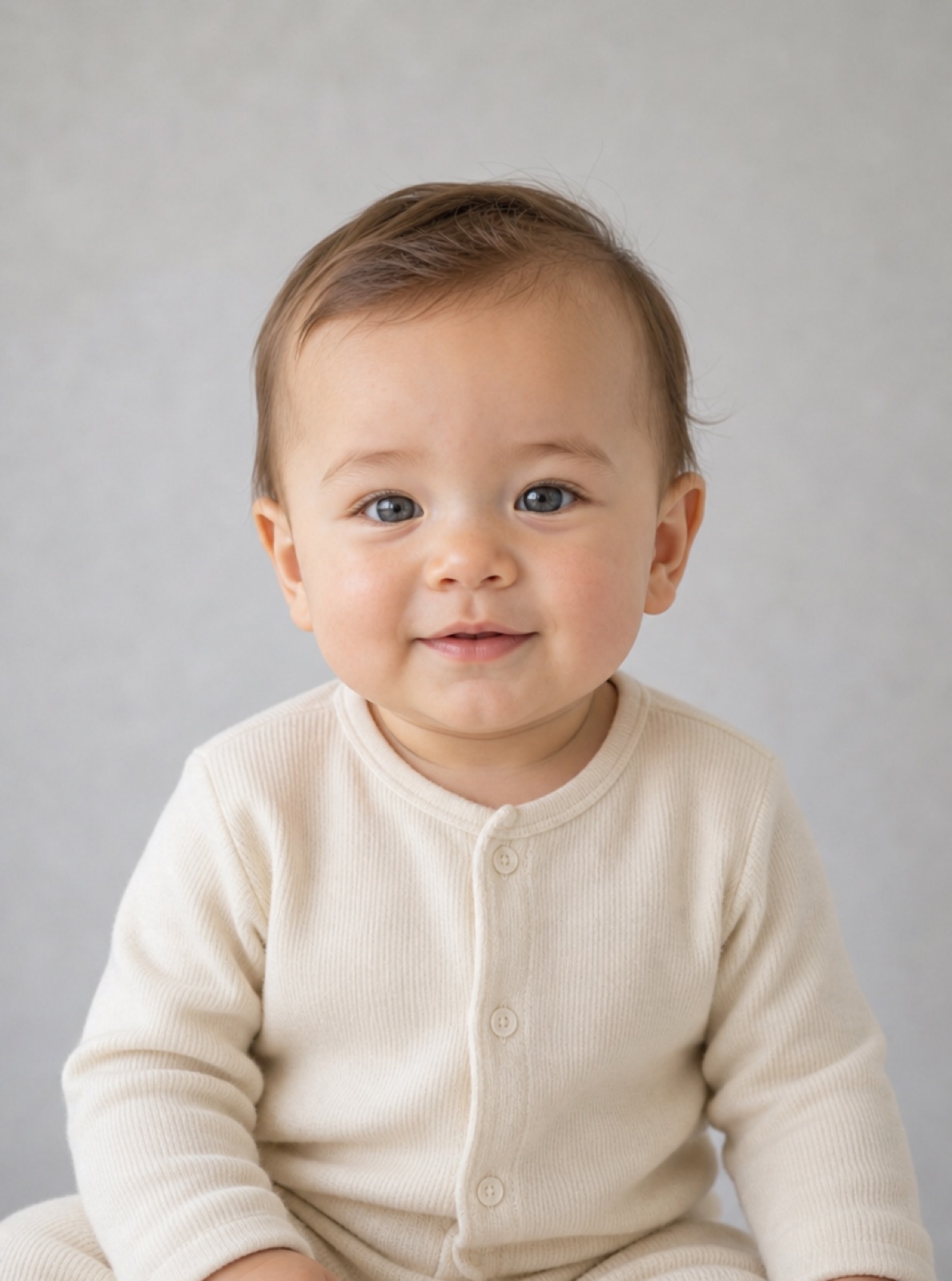
AI Baby Generator from Two Parent Photos
Wondering what will my baby look like? Add one clear photo to Parent 1 and another to Parent 2. This baby face generator uses both references to imagine one new baby portrait. Choose a boy, girl or surprise appearance. It is entertainment, not a genetic, ancestry or medical prediction.
Start Creating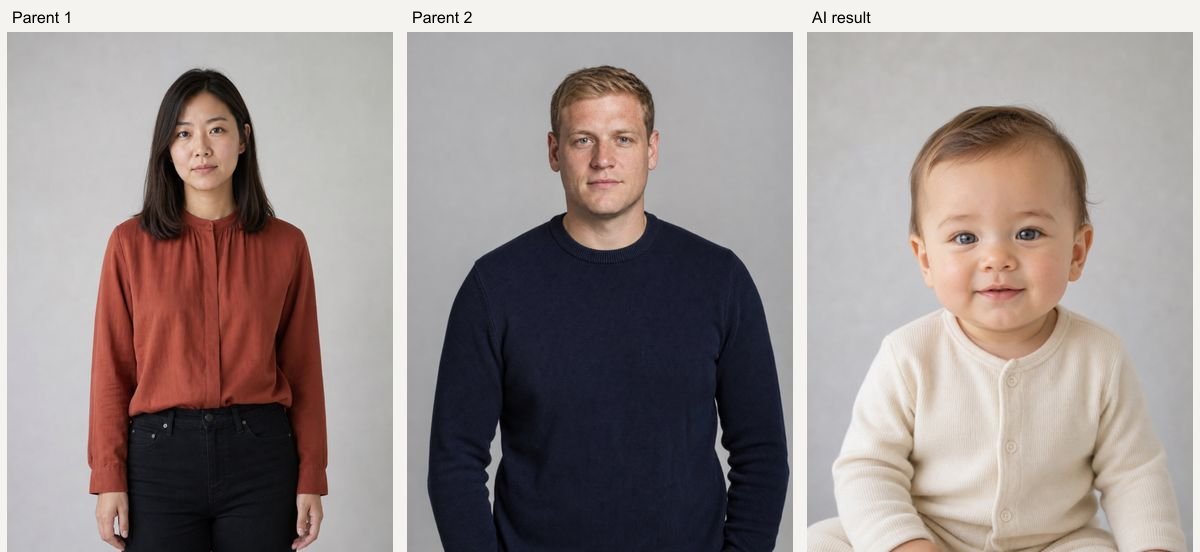
Real AI Hug Examples
Original inputs and generated results. All sample people are fictional and AI-generated; examples show possibilities, with no guarantee of an identical result.
Parent pair 1: surprise appearance
AI Hug example using fictional, AI-generated people. GPT Image 2, 1K, 5 credits; model processing time 39 seconds in this test. Inspect the original references and generated result side by side. Your result and processing time may differ.
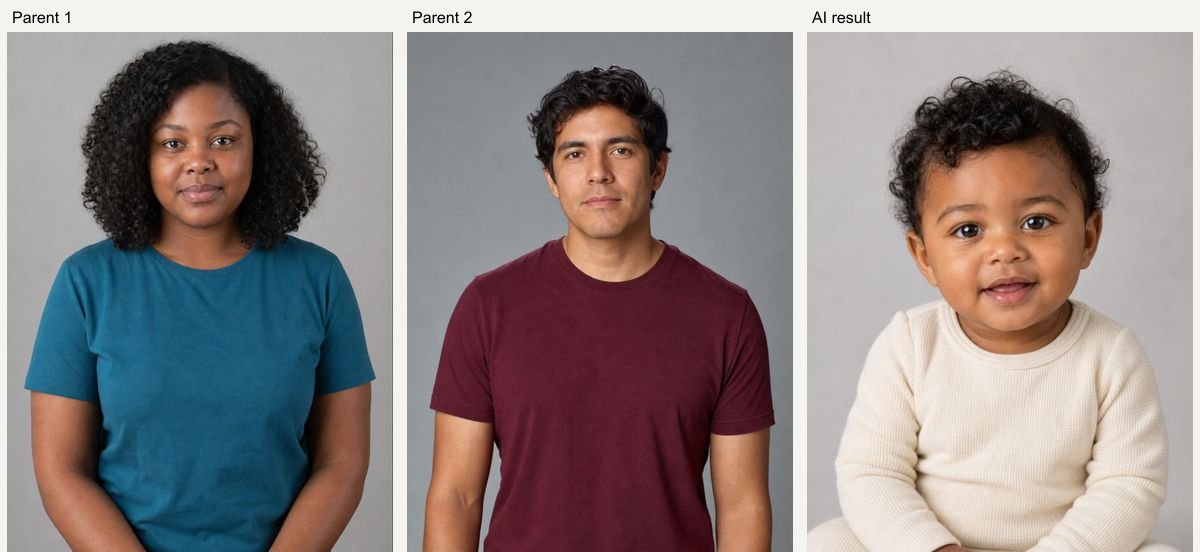
Parent pair 2: boy appearance
AI Hug example using fictional, AI-generated people. GPT Image 2, 1K, 5 credits; model processing time 39 seconds in this test. Inspect the original references and generated result side by side. Your result and processing time may differ.
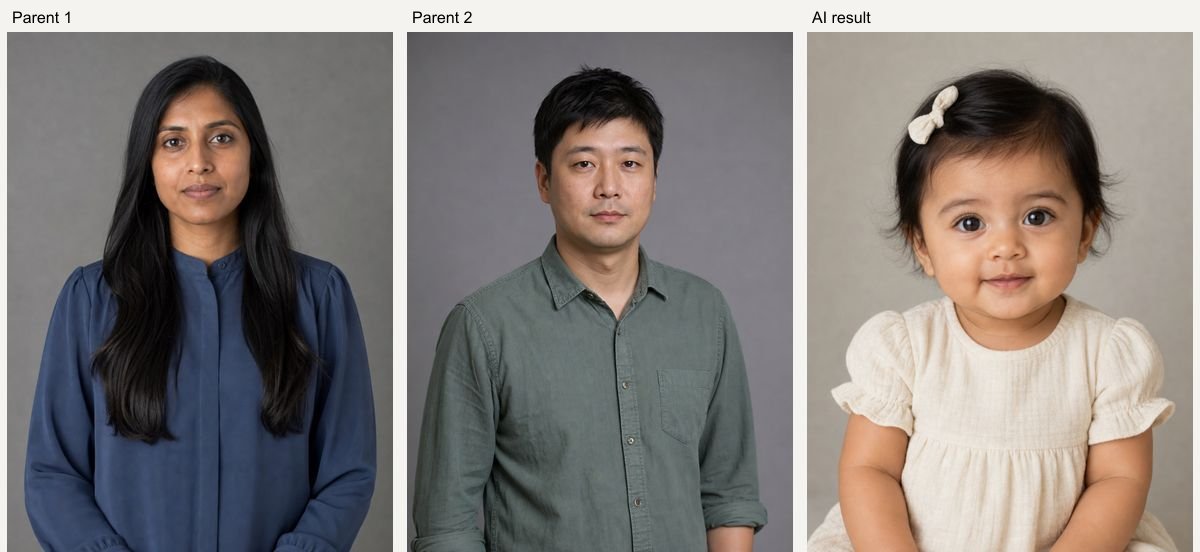
Parent pair 3: girl appearance
AI Hug example using fictional, AI-generated people. GPT Image 2, 1K, 5 credits; model processing time 39 seconds in this test. Inspect the original references and generated result side by side. Your result and processing time may differ.
How to Use AI Baby Generator from Two Parent Photos
Upload clear references, choose a preset, then review the result.
- 01
Add both parent photos
Upload one adult portrait in each labelled slot. Both photos are required. You can replace or remove either photo without changing the other slot.
- 02
Choose a baby appearance
Select Boy appearance, Girl appearance or Surprise me. You can edit the description; both parent references remain attached.
- 03
Generate your imagined baby
Check the credit quote and generate. Review the single baby face and download your preferred result. Different generations may look different.
Related Photo Tools
- 01
Ai Baby Filter
Explore ai baby filter for a related photo edit.
- 02
Ai Family Photo Generator
Explore ai family photo generator for a related photo edit.
- 03
Ai Couple Photo Maker
Explore ai couple photo maker for a related photo edit.
AI Baby Generator from Two Parent Photos FAQ
Does this predict my future baby's genetics?
No. The AI baby generator creates a fictional portrait inspired by visible features in the supplied images. It cannot predict inherited traits, health, sex, ancestry or actual appearance.
How many parent photos do I need?
Exactly two separate adult portraits, one in Parent 1 and one in Parent 2. The Generate button stays disabled until both slots contain a photo.
Is this different from the AI Baby Filter?
Yes. This page imagines a new baby from two parent photos. The AI Baby Filter turns one person's own portrait into a baby-age version.
Will both photos influence the result equally?
Both images are submitted as references, but the model may favor some visible traits. There is no measurable genetic accuracy or guaranteed equal weighting. Try another variation if the portrait looks unbalanced.
How much does a generation cost?
The current GPT Image 2 quote is 5 credits at 1K, 10 at 2K and 14 at 4K. Availability and higher-resolution access depend on your account. The Generate button shows the price before submission; each new variation is a new paid generation.
What happens if generation fails?
A task that is accepted and then fails is refunded automatically by the service. If the screen times out, the task may still finish: check Assets before submitting a duplicate. Upload or submission errors are shown before a result card is created.
Can I keep my inputs when signing in?
Your selected photos, description and settings are temporarily saved in this browser before Google sign-in and restored when you return to the same page within 30 minutes. Use the same browser and keep the original tab available.