AI Bangs Filter
Upload a photo to apply this effect while keeping the subject recognizable for a natural, polished result.
Image
Examples
Bangs Filter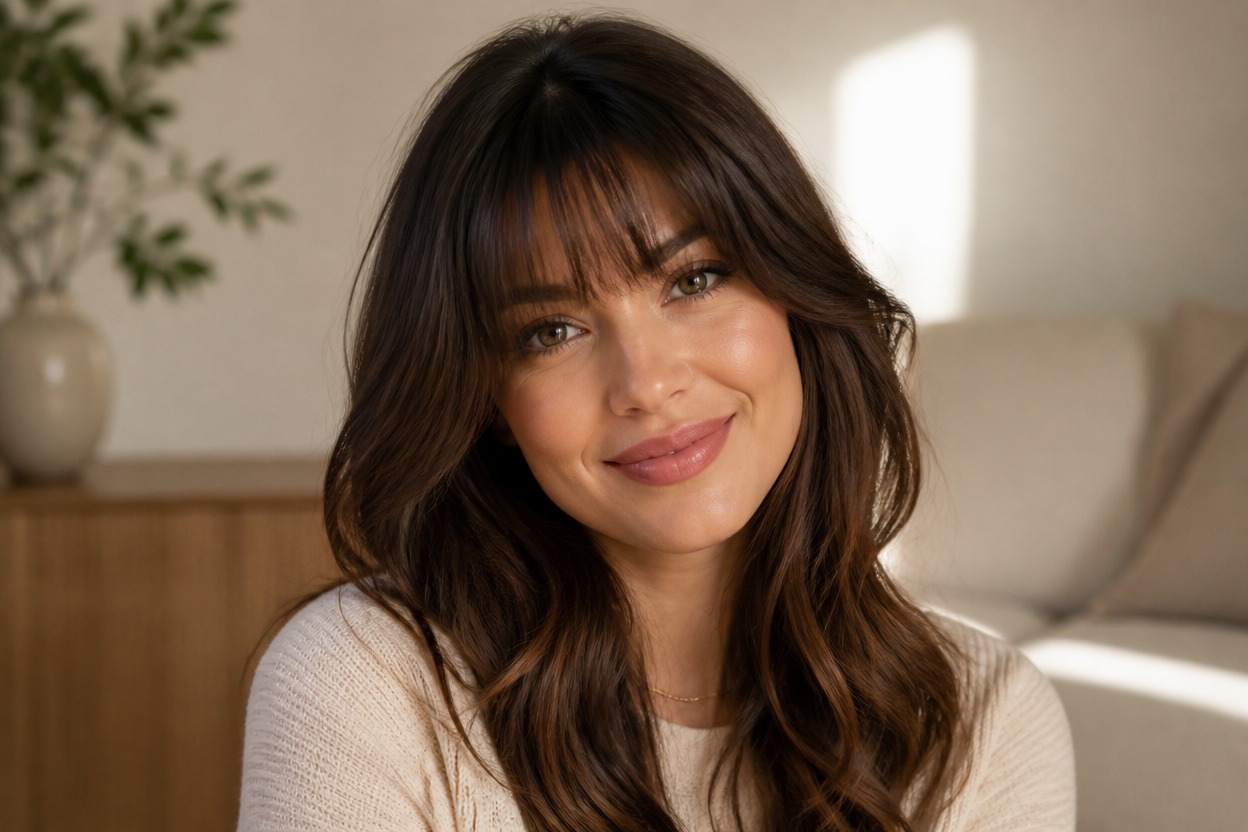
AI Bangs Filter from Photo
Upload one clear portrait and see how bangs can reshape your look in one coherent image. Powered by GPT-Image-2, AI Hug creates the fringe, hairline, strands, and surrounding portrait details together.
Try Bangs on My PhotoAI Bangs Filter Features for Believable Hairstyle Previews
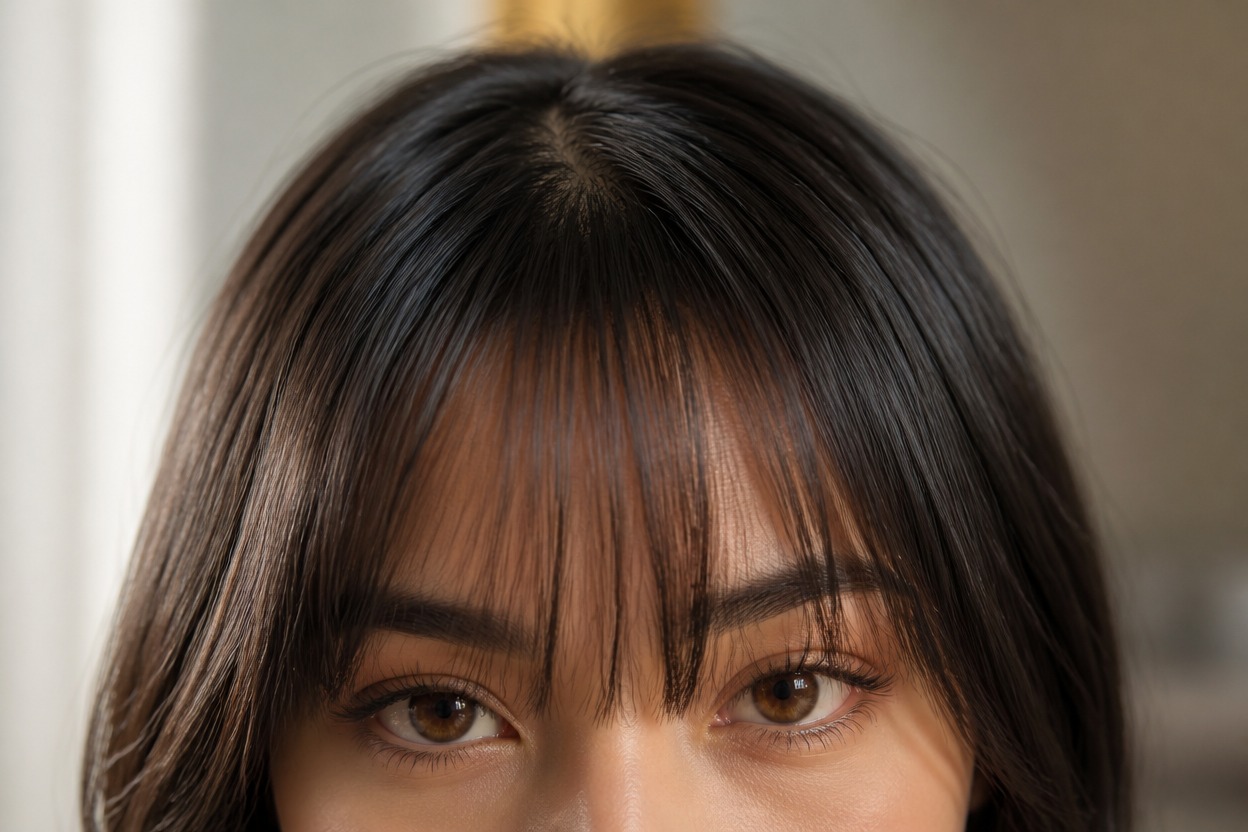
Natural Fringe Integration
GPT-Image-2 can build soft curtain bangs, wispy fringe, or a fuller straight-across shape with believable roots, strand direction, volume, and overlap around the forehead and eyebrows.
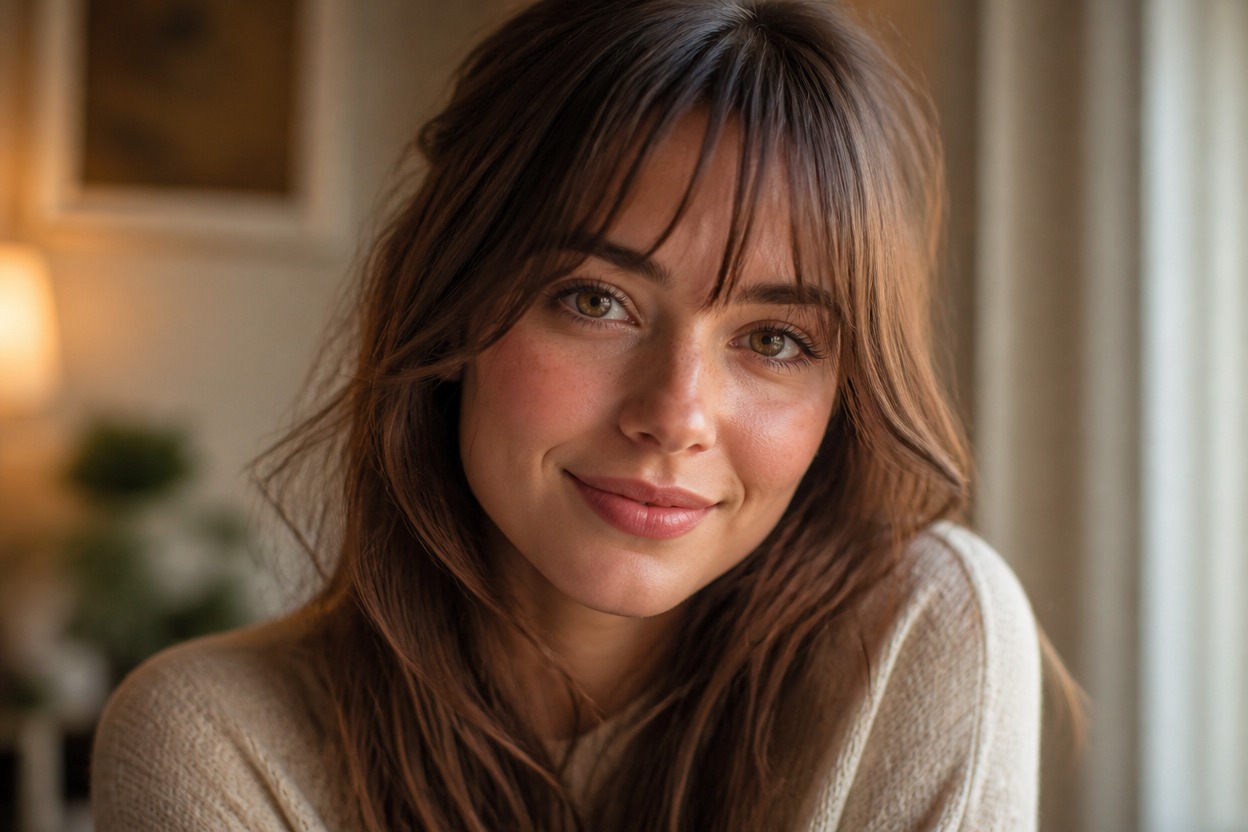
One-Photo Transformation
Start with one uploaded portrait. The effect generates one finished scene instead of a before-and-after board, separate hairstyle cards, or a multi-image layout.
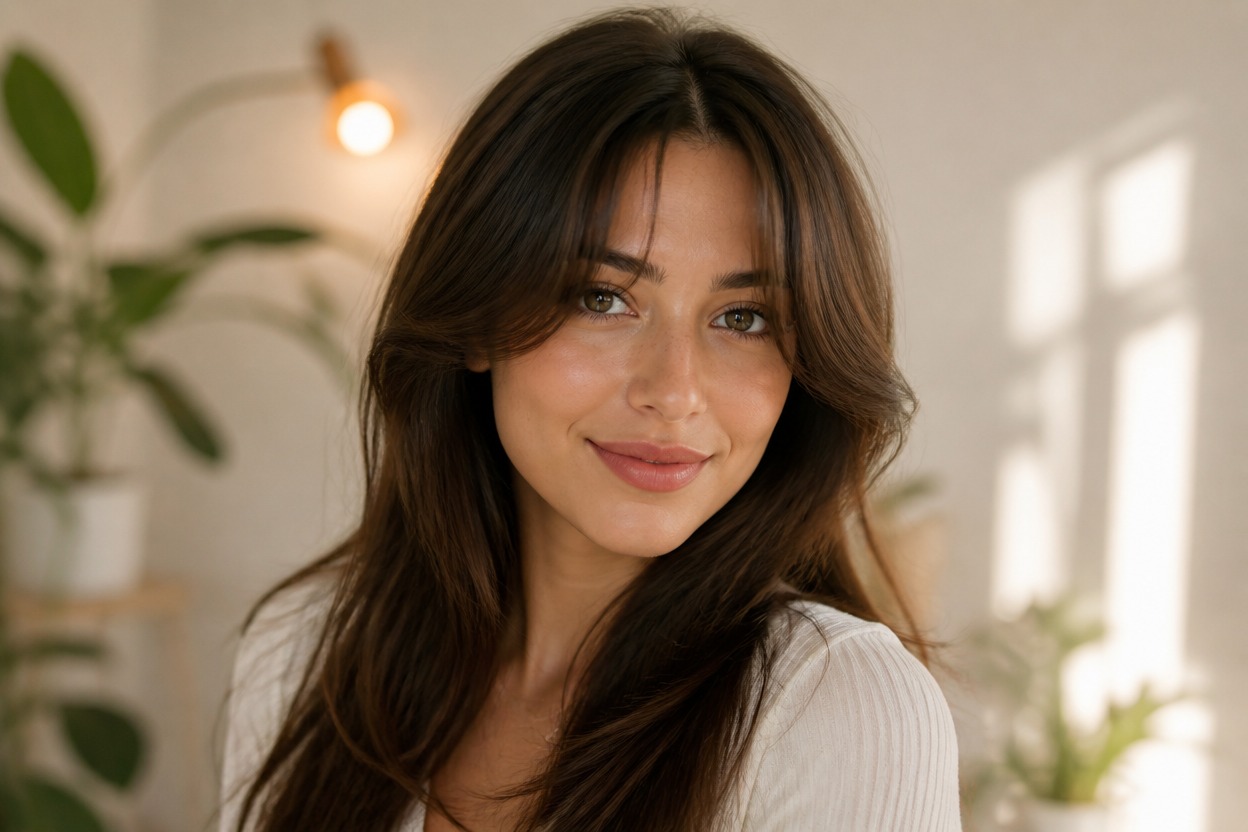
Portrait-Aware Detail
The transformation aims to keep the face, expression, pose, lighting, and background recognizable while adapting hair around the temples, ears, cheeks, and shoulders.
Explore fringe directions for personal styling, profile photos, and haircut conversations
Ways to Use an AI Bangs Preview
Curtain Bangs Preview
Explore a parted fringe with soft face-framing pieces before discussing the look with a stylist.
Wispy Fringe Ideas
Try a lighter, airy fringe that keeps more of the forehead visible and blends into the sides.
Full Bangs Concepts
Visualize a denser straight or softly curved fringe and review how it changes the balance of the face.
Long Hair Styling
Pair the effect with a longer hairstyle direction when you want an AI long hair filter concept with coordinated bangs.
Profile Picture Refresh
Create a recognizable portrait variation with a new fringe for a personal profile or seasonal update.
Stylist Consultation Reference
Bring the generated image as visual inspiration for fringe length, density, parting, and face framing.
How to Use the AI Bangs Filter from Photo
Upload one portrait, apply the effect, and review one finished hairstyle image
01
Upload One Clear Portrait
Choose a sharp, well-lit photo of one adult with the forehead, hairline, eyebrows, ears, neck, and shoulders as visible as possible.
02
Apply the Bangs Effect
Start the one-image transformation. AI Hug uses GPT-Image-2 to generate the fringe and integrate it with the existing hairstyle, face, light, and setting.
03
Preview and Download
Review the hairline, strand edges, eyebrows, ears, facial likeness, skin texture, and background, then download the version that looks most natural.
Answers about one-photo input, GPT-Image-2, fringe styles, portrait quality, and access