AI Barbie Box Generator
Upload a photo to apply this effect while keeping the subject recognizable for a natural, polished result.
Image
Examples
Barbie Box Generator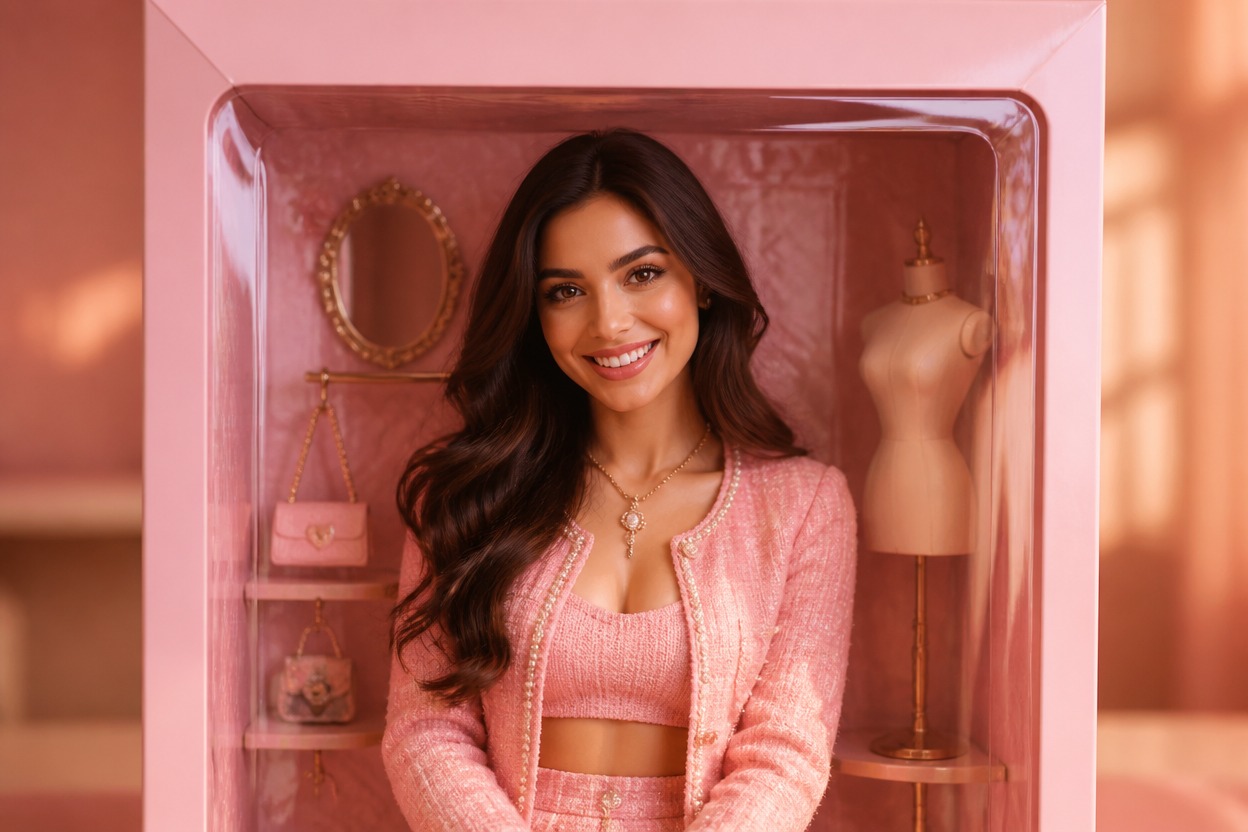
AI Barbie Box Generator from Photo
Upload one image and transform it into a polished, pink collectible-box portrait. Powered by GPT-Image-2, AI Hug reimagines your subject, styling, accessories, lighting, and display setting as one coherent scene.
Create Your Box PortraitCreate a Collectible-Box Portrait in One Upload
One Photo, One Complete Scene
The effect interprets the visible person, pose, clothing, and composition together rather than placing separate stickers over the source image.
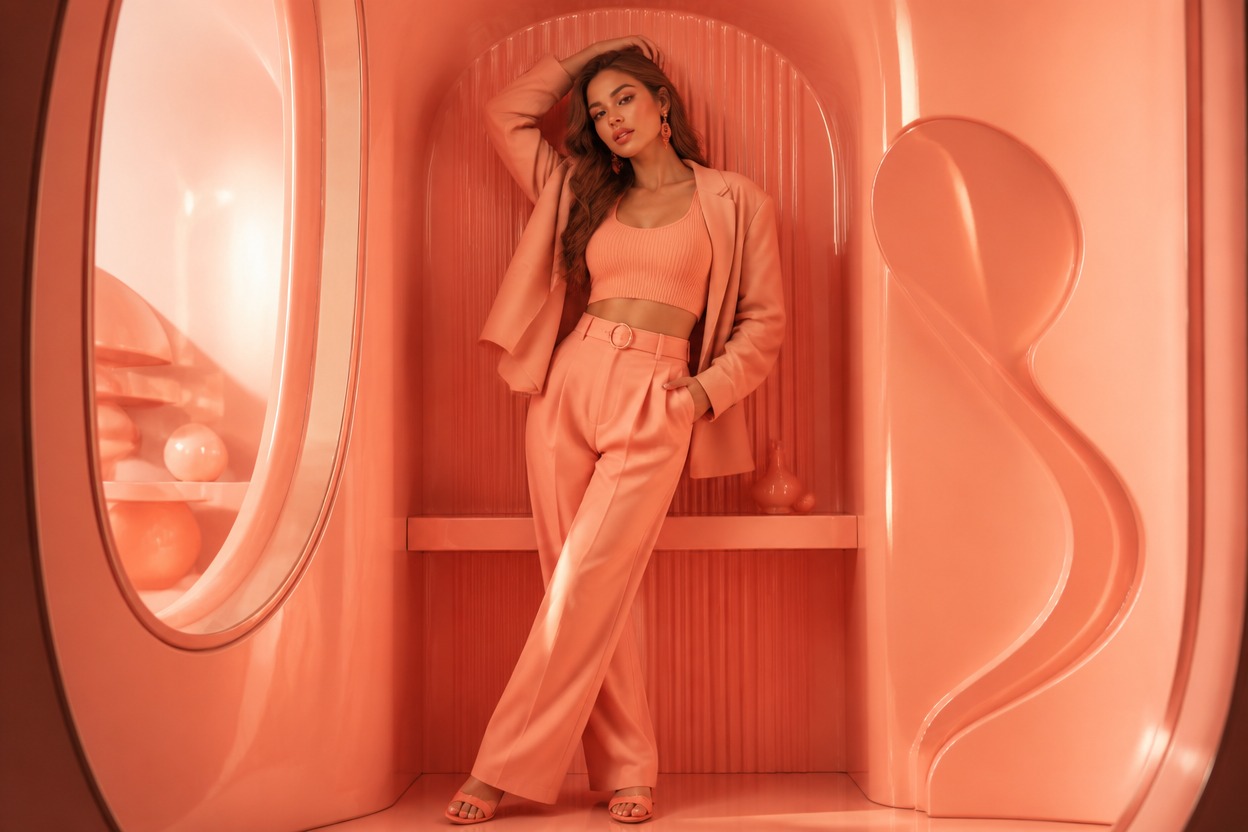
Original Collectible-Box Styling
GPT-Image-2 creates an unbranded display-box setting with coordinated color, fashion details, accessories, depth, and studio lighting.
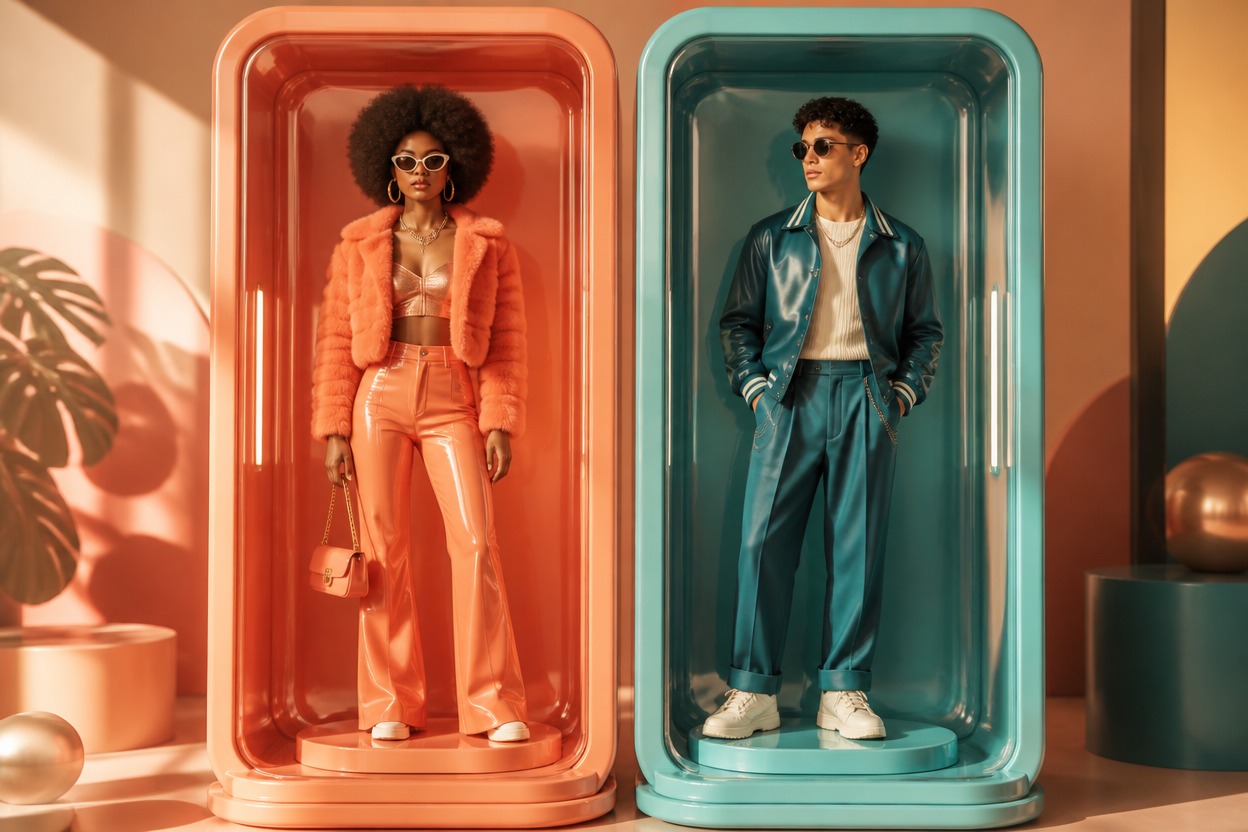
Portrait Details That Belong Together
Face, hair, wardrobe, pose, and surrounding display elements are generated as a unified still image for a more coherent photo effect.
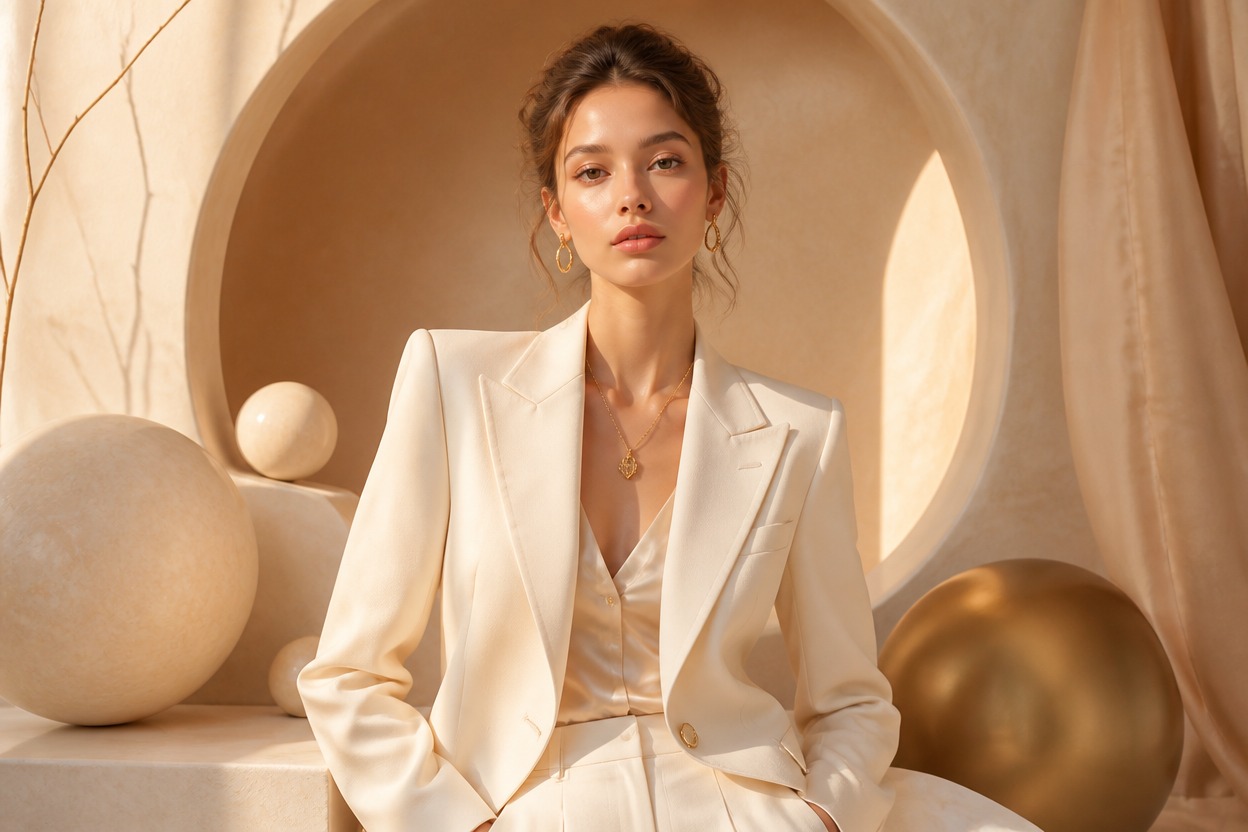
Collectible-style portrait ideas for profiles, celebrations, fashion, characters, and creative posts
Ways to Use the AI Barbie Box Generator
Profile Picture Concepts
Create a vivid collectible-box portrait for a personal avatar or profile refresh.
Birthday Visuals
Turn a suitable portrait into a playful pink display-box image for a birthday post or greeting.
Fashion Moodboards
Explore coordinated outfit, accessory, color, and studio-lighting ideas in one generated scene.
Original Character Portraits
Reimagine an adult original character as the centerpiece of an unbranded collectible display.
Event Invitations
Develop a distinctive portrait concept for a themed party invitation or event announcement.
Creative Social Images
Generate a polished still image with a playful boxed-fashion aesthetic for personal sharing.
How to Use the AI Barbie Box Generator
Upload one image, apply the photo effect, and review your collectible-box portrait
01
Upload One Clear Photo
Choose a sharp, well-lit image with one clearly visible adult subject. A full-body or three-quarter portrait gives the effect more pose and wardrobe detail to interpret.
02
Apply the Box Effect
Start the one-image transformation. AI Hug uses GPT-Image-2 to create a coordinated subject, fashion styling, accessories, and original display setting.
03
Review and Download
Check the face, hands, clothing, accessories, and background continuity, then download the generated still image you want to keep.
Answers about one-photo input, GPT-Image-2, source quality, creative use, affiliation, and access