AI Barbie Filter
Upload a photo to apply this effect while keeping the subject recognizable for a natural, polished result.
Image
Examples
Barbie Filter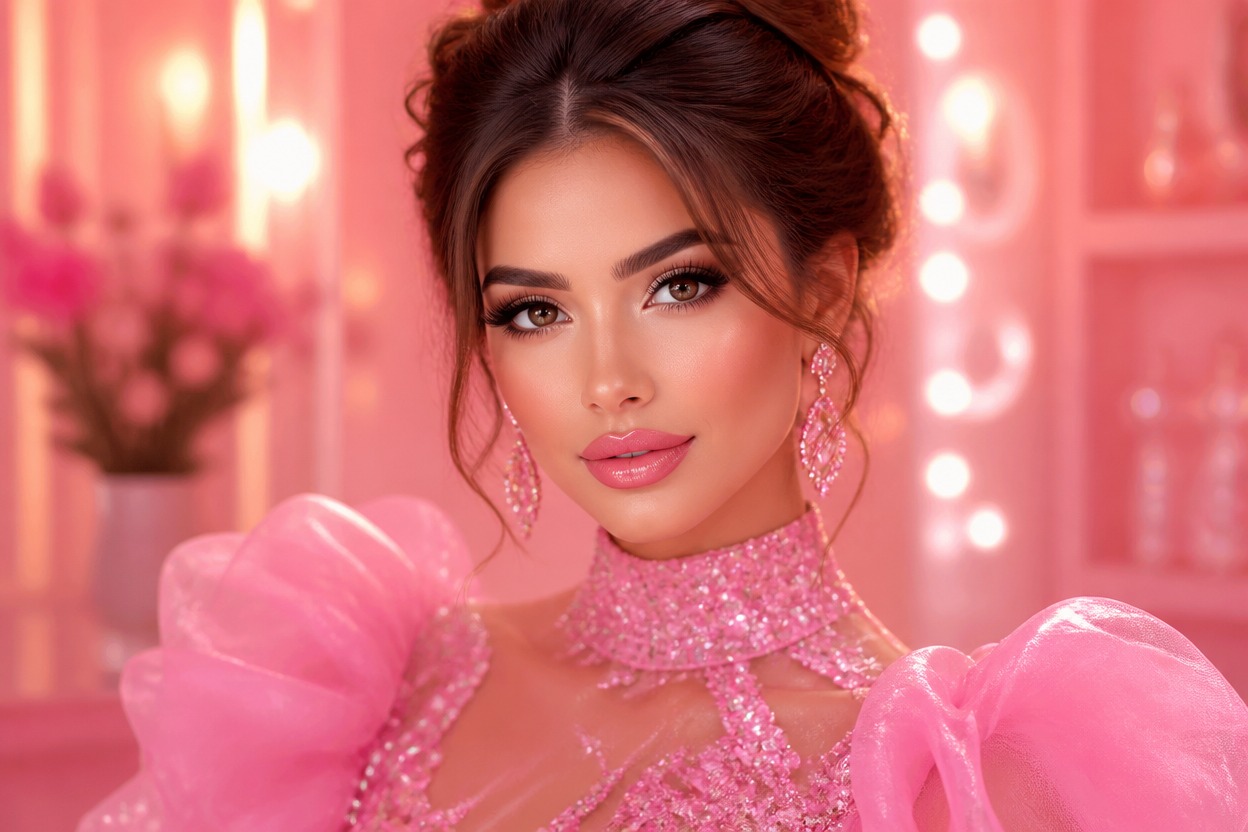
AI Barbie Filter from Photo
Upload one image and transform it into a polished pink fashion portrait. Powered by GPT-Image-2, AI Hug reimagines styling, color, lighting, and surroundings as one coherent scene.
Apply the AI Barbie FilterCreate a Polished Pink Fashion Portrait
One-Image Fashion Transformation
Start with one uploaded photo. GPT-Image-2 interprets the visible subject, pose, outfit, and setting before generating a complete pink fashion portrait.
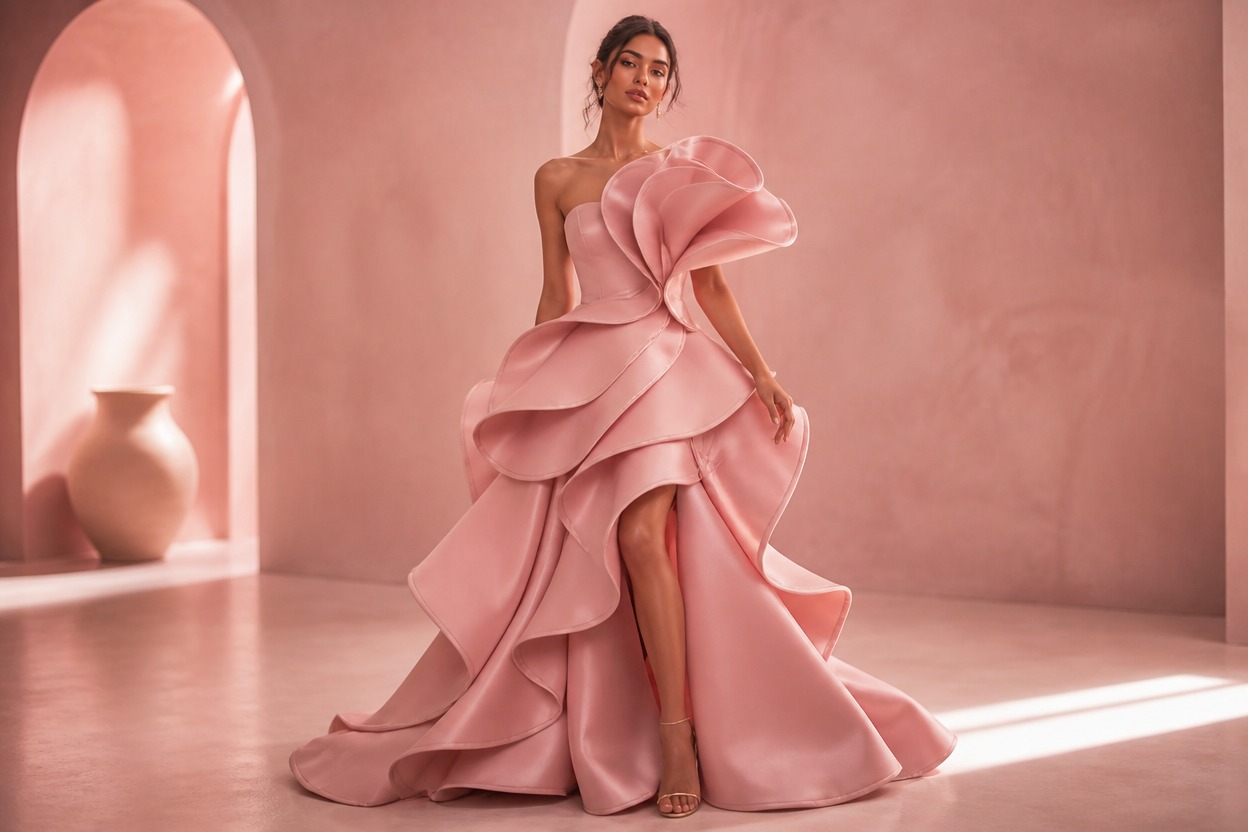
Coordinated Glamour Styling
Hair, makeup, clothing, accessories, color, and light are treated together so the result feels like one intentional editorial scene rather than a simple overlay.
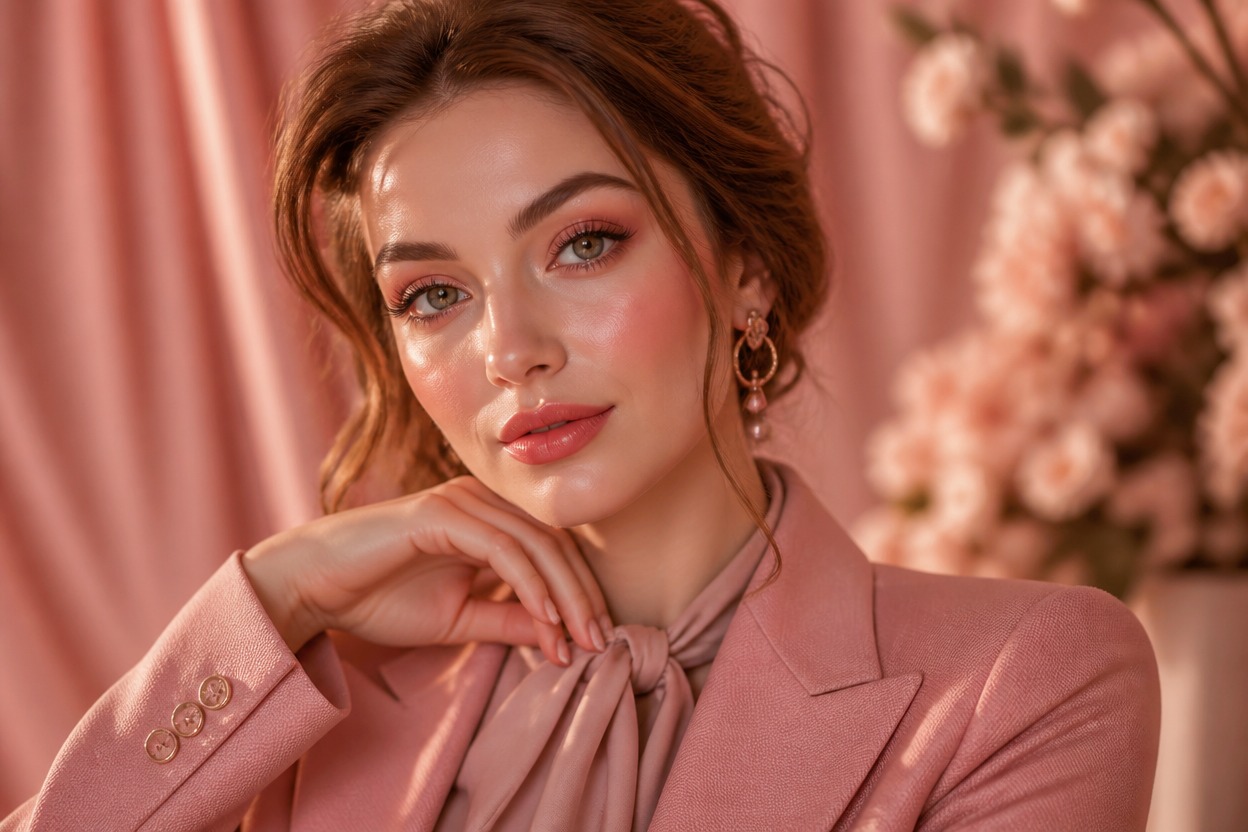
Original, Reviewable Results
Preview facial details, hair, fabric, anatomy, and background continuity, then keep the generated variation that best fits your photo and creative idea.
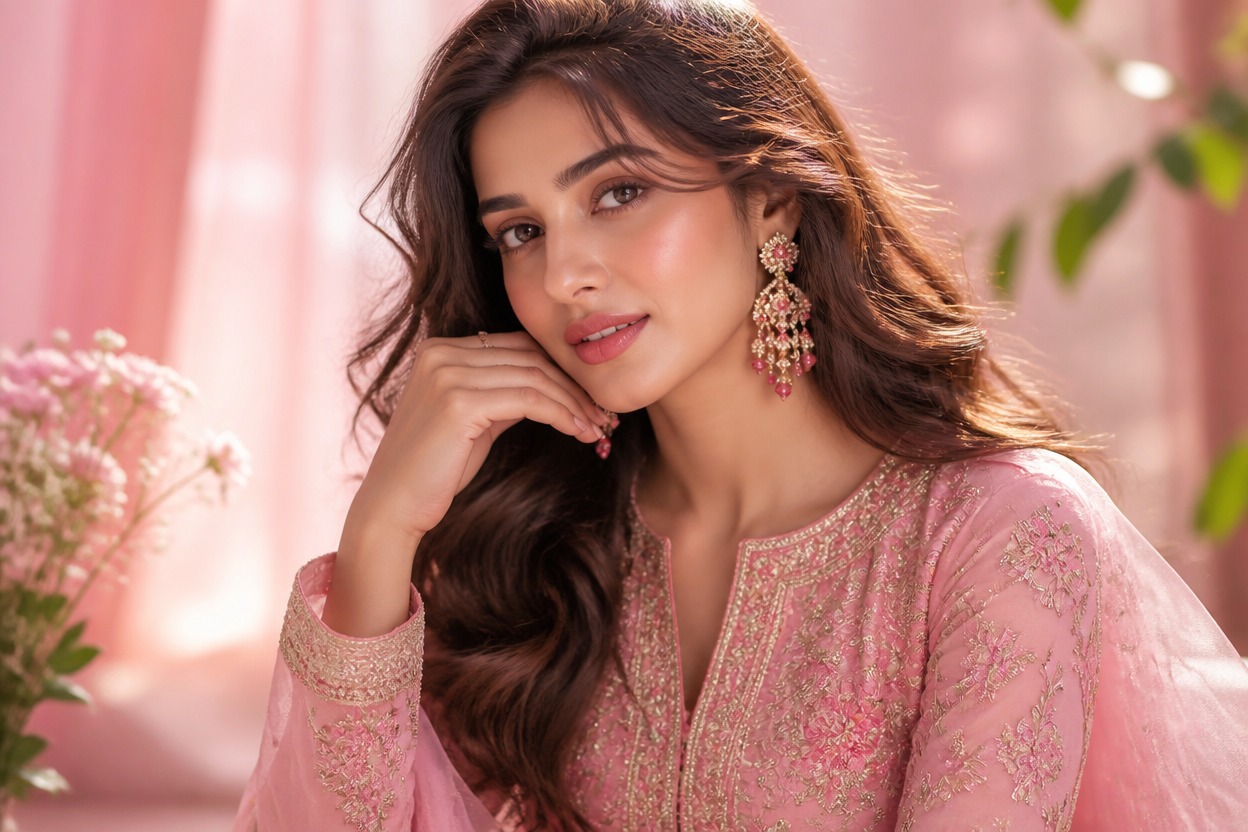
Pink fashion effects for portraits, styling ideas, original characters, and creative keepsakes
Ways to Use the AI Barbie Filter
Pink Profile Portraits
Turn a clear adult portrait into a polished pink-themed profile image with coordinated fashion and lighting.
Glamour Editorial Concepts
Explore couture-inspired styling, refined makeup, sparkling accessories, and a cinematic interior in one generated scene.
Party Look Inspiration
Visualize a playful pink outfit and beauty direction for birthdays, themed events, or personal mood boards.
Original Character Portraits
Give an original adult character a bright fashion-doll-inspired identity without copying branded characters or packaging.
Couple and Friend Concepts
Transform a suitable photo of consenting adults into a coordinated pink fashion scene while reviewing every face and hand.
Creative Photo Keepsakes
Create a stylized portrait variation for a personal album, digital keepsake, or private creative project.
How to Use the AI Barbie Filter
Upload one image, apply the effect, and review your finished portrait
01
Upload One Clear Image
Choose a sharp, well-lit photo with one clearly visible adult subject and minimal obstruction around the face, hair, and clothing.
02
Apply the AI Barbie Filter
Start the one-image transformation. AI Hug uses GPT-Image-2 to reinterpret the portrait with coordinated pink fashion styling, beauty details, lighting, and atmosphere.
03
Preview and Download
Review facial likeness, skin texture, hair, anatomy, clothing, and background continuity, then download the version you want to keep.
Answers about one-photo input, GPT-Image-2, source quality, generated results, access, and affiliation