AI Beard Filter
Upload a photo to apply this effect while keeping the subject recognizable for a natural, polished result.
Image
Examples
Beard Filter
AI Beard Filter from Photo
Upload one clear adult portrait and add a natural-looking beard in one coherent image. Powered by GPT-Image-2, AI Hug generates facial hair around the cheeks, jaw, chin, lips, sideburns, and neck while aiming to keep the person and setting recognizable.
Add a Beard to My PhotoA Realistic Beard Transformation in One Image
Facial Hair Built Around the Face
GPT-Image-2 interprets the visible cheeks, jawline, chin, lips, sideburns, and neck so the beard follows the portrait instead of looking like a pasted-on overlay.
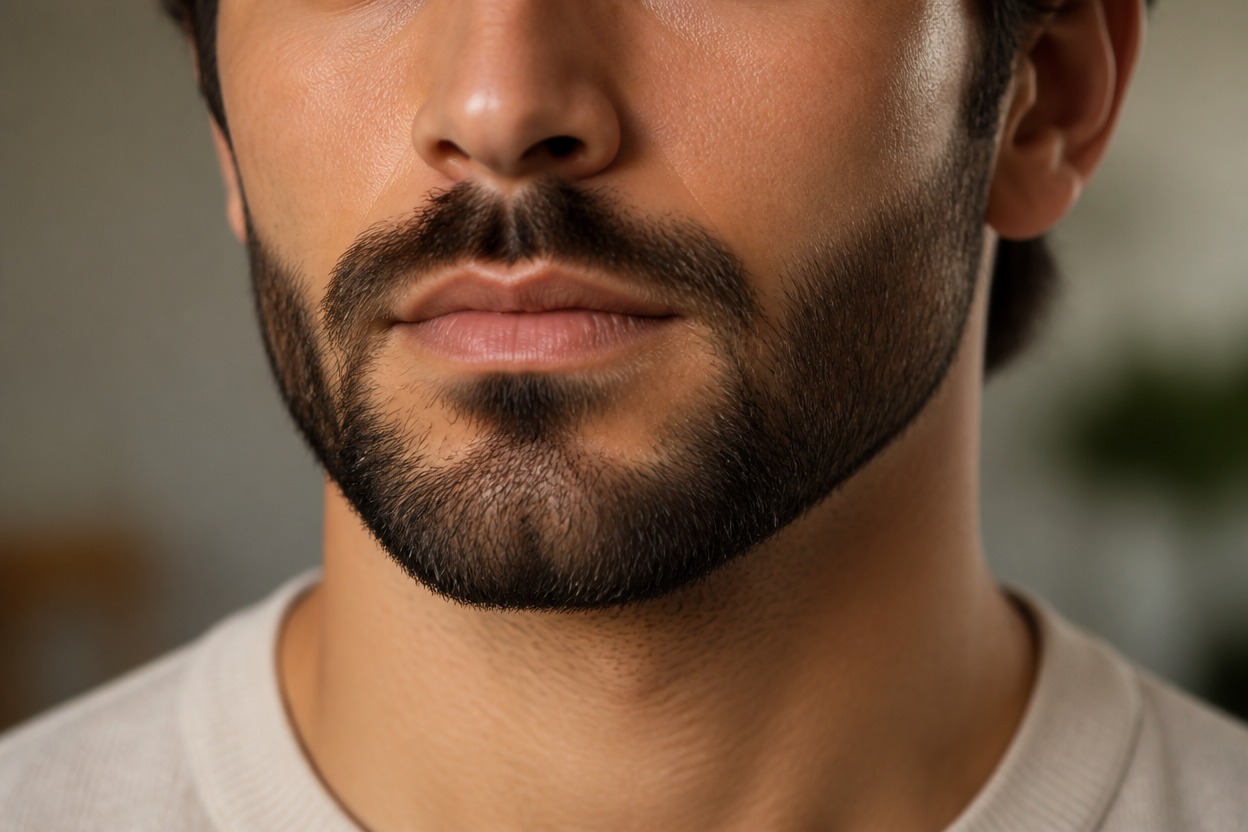
Natural Density and Strand Detail
Individual strands, varied density, soft flyaways, realistic edges, highlights, and shadows help the facial hair feel dimensional and connected to the original lighting.
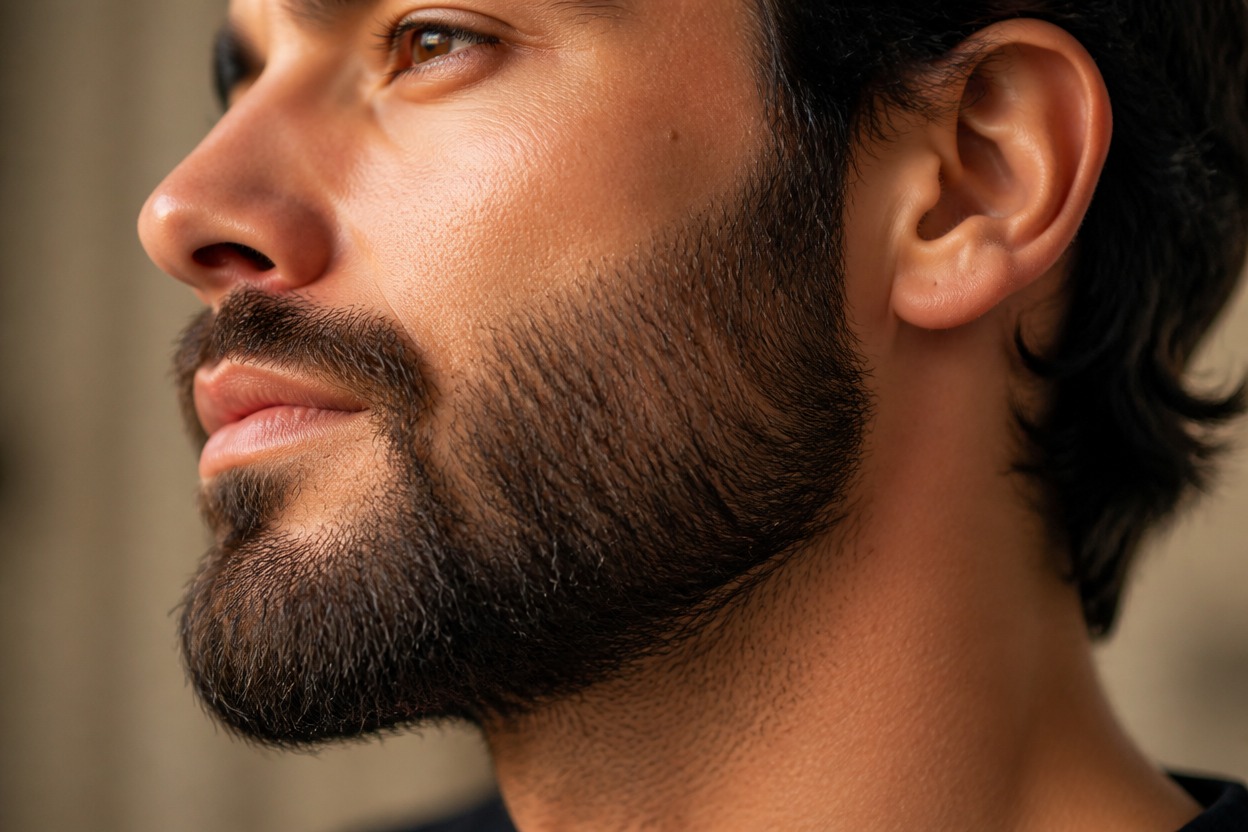
One Unified Portrait Transformation
The effect creates one finished scene while aiming to retain recognizable facial proportions, expression, hairstyle, clothing, pose, and background.
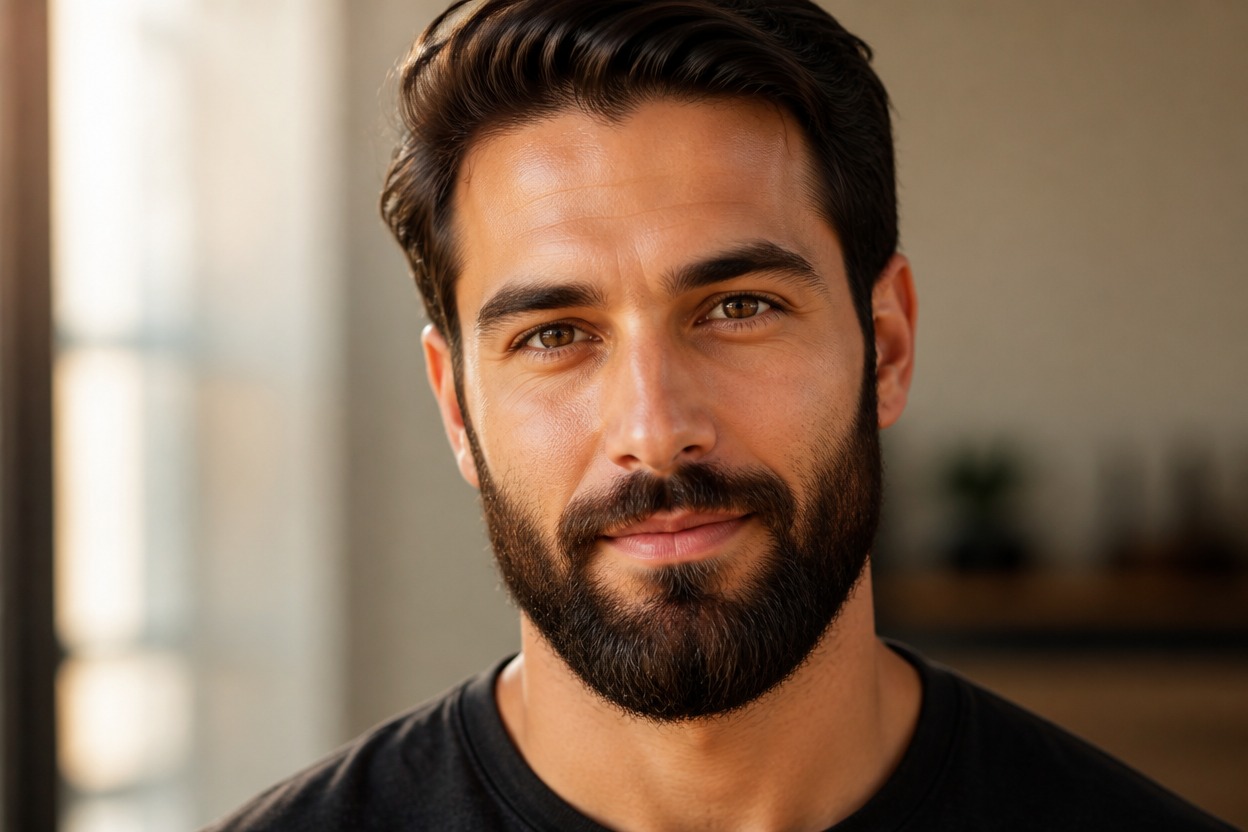
Preview short, full, styled, and character-focused facial-hair directions from one photo
Beard Styles and Portrait Ideas to Explore
Short Beard Previews
Explore a neat, close-trimmed beard that defines the jaw without adding heavy volume.
Full Beard Concepts
Visualize a denser beard with natural cheek coverage, chin volume, and a connected mustache.
Mustache and Beard Pairings
See how a coordinated mustache and beard can frame the mouth, cheeks, and lower face.
Profile Photo Refreshes
Create a recognizable bearded variation of an authorized adult portrait for a personal profile concept.
Grooming Inspiration
Use a generated look as visual inspiration when discussing beard length, cheek lines, neckline, and maintenance with a barber.
Character and Costume Concepts
Add facial hair to an original adult character or costume portrait to explore a more mature visual direction.
How to Use the AI Beard Filter
Upload one portrait, apply the effect, and review one finished bearded image
01
Upload One Clear Portrait
Choose a sharp, well-lit photo of one adult with the cheeks, jawline, chin, lips, ears, and neck easy to see.
02
Apply the Beard Effect
Start the one-uploaded-image transformation. AI Hug uses GPT-Image-2 to generate facial hair and integrate it with the face, skin texture, lighting, clothing, and setting.
03
Preview and Download
Review the cheek line, mustache, lips, jaw, neckline, facial likeness, skin texture, and background, then download the result you prefer.
Answers about one-photo input, GPT-Image-2, portrait quality, facial-hair styles, and access