AI Braids Filter
Upload a photo to apply this effect while keeping the subject recognizable for a natural, polished result.
Image
Examples
Braids Filter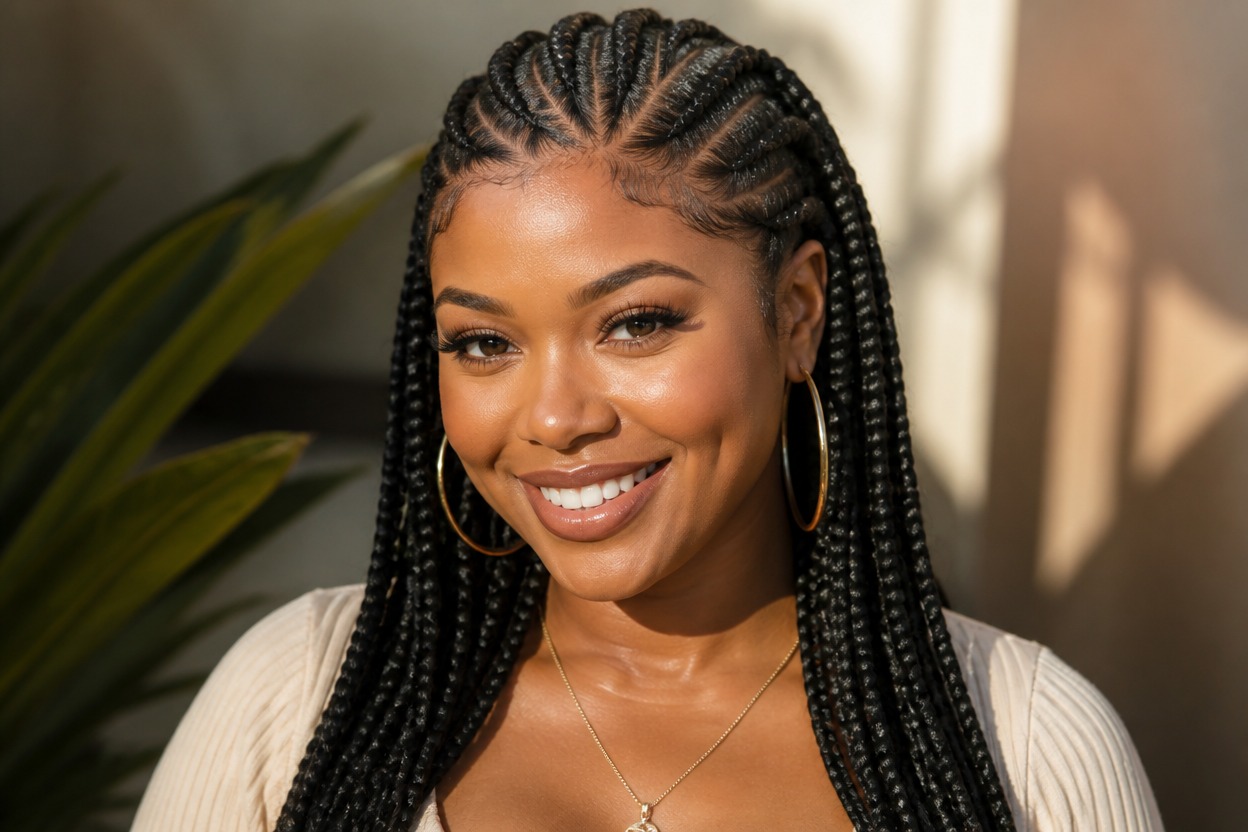
AI Braids Filter from Photo
Upload one clear portrait and transform the visible hair into a polished braided style. Powered by GPT-Image-2, AI Hug generates the braids, parting, roots, texture, and surrounding portrait details together.
Try Braids on My PhotoAI Braids Filter Features for a Coherent Hairstyle Preview
Braids Built into the Portrait
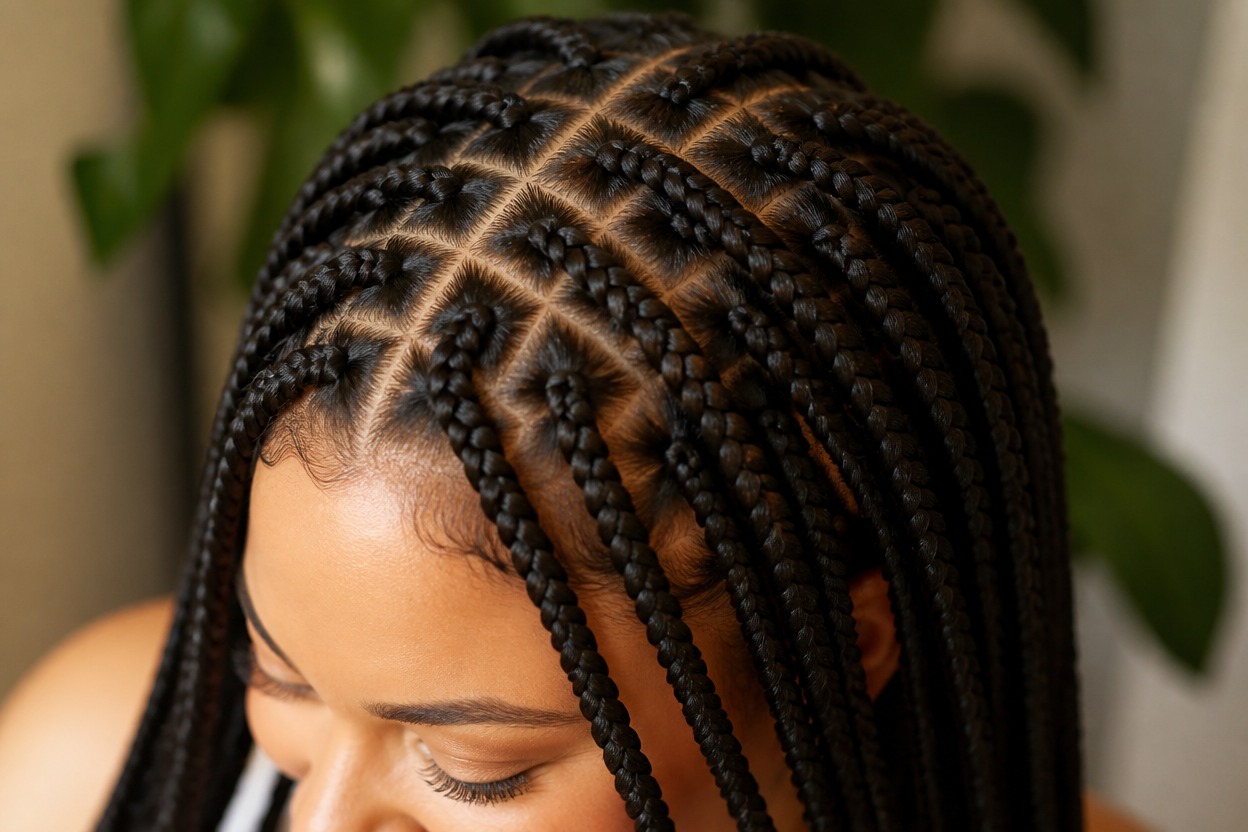
GPT-Image-2 generates scalp sections, roots, strand direction, braid thickness, length, and natural drape as part of one coherent portrait rather than placing a flat hairstyle layer over the photo.
One-Image Transformation
Start from one uploaded image and receive one finished braided-hair result. The effect does not require multiple angles, separate hairstyle cards, or a before-and-after board.
Portrait-Aware Integration
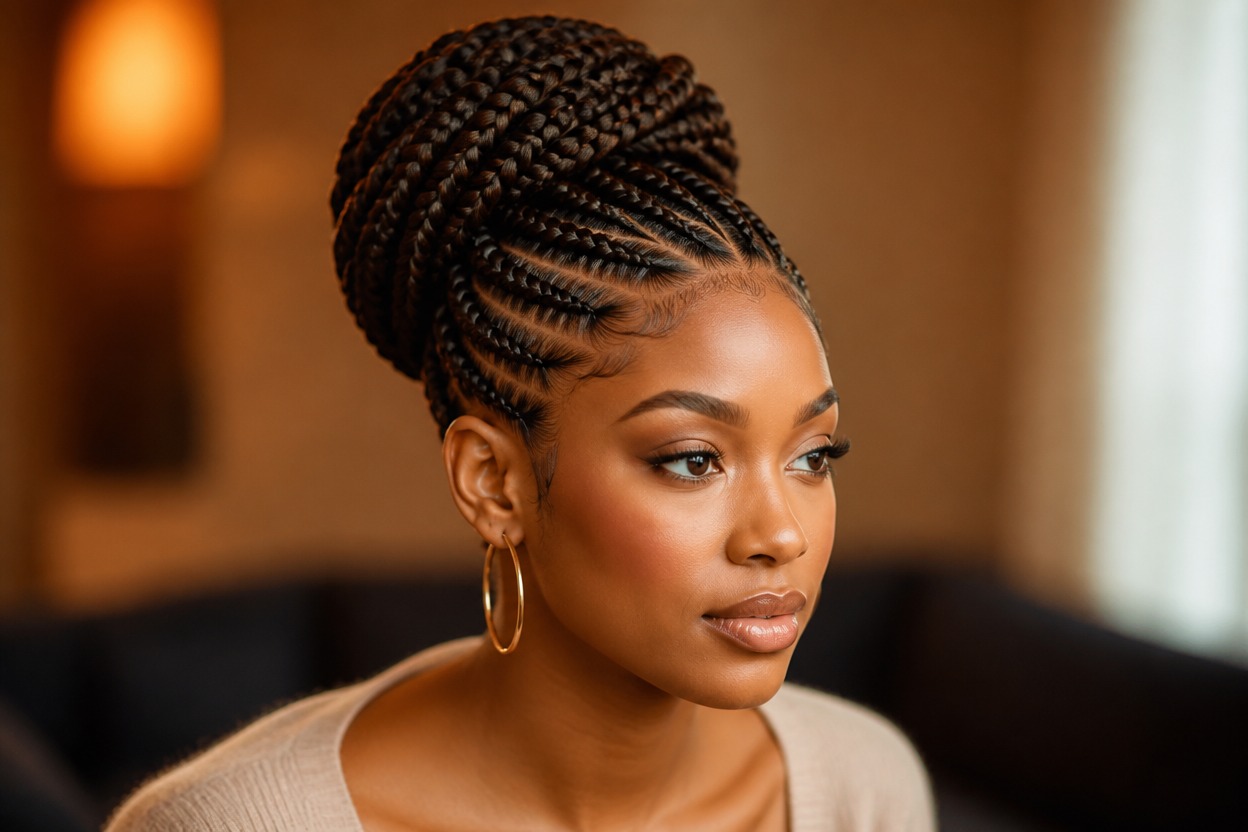
The transformation aims to keep the face, expression, pose, lighting, clothing, and setting recognizable while rebuilding hair around the forehead, temples, ears, neck, and shoulders.
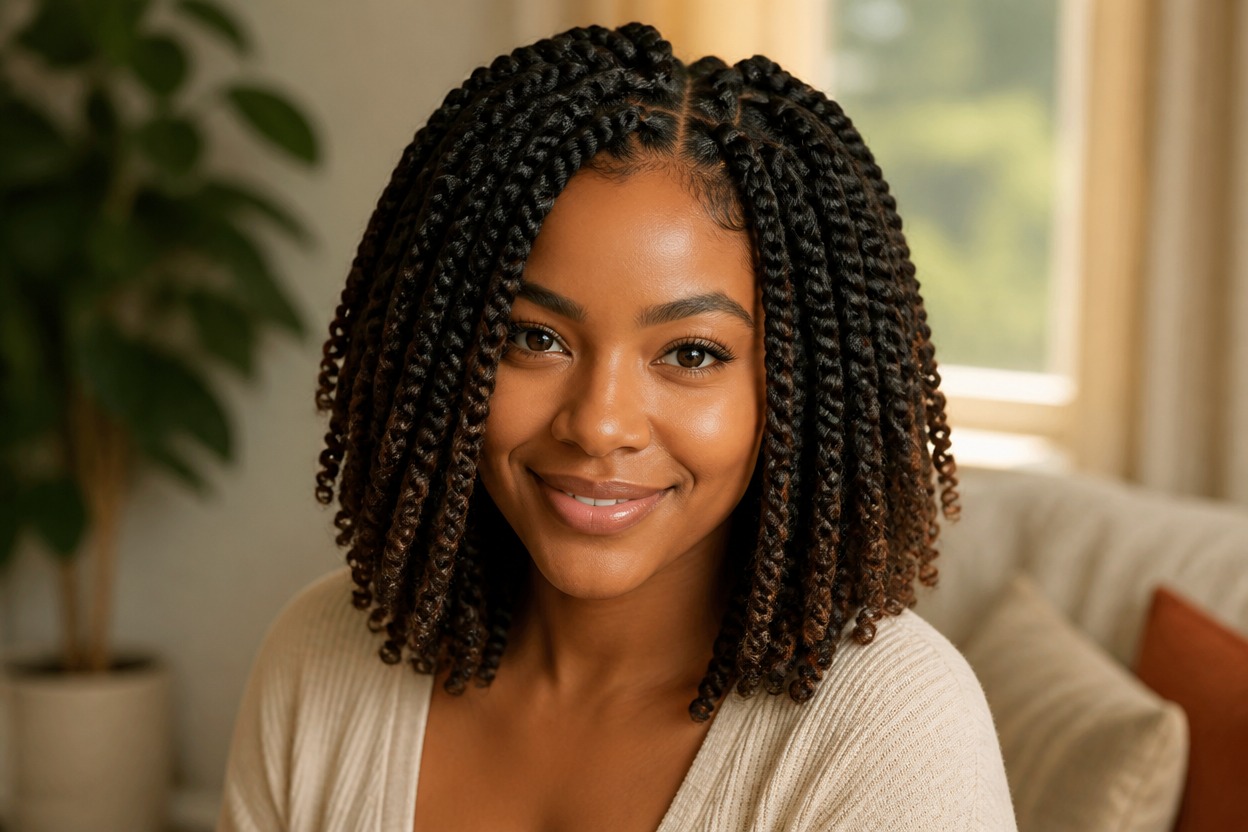
Explore braided hairstyle directions for personal styling, portraits, and salon conversations
Ways to Use an AI Braids Preview
Box Braid Concepts
Explore a structured braided look with clear sections, balanced thickness, and natural length.
Cornrow Directions
Visualize close-to-scalp braid patterns that follow the head shape in one coherent portrait.
Long Braid Ideas
Try an AI long hair filter direction with braids that drape naturally around the neck and shoulders.
Profile Picture Refresh
Create a recognizable portrait variation with a polished braided style for a personal profile update.
Event Look Inspiration
Preview how a braided hairstyle could complement an outfit, makeup direction, or special-event portrait.
Stylist Conversation Reference
Use the generated result as visual inspiration when discussing braid size, parting, length, and overall shape.
How to Use the AI Braids Filter from Photo
Upload one portrait, apply the effect, and review one finished braided hairstyle image
01
Upload One Clear Portrait
Choose a sharp, well-lit photo of one adult with the face, hairline, ears, neck, and shoulders as visible as possible.
02
Apply the Braids Effect
Start the one-image transformation. AI Hug uses GPT-Image-2 to generate the braid pattern and integrate it with the face, light, clothing, and setting.
03
Preview and Download
Review the parting, roots, braid edges, facial likeness, ears, skin texture, and background, then download the version that looks most coherent.
Answers about one-photo input, GPT-Image-2, braided styles, portrait quality, and access