AI Caricature Generator
Upload a photo to apply this effect while keeping the subject recognizable for a natural, polished result.
Image
Examples
Caricature Generator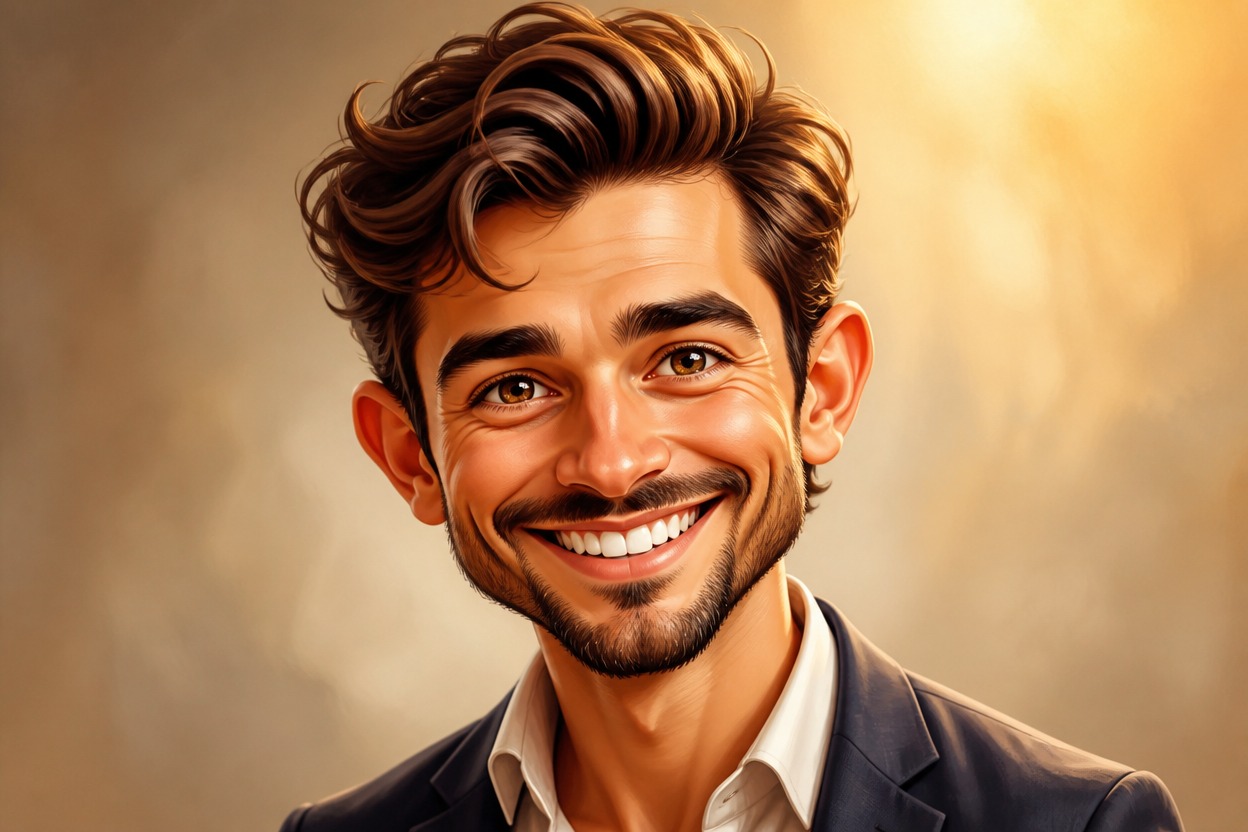
AI Caricature Generator from Photo
Upload one clear adult portrait and transform it into a polished caricature in one coherent image. Powered by GPT-Image-2, AI Hug exaggerates expressive features while following the visible person, pose, lighting, and setting.
Create My CaricatureTurn One Photo into a Characterful Caricature
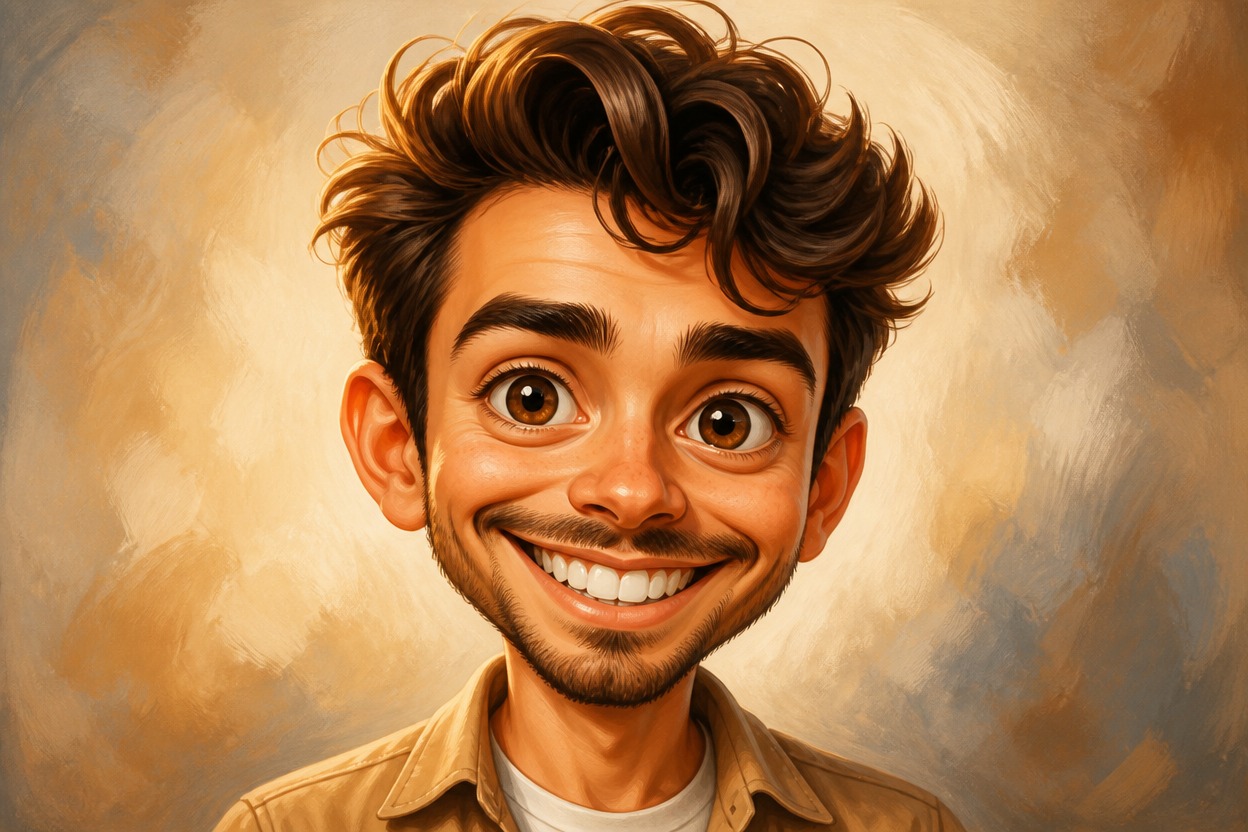
Expressive Feature Exaggeration
GPT-Image-2 can amplify visible traits such as eyes, brows, smile, nose, and face shape to create a playful caricature rather than a flat filter overlay.
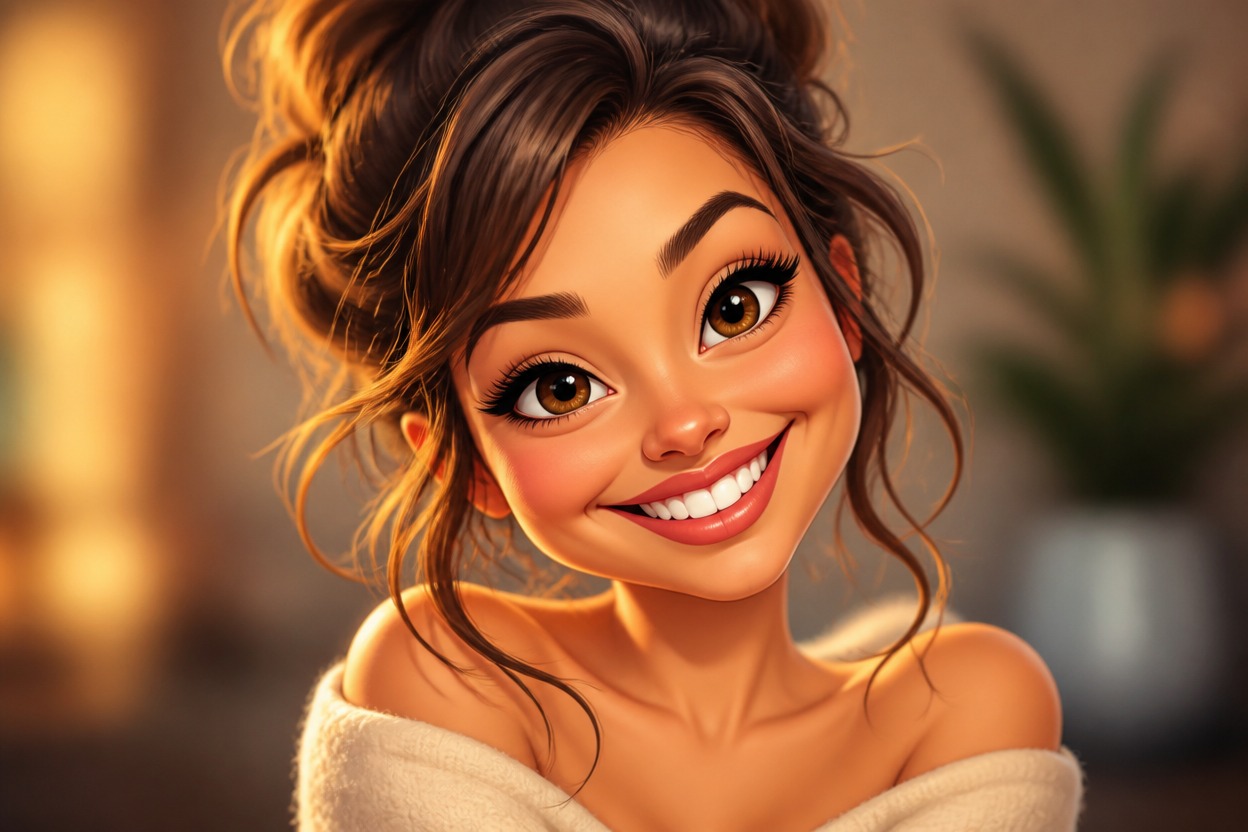
Recognizable Portrait Structure
The transformation follows visible identity cues, expression, hairstyle, pose, clothing, light, and setting while reinterpreting selected proportions in a stylized way.
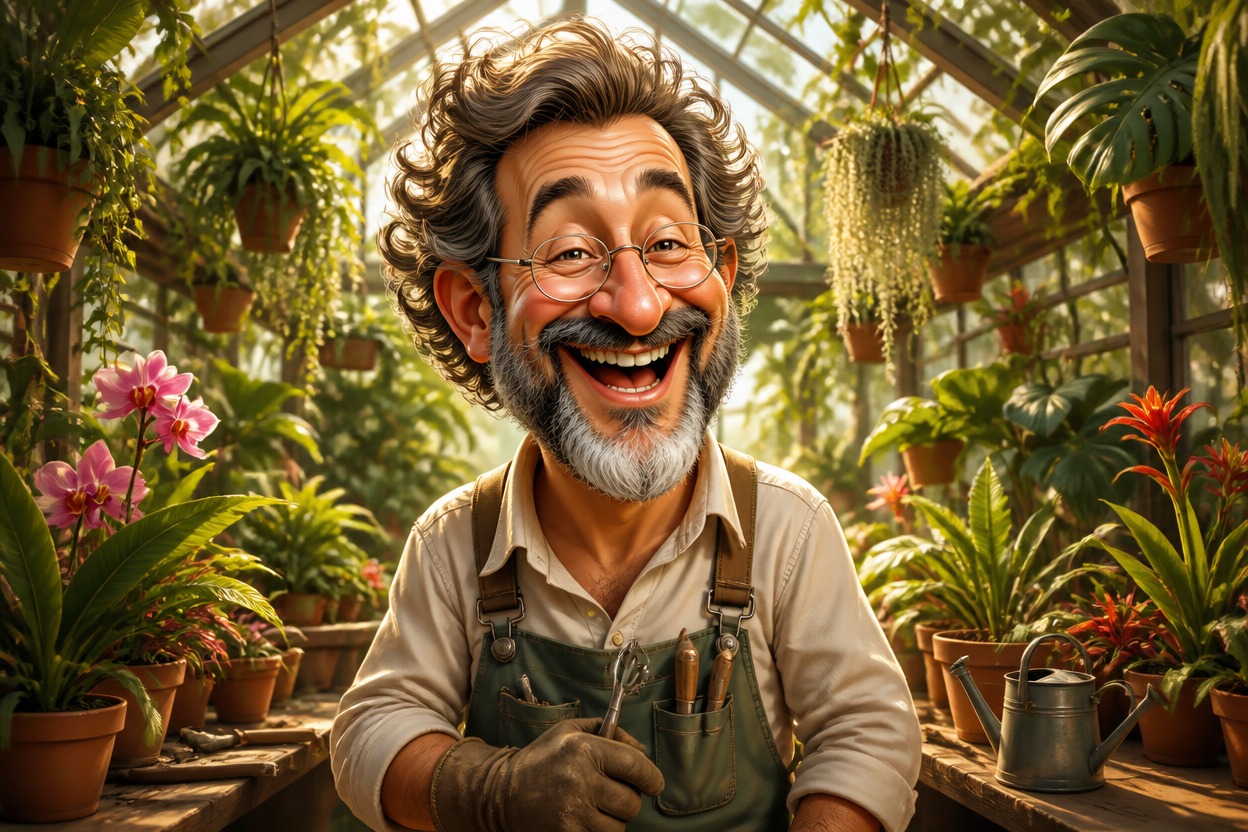
One Unified Illustrated Scene
The portrait and environment are generated together as one finished scene. Review likeness, eyes, teeth, anatomy, and important background details before choosing the result.
Create expressive profile pictures, gifts, avatars, character studies, and reaction concepts
Caricature Ideas for Portraits and Creative Projects
Profile Picture Makeovers
Create a playful illustrated variation of a clear adult portrait for a distinctive personal profile image.
Birthday Portraits
Turn an authorized photo into a lighthearted caricature concept for a birthday message, invitation, or keepsake.
Team and Creator Avatars
Develop expressive portrait variations for adult teammates or creators while reviewing likeness and visual consistency.
Pet-and-Owner Portrait Ideas
Use a well-framed adult-and-pet photo to explore a characterful illustrated scene with recognizable expressions and markings.
Editorial Character Studies
Reimagine a portrait with amplified expression and shape for moodboards, storytelling references, or personal art studies.
Reaction and Sticker Concepts
Generate an expressive caricature portrait that can inspire reaction images, emotes, or sticker artwork.
How to Use the AI Caricature Generator
Upload one portrait, apply the effect, and review the finished caricature
01
Upload One Clear Adult Portrait
Choose a sharp, well-lit image with one visible adult face, a readable expression, and minimal obstruction around key facial features.
02
Apply the Caricature Effect
Start the one-uploaded-image transformation. AI Hug uses GPT-Image-2 to generate exaggerated features, illustrated detail, and a coherent setting.
03
Preview and Download
Check facial likeness, eyes, teeth, skin texture, anatomy, clothing, and background continuity, then download the result you prefer.
Answers about one-photo input, GPT-Image-2, portrait quality, generated likeness, uses, and access