AI Cartoon Generator
Upload a photo to apply this effect while keeping the subject recognizable for a natural, polished result.
Image
Examples
Cartoon Generator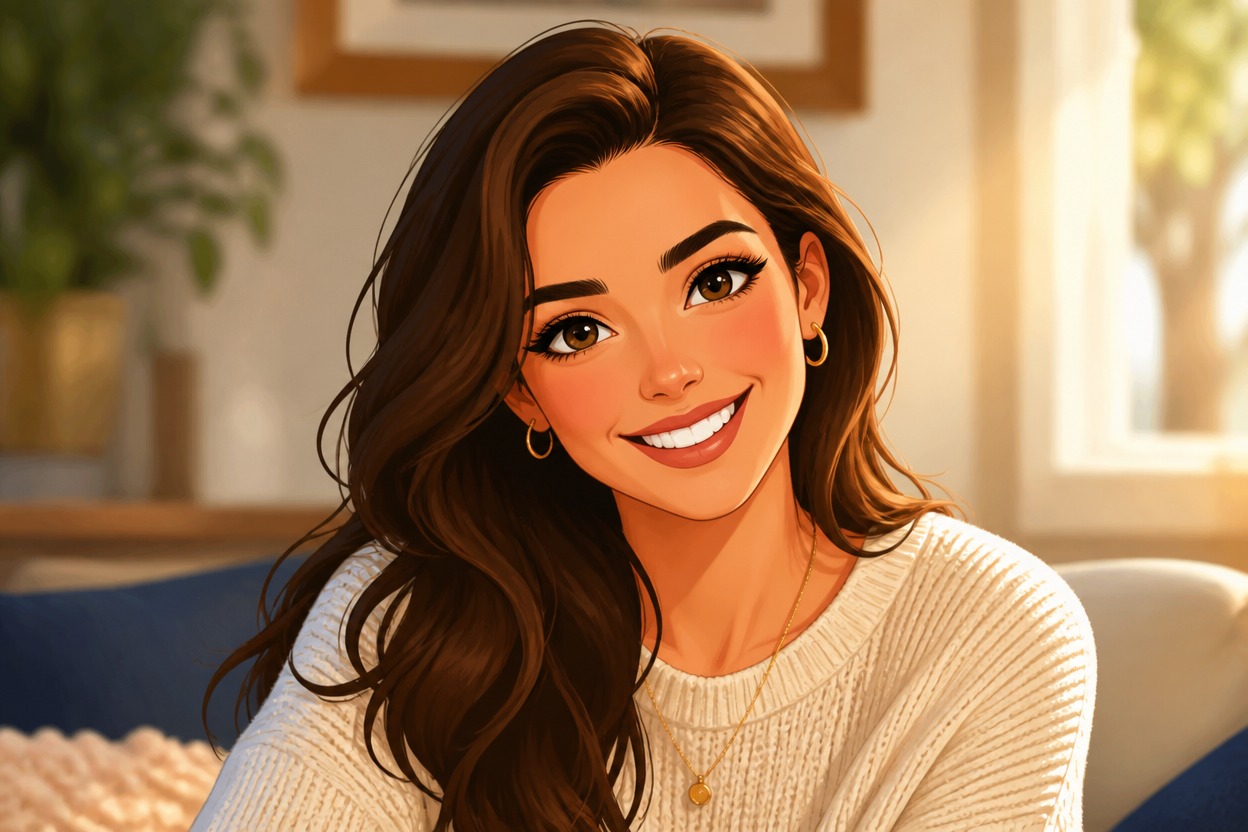
AI Cartoon Generator from Photo
Upload one image and turn it into a cohesive cartoon-style visual. Powered by GPT-Image-2, AI Hug reinterprets the subject, color, lighting, and setting as one polished illustration.
Create a Cartoon from Your PhotoCreate a Polished Cartoon from One Image
A Complete Cartoon Restyle
Transform the full image—not just the colors—with illustrated contours, simplified shapes, expressive shading, and a unified cartoon finish.
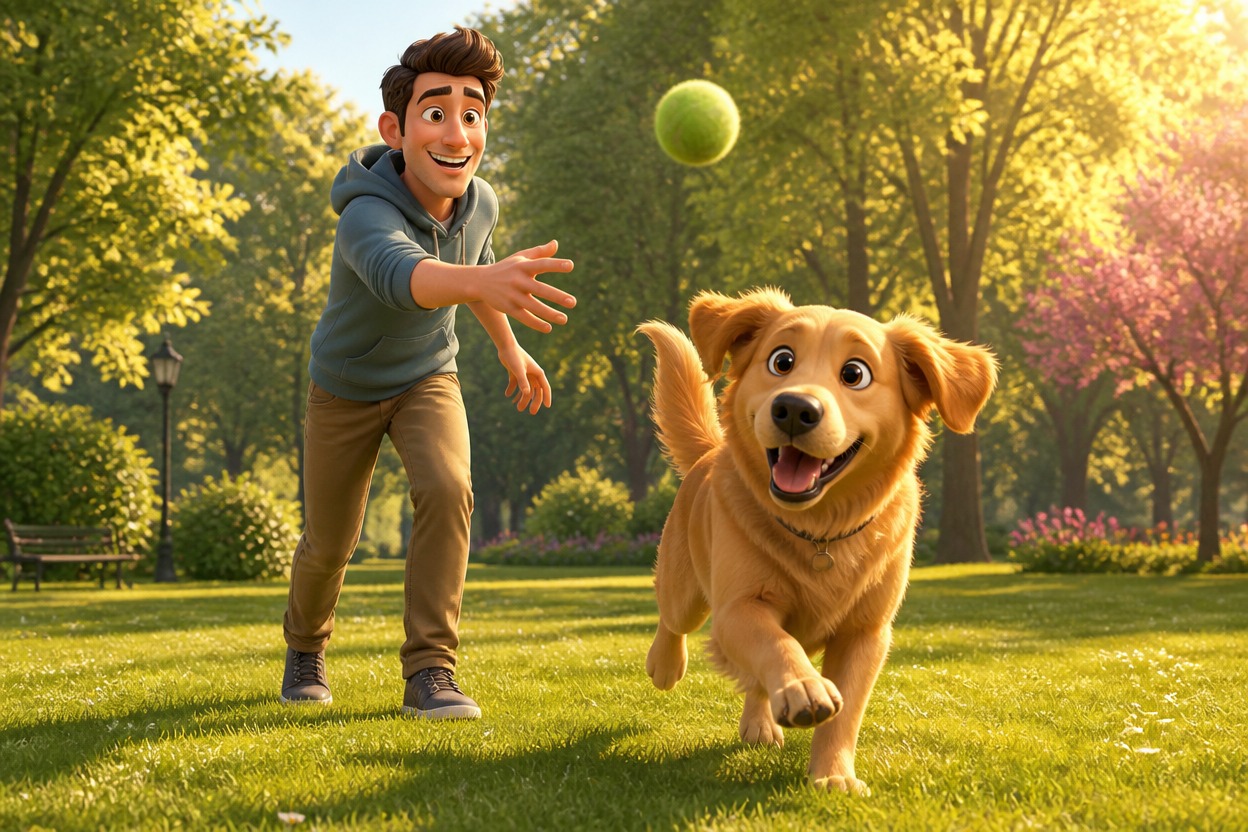
Subject-Aware Style Transfer
GPT-Image-2 follows visible cues from the uploaded subject and composition while generating a new cartoon interpretation of the complete scene.
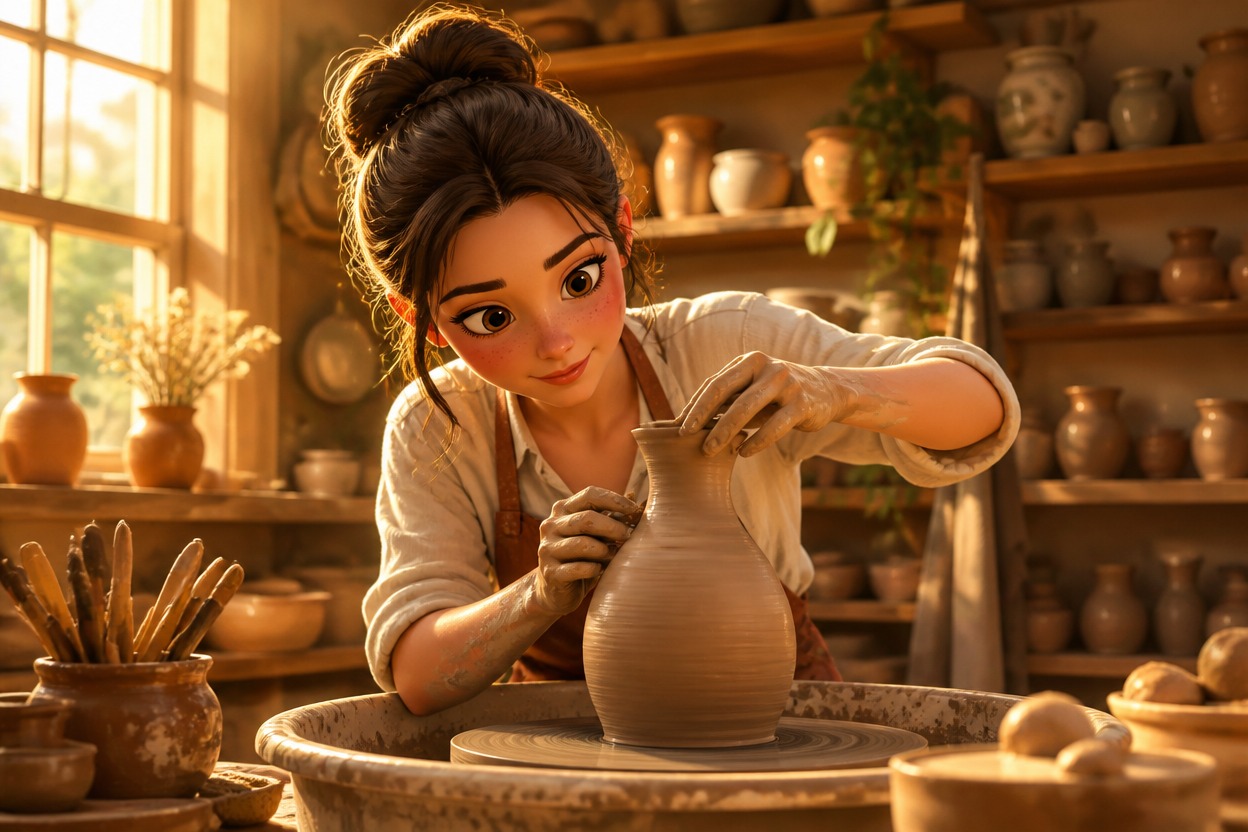
Coherent Characters and Settings
People, pets, objects, lighting, and backgrounds are reworked together so the result reads as one intentional illustration.
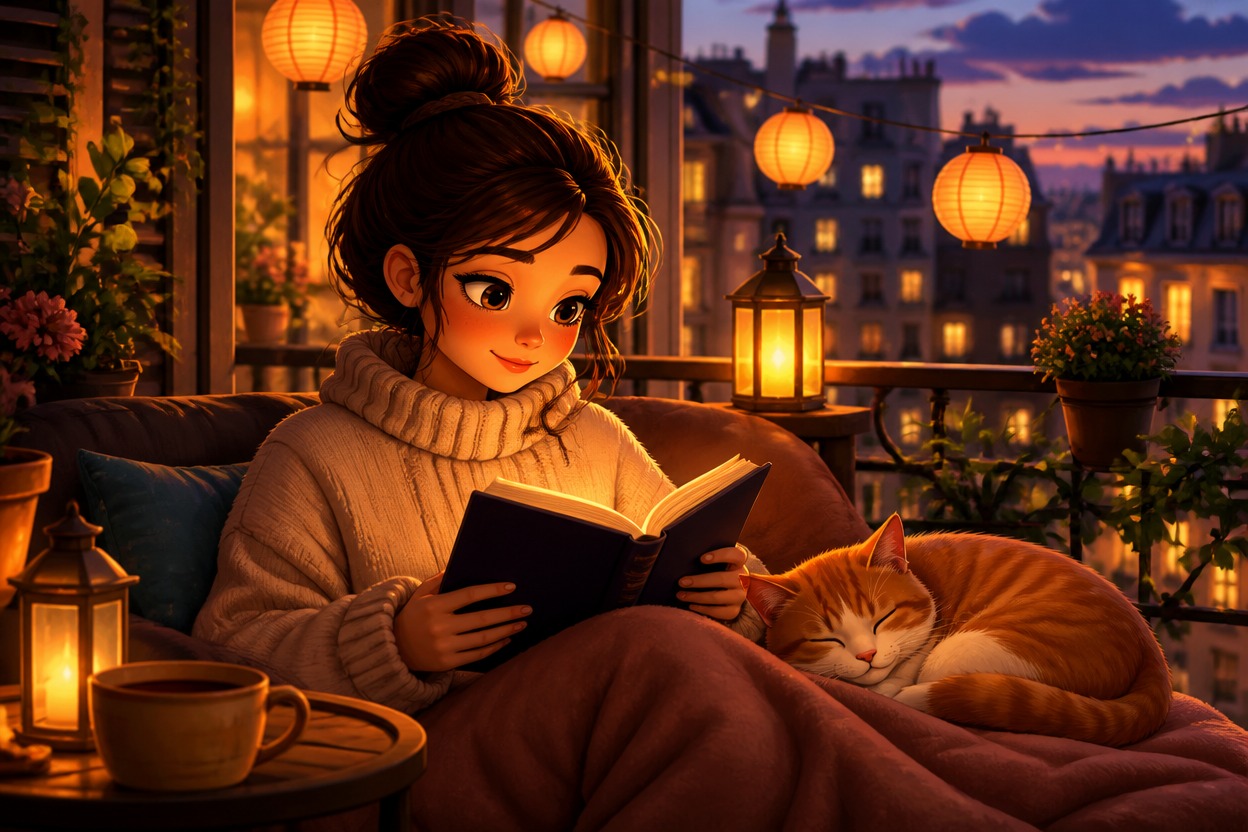
Cartoon-style results for portraits, pets, travel memories, groups, characters, and social visuals
What You Can Make with an AI Cartoon Generator
Cartoon Profile Pictures
Create an illustrated variation of a clear adult portrait for a distinctive personal avatar.
Pet Cartoons
Turn a well-lit pet photo into a playful cartoon scene shaped by its visible colors, markings, and expression.
Travel Illustrations
Reimagine a favorite trip photo with cohesive drawn scenery, simplified detail, and storybook color.
Couple and Group Art
Give a suitable photo of adults a shared cartoon treatment across faces, clothing, and surroundings.
Character References
Create a stylized visual reference from a clear subject photo for personal creative projects.
Social Visuals
Make eye-catching illustrated images for posts, reactions, and profile updates without building artwork from scratch.
How to Use the AI Cartoon Generator
Upload one image, apply the effect, and review your finished cartoon
01
Upload One Clear Image
Choose a sharp photo with a distinct main subject, balanced lighting, and enough visible detail for the transformation to interpret.
02
Apply the Cartoon Effect
Start the one-image transformation. AI Hug uses GPT-Image-2 to rebuild the subject and scene with a cohesive illustrated style.
03
Preview and Download
Review faces, hands, important objects, edges, and composition, then download the cartoon result you want to keep.
Answers about one-photo input, GPT-Image-2, source quality, cartoon results, and access