AI Chibi Generator
Upload a photo to apply this effect while keeping the subject recognizable for a natural, polished result.
Image
Examples
Chibi Generator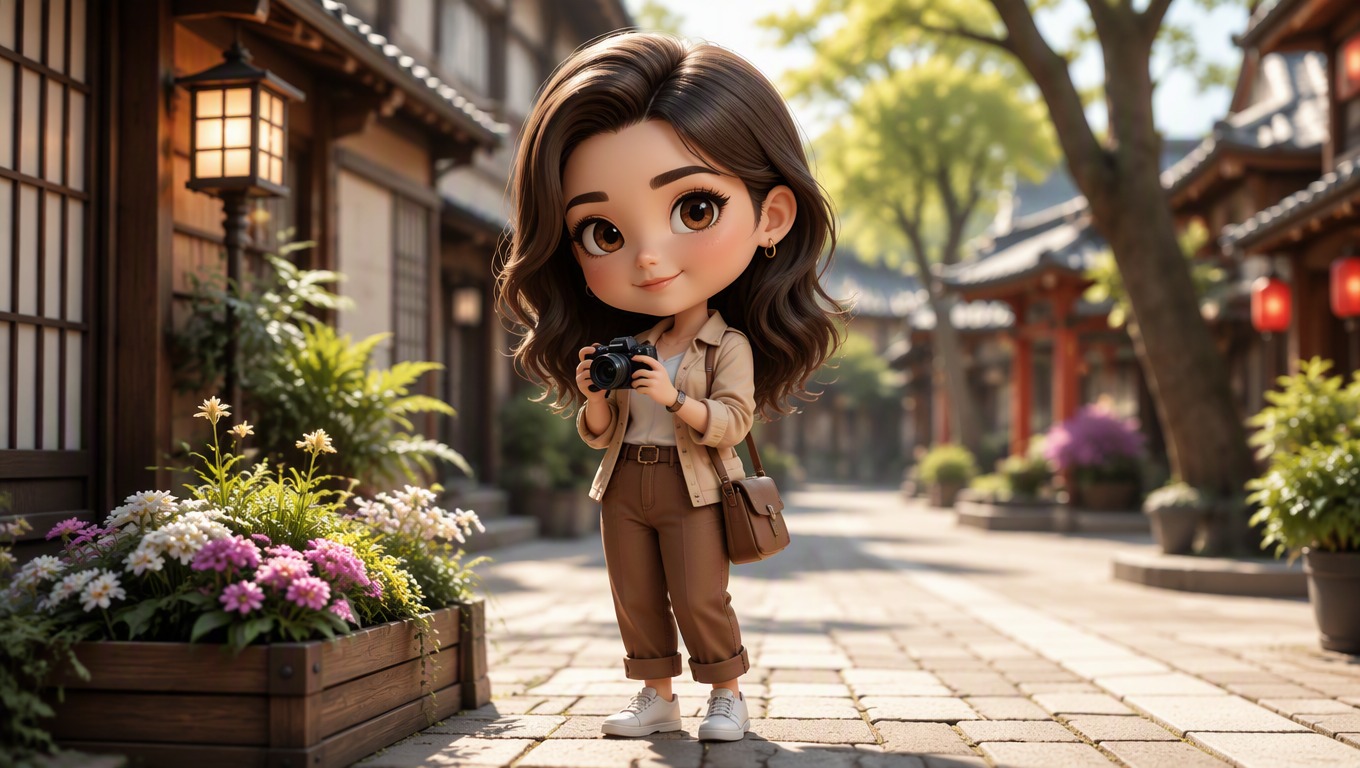
AI Chibi Generator from Photo
Upload one image and turn its subject into a charming chibi-style character with an expressive face, compact proportions, and a coherent illustrated setting. AI Hug uses GPT-Image-2 for the transformation.
Create a Chibi ImageCreate a Chibi Character from One Photo
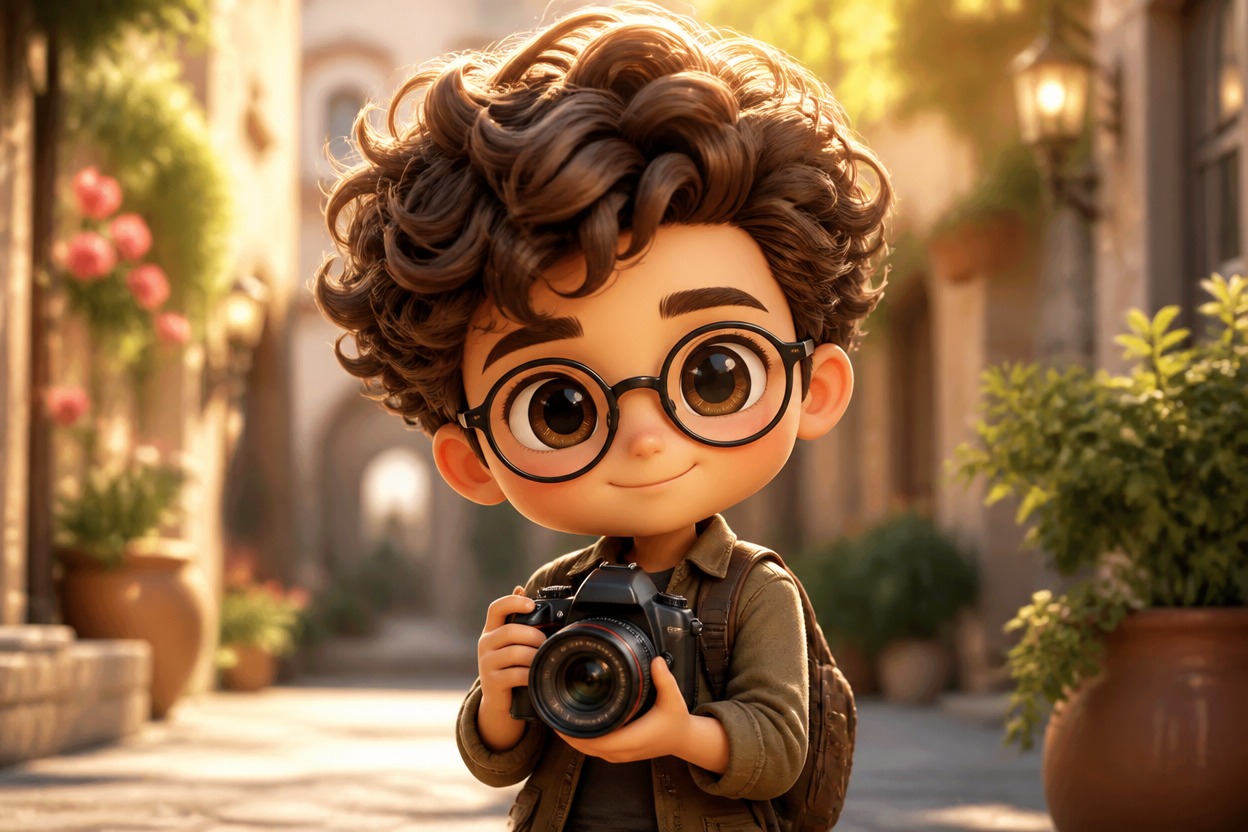
Recognizable Chibi Styling
The effect reinterprets visible facial features, hair, clothing, and accessories with an oversized head, compact body, and expressive illustrated details.
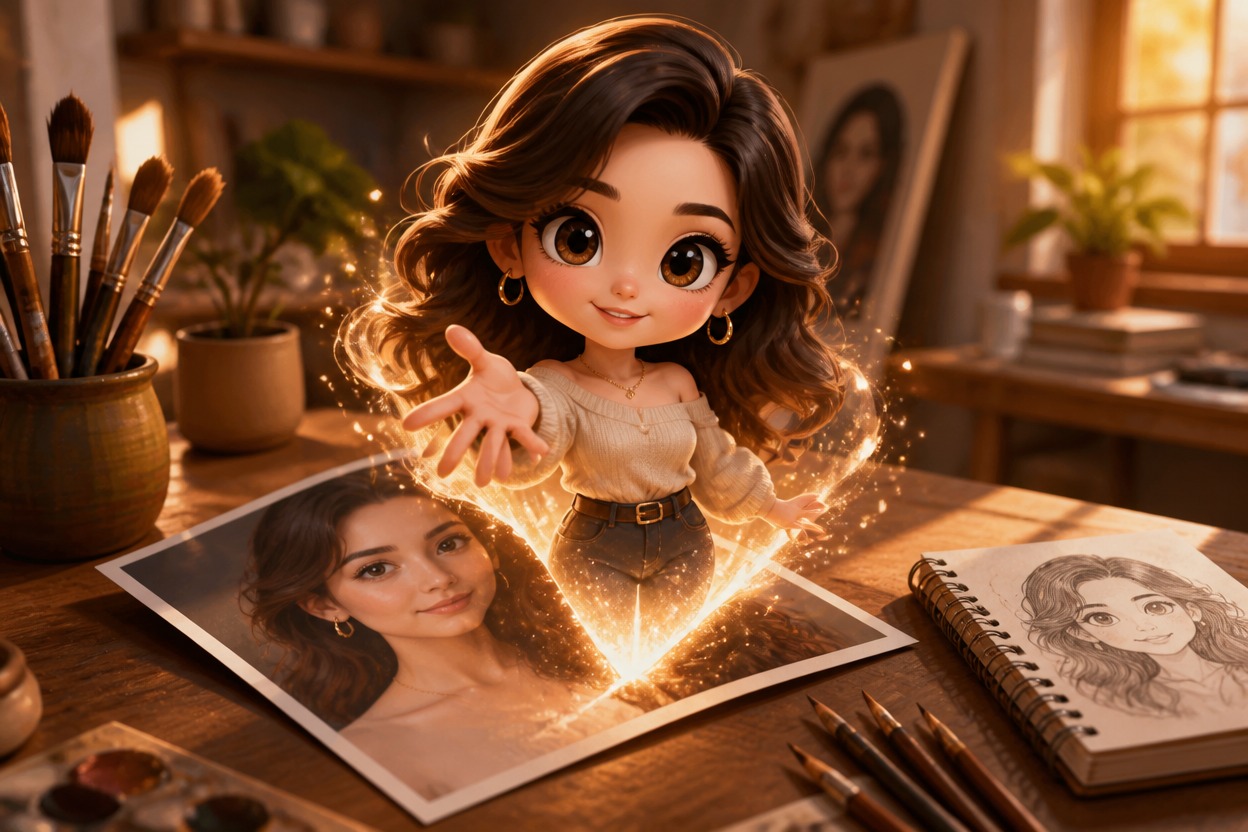
One-Image Transformation
Start with one uploaded photo. GPT-Image-2 uses the visible subject and scene as the basis for a complete chibi-style result without extra reference images.
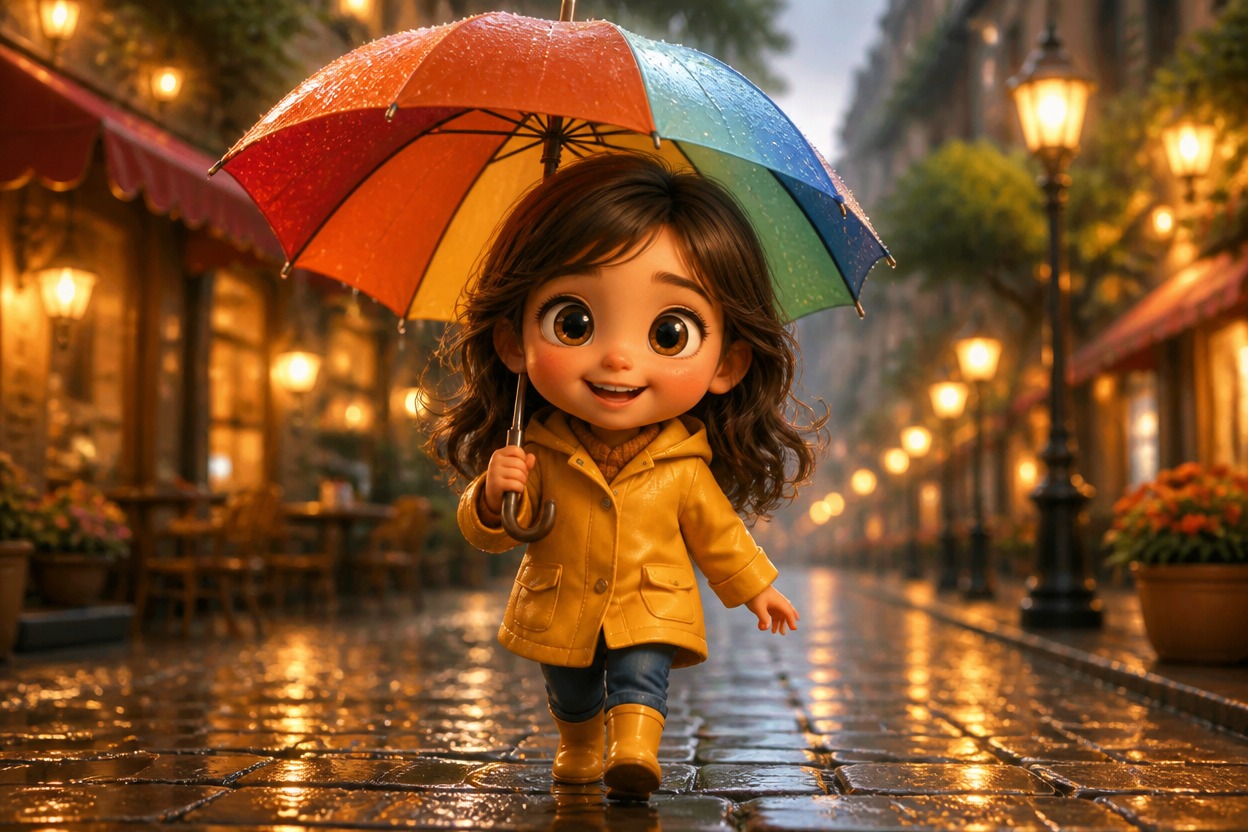
Coherent Character Scenes
Rather than adding a flat overlay, the generative effect can reinterpret the character, clothing, lighting, and surroundings as one unified illustration.
Character art for profiles, keepsakes, pets, travel memories, stickers, and gifts
Ways to Use Chibi-Style Images
Profile Pictures
Turn a clear portrait into a playful chibi-style profile image with expressive character details.
Couple and Friend Keepsakes
Reimagine a favorite photo as a compact illustrated character scene for a personal digital keepsake.
Pet Character Art
Transform a well-lit pet photo into a cute stylized character while retaining visible colors and distinctive markings where possible.
Travel Memories
Give a travel portrait a storybook-like chibi treatment that reinterprets both the person and the surrounding place.
Original Stickers and Emotes
Create a character image that can inspire original stickers, reaction images, or emotes after suitable cropping and design work.
Gift Illustration Ideas
Use a meaningful photo to create an original chibi-style visual for a card, print concept, or personalized gift project.
How to Use the AI Chibi Generator
Upload one image, apply the effect, and review your chibi-style result
01
Upload One Clear Image
Choose a sharp, well-lit photo with the main person, pet, or subject clearly visible and not heavily obstructed.
02
Apply the Chibi Effect
Start the transformation. AI Hug uses GPT-Image-2 to reinterpret the uploaded subject and setting in a cohesive chibi style.
03
Preview and Download
Review the face, hair, clothing, hands, background, and other important details, then download the result you prefer.
Answers about one-photo input, GPT-Image-2, image quality, results, uses, and access